Nikhil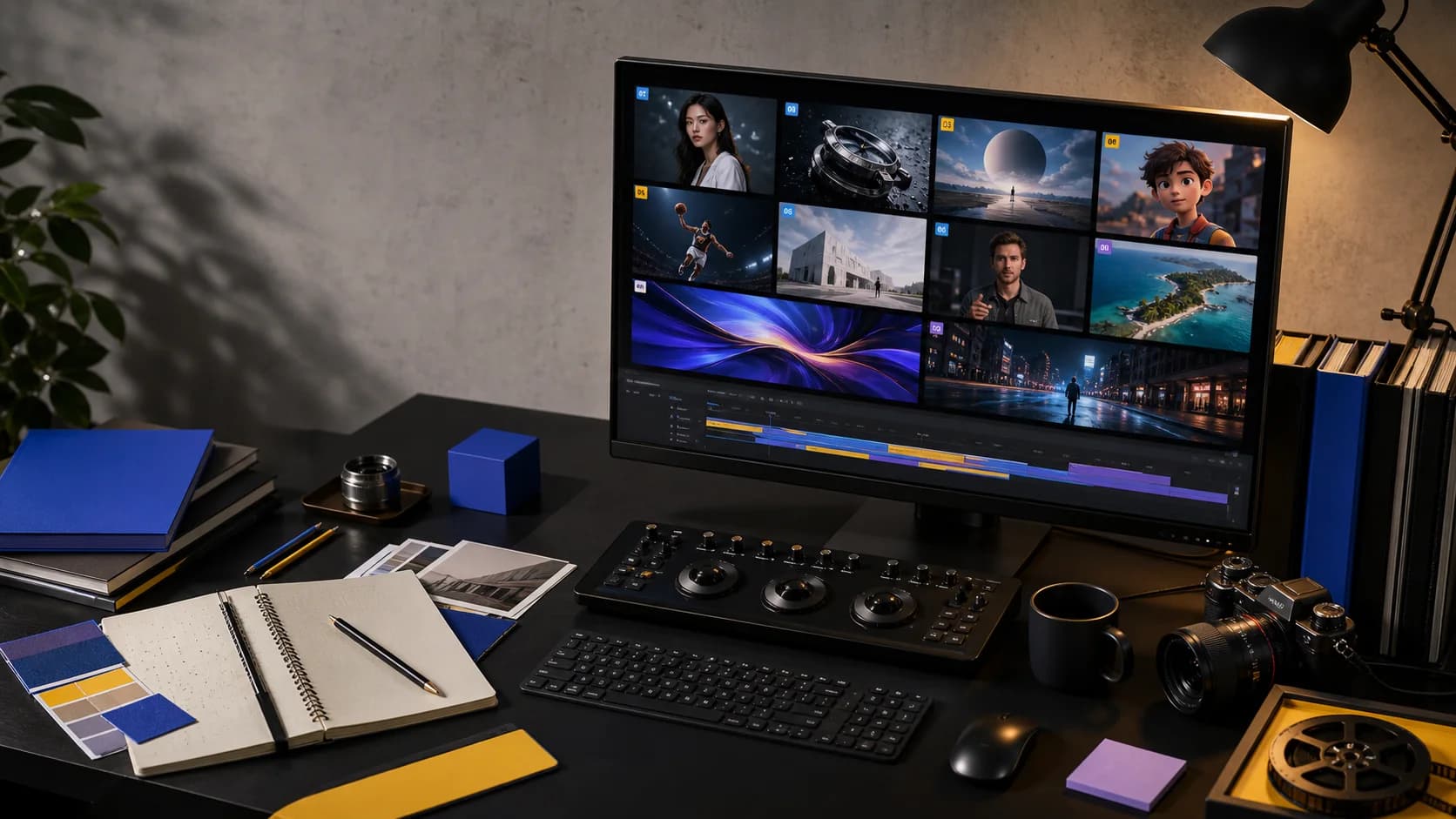
The best AI video generator in 2026 is not one universal tool. It depends on whether you need a cinematic five-second shot, a consistent character across scenes, a talking avatar, a complete social video, native sound, or access to several video models without rebuilding your workflow.
For most creators, the useful question is no longer simply, "Which model looks best?" It is: Which AI video platform gets this specific production finished with the fewest compromises?
This guide compares ten leading AI video generators by output type, creative control, workflow, and best-fit use case. It also explains the difference between an AI video model and an AI video creation platform, because those terms are frequently mixed together.
The best AI video generators in 2026 at a glance
| AI video generator | Best for | Main workflow | Pricing approach |
|---|---|---|---|
| HighReach | Multi-model AI video production | Text, image, reference, and video generation in one suite | Credits and subscriptions |
| Google Flow | Cinematic generation with Google models | Prompt, frames, ingredients, scene building, and editing | Free credits and Google AI plans |
| Runway | Detailed creative direction and generative editing | Text-to-video, image-to-video, transformation, and workflows | Credits and subscriptions |
| Kling AI | Motion, multi-shot sequences, and longer directed clips | Text, image, start/end frames, elements, and native audio | Credits and subscriptions |
| PixVerse | Fast short-form creation and effects | Text, image, references, transitions, extensions, and templates | Free credits and subscriptions |
| Adobe Firefly | Adobe-centered creative production | Generate, compare, edit, and finish in an Adobe workspace | Generative credits and subscriptions |
| Canva | Simple design-to-video workflows | Prompt-to-clip inside a template and design editor | Free access and subscriptions |
| InVideo AI | Script-to-finished social and explainer videos | Prompt, script, stock or generated visuals, voice, captions, and music | Usage limits and subscriptions |
| HeyGen | Avatars, localization, and presenter videos | Script, avatar, voice, B-roll, captions, and translation | Credits and subscriptions |
| Synthesia | Enterprise training and internal communications | Prompt or document to structured avatar-led video | Video limits and subscriptions |
Quick recommendations
- Best multi-model AI video platform: HighReach
- Best for Google video models and native audio: Google Flow
- Best for granular creative control: Runway
- Best for motion and multi-shot clips: Kling AI
- Best for fast social effects: PixVerse
- Best for Adobe creative teams: Adobe Firefly
- Best for easy design and social publishing: Canva
- Best for automatic full-video assembly: InVideo AI
- Best for avatars and localization: HeyGen
- Best for enterprise learning videos: Synthesia
How we evaluated the best AI video generators
An attractive demo is not enough. A useful AI video creation tool needs to survive iteration and fit into a real production process. We compared these platforms using seven practical criteria:
- Visual quality: detail, lighting, composition, and overall production value.
- Temporal consistency: whether faces, objects, backgrounds, and textures remain coherent as the shot moves.
- Motion and prompt adherence: how well the output follows action, camera, timing, and staging instructions.
- Input flexibility: support for text-to-video, image-to-video, first and last frames, references, or source-video editing.
- Audio capabilities: native dialogue, ambient sound, voiceovers, music, captions, and localization.
- Production workflow: asset organization, model selection, iteration, editing, export, and team use.
- Value and access: whether the product offers a practical way to test, iterate, and scale without unnecessary subscriptions.
Pricing and feature access change quickly, so this guide describes each product's pricing model rather than publishing a fragile per-credit price table. Check the provider's current plan before committing to a production budget.
AI video models versus AI video platforms
This distinction matters when comparing the best AI video generators.
An AI video model is the underlying generation engine. Examples include MiniMax H3, Seedance 2.5, FLUX.3, Kling 3.0, and Gemini Omni Flash. Each model has different strengths, supported inputs, durations, resolutions, controls, and costs.
An AI video platform is the production layer around one or more models. It handles uploads, prompt forms, model settings, generation history, asset review, credits, and sometimes editing or collaboration.
Choosing one model can make sense when you already know it is right for every shot. A multi-model platform is more useful when a project contains several shot types: one model for a dialogue scene, another for high-speed action, and another for reference-driven editing.
1. HighReach: best multi-model AI video production platform
HighReach is designed for creators who want to generate and compare video across leading models without learning a separate interface for each provider. It brings text-to-video, image-to-video, reference-to-video, and video editing workflows into one consistent suite, with generated assets collected in Media.
The strongest reason to choose HighReach is model flexibility. A creator can use MiniMax H3 for a strong default generation, Seedance 2.5 for longer multimodal direction, Kling 3.0 for motion and start/end-frame control, FLUX.3 for alternate text or image animation, and Gemini Omni Flash for reference-rich generation and editing.
Best for: creators, studios, and teams producing multiple AI-generated shots across different models.
Why it stands out:
- Multiple current video models in one account and generation workflow
- Separate tools for text-to-video, image-to-video, reference generation, and source-video editing
- Model-specific inputs and settings rather than a lowest-common-denominator form
- A shared Media library for generated images, videos, and audio
- Credit estimates shown before generation
Limitations:
- It is primarily an AI generation suite, not a full traditional nonlinear editor
- Quality, duration, generation time, and cost still depend on the selected underlying model
- Multi-scene productions require shot planning and deliberate iteration; no generator removes the need for direction
Choose HighReach if: you want one AI video generation platform for testing the best model for each shot instead of maintaining several disconnected subscriptions.
2. Google Flow: best for cinematic clips with Google models
Google Flow is Google's creative studio for working with Veo, Gemini, and its image models. It supports a broader filmmaking workflow than a single prompt box, including text and frames-to-video, ingredients, scene organization, video extension, object insertion or removal, and camera-oriented controls.
Veo remains a strong choice when realism, prompt adherence, physical behavior, and synchronized audio matter. Flow is especially attractive for creators already using Google AI plans and for teams that want Google's models in Google's own production environment.
Best for: cinematic shots, realistic motion, native audio, and creators invested in the Google ecosystem.
Strengths: strong Google model access, scene-building tools, native sound, and connected image/video creation.
Limitations: model choice is centered on Google's ecosystem, features vary by plan and region, and the experience is still strongest on desktop.
3. Runway: best for creative control and generative editing
Runway combines high-quality video generation with a mature creative toolkit. Gen-4.5 supports text-to-video and image-to-video, while the wider Runway product includes transformation, performance, sessions, reusable workflows, and an agent for assembling multi-shot concepts.
Runway is a strong fit when the creator wants to direct the shot closely and continue manipulating the result instead of treating generation as a one-click endpoint.
Best for: filmmakers, creative technologists, agencies, and teams that need controlled iteration.
Strengths: precise prompts, camera choreography, good workflow depth, generative editing, and professional export options on applicable plans.
Limitations: the broader toolset has a learning curve, and repeated high-quality generation can consume credits quickly.
4. Kling AI: best for motion and multi-shot direction
Kling AI has become a serious option for creators who care about dynamic movement and narrative control. Kling 3.0 supports text-to-video, image-to-video, first and last frames, native audio, multi-shot direction, subject references, and flexible clips up to 15 seconds in supported workflows.
Its combination of motion, element consistency, camera changes, and longer clips makes Kling useful for action, product sequences, character performance, and directed scenes that need more than a single static composition.
Best for: action, cinematic camera movement, multi-shot storytelling, and start/end-frame transitions.
Strengths: flexible shot duration, strong motion, subject binding, multi-shot controls, and native audio options.
Limitations: complex scenes can still drift, and the number of controls can make prompting and cost estimation less beginner-friendly.
You can also use Kling 3.0 inside HighReach and compare its result with other models in the same project workflow.
5. PixVerse: best for fast short-form creation and effects
PixVerse combines its own video models with a fast creator experience, templates, effects, references, transitions, video extension, and multi-shot generation. PixVerse V6 emphasizes camera execution, character performance, synchronized audio, and short-form storytelling.
PixVerse is particularly approachable for creators who want to move quickly from an idea or image to a visually bold social clip without building a complex production graph first.
Best for: social creators, stylized effects, rapid experimentation, and short-form visual concepts.
Strengths: fast iteration, broad input modes, effects and templates, native audio, and accessible free testing.
Limitations: effect-led workflows can look familiar if overused, and precise spatial direction remains difficult in complex scenes.
6. Adobe Firefly: best for Adobe-centered creative production
Adobe Firefly combines Adobe's own video model with partner models inside a familiar creative ecosystem. Creators can generate from text or images, compare variations, refine clips, add sound, and continue editing in a layered timeline.
Adobe positions videos generated with the Firefly Video Model for commercial use, which is valuable for brands concerned about production provenance. However, terms and training-data assurances should be checked separately for partner models available inside Firefly.
Best for: existing Creative Cloud teams, brand production, B-roll, storyboards, and campaigns that continue into Adobe editing tools.
Strengths: integrated generation and editing, partner-model access, Adobe workflow continuity, and commercially oriented Firefly model positioning.
Limitations: the best value is concentrated in the Adobe ecosystem, and generative-credit usage adds another layer to plan management.
7. Canva: best for simple design-to-video workflows
Canva turns text prompts into short generated video clips and places them inside its broader design editor. Users can combine generated motion with templates, typography, graphics, transitions, brand assets, and social formats without learning a professional timeline.
Canva is not the most specialized cinematic generator on this list, but that is not its goal. Its advantage is taking a clip from prompt to a usable post, presentation, or campaign asset inside a familiar interface.
Best for: social teams, presentations, simple campaigns, educators, and non-specialist creators.
Strengths: easy editing, templates, brand tools, synchronized audio options, and straightforward publishing.
Limitations: less per-shot control than specialist AI filmmaking platforms, with generation limits depending on the plan.
8. InVideo AI: best for prompt-to-finished videos
InVideo AI is built around complete video assembly. From a prompt, it can draft a script, select or generate visuals, add voiceover, captions, music, and transitions, then accept natural-language editing commands.
That makes InVideo different from a pure shot generator. It is a better fit when the target is a finished explainer, listicle, promo, or social video and the creator values speed over frame-level control.
Best for: explainers, list videos, faceless content, social publishing, and users who do not want to edit each shot manually.
Strengths: automatic scripting, stock and generated media, voiceovers, subtitles, music, and prompt-based revision.
Limitations: automated scene choices can feel generic, and creators seeking exact cinematic blocking may prefer a shot-generation platform.
9. HeyGen: best for avatars and localization
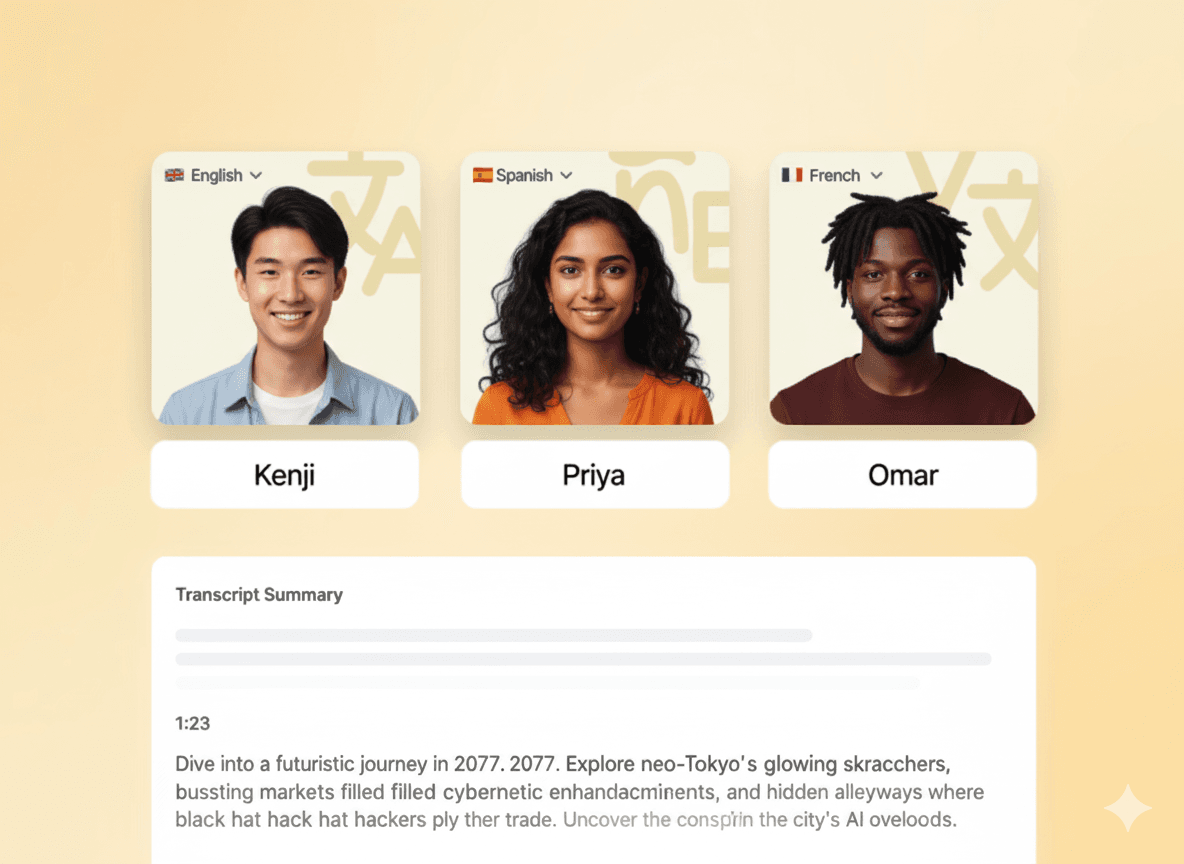
HeyGen is strongest when a video needs a presenter. It combines scripts, digital avatars, voice, B-roll, captions, translation, and browser-based editing. It also includes generative video models for supporting footage, but its distinctive value remains avatar-led communication and localization.
Best for: talking-head content, sales videos, explainers, localization, digital twins, and multilingual presenter videos.
Strengths: avatar quality, voice and language coverage, script-to-video assembly, localization, and business-ready templates.
Limitations: avatar-led videos are a different creative category from cinematic scene generation, and advanced model use or higher export quality depends on credits and plan level.
10. Synthesia: best for enterprise training and communication
Synthesia focuses on structured business video. Users can start with a prompt, script, document, or presentation and turn it into an avatar-led video for onboarding, compliance, product education, internal communications, and enablement.
Synthesia is less relevant for experimental filmmaking, but it is one of the clearest choices when repeatability, governance, templates, and enterprise deployment matter more than dramatic camera movement.
Best for: learning and development, onboarding, compliance, internal communications, and enterprise knowledge delivery.
Strengths: document-to-video workflows, business templates, avatars, localization, and enterprise-oriented controls.
Limitations: not intended as a cinematic visual-effects platform, and presenter-led output can feel formal for entertainment or creator content.
Which AI video generator should you choose?
Use the desired final output as the decision filter.
Choose a multi-model platform when every shot is different
Use HighReach when you want to compare several current models, move between text, image, reference, and editing workflows, and keep the results in one media library. This is the most flexible route for mixed-shot productions.
Choose a cinematic platform for shot-level direction
Use Google Flow, Runway, Kling, or PixVerse when the work is primarily cinematic generation and one provider's model or control system fits your style.
Choose a design platform when finishing is more important than generation depth
Use Adobe Firefly or Canva when generated clips are only one element in a larger design, campaign, or editing workflow.
Choose an assembly platform when you want a complete first cut
Use InVideo AI when you want script, visuals, voice, music, and captions assembled automatically.
Choose an avatar platform when a person needs to deliver the message
Use HeyGen for creator-style avatars and localization. Use Synthesia for structured enterprise training and communications.
A practical AI video production workflow
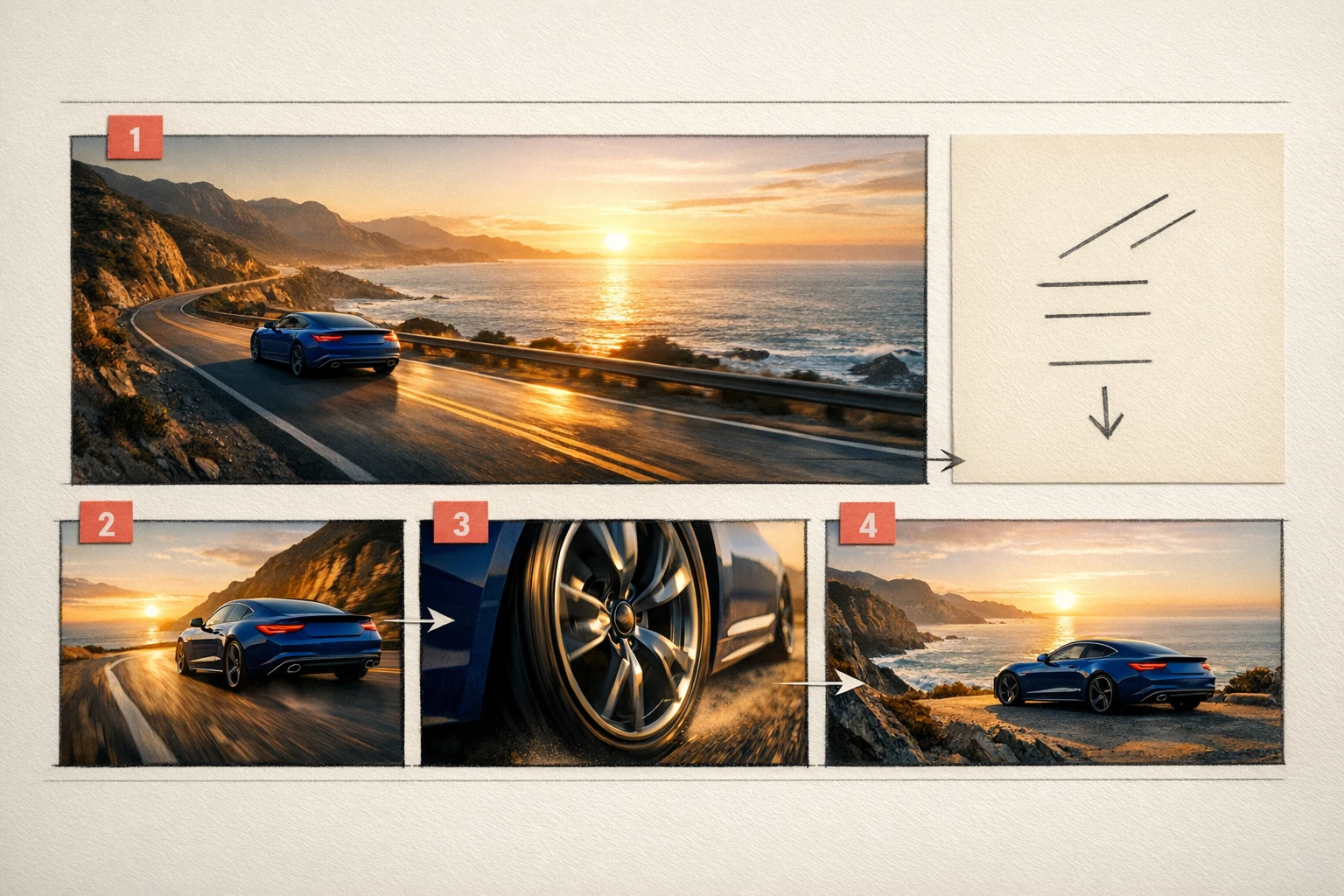
The best results rarely come from asking one generator for a complete finished film. Treat AI video production as a shot-based workflow:
- Define the deliverable. Choose audience, runtime, aspect ratio, style, and the action the viewer should take.
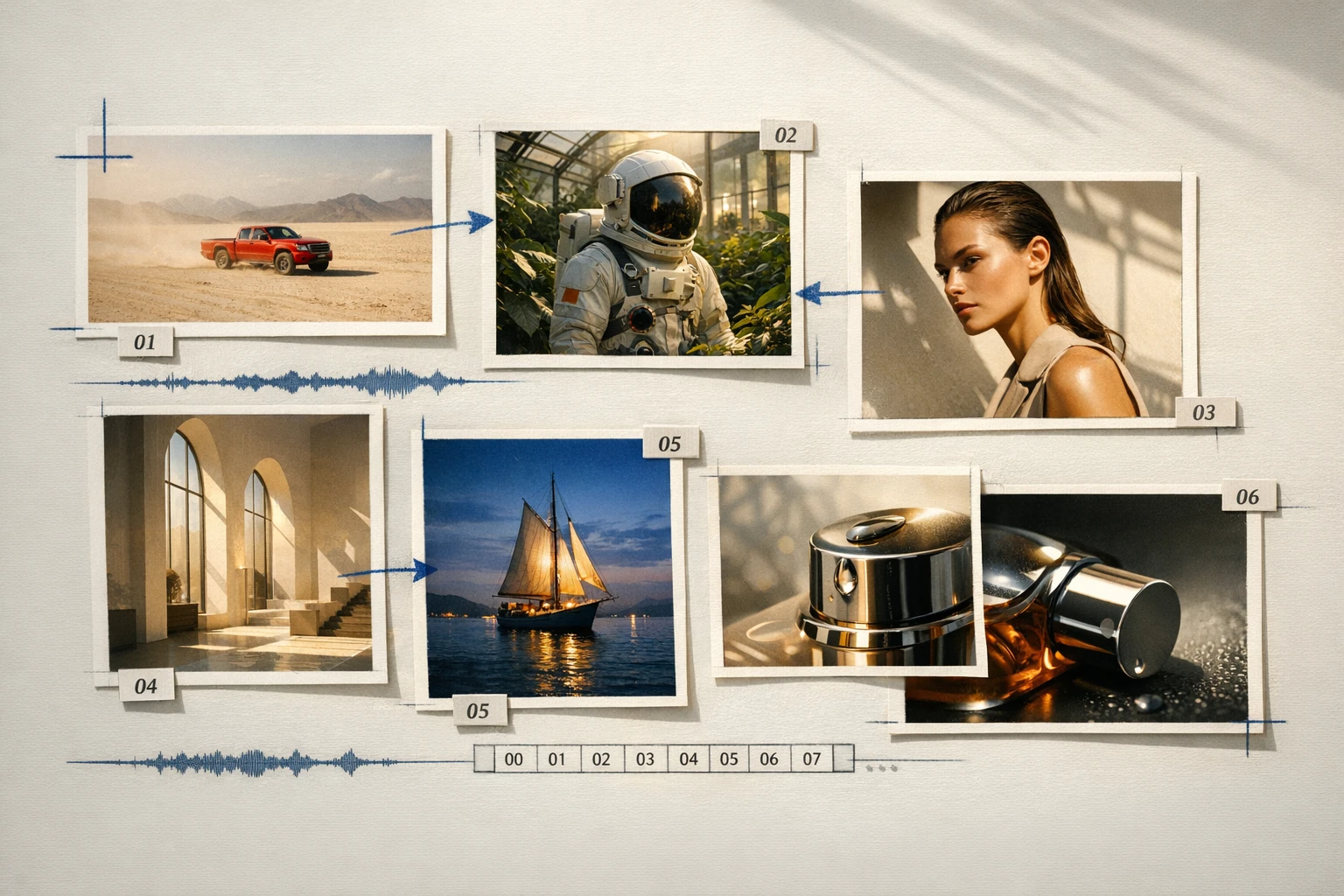
- Break the idea into shots. Keep each generation focused on one clear subject, action, camera move, and environment.
- Create reference images. Lock the character, product, wardrobe, location, and visual language before adding motion.
- Choose the model per shot. Use MiniMax H3 as a balanced starting point, Seedance 2.5 for longer multimodal direction, Kling 3.0 for motion and multi-shot control, or Gemini Omni Flash for rich reference inputs.
- Generate controlled variations. Change one variable at a time so you can identify why a result improved.
- Review continuity. Check identity, props, direction of movement, lighting, geography, and audio between shots.
- Assemble and finish. Trim clips, mix audio, add titles, color-match, and export in the destination format.
This method produces more reliable work than spending the entire budget trying to perfect one oversized prompt.
Is there a best free AI video generator?
Several platforms offer free credits, limited generations, or trial access, but "free" rarely means unlimited production. Common restrictions include watermarks, slow queues, lower resolution, short duration, model limits, or non-commercial terms.
The best free AI video generator is therefore the one that lets you validate your exact workflow before paying. Test the same short brief across two or three tools, compare prompt adherence and usable seconds rather than demo quality, and then pay only for the platform that fits the production.
Our verdict
For a single specialized workflow, choose the specialist:
- Google Flow or Runway for cinematic direction
- Kling AI for motion and multi-shot control
- PixVerse for fast effects and short-form creation
- Adobe Firefly or Canva for integrated design workflows
- InVideo AI for automatic full-video assembly
- HeyGen or Synthesia for avatar-led communication
For creators who want to use different models for different shots, HighReach is the best overall multi-model AI video generation platform in this comparison. It reduces tool switching while preserving the model-specific controls that make each generator useful.
Explore HighReach's AI video generator, start with image-to-video, or review HighReach pricing.
Frequently Asked Questions
What is the best AI video generator in 2026?
The best AI video generator depends on the job. HighReach is the strongest fit for multi-model production, Google Flow and Runway suit cinematic generation, Kling AI is strong for motion and multi-shot control, InVideo AI assembles complete videos, and HeyGen or Synthesia are better for avatars and business presenters.
What is the best AI for video creation from text?
For a single cinematic shot, Google Veo, Runway Gen-4.5, Kling 3.0, MiniMax H3, and Seedance 2.5 are strong text-to-video options. HighReach is useful when you want to access and compare multiple models through one text-to-video workflow.
What is the best AI image-to-video generator?
The best choice depends on the motion. Kling 3.0 is a strong option for dynamic movement and start/end frames, Seedance 2.5 supports multimodal reference workflows, and MiniMax H3 is a balanced default. HighReach exposes these as model-specific image-to-video workflows.
Can AI generate a complete video from one prompt?
Yes. Tools such as InVideo AI, HeyGen, and Synthesia can assemble scripts, scenes, narration, captions, and music from a prompt or document. Cinematic generators usually create individual shots, which still need to be selected and assembled into a finished sequence.
What is the difference between text-to-video and image-to-video?
Text-to-video creates the scene and motion from a written prompt. Image-to-video starts from a supplied first frame and focuses on animating it. Image-to-video usually offers more control over subject identity, composition, wardrobe, products, and art direction.
Are free AI video generators really free?
Most free AI video generators provide limited credits or trial generations. They may restrict resolution, duration, queue priority, model access, watermark removal, or commercial usage. Always review the current terms before publishing paid or client work.
Can I use AI-generated videos commercially?
Commercial rights vary by platform, model, plan, input assets, and jurisdiction. Confirm that you own or have permission to use every uploaded image, video, voice, logo, and character, then review the provider's current commercial terms before publishing.
Why use a multi-model AI video platform?
No model leads every kind of shot. A multi-model AI video platform lets you select different generators for dialogue, action, product motion, references, or editing while keeping the project assets and generation history together.