Nikhil
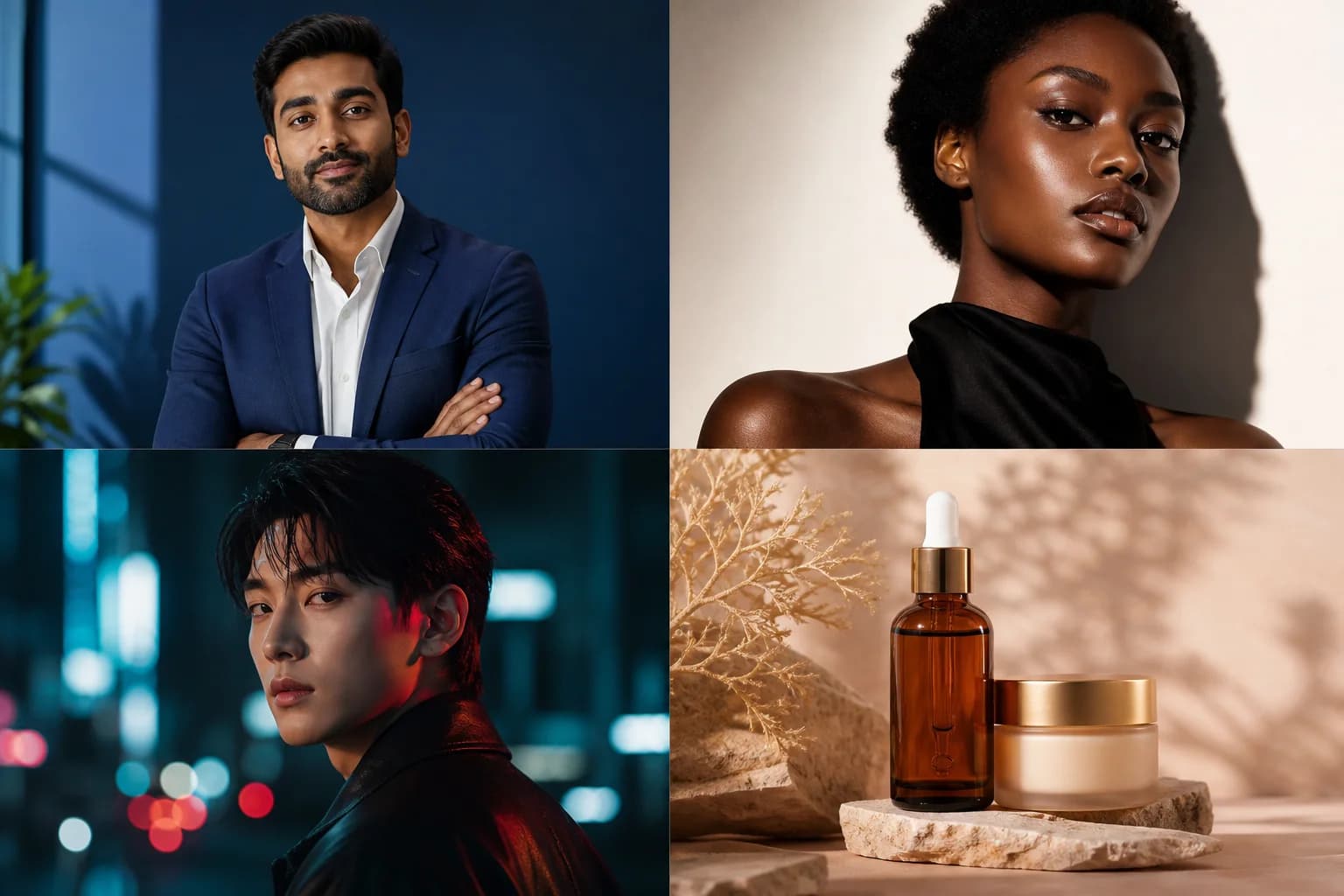
If you are searching for how to make an AI twin, you are usually trying to build a digital version of a real person or a fully controlled AI character that can look human, speak on camera, and stay consistent across videos.
That is why this topic overlaps with search terms like character creator, character generator, AI avatar generator, and deepfake AI generator. People use different keywords, but the underlying goal is similar: create a believable avatar or digital character that can represent a person, a brand, or a fictional identity.
This guide focuses on the higher-intent workflow terms that matter most for HighReach users:
- AI twin
- AI avatar generator
- talking avatar
- custom avatar
- lip sync
- stock avatars
Some adjacent searches such as game-character builders, VRChat avatar terms, and adult AI character generator queries are mentioned only briefly because they reflect different user intent than business-focused AI twin production.
In this guide, you will learn:
- What an AI twin actually is
- How AI twins differ from a character creator or deepfake AI generator
- The exact step-by-step workflow to build one
- When to use stock avatars versus custom avatars
- How talking avatar and lip sync technology make an AI twin feel real
- How brands use AI twins for ads, explainers, training, and localization
If your main goal is video output, start with an AI talking avatar generator, upgrade to a custom AI avatar creator when you need identity fidelity, add AI lip sync technology for realism, or launch faster with stock AI avatars.
Quick Start Guide
Tools required
- A 4K phone camera or webcam if you are creating a custom avatar
- A quiet recording setup or clean voice sample
- An AI video platform for avatar generation
- A script or text-to-speech tool
- A lip sync engine for natural mouth movement
Quick start checklist
- Choose between stock avatars, custom avatar training, or a stylized character creator workflow
- Collect visual references, voice input, and scripts
- Generate the base avatar or digital twin
- Turn it into a speaking video with an AI talking avatar generator
- Apply AI lip sync technology
- Export and reuse it across ads, explainers, and localization
Editor's note: In our testing, the cleanest AI twin results came from locked framing, even front lighting, solid-color clothing, and a neutral background. Busy patterns and mixed lighting made facial artifacts more noticeable once lip sync was applied.
1. What Is an AI Twin?
An AI twin is a digital version of a person or character created with artificial intelligence. Depending on the workflow, the AI twin may replicate:
- Facial appearance
- Voice or speech style
- Mouth movement and lip sync
- On-camera presence
- Character consistency across videos and campaigns
At a practical level, an AI twin sits between a character creator and a video generation system.
- A simple character creator helps you design a face or persona
- A character generator creates a visual identity quickly
- An AI twin goes further by turning that identity into a reusable, speaking, controllable avatar
For creators, that means scalable content. For brands, it means repeatable spokesperson videos without recurring shoots. For agencies, it means faster client creative production with more consistency.
2. AI Twin vs Character Creator vs Deepfake AI Generator
These terms are related, but they are not the same.
| Tool Type | What It Does | Best For | Main Limitation |
|---|---|---|---|
| Character creator | Helps you design a visual character | Games, branding, concept art | Usually static only |
| Character generator | Produces random or guided character designs | Ideation, avatars, art concepts | Limited motion and voice |
| Deepfake AI generator | Replaces or maps faces in existing footage | Face swap experiments | Harder to control and often unstable |
| AI twin platform | Creates a reusable, speaking digital person | Marketing, education, creator content, localization | Requires a stronger workflow and better source assets |
Many people search for deepfake AI generator when what they actually want is a stable AI twin that can speak on demand. A deepfake tool typically modifies an existing video. An AI twin platform creates a reusable avatar system that you can script, localize, and scale.
That distinction matters. If your goal is business content, repeatable marketing output, or professional video quality, an AI twin workflow is usually better than a one-off deepfake workflow.
2.1 The Ethics of "Twinning": Legal Guardrails in 2026
AI twins are easier to make than they were a year ago, but the ethical and legal side is much less forgiving. This is not legal advice, but if you are creating an AI twin of anyone other than yourself, you should treat consent, publicity rights, and trademark risk as part of the workflow, not as cleanup after the fact.
Three guardrails matter most:
- Digital replica and publicity rights: In 2026, most brands and platforms treat explicit, documented consent as the baseline for cloning a real person's face or voice. Policy momentum around digital-replica rules, state right-of-publicity laws, and federal proposals such as the NO FAKES Act has made "it was public online" a weak defense.
- Trademarked and copyrighted characters: Creating unauthorized versions of branded characters is riskier than it used to be. If you do not own the character or have a license, do not build commercial AI twins around it.
- Voice verification and consent logs: Voice cloning is technically simple, but many enterprise tools now require proof that the speaker authorized the clone. In practice, that often means a verification recording, signed release, or auditable consent trail.
- International compliance: If you serve UK or EU audiences, also review biometric-data handling, AI transparency requirements, and regional compliance expectations such as the EU AI Act before deploying a commercial AI twin workflow.
Rule of thumb: If you do not own the face, the voice, or the trademarked character, do not twin it. Use stock avatars or custom-trained avatars tied to authorized brand representatives instead.
3. How AI Twins Work
Modern AI twin systems combine several layers of technology.
Face and identity generation
The first layer creates or reconstructs the character itself. This is where search intent often overlaps with:
- AI human generator
- realistic AI girl generator
- AI photo generator real
- AI consistent character generator
- character generator
Some tools produce a brand-new fictional face. Others build around a real person using reference photos or training footage.
Voice and speech
An AI twin becomes much more useful once it can speak. That can happen through:
- AI voice generation
- text-to-speech
- voice cloning
- uploaded voiceovers
Lip sync and facial motion
The biggest realism jump comes from speech synchronization. Good AI lip sync technology makes the mouth movements, timing, and facial motion match the spoken audio naturally.
That is the layer that turns a static character creator output into a believable presenter. If you need that part specifically, HighReach has a dedicated AI lip sync technology workflow built for marketing-grade video realism.
Video composition
Finally, the avatar needs to appear in a usable format:
- vertical videos for TikTok and Reels
- 16:9 explainers for YouTube or training
- square or 4:5 paid social formats
- multilingual localized versions
That is why a full AI talking avatar generator matters more than a simple image-only character generator.
4. How To Make an AI Twin Step-by-Step
This is the most practical workflow for creators, businesses, and marketing teams.
Step 1: Decide what kind of AI twin you need
Before choosing a tool, decide whether you need:
- A realistic AI twin of a real person
- A branded spokesperson avatar
- A stylized character creator workflow
- A stock presenter for speed
- A fictional character for storytelling or concept testing
If you need a digital version of yourself or a team member, use a custom AI avatar creator. If you just need a presenter quickly, start with stock AI avatars.
Step 2: Collect your source assets
The quality of the AI twin depends heavily on input quality. Gather:
- Clear front-facing photos or training video
- Voice samples or a ready-made voiceover
- A short script
- Brand references for style, tone, and wardrobe
- Target formats such as 9:16 or 16:9
If the final goal is video, do not stop at the visual asset. You need the speaking layer and motion layer too.
Pro tip: Record a few seconds of natural blinking, subtle head turns, and neutral expression transitions. These small movements help the final AI twin look less rigid when rendered in video.
Step 3: Build the base avatar or character
This is the stage where a character creator or character generator is most relevant.
Your options usually include:
- realistic human avatar
- stylized cartoon avatar
- AI actor generator output
- AI mascot generator style
- game-style character concept
For business use, the most reliable path is either:
- a trained custom AI avatar creator for high realism
- stock AI avatars for faster launch
If you need to test multiple presenters, stock avatars reduce production friction significantly.
Step 4: Turn the avatar into a talking AI twin
A character becomes an AI twin when it can deliver a script consistently.
That is where a true AI talking avatar generator matters. Instead of generating a face and stopping there, you generate a full speaking video that can be used for:
- ads
- product explainers
- landing pages
- onboarding videos
- creator-style content
- multilingual campaigns
This step is what separates an AI twin workflow from a basic character creator workflow.
Step 5: Add lip sync
If you skip lip sync quality, the result will feel artificial even if the avatar looks good.
Strong lip sync improves:
- realism
- trust
- watch time
- ad performance
- multilingual dubbing quality
Use dedicated AI lip sync technology to match mouth movement with uploaded audio, voice cloning, or text-to-speech.
Editor's note: Lip sync errors become much more obvious in close-up shots than in wider frames. If your avatar will be used for product ads or thought-leadership videos, test a close crop before publishing at scale.
Step 6: Choose stock avatars or custom avatars based on scale
This is the key branching decision.
Use stock AI avatars when you want:
- speed
- lower setup effort
- rapid testing
- multiple presenter options
Use a custom AI avatar creator when you want:
- a digital twin of a real person
- stronger identity fidelity
- premium realism
- long-term brand consistency
Step 7: Export and reuse the AI twin across channels
Once the AI twin is built, you should treat it like a reusable production asset.
Use it for:
- TikTok and Reels
- product demos
- sales explainers
- onboarding and training
- multilingual localization
- creator-style ad testing
This is where the ROI appears. You are not just making one avatar. You are building a repeatable content system.
5. Best Way to Make an AI Twin in 2026
If you want the shortest answer, the best method depends on your goal.
| Goal | Best Method | Why It Works |
|---|---|---|
| Fastest path | Stock AI avatars + Talking Avatar + AI lip sync technology | Lowest setup time and fastest route to a usable speaking avatar |
| Best quality path | Custom AI avatar creator + voice + AI lip sync technology | Highest identity fidelity and better long-term realism |
| Best for brands | Custom AI avatar creator + scripts + multilingual outputs | Strongest spokesperson consistency across campaigns and regions |
| Best for quick testing | Stock AI avatars | Lets teams test hooks, offers, and presenter styles before investing in custom training |
Mini summary
- If speed matters most, start with stock avatars
- If likeness and trust matter most, use a custom avatar
- If the avatar needs to speak naturally, add lip sync every time
- If the output is meant for ads or explainers, use a talking avatar workflow rather than a disconnected character creator stack
6. Top Tools for AI Twin Production in 2026
You do not need every tool in this list. The point is to understand the stack: identity, voice, and motion. Some teams assemble these layers manually. Others prefer one production workflow that already connects avatar creation, talking video generation, and lip sync.
| Layer | Example Tools | Best For |
|---|---|---|
| Character and identity | Nano Banana 2, Midjourney v7, MetaHuman | Face consistency, stylized concepting, 3D character pipelines |
| Voice and cloning | ElevenLabs, Cartesia, PlayHT | Narration, low-latency speech, pronunciation control |
| Video and motion | Seedream V4.5, Kling AI, Luma Dream Machine | Photorealism, natural motion, cinematic movement |
| Workflow and delivery | HighReach Talking Avatar, Custom Avatar, Lip Sync, Stock Avatars | Finished spokesperson videos and repeatable campaign output |
Best tools to make an AI twin: category comparison
| Option | Best For | Main Limitation | Best Fit for HighReach Users |
|---|---|---|---|
| Character creator tools | Designing a face or persona | Usually no speech, lip sync, or finished video output | Early ideation only |
| Deepfake AI tools | Face swaps in existing footage | Harder to control, weaker for repeatable workflows | Low-fit for branded production |
| Talking avatar tools | Script-to-video generation | Identity may stay generic without custom training | Strong for explainers and ads |
| Custom avatar platforms | High-fidelity digital twins | More setup than stock workflows | Best for branded spokespersons |
| HighReach workflow | Talking avatar, custom avatar, lip sync, and stock avatars in one stack | Built around marketing/video use cases rather than general art generation | Best for creators, brands, and performance teams |
A. Character and identity generation
- Nano Banana 2: A strong choice when character consistency matters and you need the same face or persona across multiple generations.
- Midjourney v7: Useful for concept exploration, stylized characters, and visual direction when realism is not the only goal.
- MetaHuman: Still a reliable option for high-end 3D character pipelines, especially for game-ready or cinematic assets.
B. Voice generation and cloning
- ElevenLabs: Popular for emotionally expressive voice cloning and polished narration quality.
- Cartesia: Useful when low-latency voice responses matter, such as interactive characters or live AI agents.
- PlayHT: Helpful for long-form narration, pronunciation control, and structured voice production.
C. Video and motion generation
- Seedream V4.5: Often used for photorealistic visual quality and more believable environment rendering.
- Kling AI: Known for stronger natural motion when you need an avatar to move in a more human way.
- Luma Dream Machine: Commonly used for cinematic movement and high-drama short-form video.
D. The workflow layer
If your goal is not just "make a face" but "ship finished videos," the workflow layer matters more than any single model.
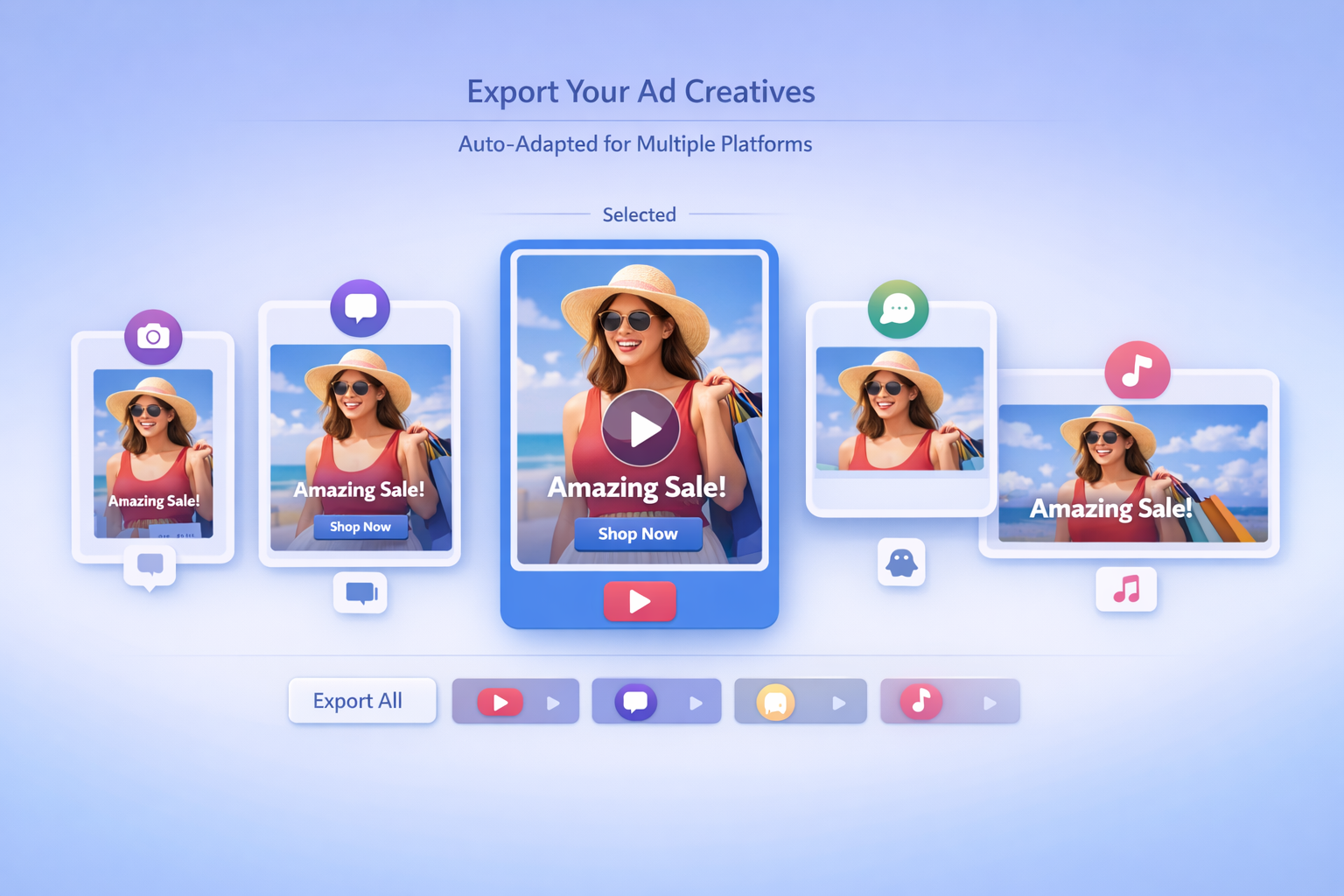
- Use an AI talking avatar generator when you need script-to-video output
- Use a custom AI avatar creator when you need a digital twin of a real spokesperson
- Use AI lip sync technology when realism and speech alignment matter
- Use stock AI avatars when you want speed, testing velocity, and lower setup overhead
7. Best Workflow by Goal
Not every searcher looking for how to make an AI twin wants the same outcome.
For creators and personal brands
Creators usually want a digital version of themselves that can publish more frequently without filming every day. The ideal workflow is:
- Build a realistic avatar
- Use a talking avatar system
- Add lip sync
- Reuse the twin for short-form content
For marketing teams
Marketing teams care about trust, speed, and scale. The best workflow is usually:
- Start with stock AI avatars for fast testing
- Move to a custom AI avatar creator once a spokesperson strategy proves out
- Use AI lip sync technology to keep video quality believable
- Publish through an AI talking avatar generator
For game or fictional character concepts
If your intent is more like character creator, OC designer, AI cartoon character generator, or AI generator for game characters, the workflow is different. You care more about visual design, style consistency, and concept exploration than business video production.
That said, the same AI twin principles still apply if you want the character to speak in videos later.
8. Types of AI Twins and AI Characters You Can Create
The AI avatar cluster is broad because users want very different character outcomes.
Quick summary
- Realistic AI humans are the strongest fit for marketing, sales, and training
- Stylized characters are useful for mascots and concepting
- Consistent AI characters matter when one persona appears across many videos
- Adjacent search terms like game or mature-character workflows exist, but they are not the core use case for this guide
Realistic AI humans
This is the highest-value business use case.
Related keyword intent:
- AI human generator
- AI photo generator real
- realistic AI girl generator
- AI actor generator
These avatars are used in marketing, education, and creator content because they resemble real presenters.
Cartoon and stylized avatars
Related keyword intent:
- cartoon avatar
- AI cartoon character generator
- design your own cartoon character
- character creator
These are better for mascot content, entertainment projects, concept art, or brand identity experiments.
Consistent AI characters
Related keyword intent:
- AI consistent character generator
- AI character profile generator
- character generator
- making a character
Consistency matters when the same character appears across multiple posts, scenes, or campaigns. A good AI twin workflow should preserve identity, not randomize it every time.
Other adjacent search terms
You may also see related searches such as adult AI character generator, VRChat avatar base, DND AI character art, or oc creator games. Those terms point to adjacent but different workflows, usually focused on entertainment, gaming, or fictional character design rather than marketing-ready AI twin production.
If you are building a professional AI twin, stay focused on:
- consent-based inputs
- brand-safe visuals
- clear identity ownership
- reusable speaking video output
9. Do You Need a Character Creator or a Full AI Twin Platform?
A lot of search traffic sits at the top of the funnel around character creator and character generator. Those tools are useful, but they are usually incomplete if your final output is video.
Use a character creator when you need:
- concept exploration
- profile images
- fictional persona design
- early visual ideation
Use a full AI twin platform when you need:
- speaking videos
- brand spokesperson content
- lip sync
- multilingual delivery
- campaign-scale output
That is why many users start with the idea of a character creator but eventually need:
10. AI Twin vs Deepfake AI Generator
This comparison deserves its own section because the search overlap is high.
| AI Twin | Deepfake AI Generator |
|---|---|
| Builds a reusable avatar system | Usually modifies an existing video |
| Better for repeated content creation | Better for isolated face-swap tasks |
| Supports script-based generation | Often depends on pre-existing footage |
| Easier to scale for marketing teams | Harder to standardize |
| More stable for multilingual video workflows | Can break under longer or more complex edits |
The phrase deepfake AI generator gets searched heavily, but for most creators and brands, it is the wrong operational model. If you want a controllable avatar that can produce explainers, ads, or training videos on command, you want an AI twin system, not just a deepfake effect.
11. How Businesses Use AI Twins
Businesses are driving a lot of the growth in this keyword cluster because AI twins solve real production bottlenecks.
Ecommerce and ads
Brands use AI twins to create:
- product pitch videos
- creator-style paid social ads
- landing page explainers
- testimonial-style scripts
SaaS and product marketing
SaaS teams use AI twins for:
- onboarding walkthroughs
- feature launch videos
- founder explainers
- sales enablement content
Training and internal communication
Operations teams use AI twins for:
- onboarding modules
- policy videos
- support tutorials
- multilingual education content
In all three cases, the real advantage is reuse. One AI twin can produce dozens of variants across scripts, offers, and languages.
12. Common Mistakes When Making an AI Twin
Most bad results come from one of these problems:
- Using low-quality photos or training footage
- Treating a static character generator like a full video system
- Ignoring lip sync quality
- Choosing the wrong avatar type for the job
- Creating one version with no reuse plan
- Confusing deepfake tools with reusable AI twin systems
Quick prevention checklist
- Start with clean source footage and simple framing
- Pick stock or custom avatars based on the real goal, not guesswork
- Do not skip lip sync if the avatar will speak on camera
- Build for repeatable outputs, not one-off experiments
- Use a production workflow instead of stitching together random tools
| Mistake | Why It Causes Problems | Better Fix |
|---|---|---|
| Starting with weak source assets | The avatar looks inconsistent or unnatural | Use clear, well-lit visuals and clean voice inputs |
| Skipping lip sync | The final video feels robotic | Add dedicated AI lip sync technology |
| Using stock avatars when identity matters | Brand recognition stays generic | Upgrade to a custom AI avatar creator |
| Using custom training when you only need speed | Setup time rises unnecessarily | Start with stock AI avatars |
| Stopping at image generation | No speaking or video output | Use an AI talking avatar generator |
13. How To Choose Between Stock Avatars and Custom Avatars
This is one of the most common AI twin decisions.
| Choose Stock Avatars If... | Choose Custom Avatar If... |
|---|---|
| You need speed today | You need a digital twin of a specific person |
| You want lower setup overhead | You want stronger identity fidelity |
| You are testing offers or hooks | You want long-term spokesperson consistency |
| Multiple presenter options matter | Brand recognition matters more |
For many teams, the smartest path is:
- Start with stock AI avatars
- Prove the video motion and messaging strategy
- Upgrade to a custom AI avatar creator
- Add AI lip sync technology and AI talking avatar generator for a complete AI twin workflow
14. Final Answer: What Is the Best Way to Make an AI Twin?
If you want the short version, here it is:
- Decide whether you need a stock avatar, a custom avatar, or a fictional character
- Create the base visual identity
- Turn it into a speaking avatar
- Add lip sync
- Export reusable videos for your target channels
The strongest answer to how to make an AI twin is not just "use a character creator." It is to combine avatar creation, talking video generation, and lip sync into one repeatable system.
For most business and creator workflows, that means:
- AI talking avatar generator for finished speaking videos
- custom AI avatar creator for premium digital twins
- AI lip sync technology for realism
- stock AI avatars for fast launch
Frequently Asked Questions
What is an AI twin?
An AI twin is a digital avatar or character created with AI that can represent a real person or fictional identity visually and, in many cases, speak in video format.
How do you make an AI twin?
You make an AI twin by choosing an avatar type, creating the visual identity, adding speech, applying lip sync, and exporting it as a reusable video asset.
Is a character creator the same as an AI twin tool?
No. A character creator usually focuses on visual design, while an AI twin tool includes speech, motion, and reusable video generation.
What is the difference between an AI twin and a deepfake AI generator?
A deepfake AI generator usually modifies existing footage. An AI twin platform builds a reusable digital presenter that can generate new videos from scripts or audio.
Is it legal to make an AI twin of someone else?
Only if you have clear permission and the right to use that person's likeness or voice. For commercial work, documented consent, publicity rights, trademark ownership, and platform policy should all be checked before publishing.
Can I use stock avatars to make an AI twin?
Yes. Stock avatars are a fast way to create an AI twin-style workflow when you need a presenter quickly and do not require a one-to-one digital copy of a real person.
When should I use a custom avatar instead of stock avatars?
Use a custom avatar when you need the AI twin to resemble a specific person, maintain brand identity, or act as a long-term digital spokesperson.
Why is lip sync important when making an AI twin?
Lip sync is essential because it aligns mouth movement with speech. Without strong lip sync, even a good-looking avatar will feel unnatural on video.
Can AI twins be used for business content?
Yes. Businesses use AI twins for ads, product explainers, onboarding, sales enablement, multilingual localization, and recurring branded video production.
What is the easiest way to make an AI twin?
The easiest way is to start with stock avatars, generate a speaking video through a talking avatar workflow, and add lip sync so the final result looks natural without custom training.
Can I make an AI twin from a photo?
Yes. Some workflows start from a single image or a small set of reference photos, but the output usually improves when you add better source footage, voice input, and lip sync.
Can I make an AI twin that talks?
Yes. A talking avatar workflow lets your AI twin read scripts, speak in videos, and deliver explainers, ads, or training content.
What is the best AI twin generator?
The best option depends on the job. For marketing workflows, the strongest setup usually combines talking avatar generation, custom or stock avatars, and lip sync in one production flow rather than relying on a single disconnected character creator.
How much does it cost to make an AI twin?
It depends on whether you use stock avatars or custom avatar training. A basic workflow can start with low-cost tools and existing assets, while a higher-fidelity branded digital twin requires better footage, voice work, and more production control.
Can I use an AI twin for TikTok ads?
Yes. AI twins are commonly used for TikTok ads, Reels, Shorts, and other short-form placements where a speaking presenter can improve clarity and conversion.
Can brands use AI twins for marketing?
Yes. Brands use AI twins for ecommerce ads, product explainers, multilingual campaigns, founder-led messaging, and recurring training content.
What is the difference between a custom avatar and a stock avatar?
A stock avatar is a ready-made presenter you can use immediately. A custom avatar is trained to resemble a specific person and is better when identity fidelity and brand consistency matter.
Can I clone my voice for an AI twin?
Yes. Many workflows support voice cloning or uploaded voiceovers, but you should only clone voices you own or have permission to use.