Make content
worth stopping
for.
Turn your ideas into standout videos, images, and audio. Leading AI models. One creative home.
Start with an idea. Give it motion.
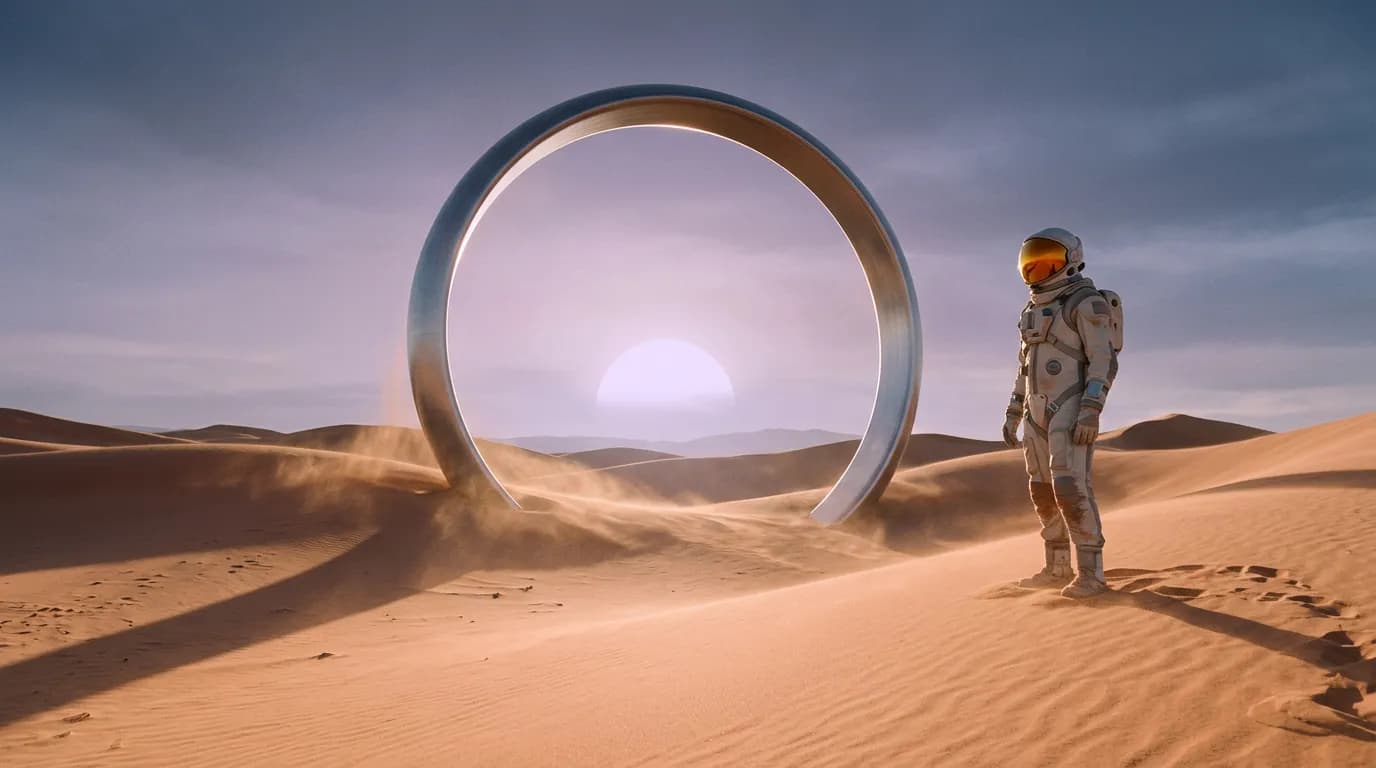 An idea is all it takes.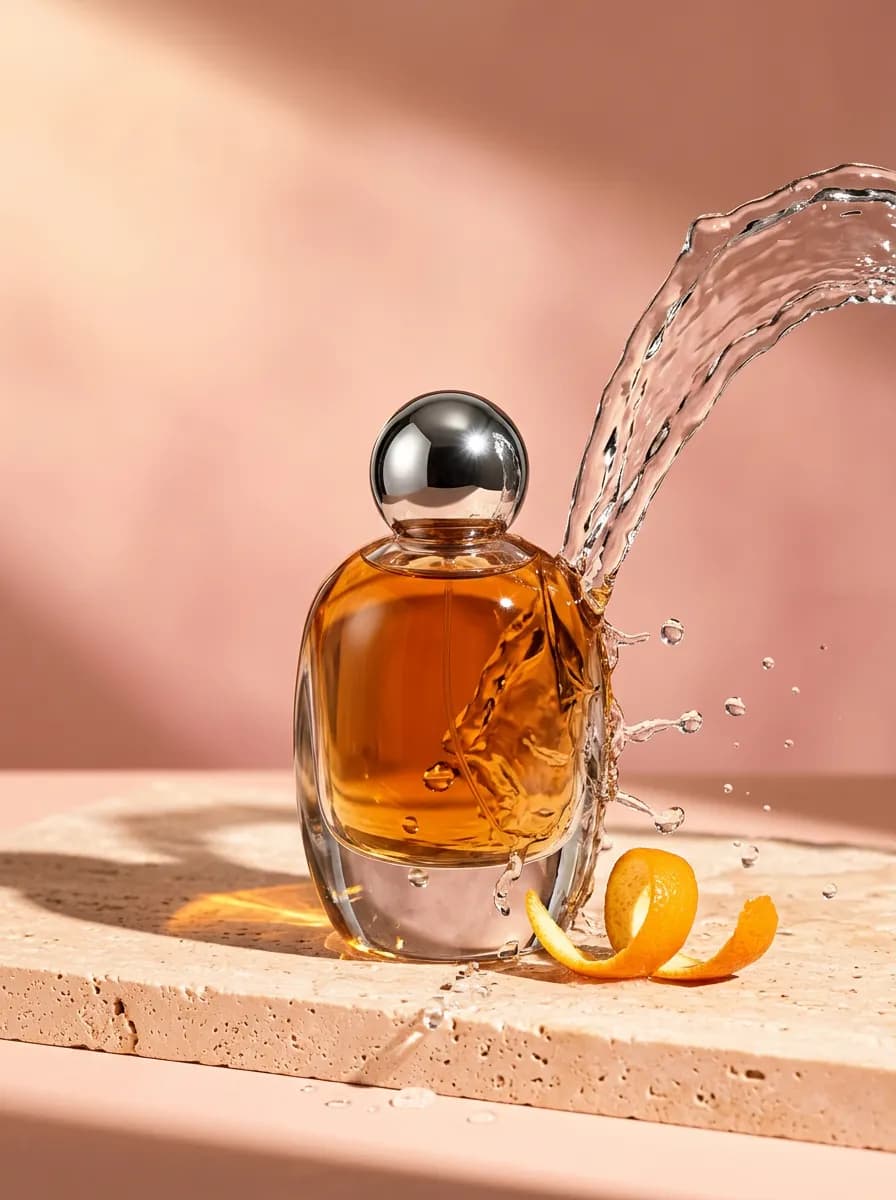
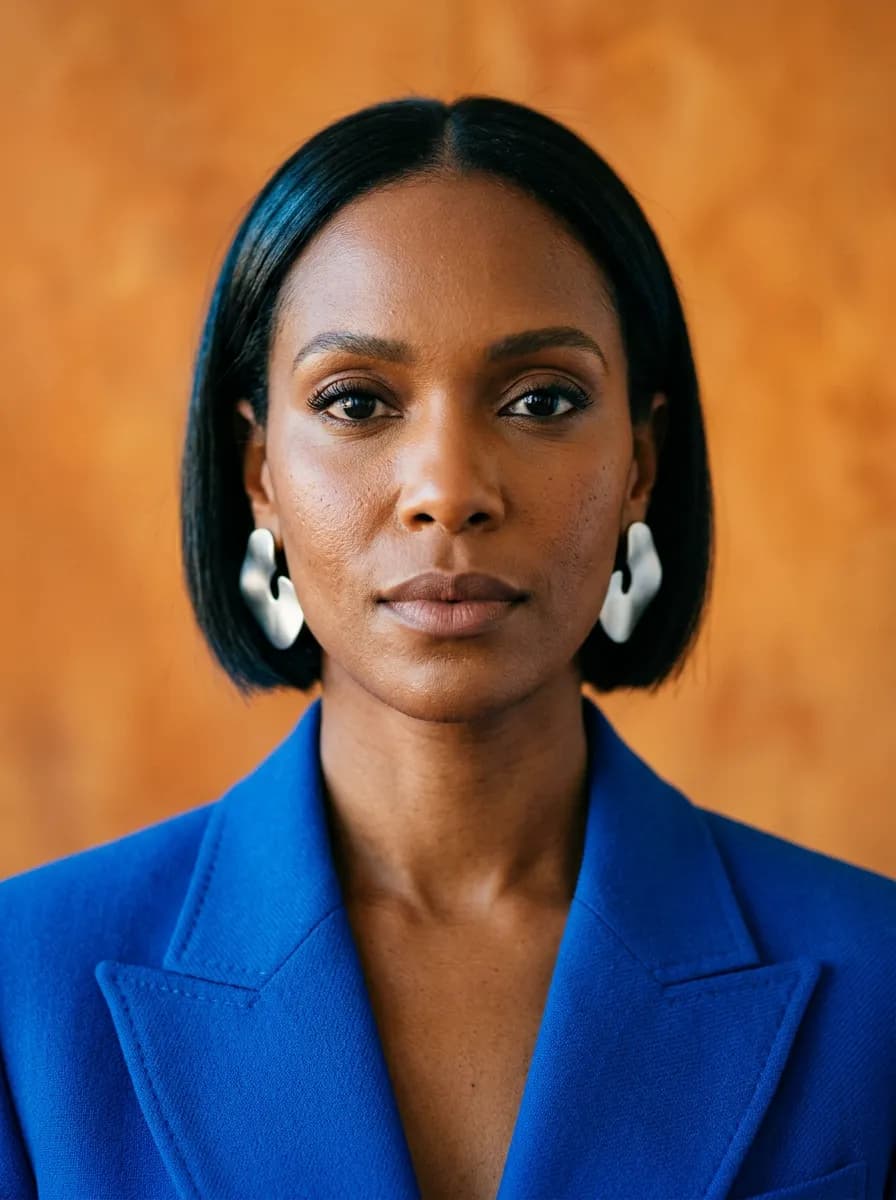
Just a few words away.
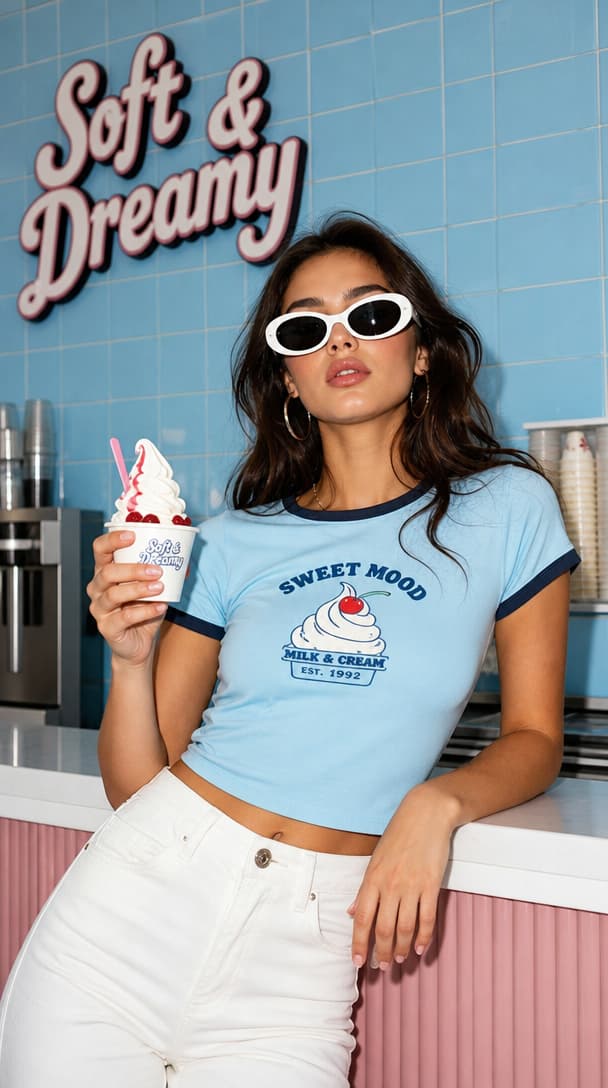
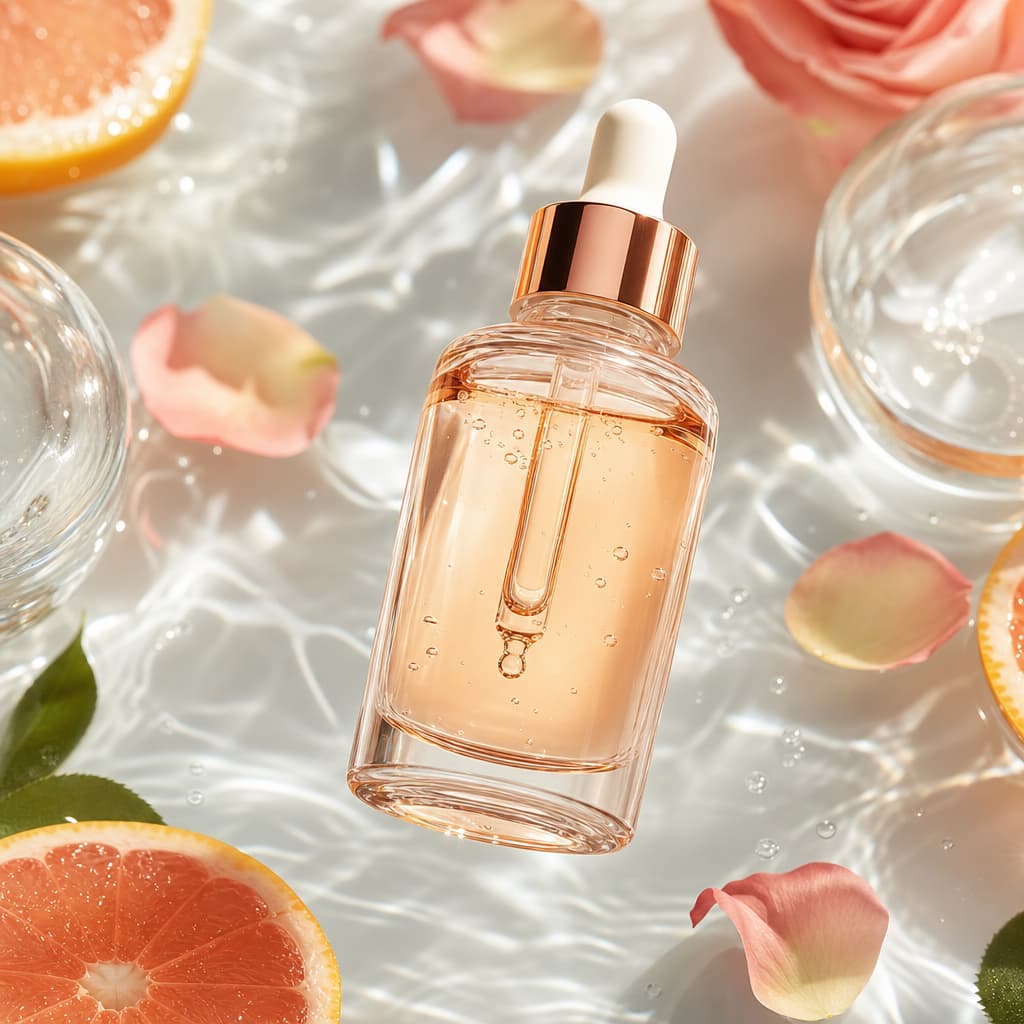
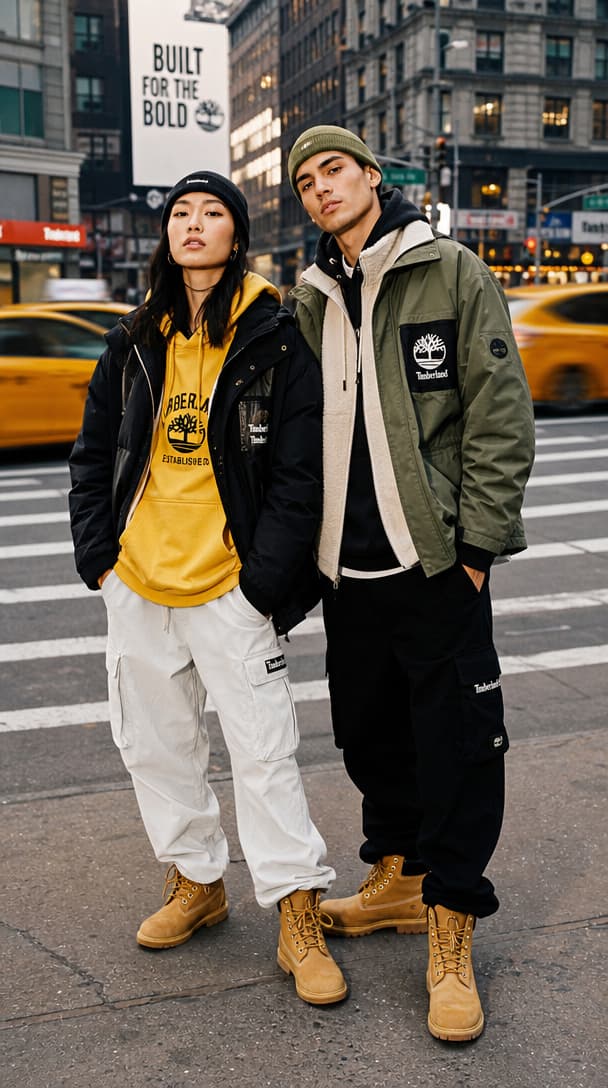
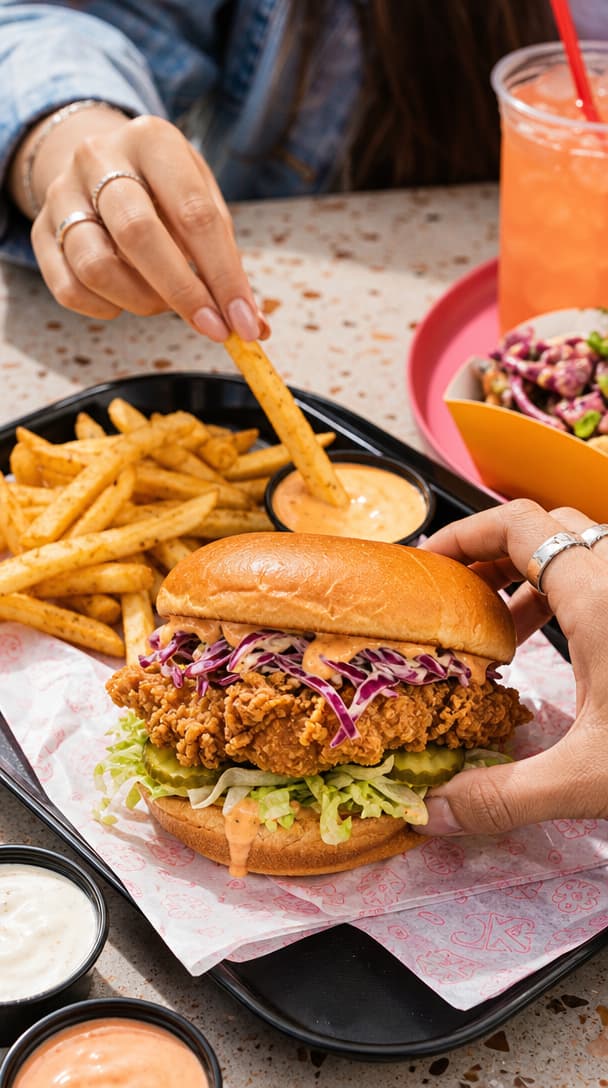
AI-generated image examples · Nano Banana 2
Your favorite models.
All in one place.
- Kling
- Veo
- Seedance
- Nano Banana
- GPT Image
A LITTLE SPARK. A LOT OF POSSIBILITY.
Idea to production.
What will you make next?
Find a direction. Make it your own.
Make your product impossible to miss.
Explore campaign-ready art direction, from a clean studio shot to something a little unexpected.
Premium advertising photograph of an unbranded amber perfume bottle with a spherical chrome cap on a peach travertine plinth. A frozen arc of water and a curl of orange peel. Hard golden sunlight, warm peach background, realistic glass, luxurious minimal art direction. No text or logos.
Your starter prompt opens in the studio, ready to edit.
Create product visualsCREATIVE DIRECTION / PRODUCT ADS01Start with a direction
02Create in your studio
03Refine. Export. Share.
ONE IDEA. SO MANY POSSIBILITIES.
Your next creation starts here.
From the first frame to the final sound.
Find the right tool for your idea.
Videos that move people.
Bring a prompt or a still image to life. Create clips for your next reel, ad, or story.
Explore video toolsImages with a point of view.
Create product visuals, portraits, and entirely new worlds. Edit until it feels like you.
Explore image toolsSound that sets the scene.
Give your content a voice. Create voiceovers, music, and sound effects in the same studio.
Explore audio toolsMORE WAYS TO MAKE IT YOURS
Latest AI models.
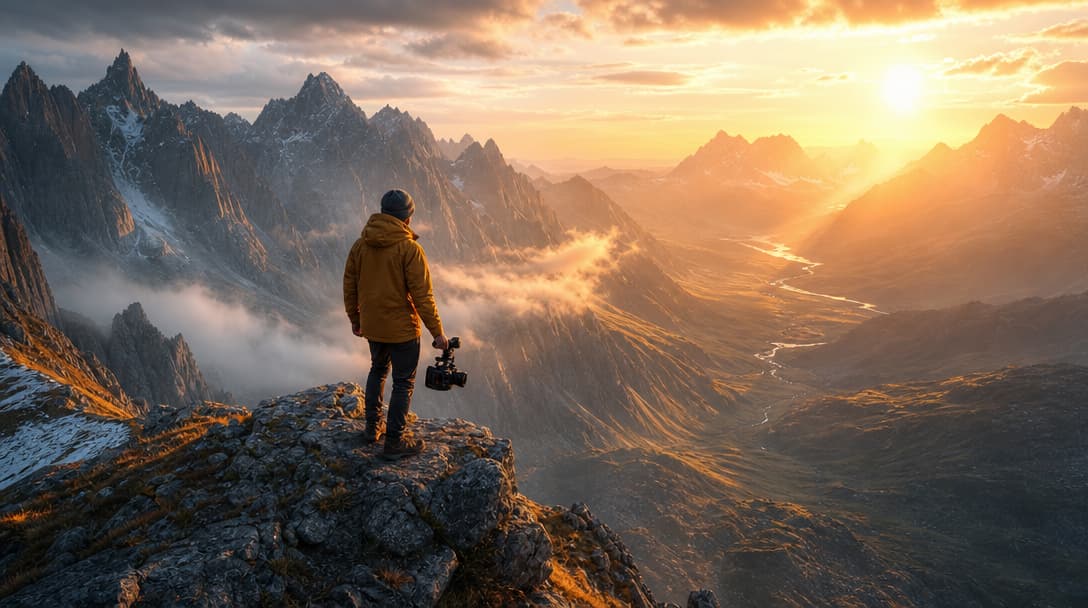 Image to video
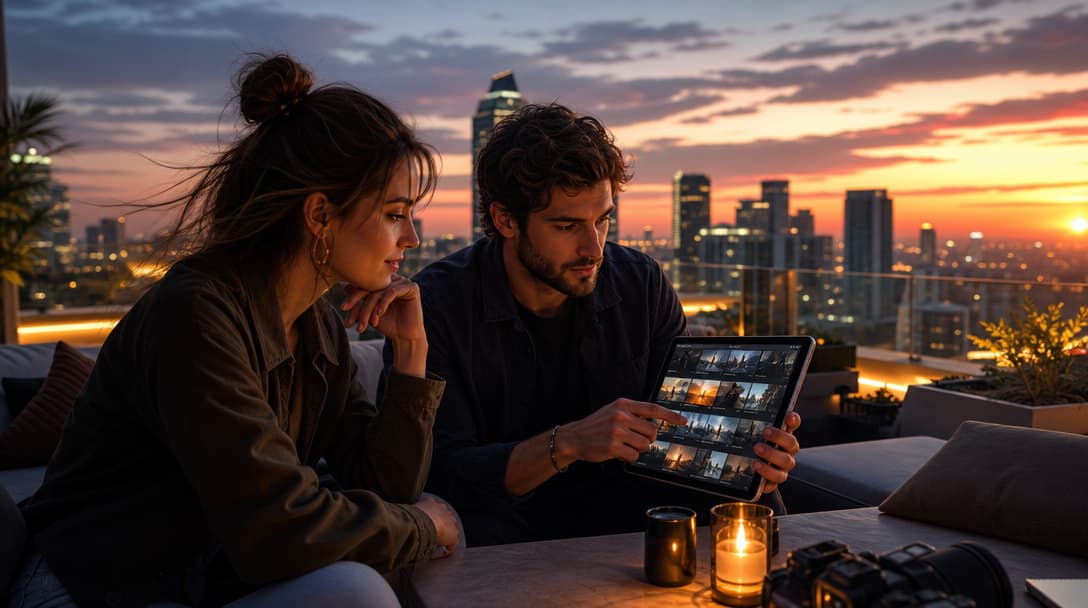
Seedance 2.5
Cinematic video with native audio and flexible framing.
 Text to video
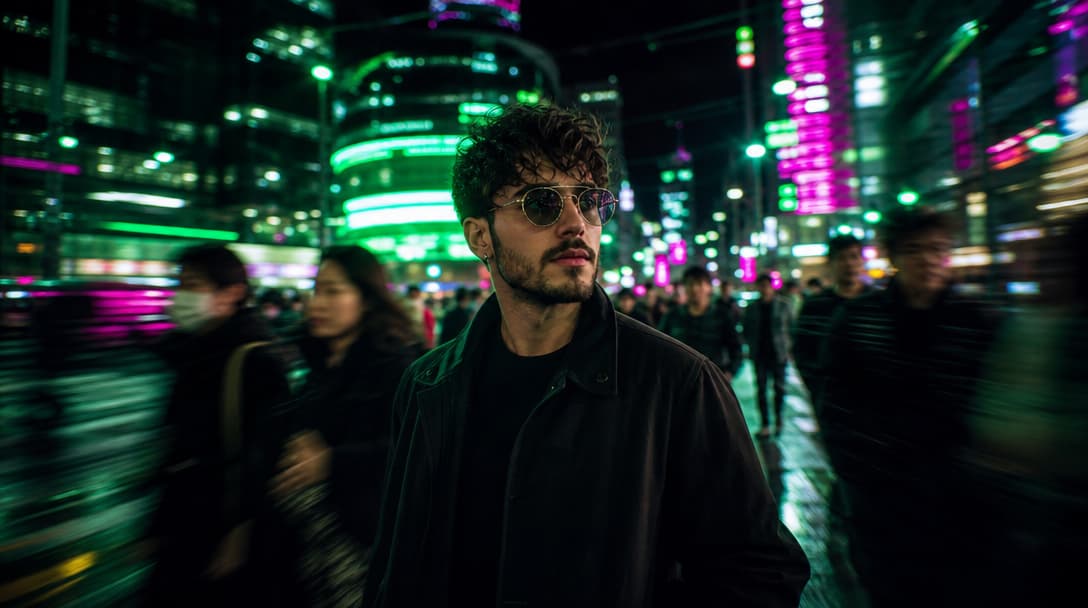
MiniMax H3 Max
Prompt-led scenes with expressive motion and native audio.
 Text to video
FLUX 3
High-fidelity video with synchronized sound.
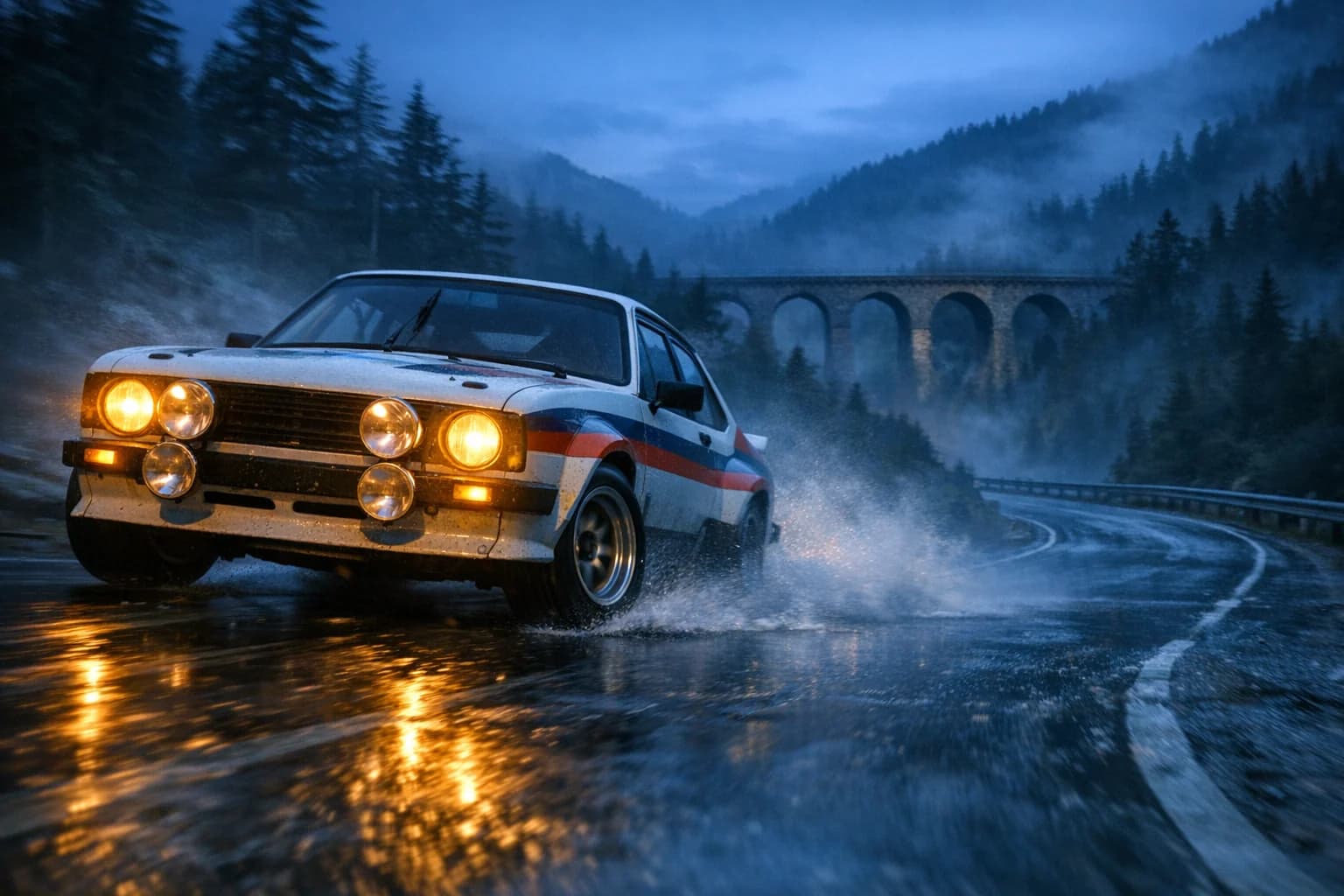 Image to video
Kling 3.0
Detailed motion with flexible duration and strong identity.
FROM “WHAT IF” TO “I MADE THIS”
Big ideas.
Simple beginnings.
You bring the direction.
HighReach brings the tools.
- 01
Choose your canvas
Video, image, or audio. Start with the format that fits your idea.
- 02
Describe what you see
Write a prompt, try an example, or add a reference in supported tools.
- 03
Make it yours
Explore variations, refine the result, and download your creation.
A LITTLE CLARITY
Before you create.
What can I create with HighReach?
Generate and edit images, create videos from text or images, and make voiceovers, music, and sound effects. Choose the tool and model that suit your project, all from one studio.
Do I need to know how to write prompts?
No special syntax is needed. Start by describing the subject, style, and mood. Use the creative briefs above, or choose an inspiration to explore its prompt and settings before creating your own version.
Can I use my own images?
Yes. Image editing and image-to-video tools let you work from your own images. Reference support and upload limits depend on the selected tool and model.
How do plans and credits work?
Generation uses credits, with the amount depending on the model and output settings. Check the cost in the studio before generating.
LESS BLANK CANVAS. MORE WHAT IF.
Inspirations.
A starting point for your next big idea.
Explore a visual. Try the prompt.
Give that idea a go.
Start with a few words. See where they take you.