 01
01Gemini Omni Flash
Best for: Fast reference-led iteration
A flexible choice when the shot begins with text, a defined frame, or several visual references that establish the subject and world.
- Text and frame workflows
- Multi-reference direction
✨ Create Stunning Videos with AI! Access Kling 3.0, Seedance, Veo, Flux, Nano Banana and more in one platform. Start Creating
Create the image, direct the shot, choose the model, transform the footage, build the sound, and finish the video in one connected AI production workspace.
What is AI video generation?
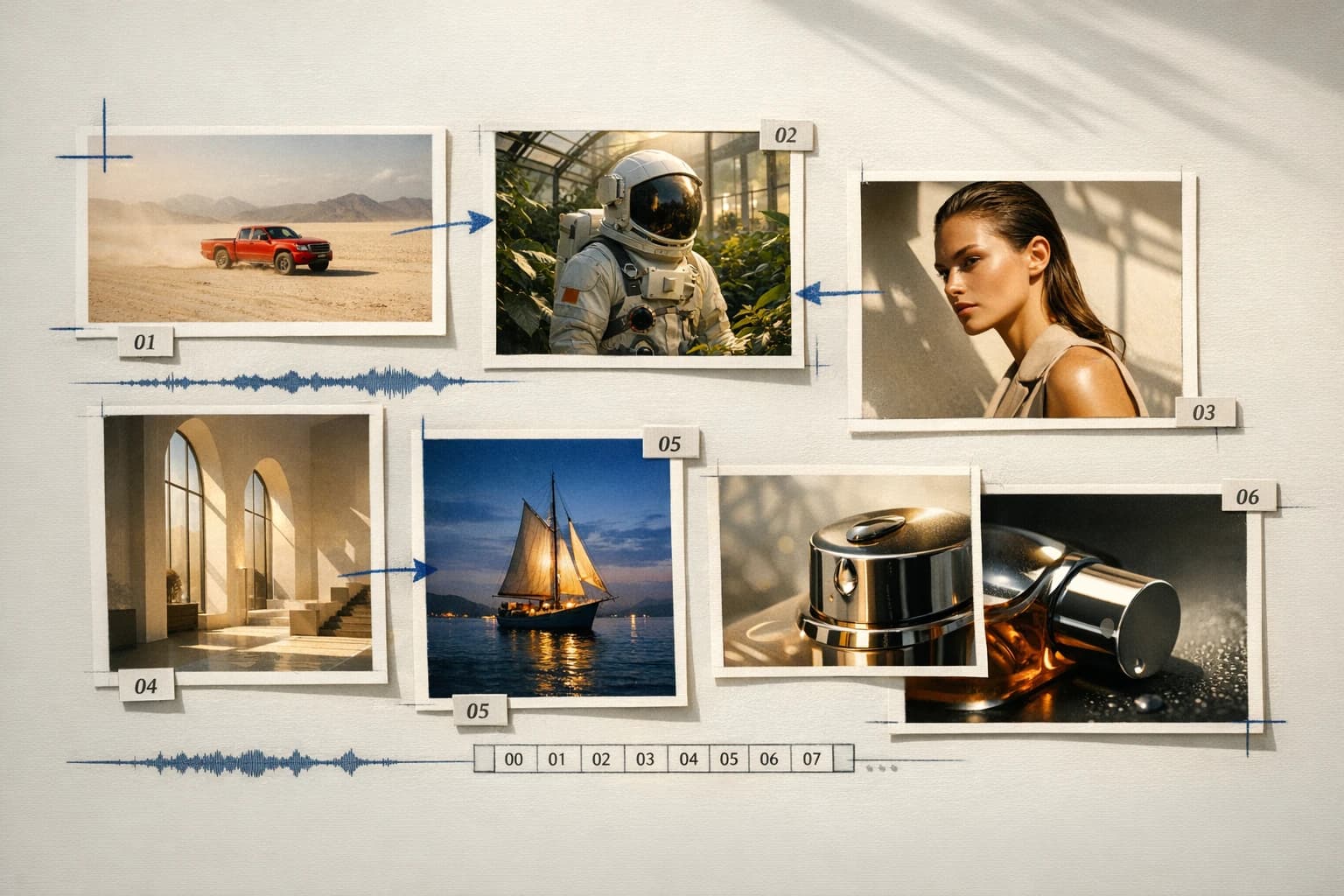
AI video generation turns written direction, images, or existing footage into moving scenes. Useful production goes further: it establishes the visual language, creates source assets, chooses a model, controls motion, evaluates the output, and finishes picture and sound.
HighReach combines those stages into an AI video creation platform, so the project remains connected as it moves from an early idea to a finished, shareable video.
Platform capabilities
Build the source, generate the motion, make precise changes, produce audio, and keep every stage available in one AI video platform.
 01
01Create shots from text, a starting frame, an ending frame, or visual references. Choose the workflow that matches how clearly the scene is already defined.
Open workflow 02
02Build character sheets, environments, props, storyboards, and keyframes before committing generation credits to motion.
Open workflow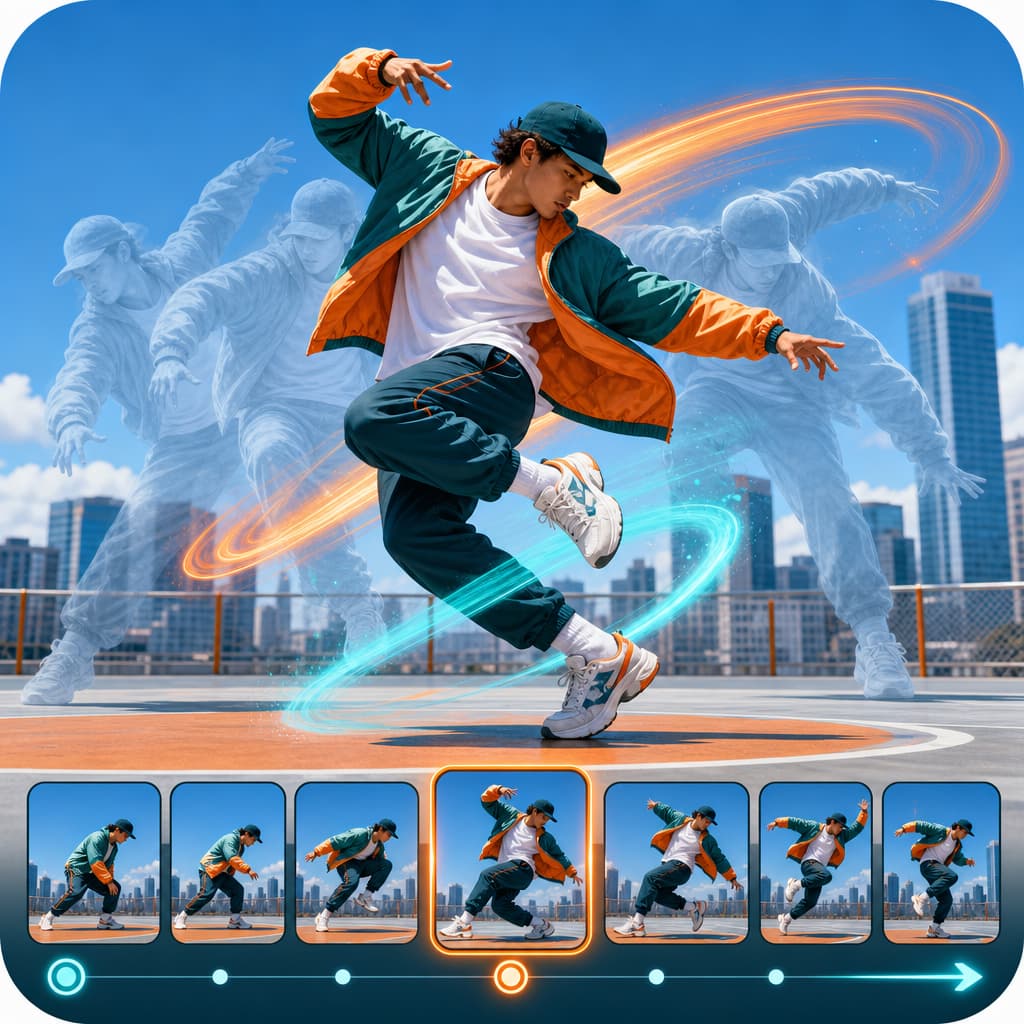 03
03Control camera movement, subject action, pacing, reference motion, and shot transitions with plain-language direction.
Open workflow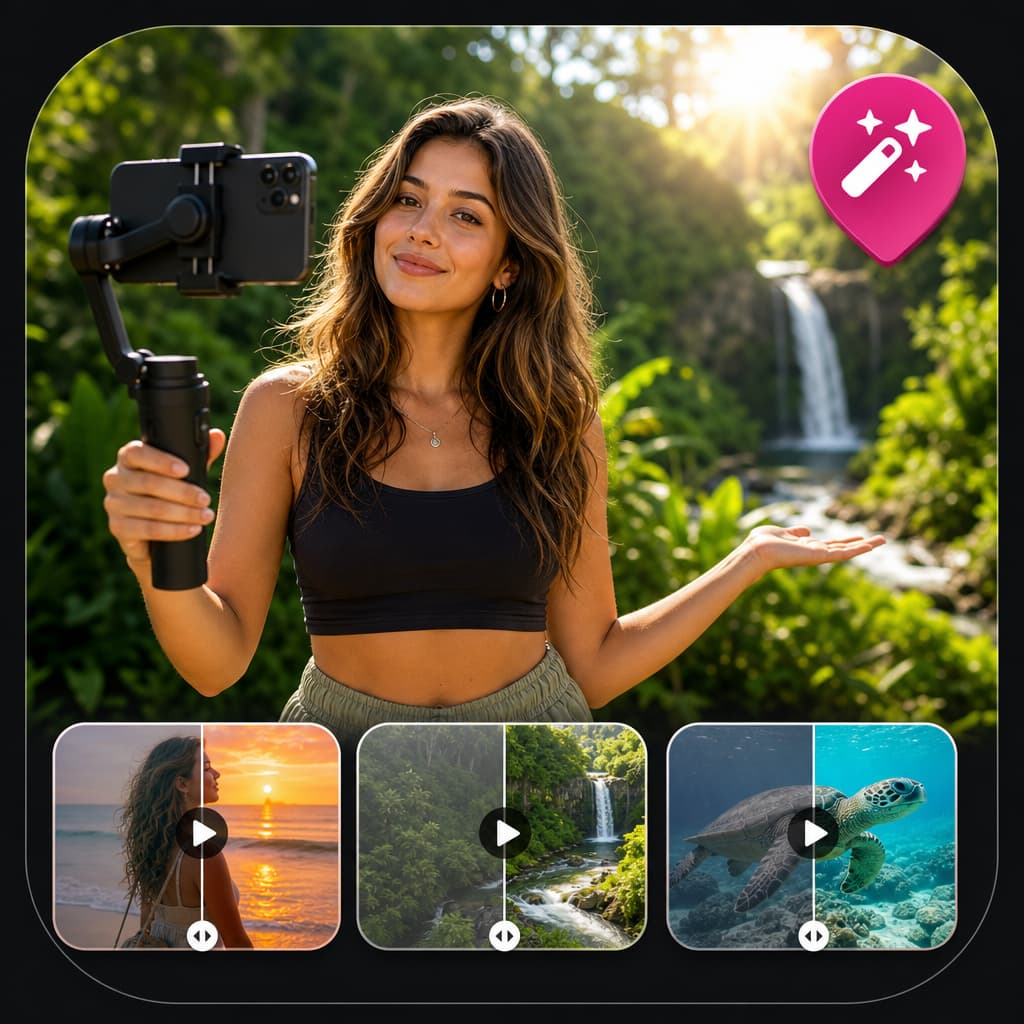 04
04Edit video with prompts, replace a background or character, relight a scene, extend a clip, and upscale the final output.
Open workflow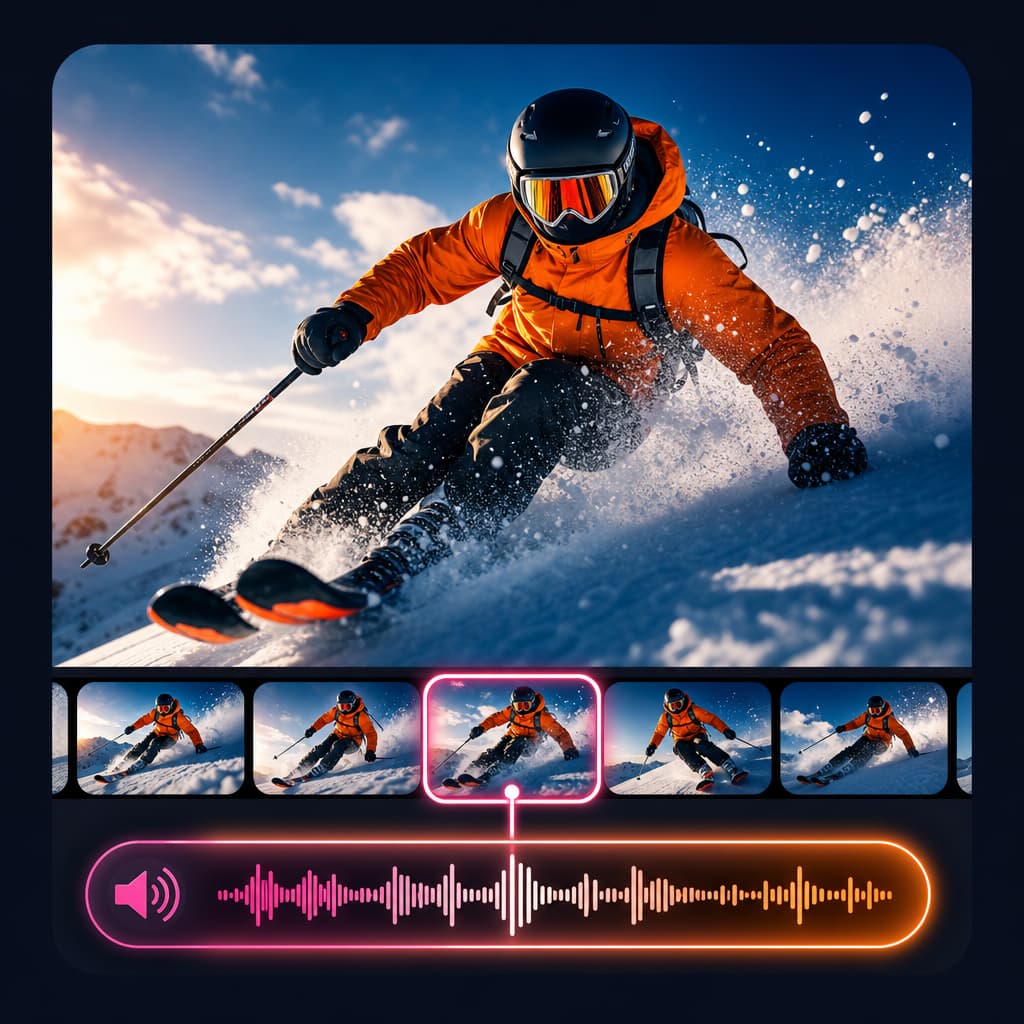 05
05Generate voice, music, sound effects, dubbing, and lip-sync so visual development and sound design stay connected.
Open workflow 06
06Connect prompts, references, generations, review, refinement, and delivery into reusable production systems for teams and agents.
Open workflowGenerate video
Develop images
Direct motion
Transform footage
Connected production
A strong AI video rarely comes from one generation. It begins with references, moves through shot creation, and improves through editing, sound, comparison, and deliberate iteration. Keeping those stages connected reduces handoffs and protects the creative direction.
Explore all production toolsAI video models
Model strengths differ. Compare the input, control, speed, sound, and visual character your scene needs, then continue in the appropriate HighReach workflow.
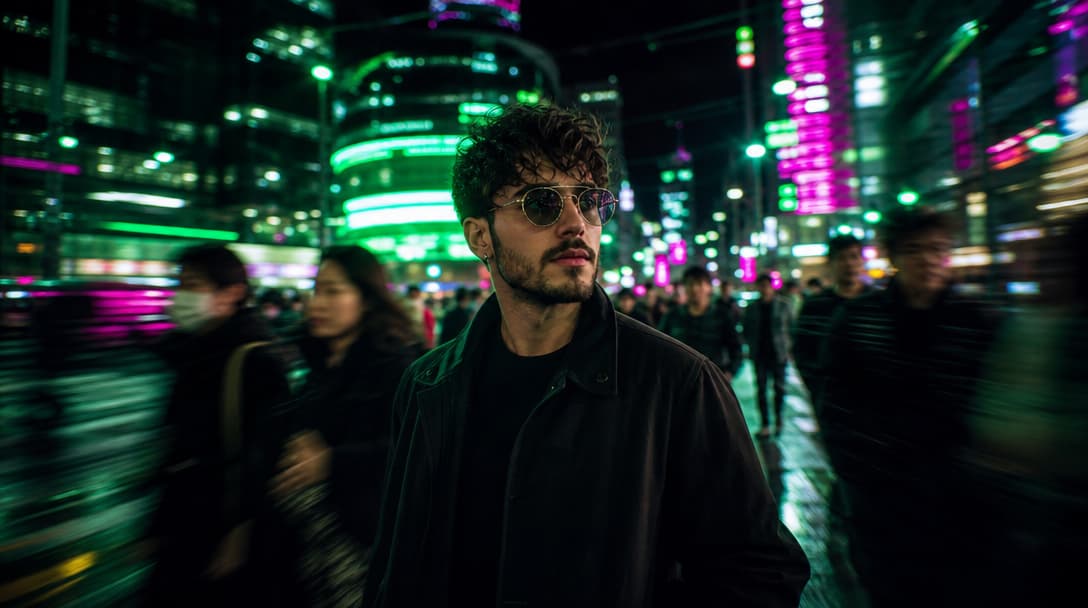
01Best for: Fast reference-led iteration
A flexible choice when the shot begins with text, a defined frame, or several visual references that establish the subject and world.
 02
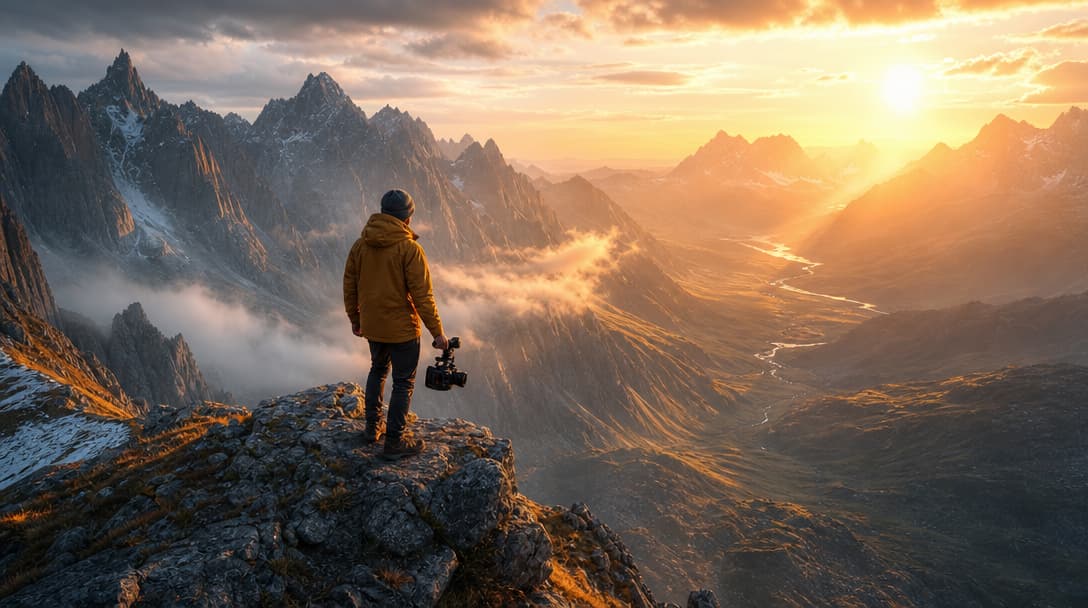
02KlingAI
Best for: Controlled cinematic motion
Useful for shots that need deliberate movement, clear camera direction, and first- or last-frame control on supported modes.
 03
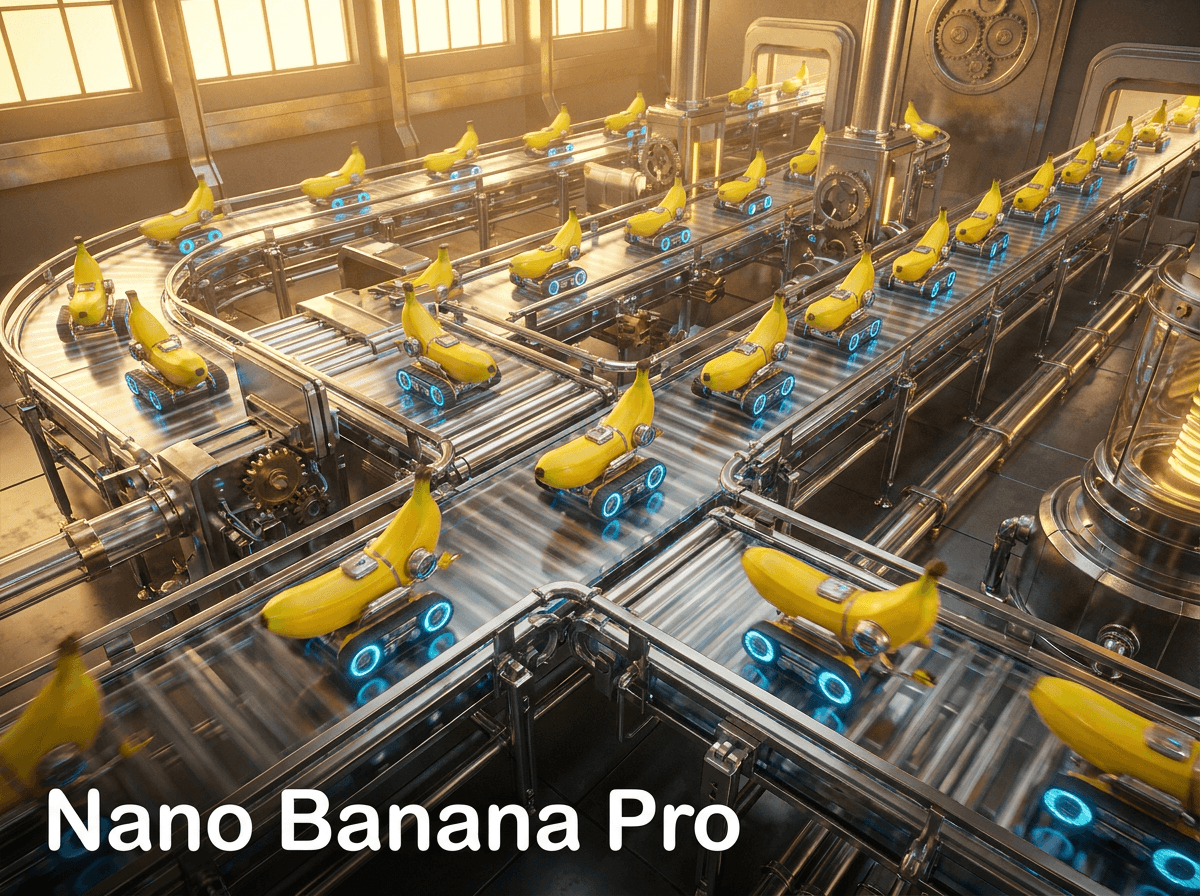
03ByteDance
Best for: Expressive multi-shot scenes
Build visual sequences with coordinated action, flexible references, and more than one camera moment when supported by the model.
 04
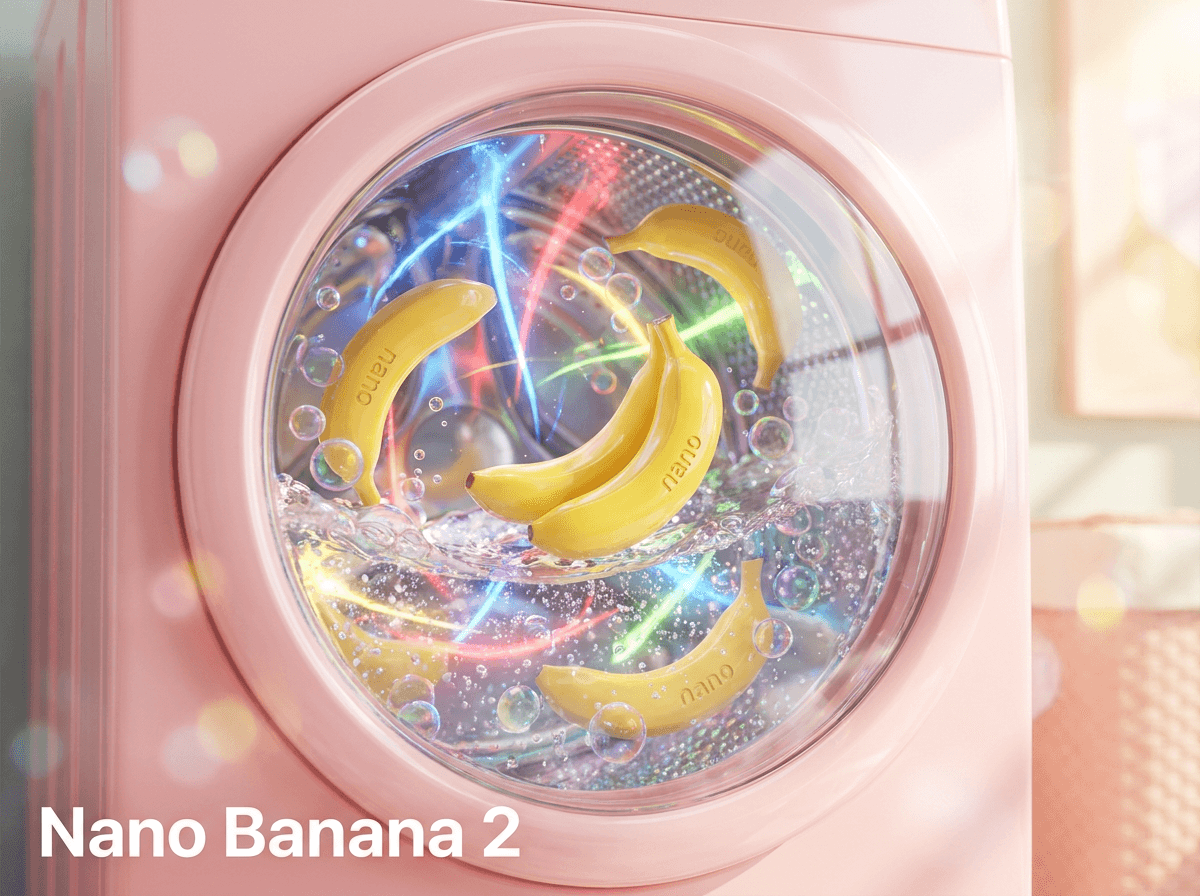
04Best for: Polished clips with audio
Turn a strong prompt or image into a concise scene with high visual polish and native sound in supported configurations.
 05
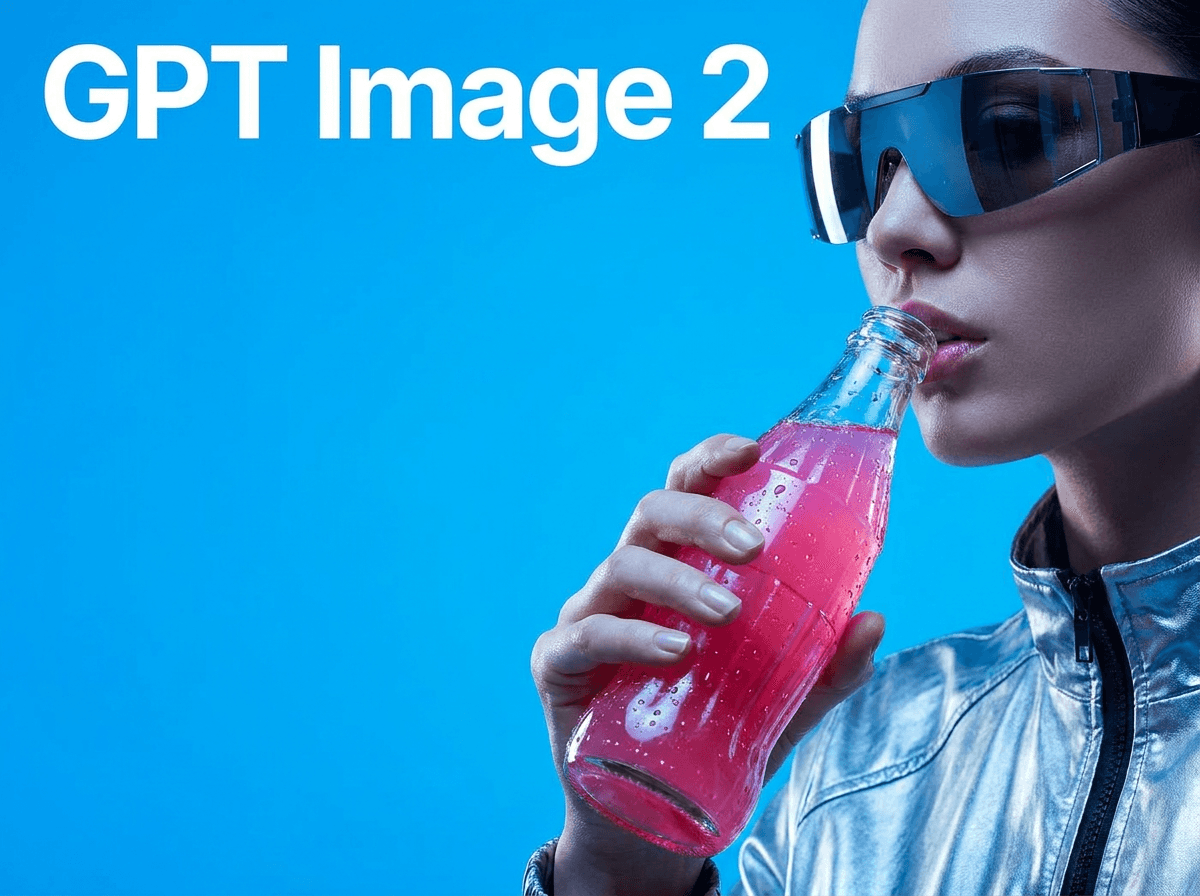
05OpenAI
Best for: Narrative visual exploration
Explore cinematic concepts, environments, and story-led motion before continuing into editing and finishing workflows.
 06
06Alibaba
Best for: Fast production alternatives
Generate additional motion directions and visual options when a project benefits from testing more than one model family.
AI video production workflow
Step 1
Define the subject, action, environment, framing, sound, and destination. Create references first when character or product continuity matters.
Step 2
Match the shot to a model based on input type, motion control, duration, audio, speed, and the level of consistency you need.
Step 3
Review the result, revise one variable at a time, transform or extend the strongest clip, add sound, and prepare the final format.
Built for production
Use individual tools for a specific shot or combine them into a larger creative pipeline.
Develop treatments, storyboards, establishing shots, inserts, transitions, and proof-of-concept sequences.
Create launch films, product demonstrations, explainers, social assets, and campaign variations.
Explore stylized motion, character concepts, environments, effects plates, and previsualization.
Build visualizers, performance concepts, promotional scenes, loops, and artist-led worlds.
Prototype cinematics, environments, character moments, and visual directions before full production.
Move from brief to reviewable scenes with shared references and repeatable AI video production workflows.
AI video platform FAQ
Practical guidance on models, workflows, sound, editing, consistency, and complete AI video production.
An AI video generation platform connects the tools required to create and finish video with artificial intelligence. HighReach supports text-to-video, image-to-video, reference-led generation, video editing, motion workflows, audio production, and post-production in one suite.
A model generates or transforms a particular output. A platform provides the surrounding production system: model choice, image development, prompt iteration, asset management, editing, sound, review, and delivery. This lets each shot use the model and workflow best suited to it.
Yes. Use text-to-video when the scene begins as a written concept. Use image-to-video when you already have a product image, character reference, storyboard frame, photograph, or designed composition that should define the opening visual.
Choose based on the shot rather than a universal ranking. Consider input type, camera and motion control, character consistency, audio, duration, resolution, speed, and cost. HighReach makes it practical to move between available models as those needs change.
Yes. Available workflows include prompt-based editing, background and character replacement, relighting, motion sync, lip-sync, extension, and upscaling. Model availability and supported controls vary by workflow.
Some video models can generate native audio. HighReach also provides separate tools for voice-over, music, sound effects, dubbing, lip-sync, and video sound design so silent clips can continue through audio production.
Consistency improves when you establish strong reference images, character sheets, product angles, wardrobe details, color rules, and repeatable prompts before animation. Use reference-capable models and generate one clearly defined shot at a time.
HighReach is designed for filmmakers, creators, designers, agencies, marketing teams, educators, game teams, and businesses that need a connected environment for AI-powered video creation and production.
Start your next production
Generate the first frame, direct the motion, compare models, refine the result, and finish picture and sound with HighReach.