
HighReach AI Suite
AI tools for video, image, and audio creation.
Browse every supported HighReach tool in one place. Launch video generation, image editing, and audio production workflows from the dashboard.
Video
10 tools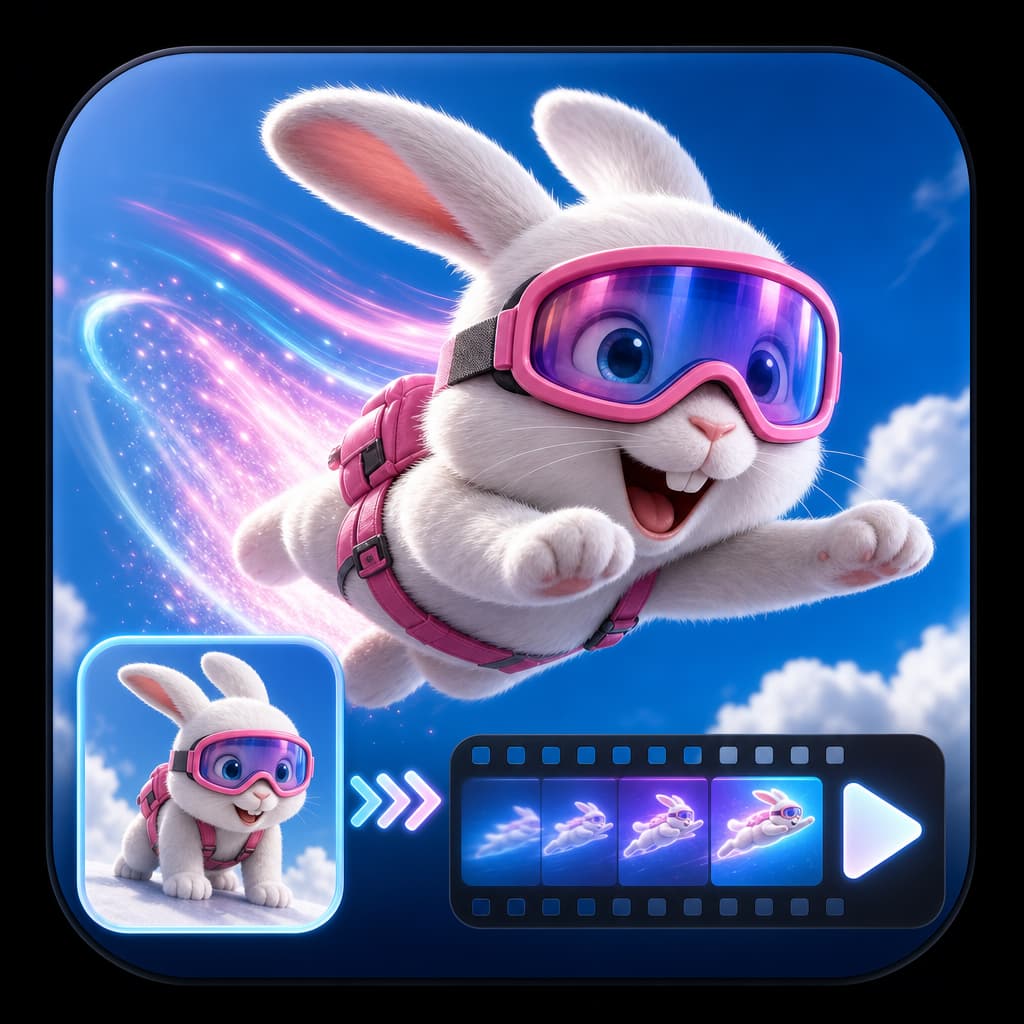
Animate a start frame, optional end frame, or text prompt into a short video clip.
Generate short clips directly from a scene prompt, with optional references on supported models.
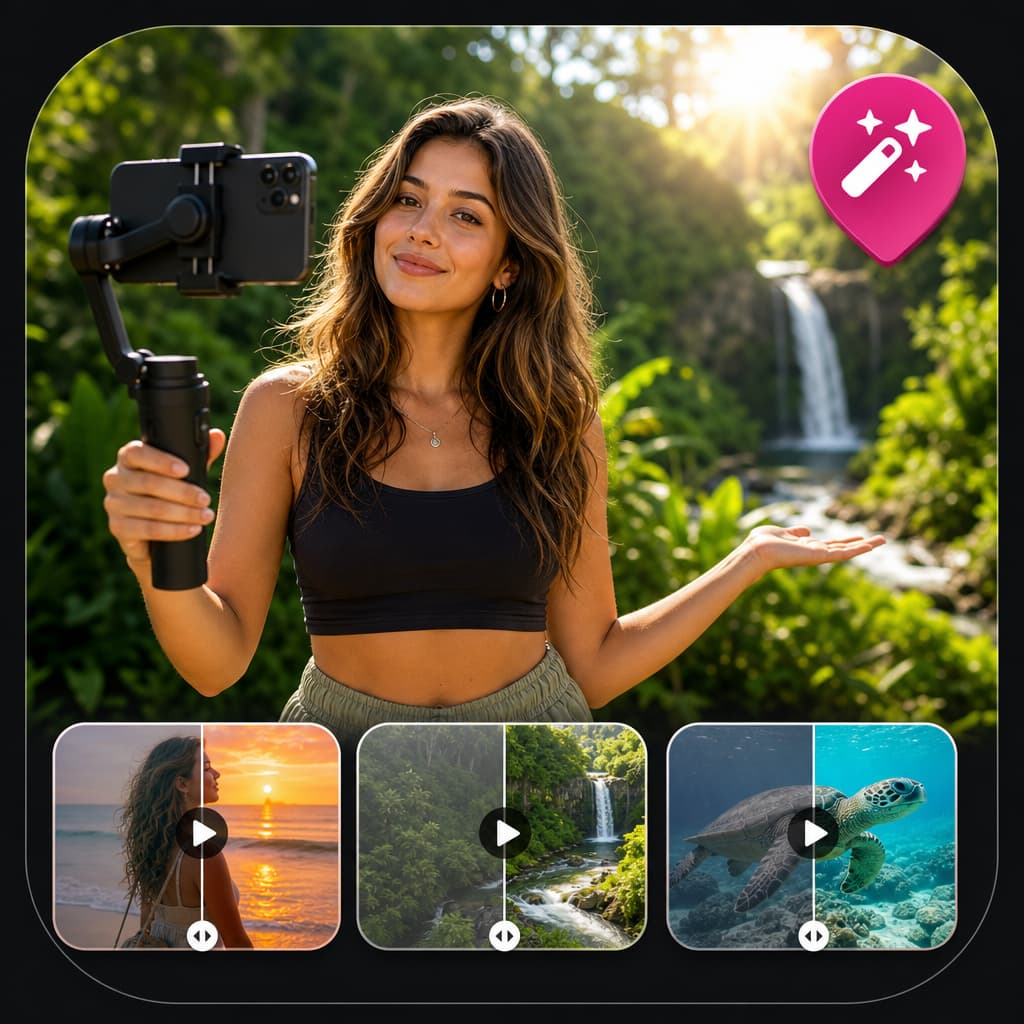
Prompt-based video editing for object, scene, and style changes.
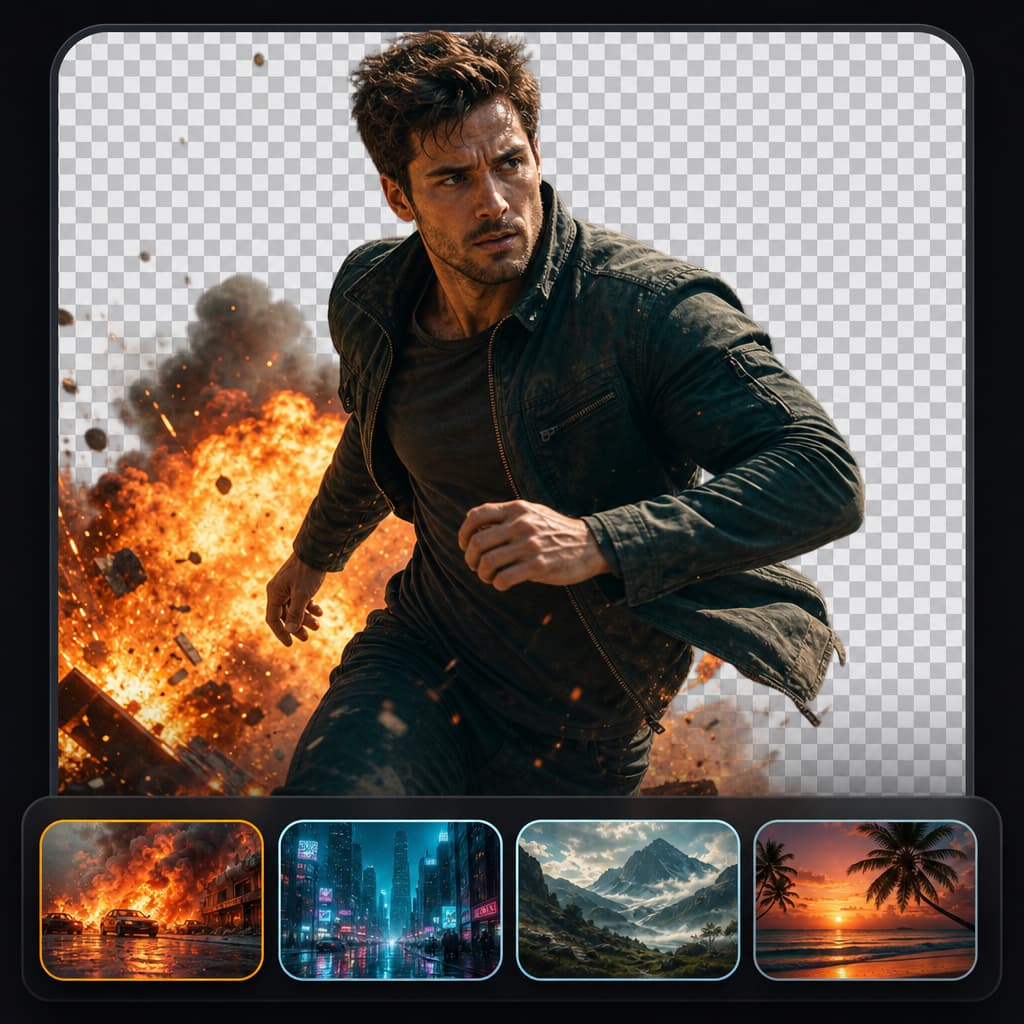
Swap or generate a new background behind a subject in a video.
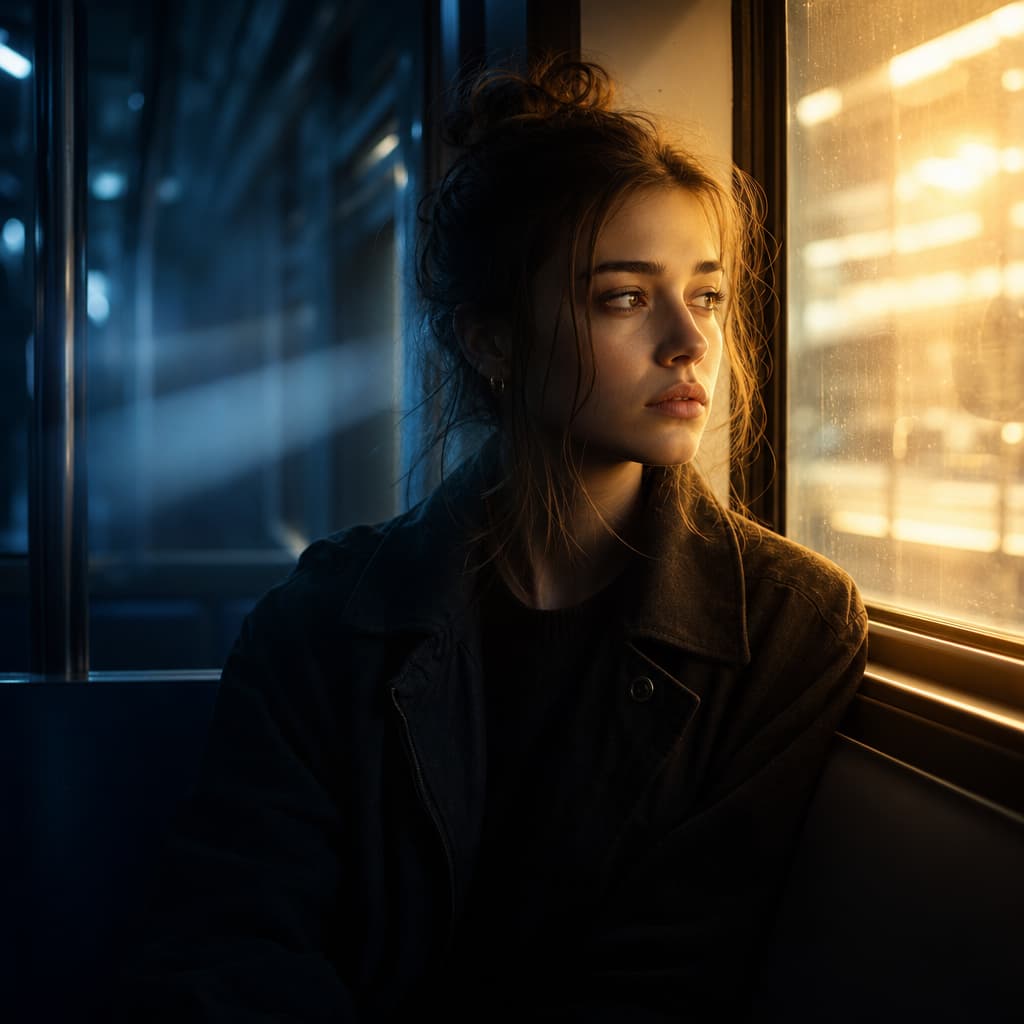
Adjust lighting direction, mood, and cinematic color in a video.
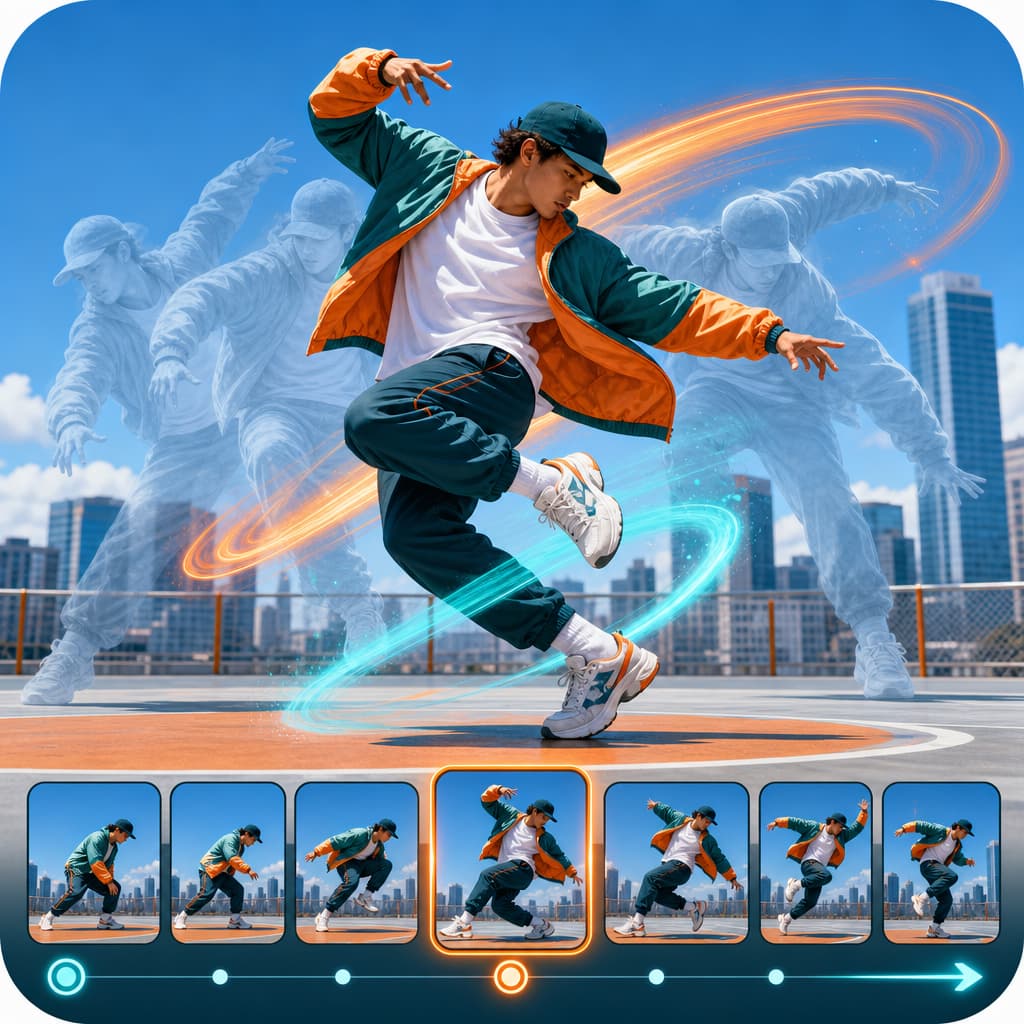
Synchronize movement to a reference pose, beat, or motion clip.
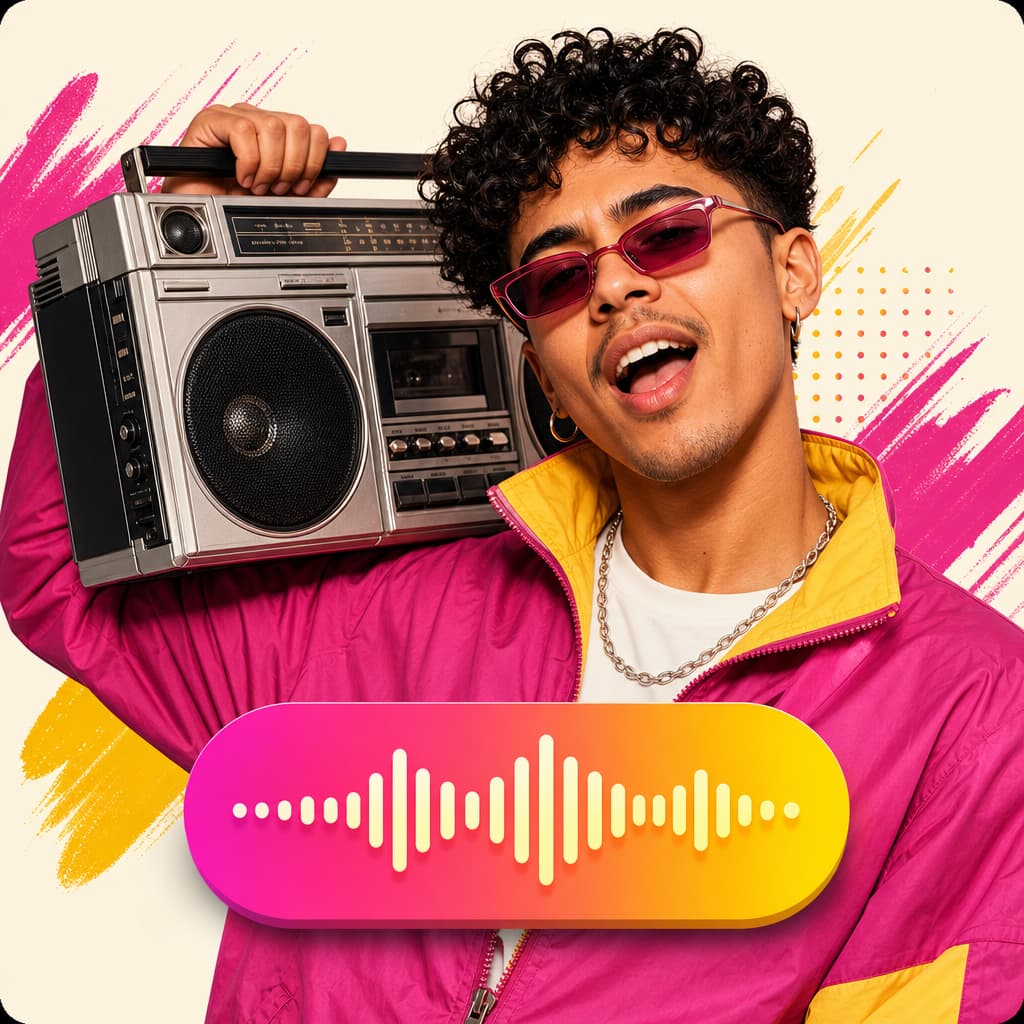
Animate a speaker image, or re-sync an existing video, to uploaded speech audio.
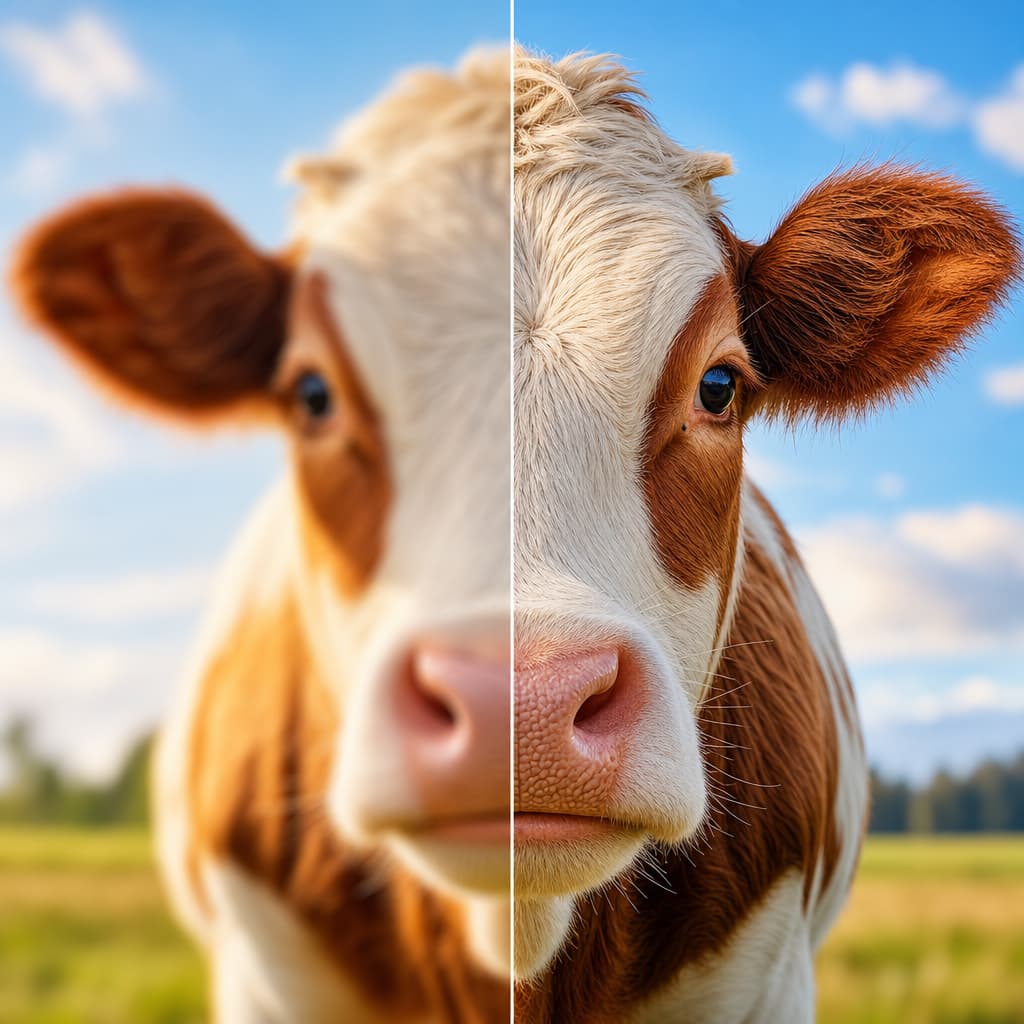
Enhance video resolution, sharpness, and detail.
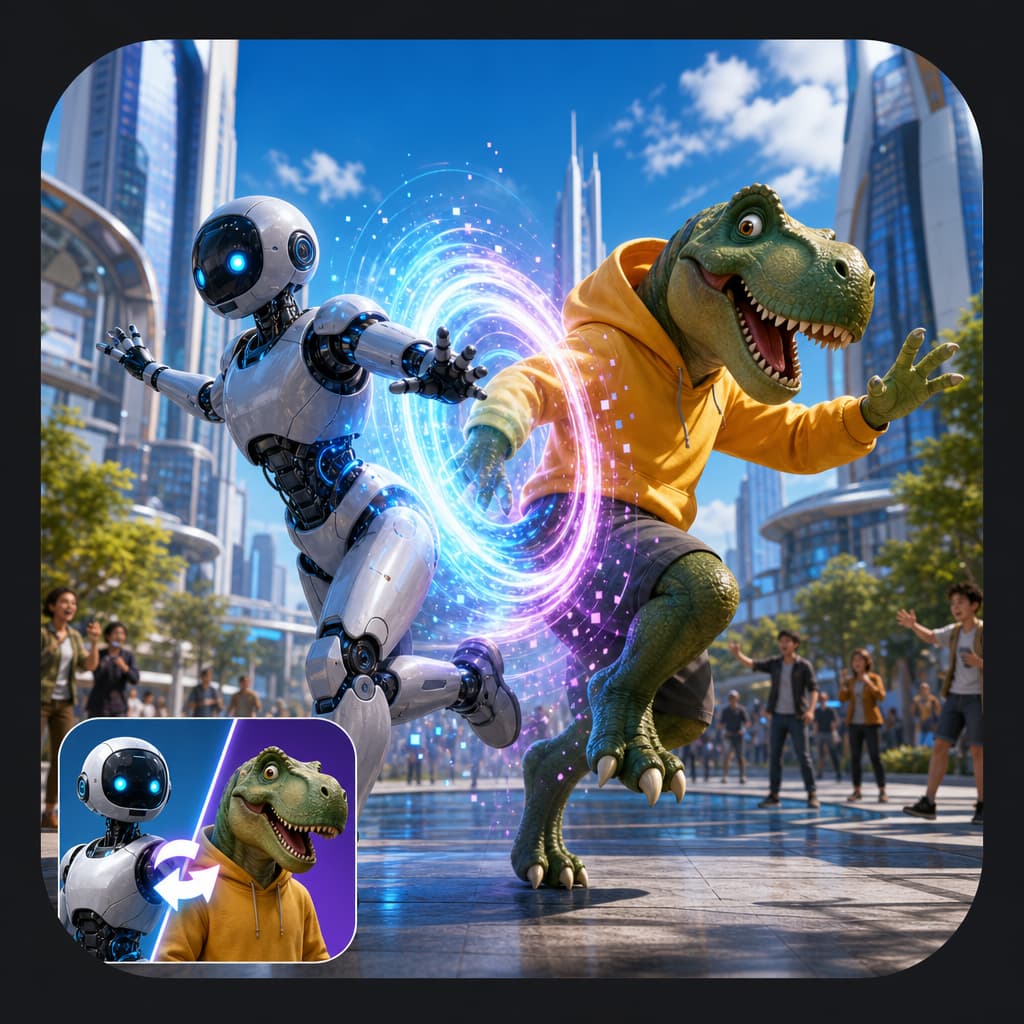
Replace the main person in a source clip with a new character image while keeping motion and camera continuity.
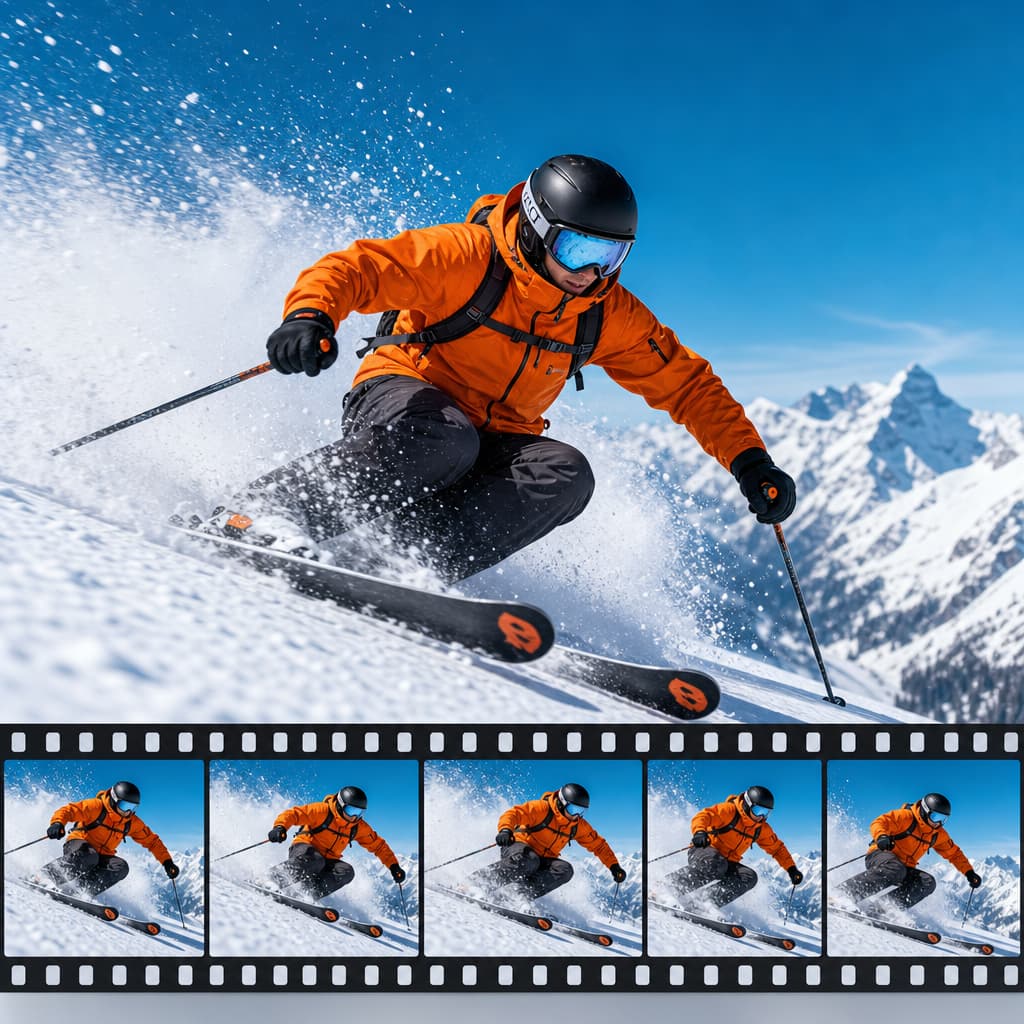
Continue a short clip forward with consistent motion and style.
Image
8 tools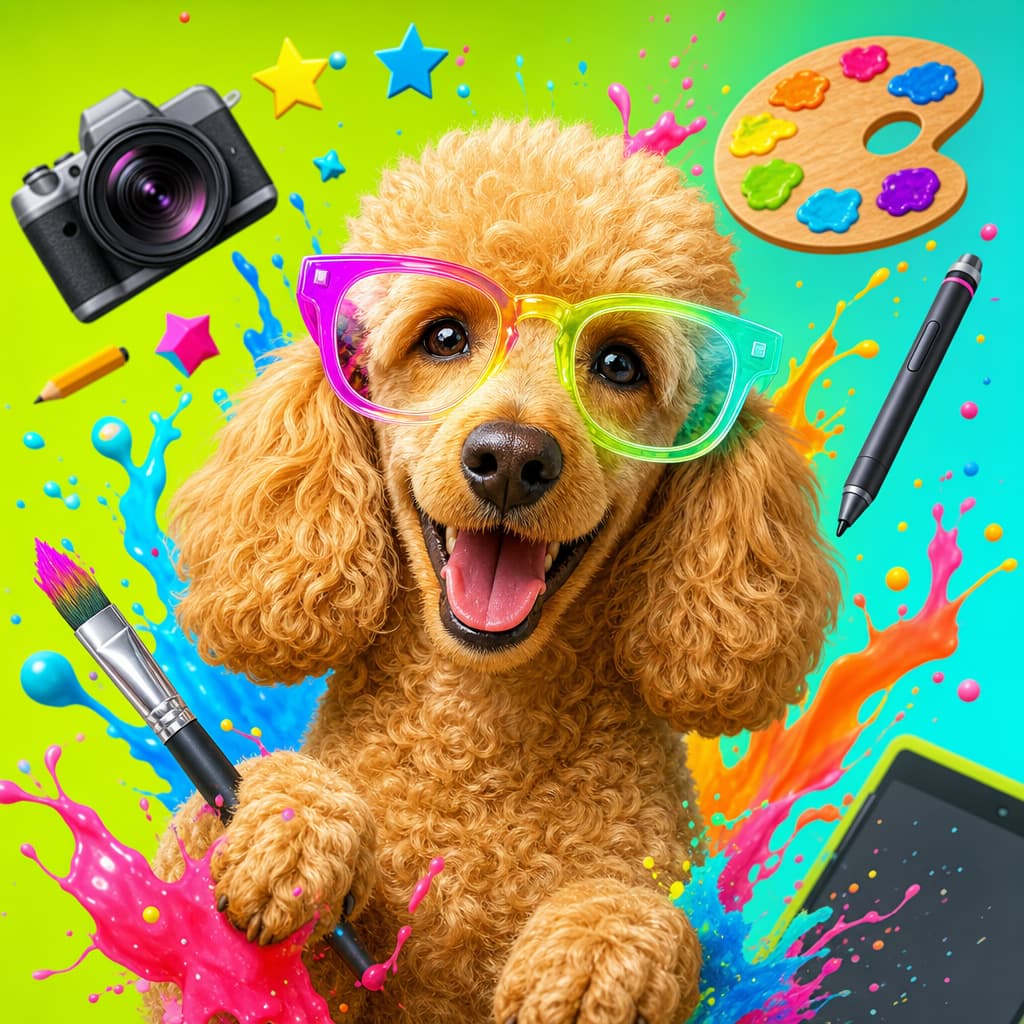
Text to image with optional model references.
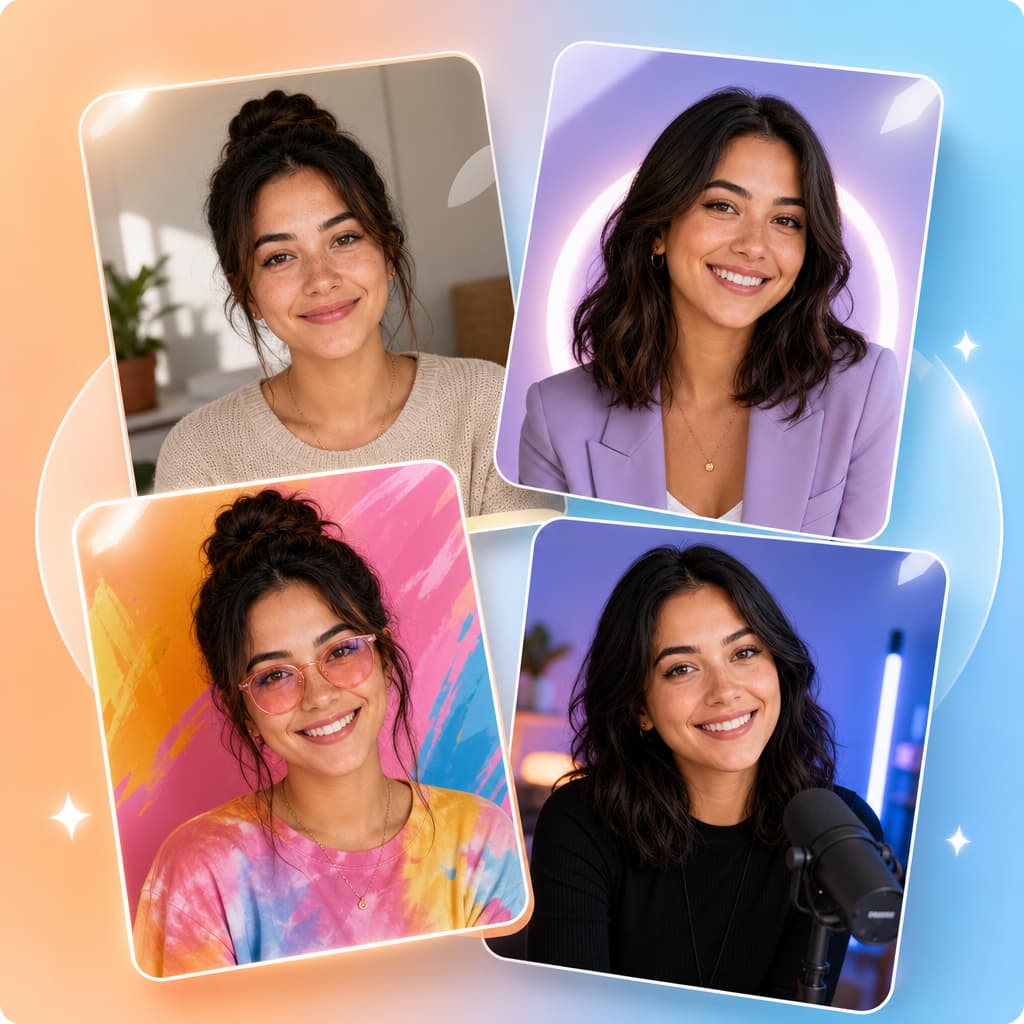
Create new versions from a starting image.
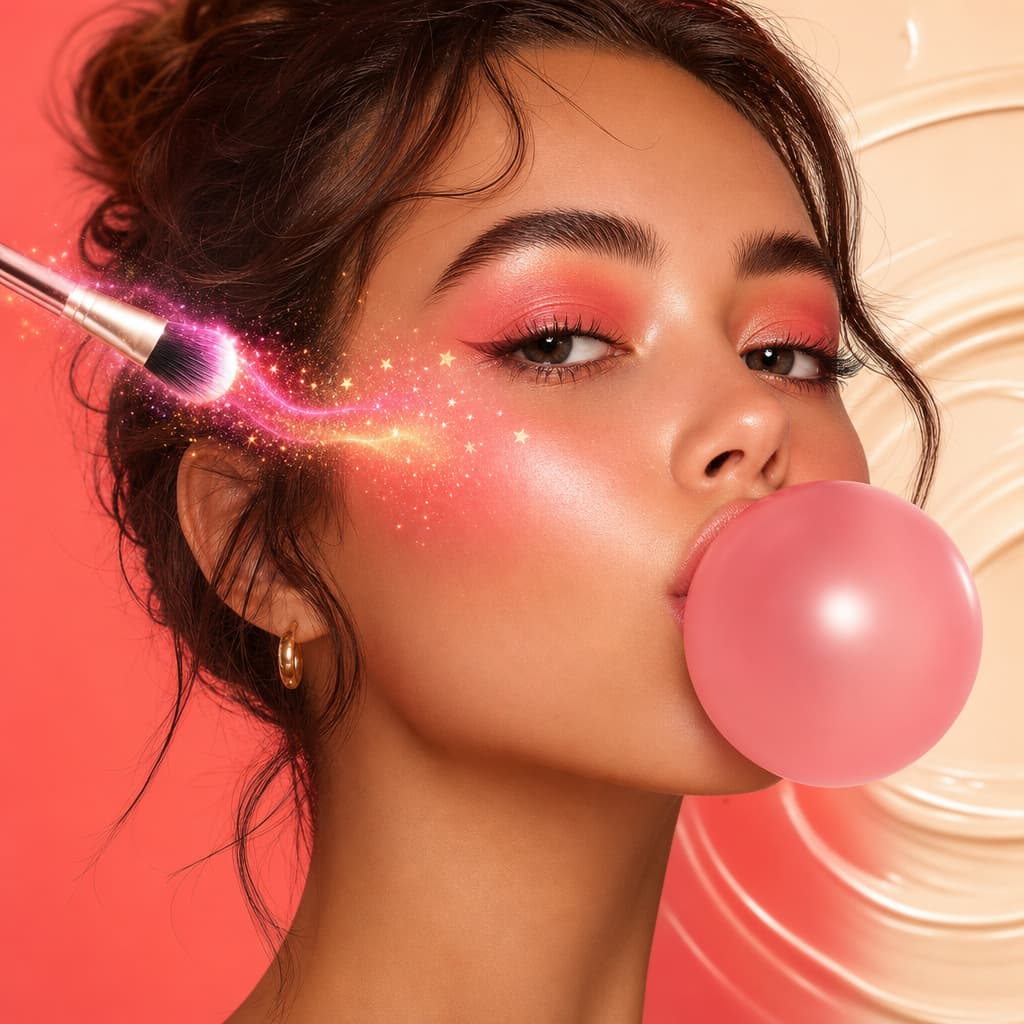
Prompt-based image editing, retouching, and inpainting.
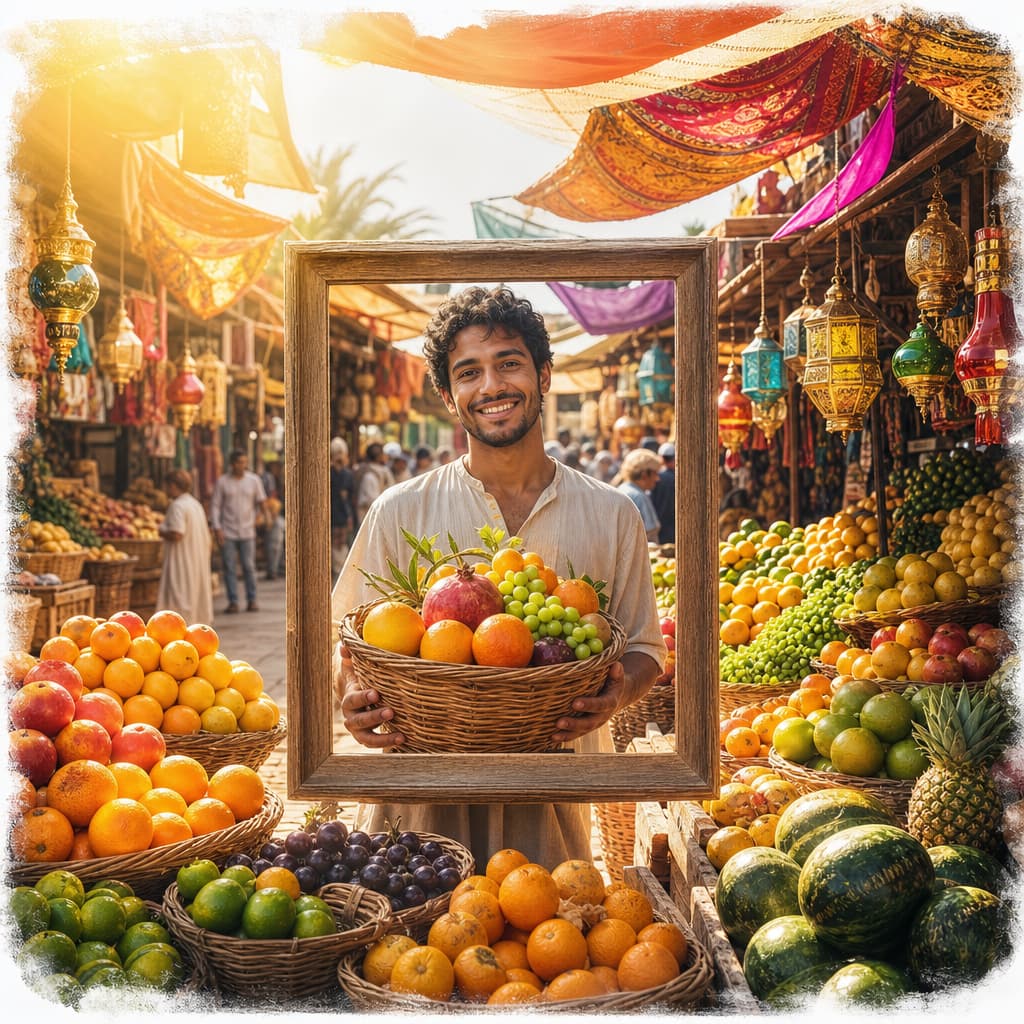
Outpaint beyond the current image frame.
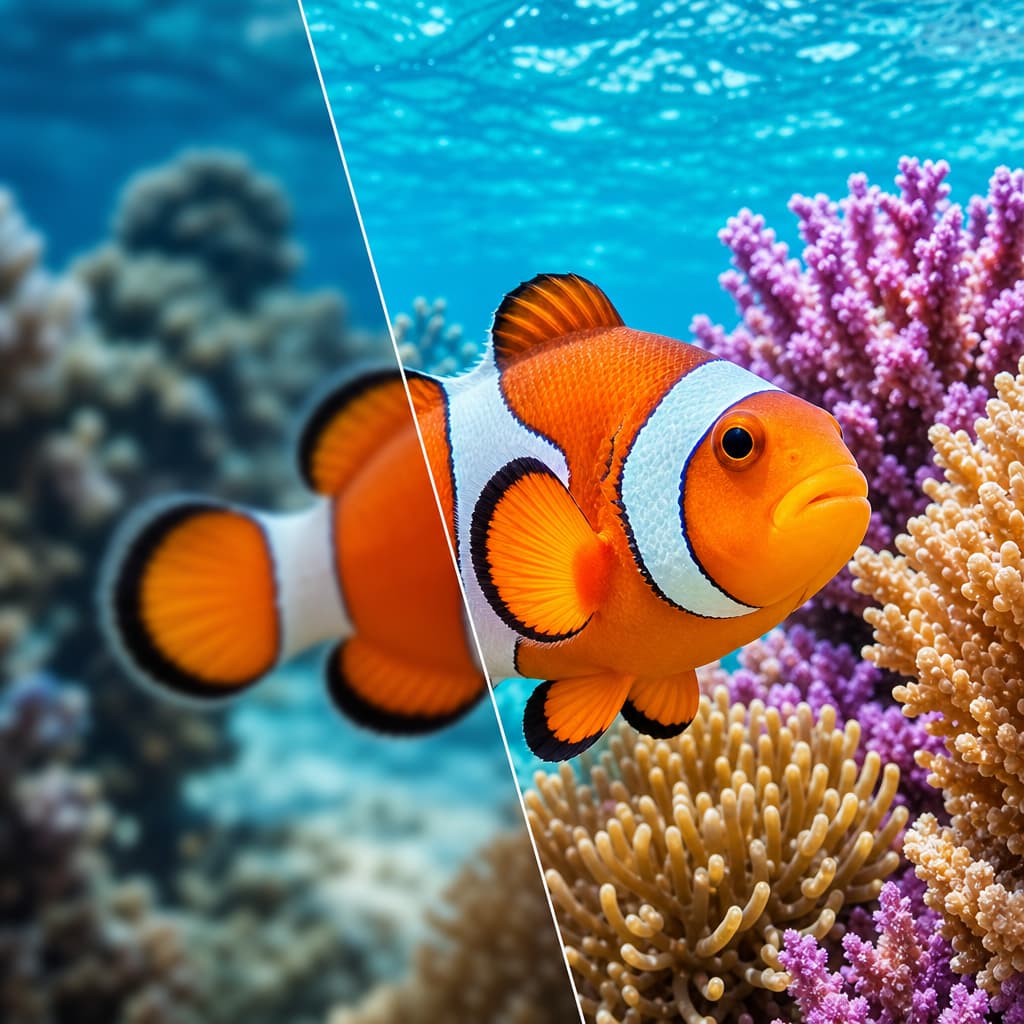
Enhance and upscale image quality.

Generate multi-angle reference sheets.
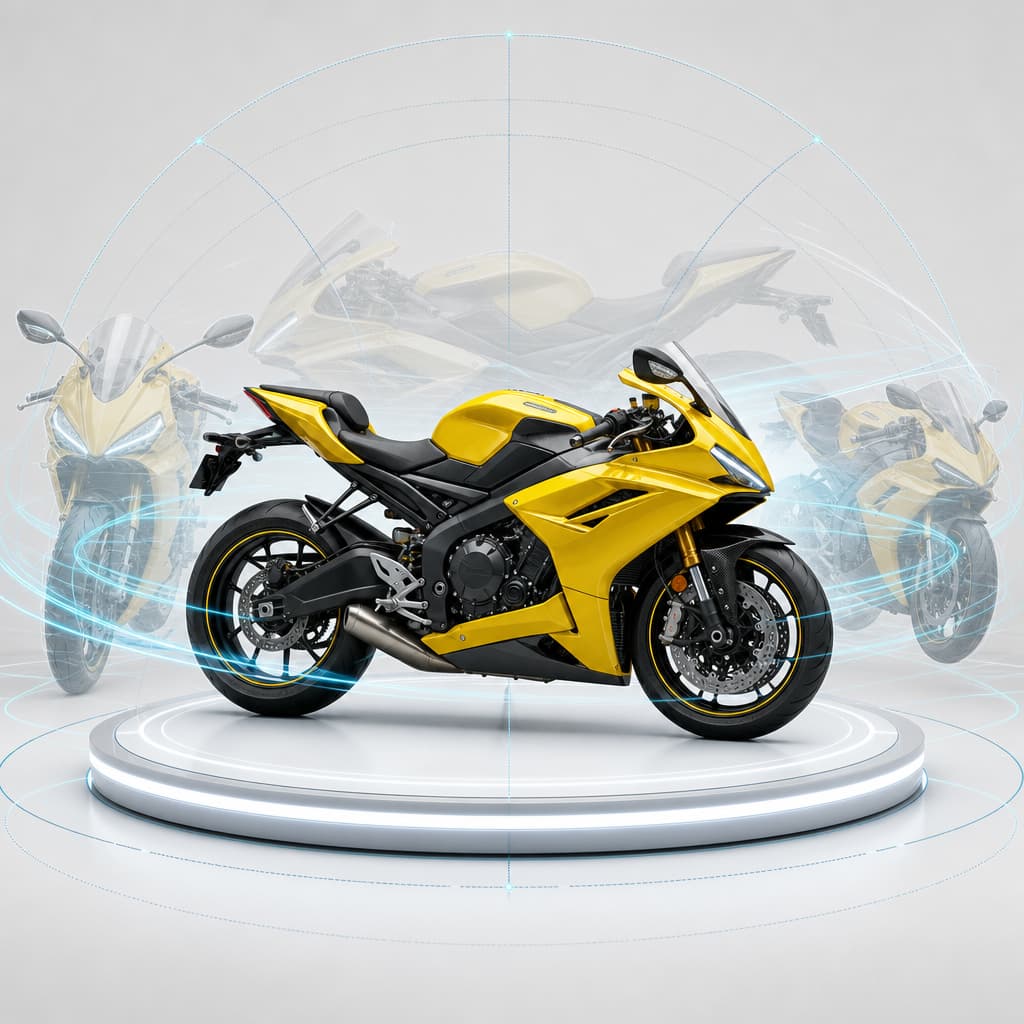
Rotate subject camera angle from an image.

Replace or swap faces between two images.
Audio
7 tools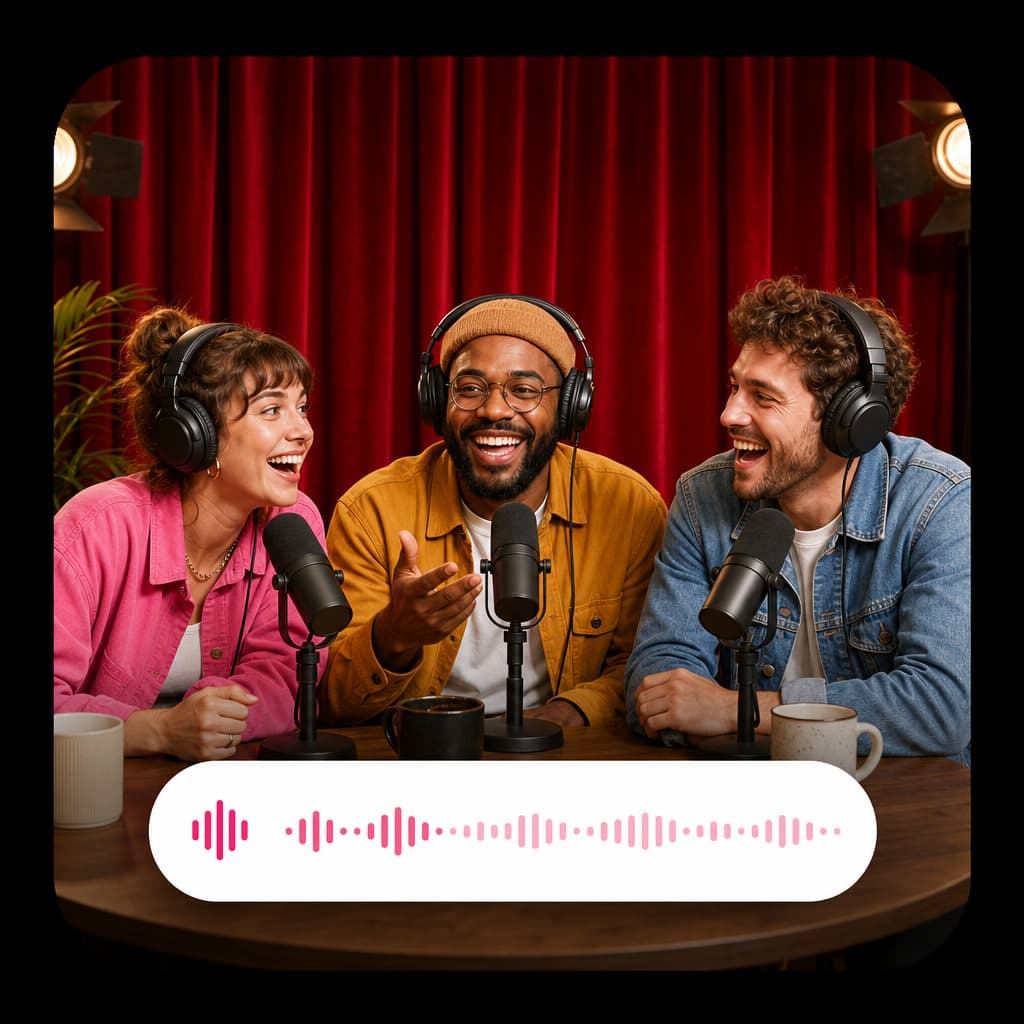
Generate narrated voice-over audio from text prompts.
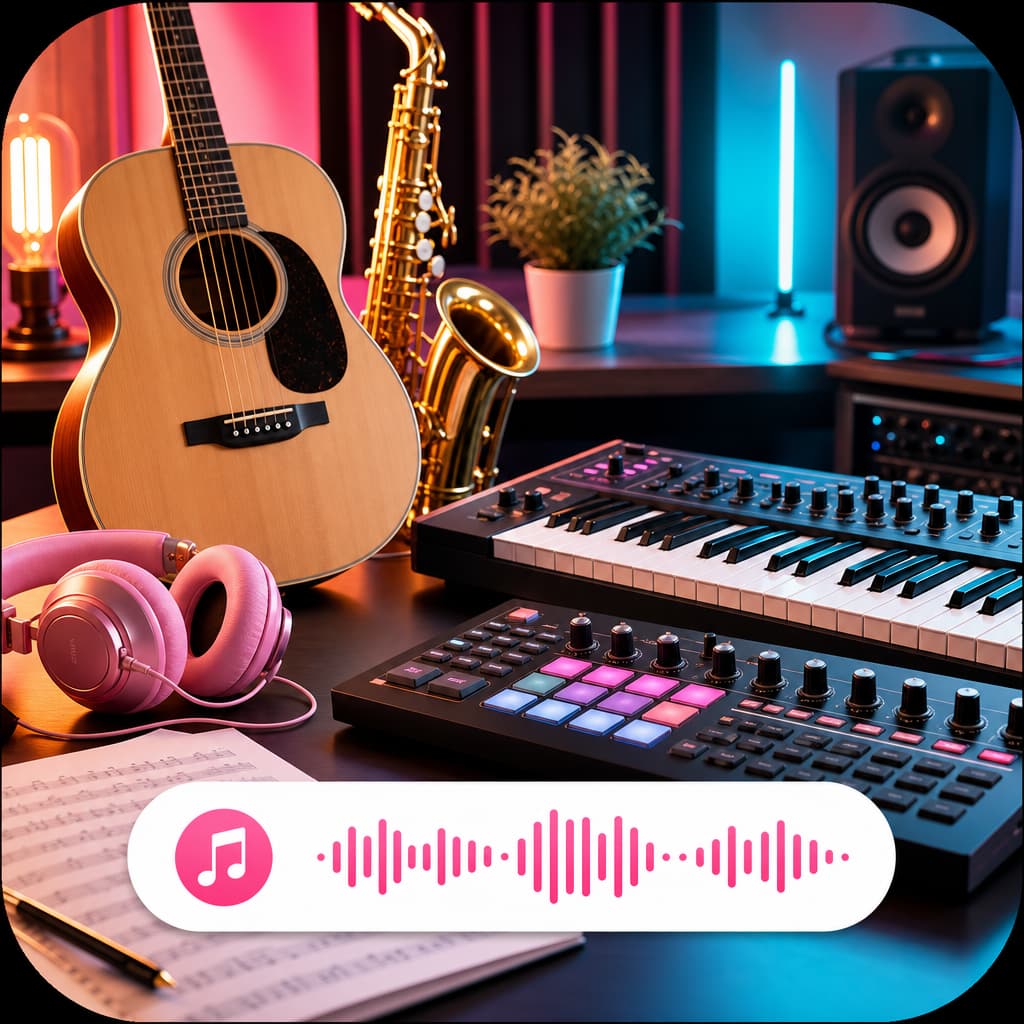
Generate short music beds from a creative prompt and optional references.
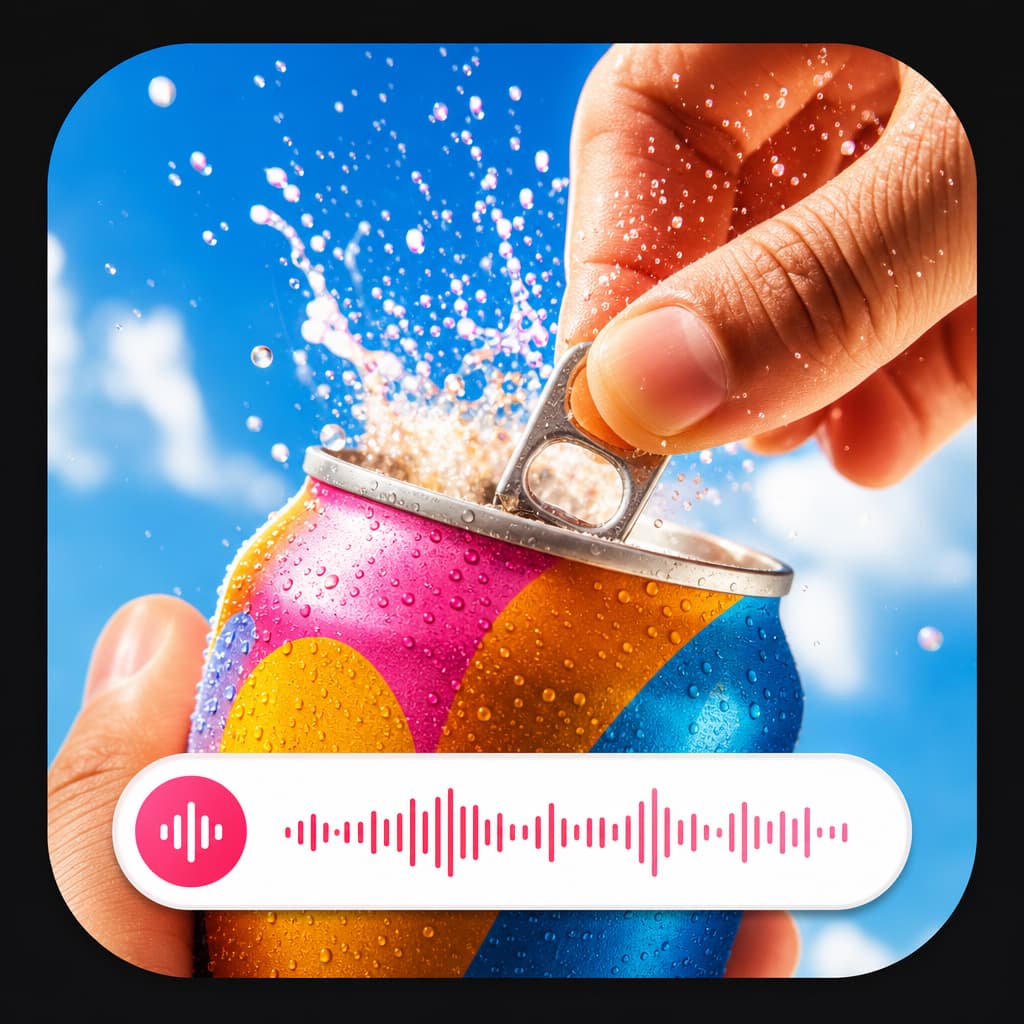
Generate clean sound effects for ads, scenes, and product videos.
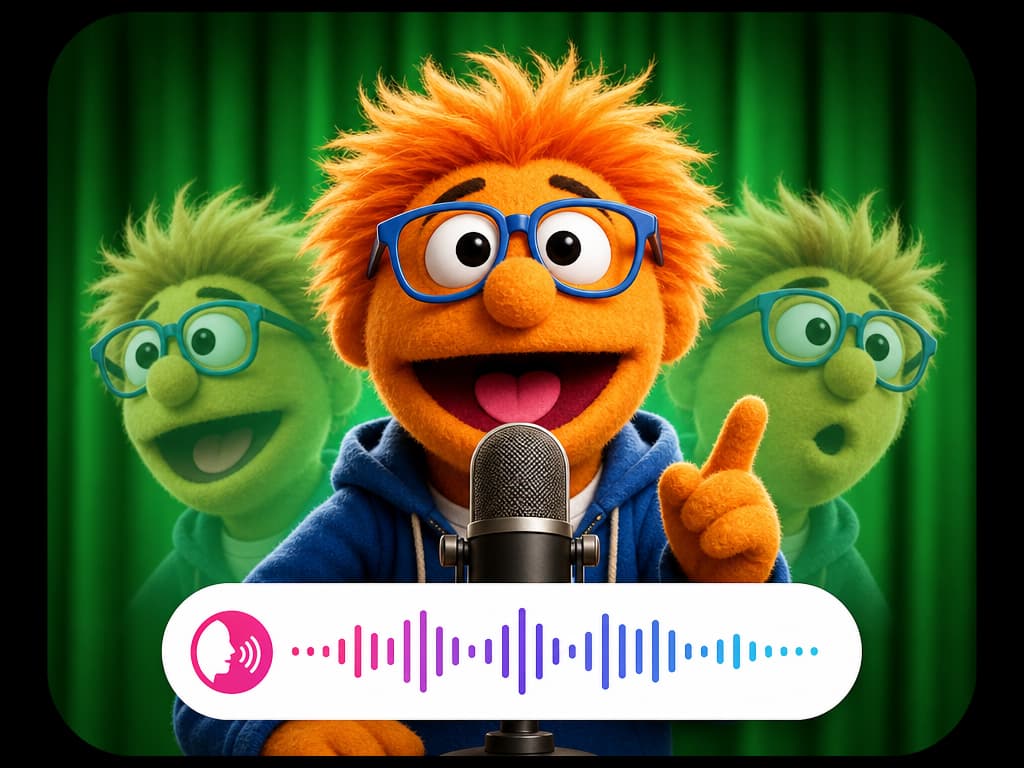
Clone a voice into a reusable embedding and generate speech from a script.
Transform an uploaded audio or video voice into a selected voice.
Generate synced sounds for a video and return it with a new sound track.
Dub uploaded audio or video into another language with ElevenLabs.