01
Edit the garment, preserve the person
Focus the change on the selected clothing while preserving face, pose, hands, body position, background, and framing as closely as the model allows.
✨ Create Stunning Videos with AI! Access Kling 3.0, Seedance, Veo, Flux, Nano Banana and more in one platform. Start Creating
Swap or restyle the outfit in a photo with a prompt. Explore realistic looks while keeping the subject, pose, light, and scene.
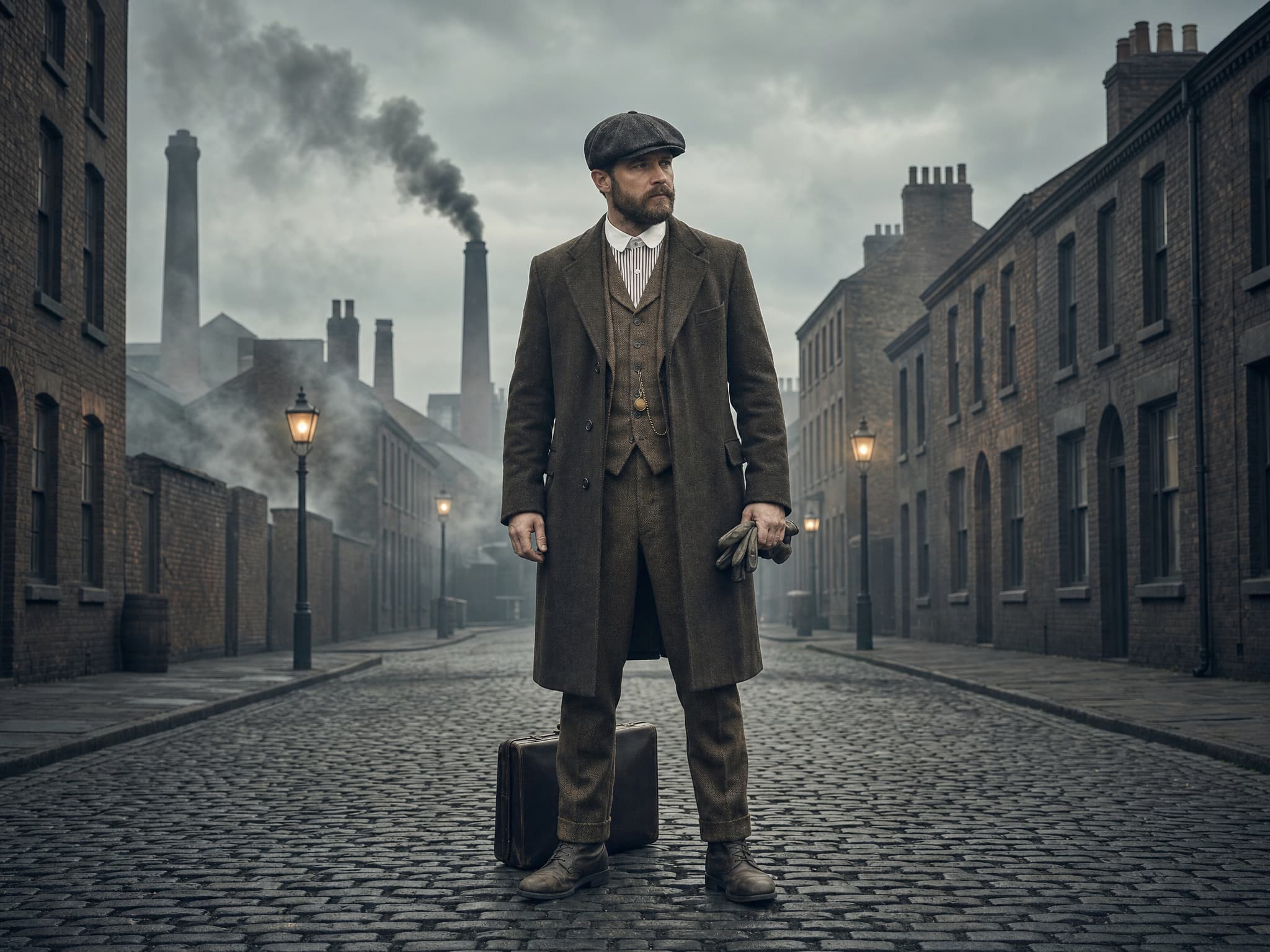
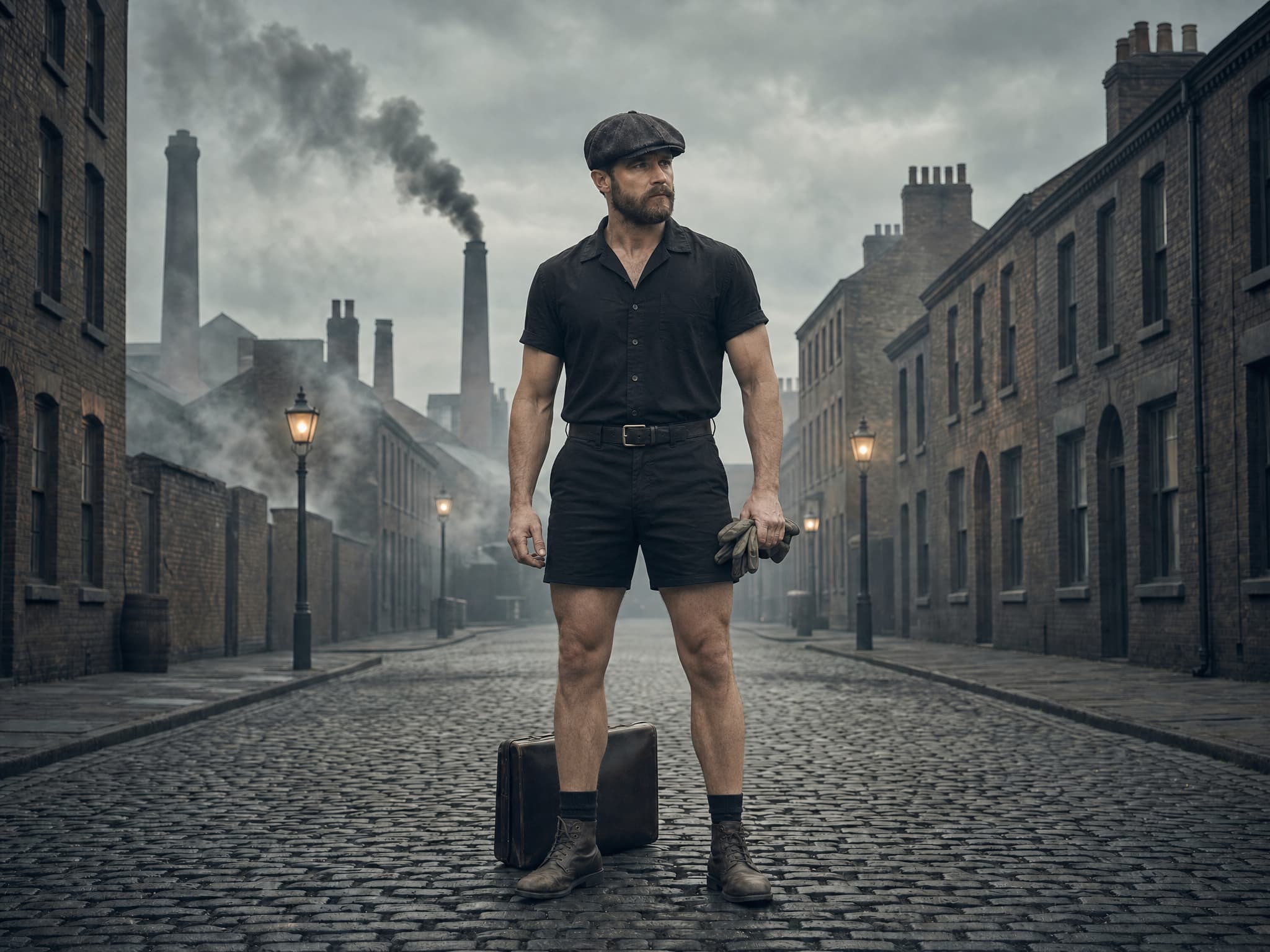
What is AI clothing replacement?
AI clothing replacement edits a selected garment region using natural-language direction. The goal is to introduce a new outfit while keeping the identity, pose, framing, background, and light of the source image.
Use it for fashion concepts, styling visualization, wardrobe correction, catalog exploration, and creative production. Every result should be reviewed before commercial publication.
Why use an AI outfit changer?
Move faster through wardrobe directions without treating the source image as disposable.
Focus the change on the selected clothing while preserving face, pose, hands, body position, background, and framing as closely as the model allows.
Test silhouette, material, color, season, formality, accessories, and art direction from one source image.
Generate clothing that responds to the original light, camera angle, body position, fabric behavior, shadows, and scene conditions.
AI clothing editing capabilities
Compare the source and result directly, then continue refining the complete image instead of treating the clothing edit as an isolated effect.
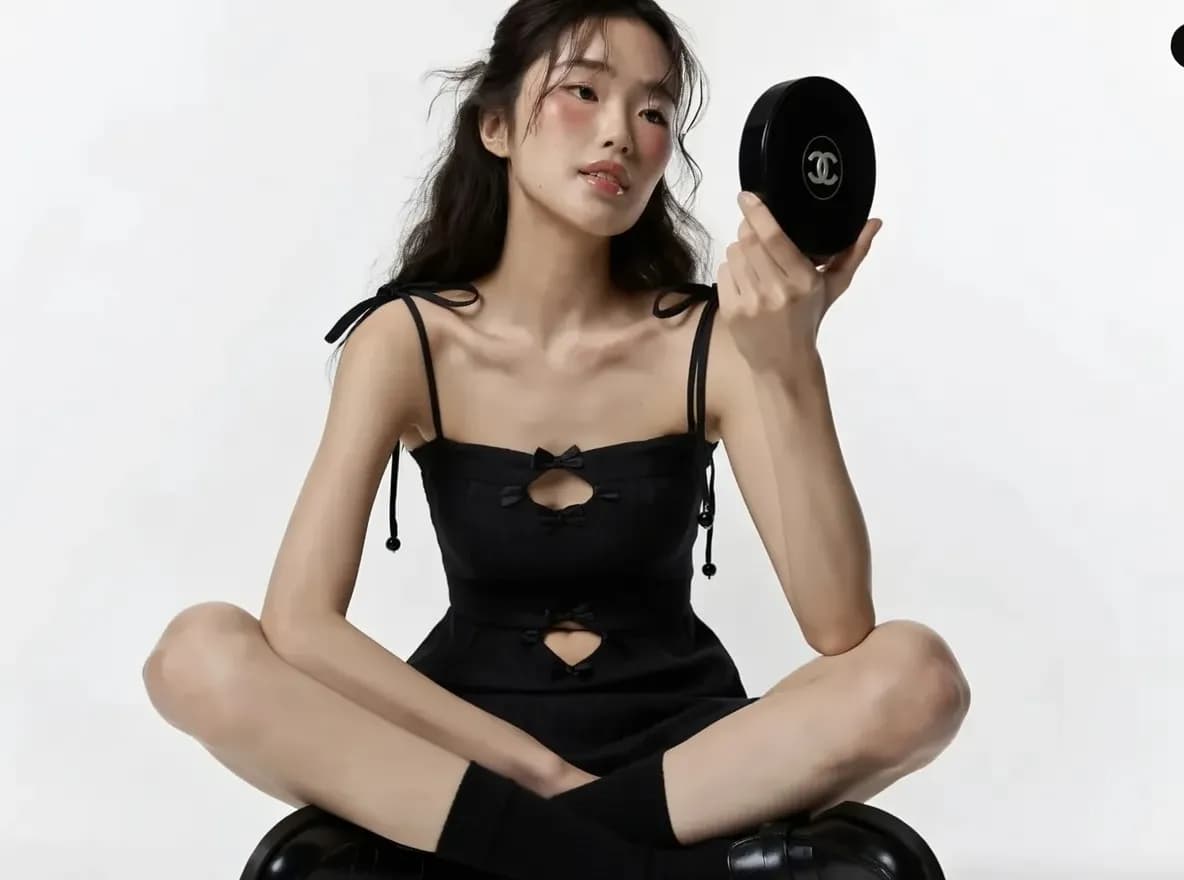
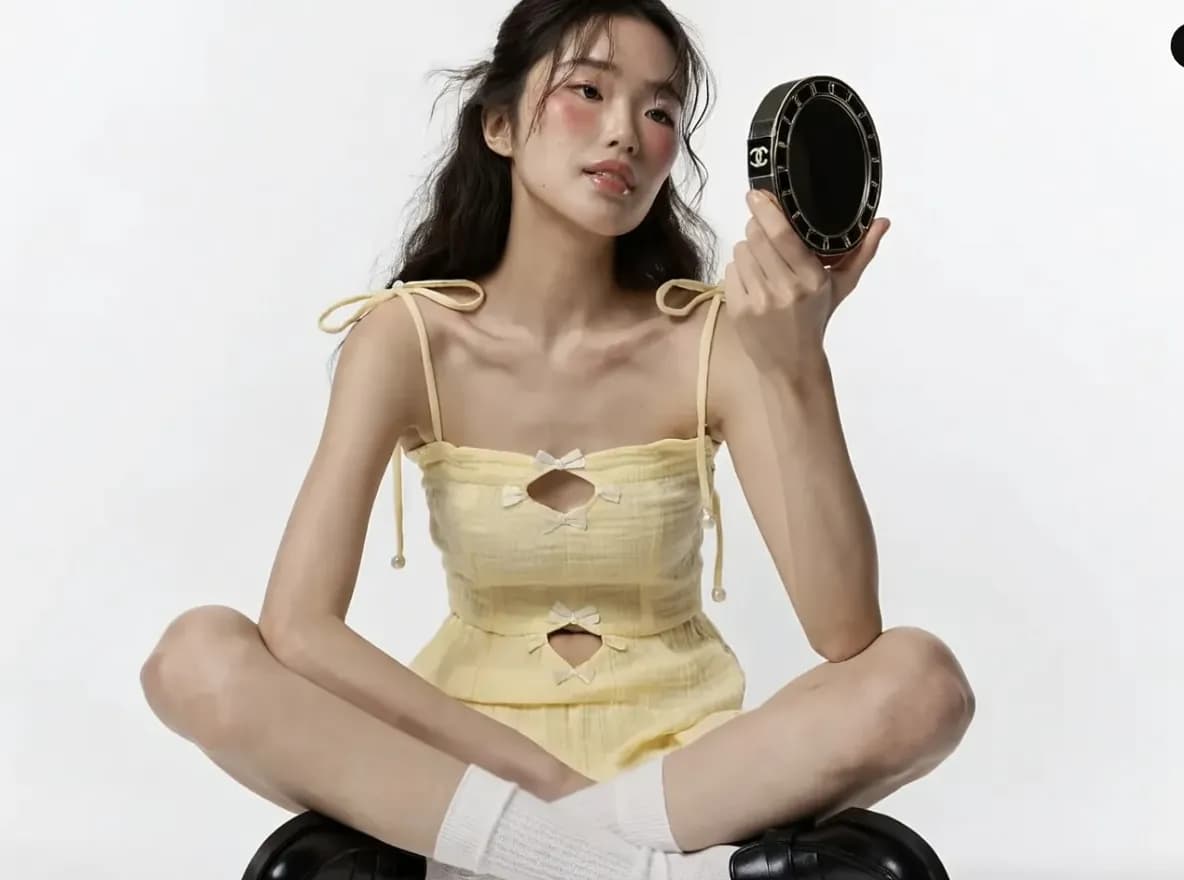
Transformation 01
Describe the new garment, fit, fabric, color, and styling direction. Keep the request centered on the clothing change and the details that must remain fixed.
Try this outfit edit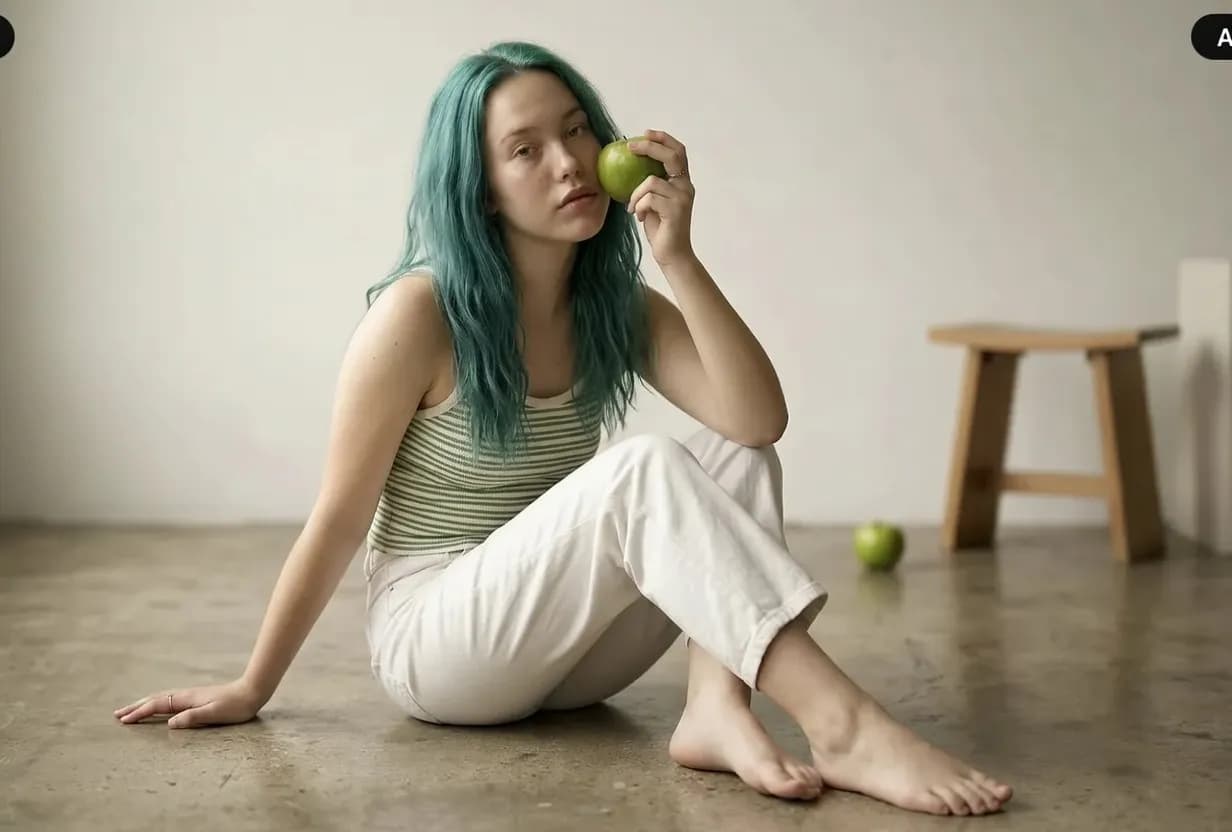
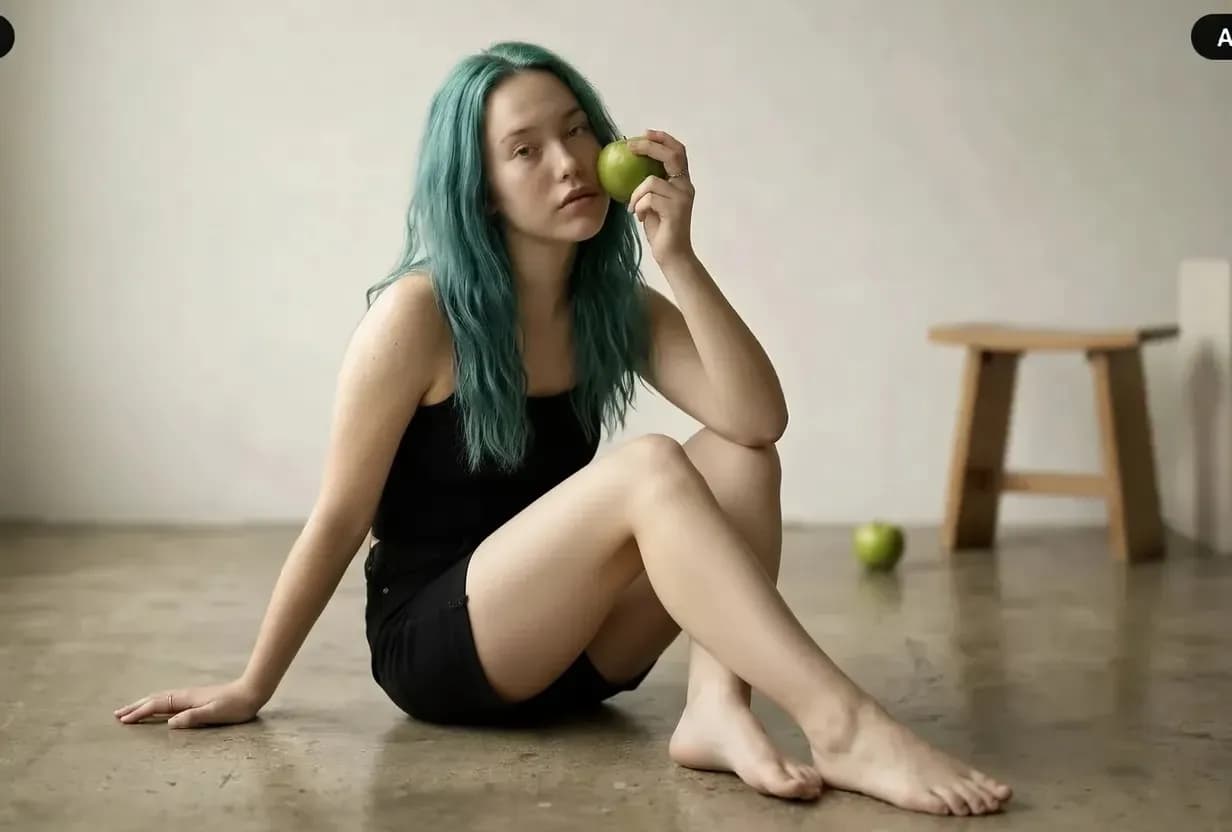
Transformation 02
A convincing result needs more than a new color. Guide material, seams, folds, highlights, drape, contact shadows, and the relationship between the garment and the original pose.
Try this outfit editPrompt the garment clearly
Specific clothing direction is more useful than a long list of style adjectives. Name the garment, fit, material, coverage, color, construction, and the parts of the source image that should remain unchanged.
Replace only the existing outfit with a tailored ivory linen suit, relaxed straight-leg trousers, single-breasted jacket, natural woven texture. Preserve the subject’s face, hair, body position, hands, camera angle, warm sunlight, background, and realistic contact shadows.
How the AI outfit changer works
Step 1
Choose a clear JPEG, PNG, or WebP that you own or have permission to edit. Good light, visible garment edges, and an uncluttered pose give the model more to work with.
Step 2
Specify garment type, silhouette, fabric, color, fit, styling era, and accessories. State what should remain unchanged in the image.
Step 3
Review garment edges, fit, light, texture, and identity. Keep the strongest variation and revise one styling variable at a time.
Creative and commercial workflows
Use the tool to explore, correct, and develop visuals while keeping the intended audience and product accuracy in view.
Explore wardrobe, material, color, and styling ideas before a sample, fitting, or full production is available.
Create approved visual directions from existing assets when a production team needs more wardrobe or seasonal options.
Replace an incorrect, distracting, or off-brand garment while protecting the useful composition and subject.
Preview outfit directions on your own photos or on images where the subject has explicitly agreed to the edit.
Build more expressive fashion concepts, visual treatments, and mood-led styling from a controlled source image.
Prepare an approved wardrobe frame, then animate it with subtle subject, fabric, atmosphere, and camera motion.
Good practice
The outfit changer is built for fashion, styling, catalog, marketing, and creative work.
AI outfit changer FAQ
Practical guidance for outfit prompts, realism, source images, fashion workflows, and animation.
An AI outfit changer is a prompt-based image editor that swaps the clothing in a photo for a new outfit you describe. HighReach uses it for restyling, fashion concepts, catalog variations, and wardrobe corrections while keeping the person, pose, and scene.
Upload a photo you are allowed to edit, describe the new garment, and state which details should remain unchanged. Include garment type, fit, fabric, color, and styling. Generate alternatives and review edges, texture, lighting, and identity before using the result.
The prompt can ask the model to preserve face, hair, pose, hands, body position, background, and composition while changing only the outfit. Results vary with source quality and model behavior, so identity-critical images should be carefully reviewed and may require another pass.
A realistic edit follows perspective, body position, garment construction, fabric drape, contact points, highlights, folds, occlusion, and shadows. A clean source image and a specific material and fit description give the model better direction.
Yes, when you have the rights and consent required for the source image and intended use. It can support concept development, approved catalog variations, styling exploration, campaign treatments, and wardrobe corrections. Verify product accuracy before representing a generated garment as a real item.
Use a high-resolution image with clear lighting, visible garment boundaries, a natural pose, and limited obstruction. Extreme poses, crossed limbs, hidden clothing edges, heavy blur, and complex accessories make the edit more difficult.
Yes. Keep the source image fixed and change one styling variable at a time, such as color, fabric, silhouette, sleeve, outer layer, or accessory. This makes the variations easier to compare and helps preserve visual continuity.
Yes. After approving the outfit edit, send the final image to HighReach Image to Video and use controlled movement for identity-critical work. Describe camera motion, body movement, fabric behavior, atmosphere, and the final pose.
Use photos you own or have permission to edit, with the agreement of the people in them. Edits must follow HighReach terms and the selected model's content rules, which do not allow impersonation, misleading endorsements, or unlawful content.
Create the next wardrobe direction
Upload a photo, describe the garment, and generate realistic styling variations in the HighReach image workspace.