Research-backed product profile
Last checked August 26, 2026
Pictory review: scripts, articles, webinars, and recordings turned into video
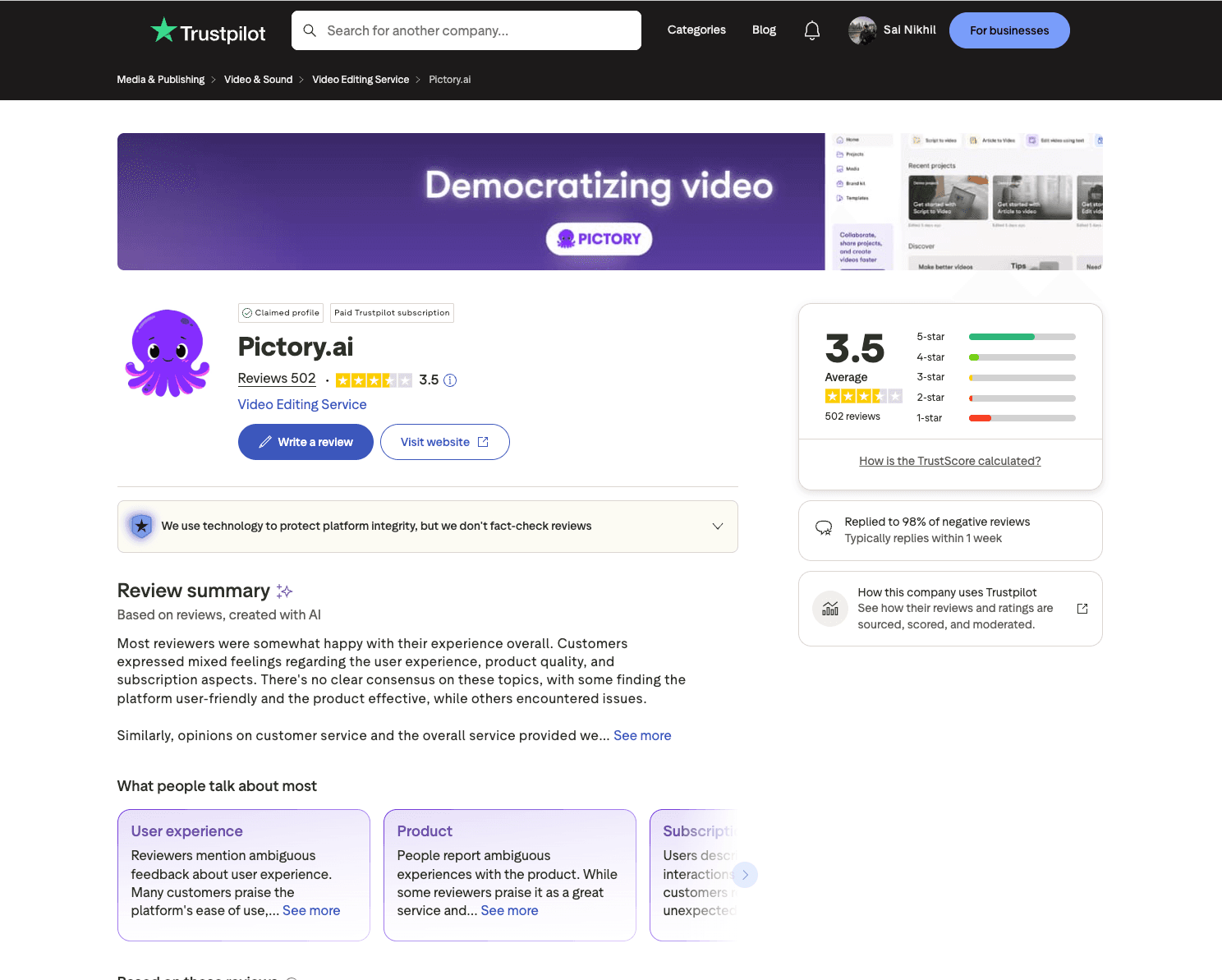
Pictory converts scripts, URLs, presentations, and recordings into editable videos using stock media, captions, AI voices, summaries, highlights, avatars, and brand controls.
Best for
Content marketers and educators repurposing text or long recordings
Learning curve
Low for automated drafts; moderate when replacing scenes and refining timing
Platform
Web browser and API on eligible plans
Main trade-off
Automated scene selection frequently needs human correction before the video feels intentional
About Pictory
What the product does and where it fits
Pictory is built for assembling complete informational videos from existing material. A script or article becomes scenes with stock footage, narration, captions, music, and branding; a long recording can instead be transcribed, edited through text, summarized, or divided into social highlights.
That approach is useful for marketers, educators, coaches, and YouTube teams that value speed over frame-by-frame direction. The first draft still needs editorial review because selected B-roll can be literal, generic, or mismatched with the intended meaning.
Pictory prices around exported video minutes and generative AI credits. Annual plans receive their yearly minute allocation up front, which is flexible for seasonal production but makes renewal and unused capacity important purchasing considerations.
Ideal users
Who is Pictory best for?
The strongest use cases for Pictory come from teams whose production needs match its most opinionated workflows.
Blog and newsletter teams
Turn written articles into narrated visual summaries.
Webinar producers
Find highlights and repurpose long recordings into shorter clips.
Training teams
Build straightforward lessons with captions, voices, stock media, and brand kits.
Faceless channels
Create repeatable script-led videos without filming a presenter.
Capabilities
Top Pictory features
These are the capabilities most likely to affect the buying decision and day-to-day creative workflow.
Script and URL to video
Breaks supplied text into scenes and pairs it with stock footage, narration, and captions.
Text-based editing
Removes or rearranges sections of a recording through its transcript.
Highlights and summaries
Extracts short clips and condensed narratives from longer source videos.
Voice and avatar options
Adds standard voices, ElevenLabs voices, stock avatars, or eligible custom avatars.
Stock media and branding
Provides Getty and Storyblocks assets plus saved brand kits on paid plans.
Create across leading video, image, and audio models in one studio
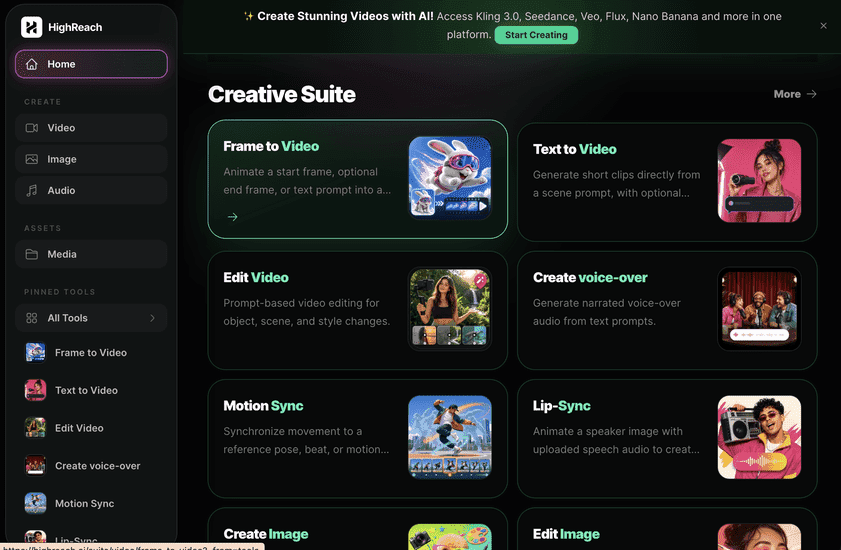
Pictory specializes in turning existing text and recordings into assembled videos. HighReach focuses on generating original image, video, and audio assets with multiple models. Use Pictory for stock-led repurposing; use HighReach for model-driven media generation.
Pricing
Pictory pricing snapshot
Starter from $25 monthly, Pro $59 monthly or $35 annual-equivalent, Team $199, and Enterprise custom. Compare included usage, exports, storage, collaboration, and AI limits rather than choosing on headline price alone.
Free
$0
Limited minutes and five-minute generated videos for evaluating the workflow.
Starter
From $25/mo
200 monthly export minutes, longer projects, captions, B-roll, and core script workflows.
Pro
$59/mo
$35/month on the currently promoted annual plan, with 600 minutes and expanded AI tools.
Team
$199/mo
Three or more users, shared minutes, larger storage, brand kits, and onboarding.
Enterprise
Custom
Automation, security, support, and volume terms for larger organizations.
Pricing checked August 26, 2026. Promotions, annual discounts, regional pricing, taxes, credits, and plan limits can change.
Check current pricingTrade-offs
Pictory pros and cons
The practical strengths and limitations to consider before adopting the product for a recurring workflow.
Pros
- Fast first drafts from scripts and URLs
- Useful transcription and highlight extraction
- Large stock-media catalog
- Straightforward workflow for non-editors
Cons
- B-roll often requires replacement
- Less control than a timeline-first editor
- Minute and AI-credit allowances are separate
- Annual allocations and renewals need monitoring
Verdict
Is Pictory worth it?
Pictory is efficient when the source story already exists and the objective is a serviceable video draft. It is less suitable when every shot must be art-directed or generated consistently from references.
FAQ
Pictory frequently asked questions
Short answers to the questions buyers commonly ask before choosing a creative software platform.
What is Pictory?
Pictory converts scripts, URLs, presentations, and recordings into editable videos using stock media, captions, AI voices, summaries, highlights, avatars, and brand controls.
Is Pictory free to use?
Free plan and trial options are available with limited export minutes. Free-plan limits and availability can change, so confirm the current allowance on Pictory's official pricing page before beginning a production workflow.
How much does Pictory cost?
Starter from $25 monthly, Pro $59 monthly or $35 annual-equivalent, Team $199, and Enterprise custom. Prices, promotions, included credits, and regional taxes can change. The pricing snapshot on this page was checked on August 26, 2026.
Who is Pictory best for?
Pictory is best for content marketers and educators repurposing text or long recordings. Its strongest fit depends on whether that focused workflow matters more than having broad generative image, video, and audio tools in one studio.
What is the main disadvantage of Pictory?
Automated scene selection frequently needs human correction before the video feels intentional
How is Pictory different from HighReach?
Pictory specializes in turning existing text and recordings into assembled videos. HighReach focuses on generating original image, video, and audio assets with multiple models. Use Pictory for stock-led repurposing; use HighReach for model-driven media generation.
Research notes
Sources and disclosure
HighReach is not affiliated with Pictory. Product names and trademarks belong to their owners. We checked official product and pricing documentation on August 26, 2026, kept factual claims separate from our assessment, and linked the sources below. Features and prices can change after that date.