✨ Create Stunning Videos with AI!Access Kling 3.0, Seedance, Veo, Flux, Nano Banana and more in one platform. Start Creating

Open-weights multimodal video model

MiniMax H3, one production context for every reference.

Create MiniMax H3 video from text or an opening frame, or combine images, video clips, and audio references in a single directed generation. Build commercial scenes, preserve visual systems, and render high-resolution clips inside HighReach.

Text, image, video, and audio5-15 secondsUp to 4KLocalized direction
HighReach video suiteMiniMax H3
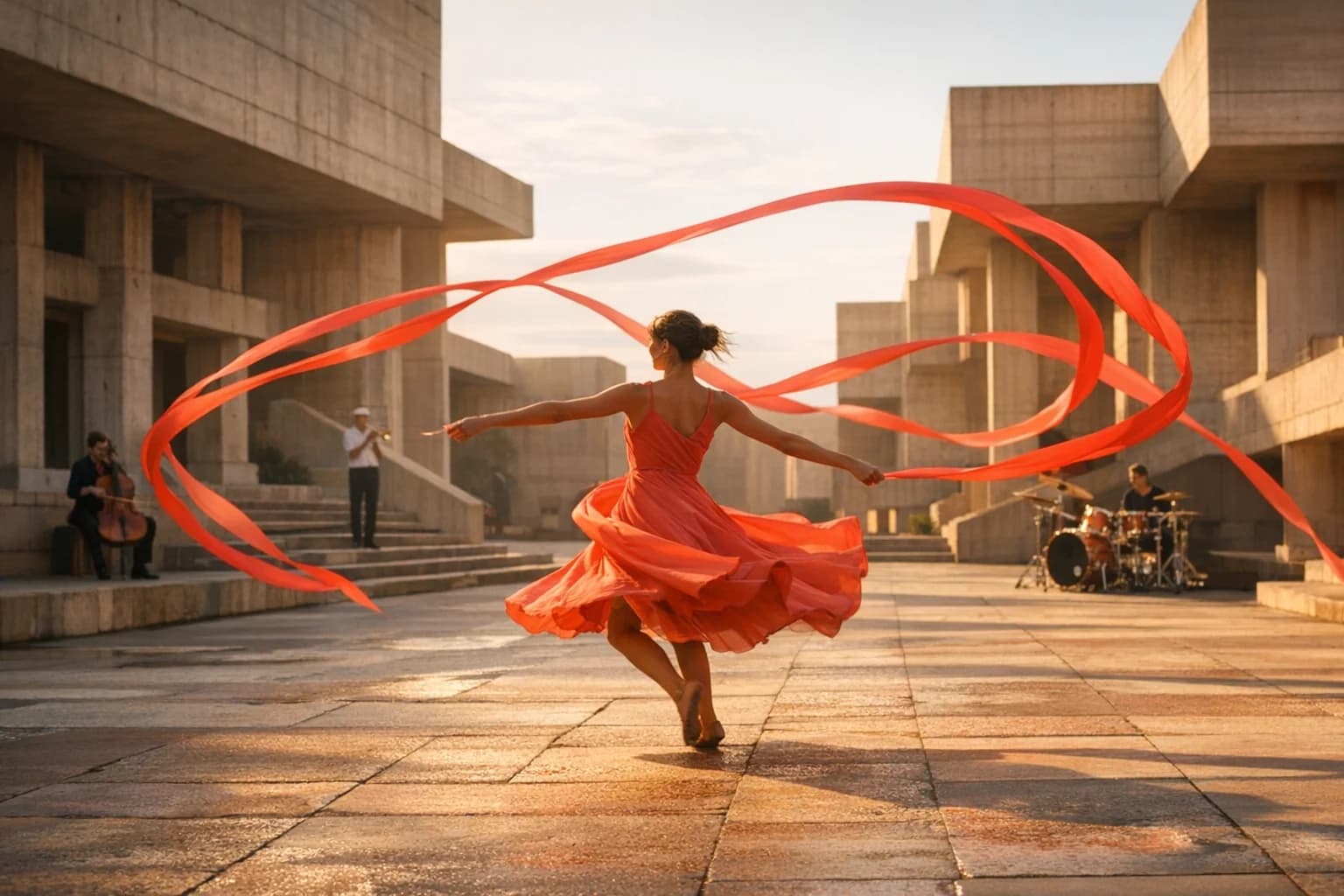
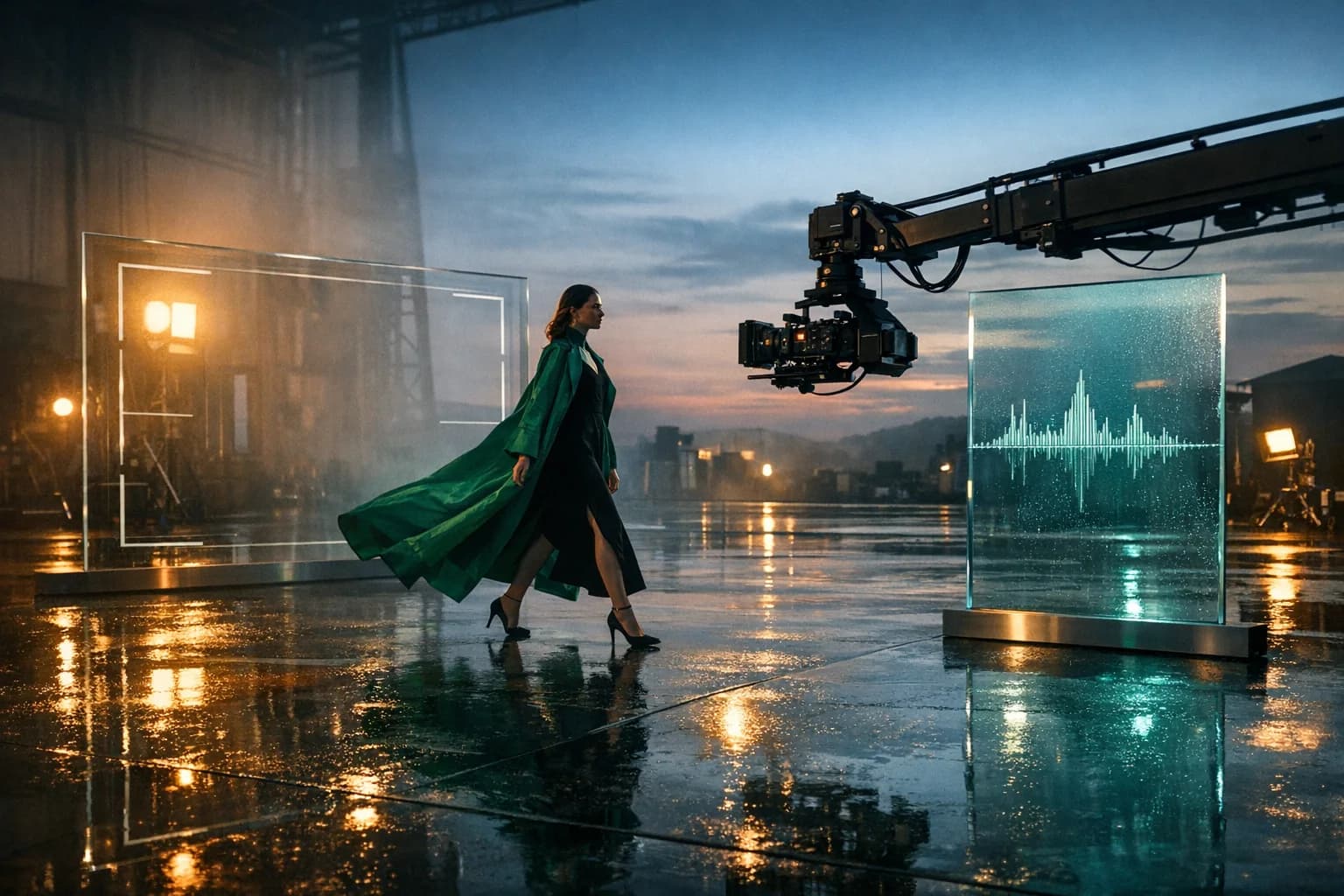
Performer crossing a cinematic soundstage with camera and audio references for MiniMax H3
Prompt direction

Single continuous fashion-film take. A performer in an emerald coat crosses a rain-polished soundstage as the camera crane tracks beside her. Preserve wardrobe, reflections, pace, and the supplied stereo rhythm.

BriefGenerateReview

Generation modes

Text, image, and reference

Reference capacity

Up to 12 files in HighReach

Generation length

5-15 second clips

HighReach output

768P, 2K, and 4K

What is MiniMax H3?

A general-purpose video model for generation, transformation, and commercial detail.

MiniMax H3 is an open-weights multimodal video model designed to reason across written direction, images, existing footage, and audio in one production context.

01

The H3 family supports text-to-video, image-to-video, first-and-last-frame animation, and reference-to-video. A reference brief can combine up to nine images, three video clips, and three audio tracks, with twelve files total in HighReach.

02

Its strengths extend beyond broad scene generation. MiniMax positions H3 for localized changes such as product replacement, signage, relighting, dialogue, and adding or removing scene elements while protecting the rest of the composition.

03

Long prompt capacity, stronger typography and interface rendering, physical motion, camera direction, and native stereo capabilities make H3 relevant to brand films, product visuals, UI demonstrations, ecommerce, games, and narrative concept work.

MiniMax H3 capabilities

Direct the shot with more than a one-line prompt.

Use MiniMax H3 as part of a complete AI video workflow in HighReach, from the first reference frame to final output review.

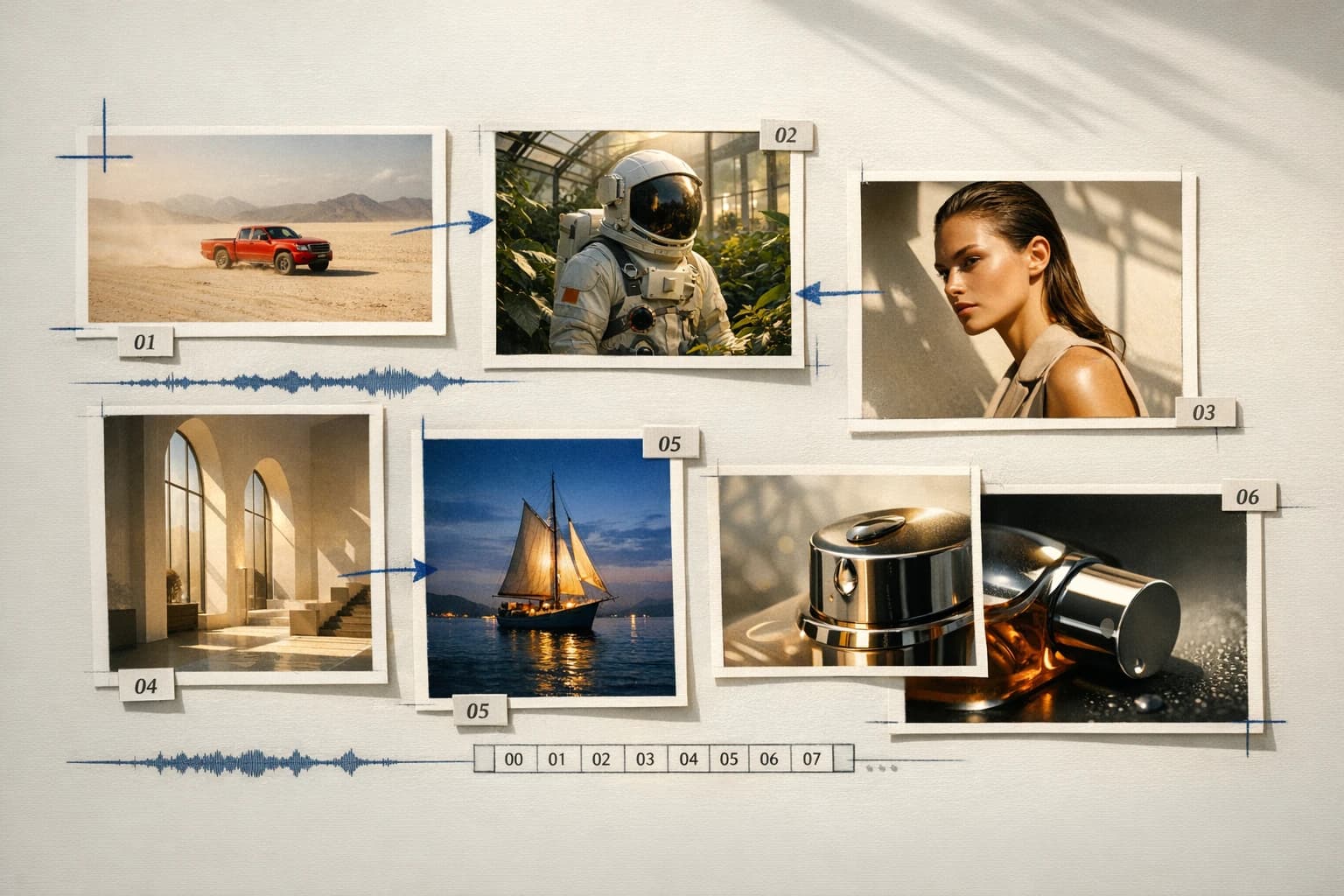
Multimodal AI video reference board with images, clips, and audio01

Multimodal reference board

Direct the result with purpose-built source material.

Use images for identity and art direction, short clips for motion or camera language, and audio for timing or vocal reference. Name every source in the prompt so H3 understands its role.

Focused AI video editing workflow for a precise scene change02

Localized control

Change one production detail without rewriting the scene.

H3 can follow focused instructions for product swaps, signs, lighting, dialogue, and scene elements. Explicitly list the subject, framing, action, and timing that must remain unchanged.

Cinematic MiniMax H3 scene directed with camera and sound references03

Sound-aware creation

Treat dialogue, score, effects, and room tone as direction.

The broader H3 model supports native stereo audio and voice reference. HighReach reference workflows accept supporting audio alongside visual references, while available output controls depend on the selected endpoint.

MiniMax H3 creative production scene with a moving performer and camera crane

Connected production

Brief, generate, compare, and refine without losing the creative thread.

How it works

Move from a simple brief to a controlled multimodal generation.

Choose the least complex H3 workflow that can express the shot. Text is enough for exploration; source frames and references are better when continuity matters.

01

Choose text, frame, or reference mode

Start with Text to Video, animate a source image, or open Edit Video for a reference-rich H3 generation.

02

Assign each input one job

State which file controls identity, product detail, setting, movement, camera behavior, edit rhythm, or sound.

03

Write the protected details

List what must not change before describing the new action, replacement, relighting, or composition.

04

Select length and resolution

Choose a 5-15 second duration and 768P, 2K, or 4K output, then inspect continuity at full resolution.

Generate with MiniMax H3

Model lineup in HighReach

Three H3 workflows for different starting materials.

HighReach adapts the form to the selected endpoint, keeping irrelevant controls out of the way while preserving one review workflow.

Create from a brief

MiniMax H3 Text

01

Generate an original scene from written direction with flexible framing, prompt expansion, and high-resolution output.

  • 5-15 second clips
  • Six cinematic and social formats
  • 768P, 2K, or 4K output

Animate a frame

MiniMax H3 Image

02

Use an opening image as the visual source of truth and add an optional final frame to control where the movement lands.

  • Required start frame
  • Optional end frame
  • Prompt expansion and safety controls

Combine media

MiniMax H3 Reference

03

Build a new clip from a production board containing visual, motion, and audio references rather than one isolated frame.

  • Up to 9 images
  • Up to 3 videos and 3 audio files
  • 12 combined references maximum

Prompt playbook

Write better MiniMax H3 prompts.

A useful prompt behaves like a compact director's brief. Give every detail a job instead of stacking visual adjectives.

Name every image, video, and audio reference and explain exactly what it controls.
Put protected identity, product, typography, and camera details before the requested change.
Describe physical action, camera movement, and sound as separate layers.
Use the longer prompt allowance for structure and timing, not repeated visual adjectives.

Commercial scene

01

Protect the brand system

Use @Image1 for the exact bottle and label, @Image2 for the slate studio, and @Video1 for the restrained camera orbit. Preserve packaging geometry, typography, cap, and glass color. Condensation gathers as the camera moves 40 degrees clockwise and lands on a label-sharp hero frame.

Localized edit

02

Name the change and the invariants

Keep the original performer, face, emerald coat, walk cycle, camera path, framing, and wet reflections unchanged. Replace only the background glass panel with a warm amber practical wall and match its light spill naturally across the floor and coat.

Reference performance

03

Separate appearance, movement, and sound

@Image1 defines the character and wardrobe. @Video1 defines only body movement and camera pace. @Audio1 defines the edit rhythm and room ambience. Create one continuous 12-second tracking shot with realistic cloth weight, stable identity, synchronized steps, and no cuts.

Choose the right model

Compare MiniMax H3 with other leading video models.

No single model is best for every shot. Move between model families while keeping your source frames and production workflow in HighReach.

Gemini Omni Flash AI video model previewGoogle

Gemini Omni Flash

Best for Rapid reference-led iteration

Fast multimodal video generation with image references and conversational creative direction.

Explore Gemini Omni Flash
Kling 3.0 AI video model previewKuaishou

Kling 3.0

Best for Directed camera and character motion

Cinematic text and image animation with start/end frames, multi-shot timing, audio, and motion control.

Explore Kling 3.0
Seedance 2.0 AI video model previewByteDance

Seedance 2.0

Best for Complex narrative sequences

Multimodal, multi-shot video production with native sound, broad formats, and high-resolution output.

Explore Seedance 2.0
Seedance 2.5 AI video model previewByteDance

Seedance 2.5

Best for Long takes and multimodal direction

Long-form text, image, and reference-to-video with up to 50 multimodal inputs, native audio, and directed 30-second sequences.

Explore Seedance 2.5
FLUX.3 Video AI video model previewBlack Forest Labs

FLUX.3 Video

Best for Physical motion and camera control

Physics-aware video with native audio, precise camera language, high-fidelity image animation, and up to 20-second output.

Explore FLUX.3 Video

Production notes

What to check before the final export.

Check 01

The current HighReach text and frame H3 workflows focus on visual output and do not expose the broader model's native-audio toggle.

Check 02

A reference generation can contain at most twelve files, including up to nine images, three videos, and three audio tracks.

Check 03

Check readable text, product marks, hands, contact points, and fast motion frame by frame before publishing.

Check 04

Dense reference boards can create conflicting direction; give each source one clear and non-overlapping responsibility.

MiniMax H3 FAQ

Questions before you generate.

Practical answers about MiniMax H3, available HighReach workflows, output controls, and prompt direction.

01What is MiniMax H3?

MiniMax H3 is an open-weights multimodal video model that can generate and transform video using text, images, video clips, and audio references. It is designed for instruction following, commercial visual detail, physical motion, localized editing, and sound-aware production.

02Can I use MiniMax H3 in HighReach?

Yes. HighReach includes MiniMax H3 Text, Image, and Reference workflows for text-to-video, frame-to-video, and multimodal reference generation.

03What resolution does MiniMax H3 support in HighReach?

The current HighReach H3 workflows expose 768P, 2K, and 4K output. Higher resolutions use more credits and should be selected after the motion direction is validated.

04How long can a MiniMax H3 video be?

HighReach currently exposes durations from 5 to 15 seconds for MiniMax H3 generation.

05Can MiniMax H3 use a first and last frame?

Yes. The MiniMax H3 Image workflow requires a starting frame and accepts an optional ending frame to guide the destination of the shot.

06How many references can MiniMax H3 use?

The HighReach reference workflow accepts up to nine images, three video clips, and three audio files, with a maximum of twelve combined references.

07What is MiniMax H3 best used for?

H3 is a strong option for product and brand videos, ecommerce visuals, design and interface concepts, reference-led character scenes, games, relighting, signage changes, and other work that benefits from explicit multimodal direction.

08How is MiniMax H3 different from Seedance 2.5?

MiniMax H3 emphasizes high-resolution output, long-form instruction following, localized edits, and compact reference boards. Seedance 2.5 supports longer 4-30 second clips and up to 50 combined references in its dedicated reference workflow.

MiniMax H3 in HighReach

Turn every reference into one controlled production brief.

Create with MiniMax H3 from text, frames, or a multimodal reference board, then review high-resolution results alongside other leading video models in HighReach.