 01
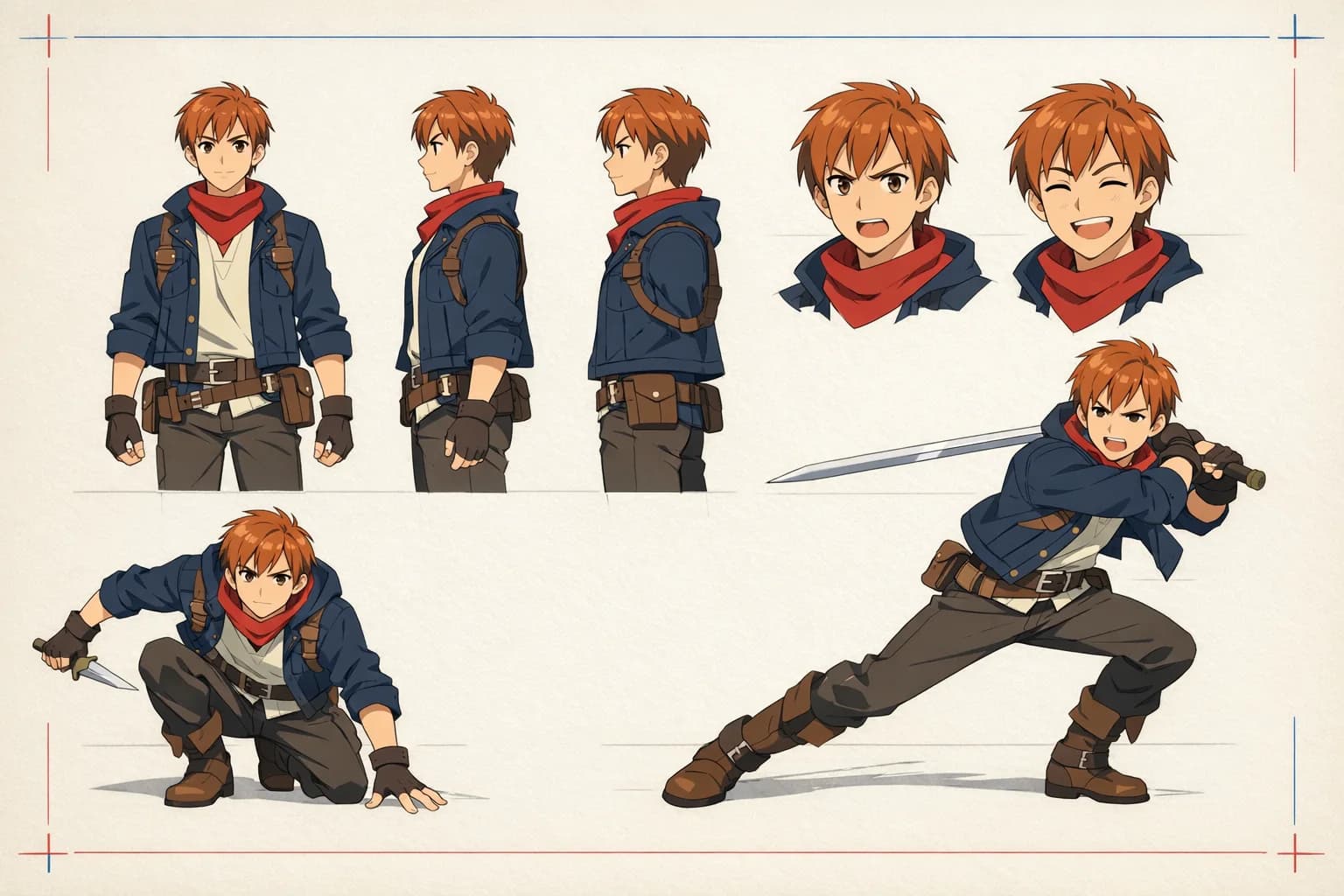
01Design original characters
Create heroes, rivals, side characters, and complete casts. Define clothing, expressions, proportions, color palettes, and personality in your prompt.
✨ Create Stunning Videos with AI! Access Kling 3.0, Seedance, Veo, Flux, Nano Banana and more in one platform. Start Creating
Turn a prompt or photo into original anime art. Create characters, manga panels, chibi avatars, cinematic worlds, and polished keyframes with one flexible AI anime image generator.
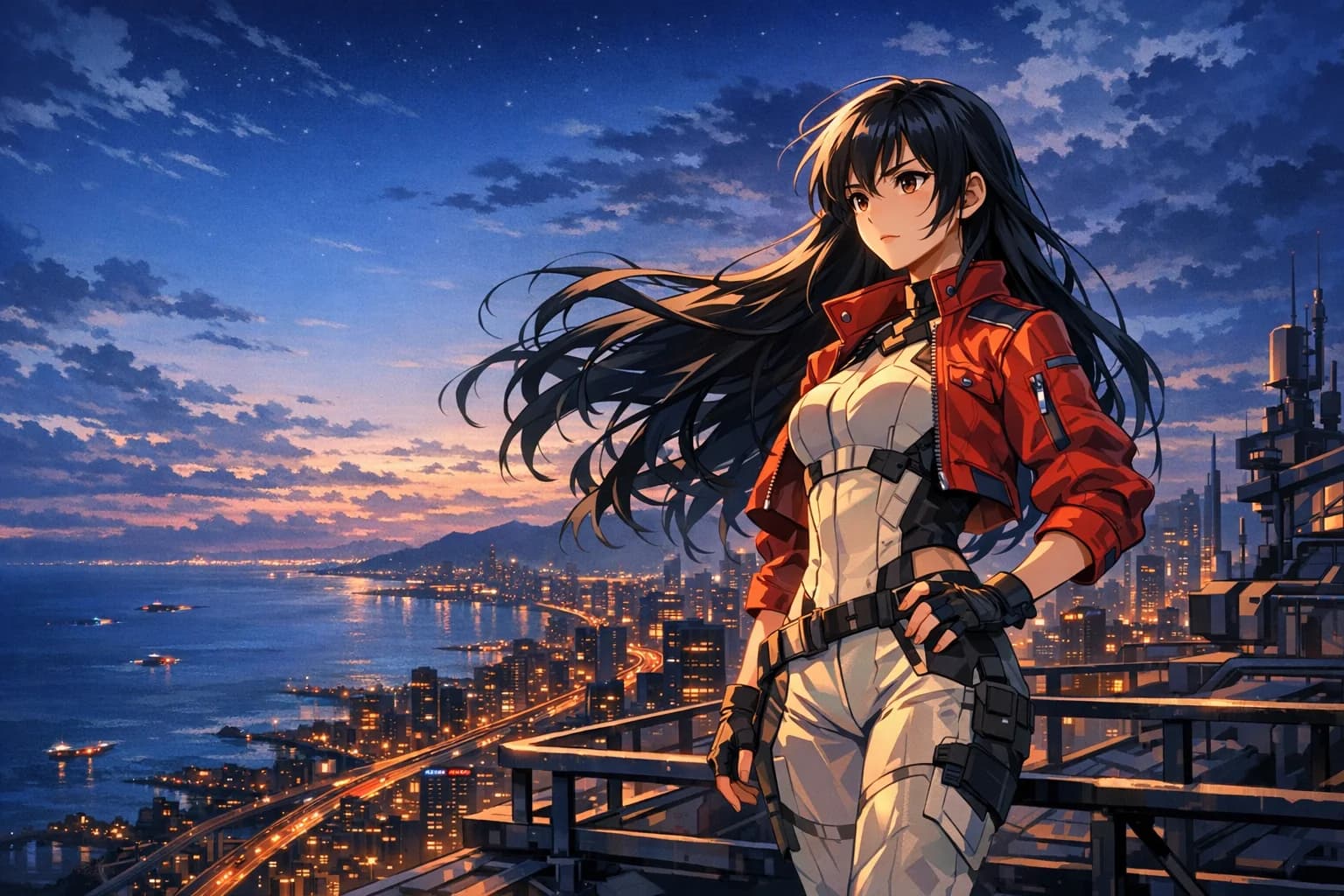
Prompt study 001
Coastal future / blue hour
Anime artificial intelligence
An anime AI generator translates a written idea or image reference into anime-inspired artwork. Instead of drawing every line manually, you direct the subject, action, world, light, framing, and visual finish in natural language.
HighReach brings AI art anime workflows into one creative suite: generate a first image, establish a consistent character, edit individual details, create supporting scenes, upscale final art, and animate selected frames.
Character consistency
Build the reference before building the world. A character sheet gives your AI anime workflow a repeatable visual source for face shape, hairstyle, costume, proportions, accessories, and expressions.
One anime image generator, many directions
Use AI anime tools for isolated art experiments or connect them into a complete visual production workflow.
01Create heroes, rivals, side characters, and complete casts. Define clothing, expressions, proportions, color palettes, and personality in your prompt.
 02
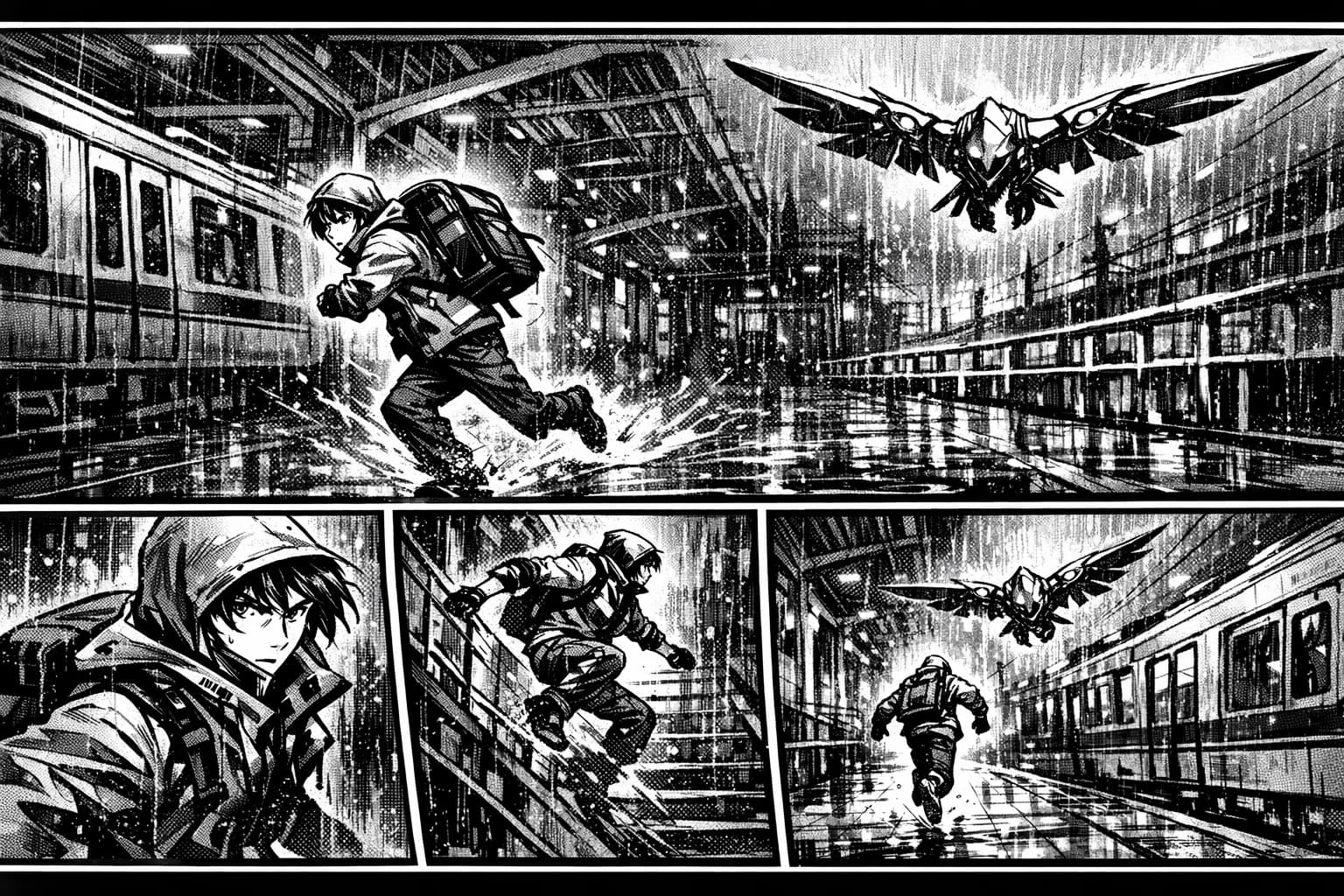
02Generate dramatic compositions, expressive close-ups, action panels, and monochrome ink work for comics, visual novels, and story concepts.
 03
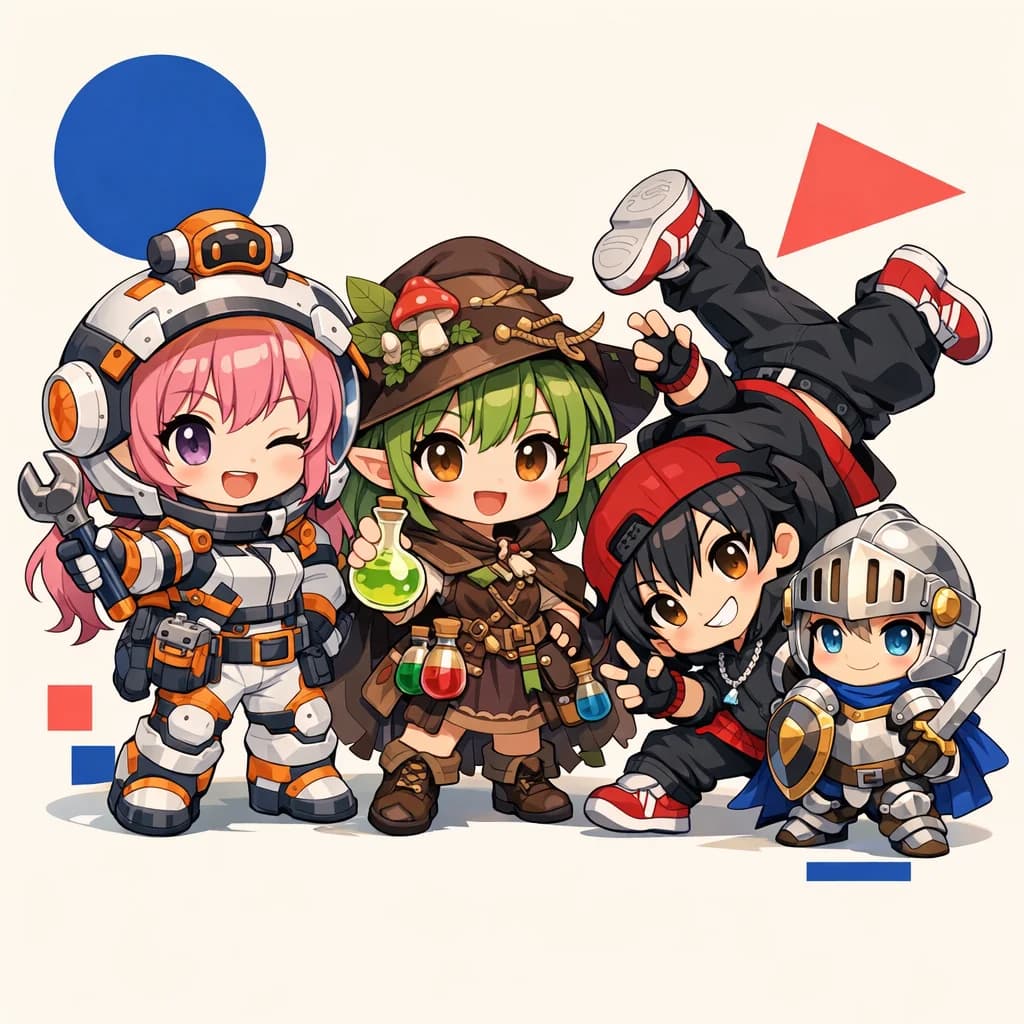
03Turn a character idea into expressive chibi illustrations, profile images, stickers, reaction sets, and playful social content.
 04
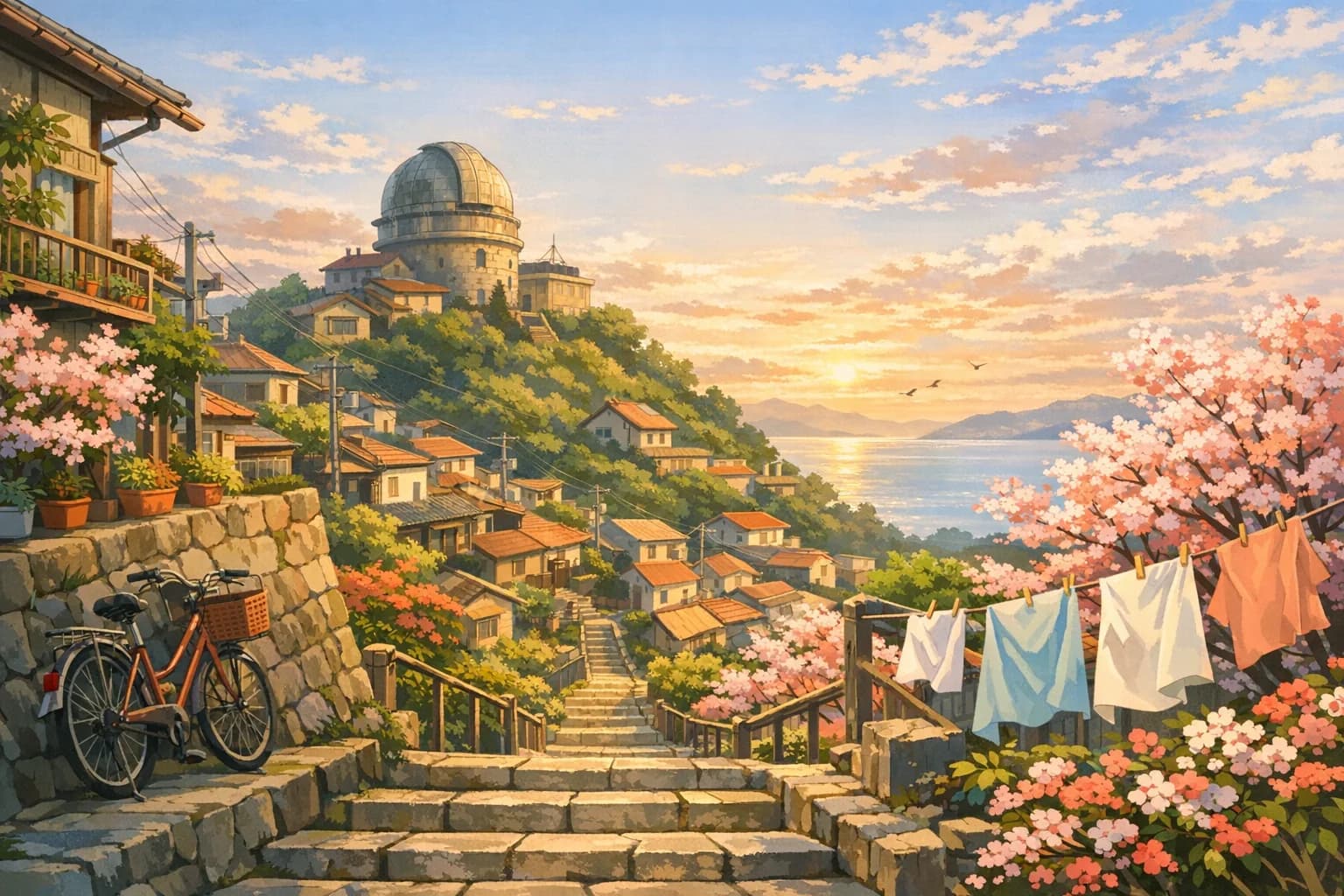
04Create establishing shots, fantasy towns, science-fiction skylines, interiors, landscapes, and cinematic backgrounds before a single scene is animated.
 05
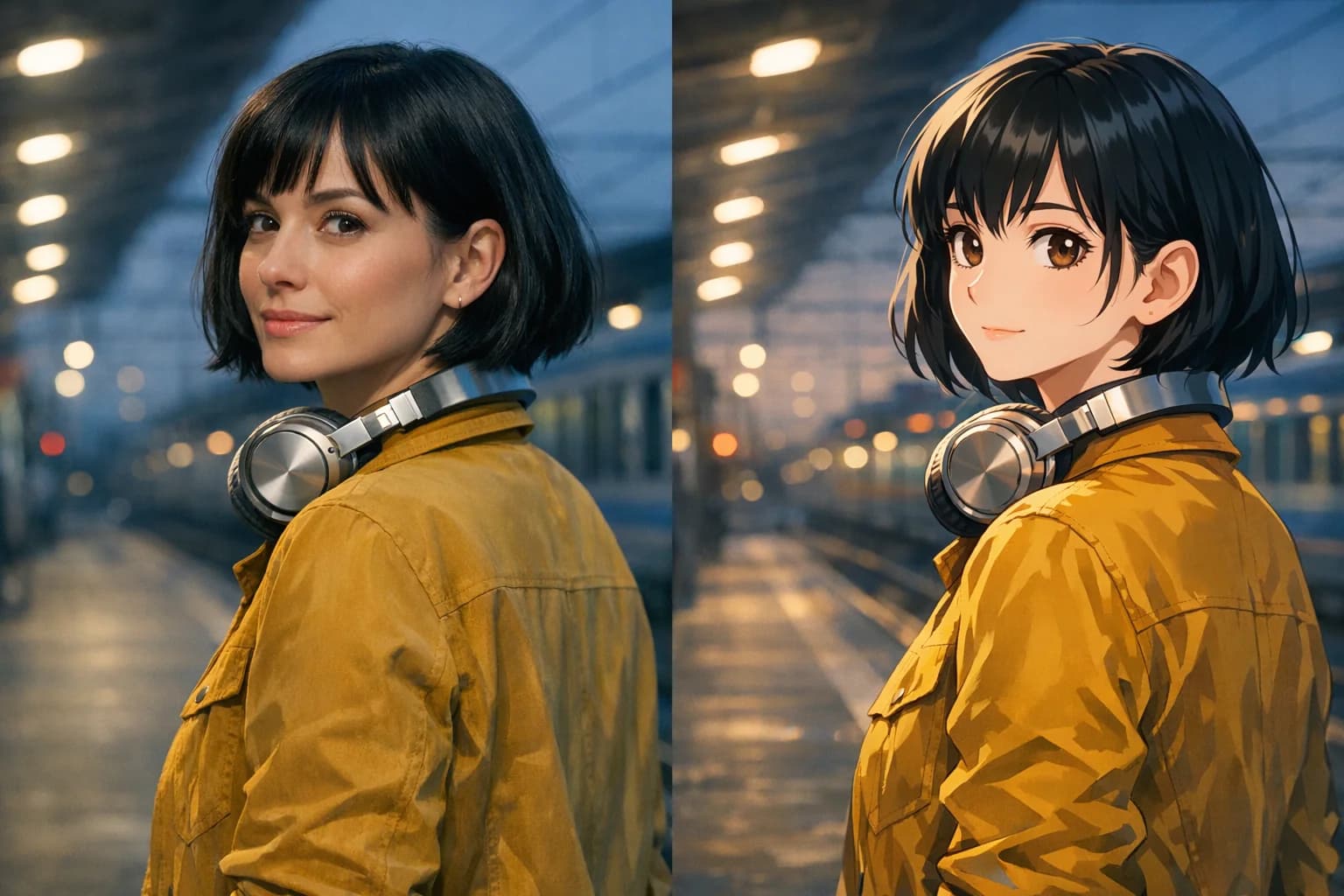
05Upload a portrait and restyle it as anime while keeping recognizable features, pose, framing, and the important details of the source image.
06Move from AI anime image generation to video. Add character motion, atmosphere, camera direction, and timing with image-to-video models.
Art direction
Describe visual traits instead of imitating a specific living artist or protected franchise. You get clearer creative control and more original results.
Clean linework, controlled shadows, and film-like composition.
Ink, screentone, speed lines, and high-contrast panels.
Analog texture, saturated skies, chrome, and bold silhouettes.
Compact proportions, readable expressions, and playful color.
Detailed costumes, magic, vast environments, and soft atmosphere.
Gentle brushwork, natural light, and storybook warmth.
How to make AI anime art
Write the subject, setting, art direction, mood, lighting, camera angle, and composition. Start simple, then add only the details that matter.
Select an image model, portrait or landscape framing, and any reference images. Generate alternatives to explore different visual directions.
Edit the strongest result, upscale it for delivery, or use it as the opening frame for an AI-generated anime video.
AI anime prompt guide
The best AI anime prompts establish a visual hierarchy. Lead with the subject and action, then define the environment, framing, lighting, mood, and finish.
Original anime courier standing on a rooftop above a rain-soaked neon harbor, red utility jacket, wind lifting short black hair, low-angle medium shot, distant airships, cobalt night sky, warm rim light, crisp cel shading, cinematic depth, determined expression, detailed but clean linework, 16:9 composition.
Creative use cases
Use the AI anime art generator for fast concept exploration, polished standalone images, or the visual foundation of a larger production.
Original character concepts and reference sheets
Manga pages, webcomics, and visual novel scenes
Anime profile pictures, avatars, and social posts
Game characters, item art, and environment concepts
Book covers, posters, wallpapers, and thumbnails
Storyboards and keyframes for anime video production
Still image to anime video
Animate characters, camera movement, clouds, rain, hair, fabric, lighting, and environmental details. HighReach connects AI anime image generation with image-to-video models, so a strong keyframe can become a complete moving shot.
Animate an anime imageAI anime generator FAQ
Practical guidance for generating original AI art, anime characters, manga panels, photo transformations, and video keyframes.
An AI anime generator is an image creation tool trained to interpret a text prompt or visual reference and produce anime-inspired artwork. With HighReach, you can use anime artificial intelligence workflows to create original characters, manga panels, chibi art, environments, portraits, and keyframes for video.
Open the HighReach image creator, choose an image model, and describe your subject, style, setting, lighting, pose, and composition. Generate a few variations, refine the prompt, and edit or upscale the best result. You can also upload a reference image when the selected model supports it.
Yes. Upload a clear photo to the image editor and ask it to restyle the portrait as anime while preserving facial structure, hairstyle, pose, clothing, and framing. A well-lit source photo with an uncluttered composition usually gives the model clearer information to work with.
Reference images, character sheets, and repeated visual details can improve consistency across generations. Start by generating a front view, side view, full-body pose, expression sheet, color palette, and defining accessories. Reuse those references and the same character description for later scenes.
You can create original characters, profile pictures, manga art, comic panels, chibi stickers, fantasy scenes, science-fiction environments, wallpapers, posters, covers, storyboards, and image-to-video starting frames. The same workspace also supports image editing and animation workflows.
A strong prompt identifies the subject first, followed by action, setting, visual style, lighting, camera framing, and mood. Specific visual language such as low-angle shot, warm rim light, cel shading, dynamic wind, or monochrome screentone is more useful than a long list of vague adjectives.
Yes. Describe the panel composition, character action, expression, viewpoint, ink style, screentone, and atmosphere. For a sequence, generate one key moment at a time and use the same reference sheet and prompt details to maintain visual continuity.
Yes. Send a finished anime frame to HighReach image-to-video, then describe the subject motion, camera move, environmental motion, and pacing. This lets you turn a still illustration into a short anime-style video clip.
Commercial usage depends on the selected model, your inputs, and the HighReach terms that apply to your plan. Review model-specific restrictions before publishing, and avoid protected characters, logos, or reference material you do not have permission to use.
Create your own anime world
Create original anime characters and artwork, refine every frame, then bring the strongest images to life with HighReach.