✨ Create Stunning Videos with AI!Access Kling 3.0, Seedance, Veo, Flux, Nano Banana and more in one platform. Start Creating

Give every idea a voice people remember.

Create expressive ElevenLabs AI voiceovers, translate audio and video, transform recorded performances, and generate custom sound effects inside the HighReach Audio Suite.

Eleven v3Multilingual v2DubbingVoice ChangerSound Effects V2
ElevenLabs AI voice-over generation interface concept

Eleven v3

Expressive speech from a written performance

70+

languages with Eleven v3

29

languages with Multilingual v2

90+

languages across ElevenLabs dubbing

3,000+

community voices in the wider library

Provider capabilities vary by model. HighReach exposes a focused subset of languages and controls in each connected tool.

What is ElevenLabs?

An AI audio platform built around expressive human speech.

ElevenLabs is best known for text-to-speech models that read a script with natural pacing, intonation, and emotional context. Instead of treating narration as a flat sequence of words, its models interpret the performance implied by the text.

The platform now spans voice-over generation, multilingual dubbing, speech-to-speech voice changing, voice cloning and design, sound effects, music, transcription, voice isolation, and conversational voice experiences.

HighReach brings selected ElevenLabs workflows into the same workspace as AI image and video generation. That makes it easier to move from visual concept to narration, localized version, sound design, and final downloadable media without rebuilding the production context in separate tools.
ElevenLabs TTS models

Expressive performance or dependable long-form narration.

HighReach includes two ElevenLabs text-to-speech options. Select the model based on the performance and production constraints of the script, not only the language count.

Most expressive

Eleven v3

Best for emotional delivery, character performance, creative direction, and natural multi-speaker dialogue. ElevenLabs lists support for more than 70 languages and a 5,000-character input limit per request.

  • Rich emotional range
  • Natural dialogue and performance
  • Stability and language controls
  • More than 70 model languages
Long-form favorite

Multilingual v2

Built for stable multilingual narration, consistent voice identity, and longer scripts. It supports 29 languages and up to 10,000 characters per request, with additional delivery controls exposed in HighReach.

  • Stable long-form narration
  • 29 supported languages
  • Speed and similarity controls
  • Style exaggeration control

Languages and accents

Localize the voice, not just the words.

Eleven Multilingual v2 supports the 29 languages listed here. Regional delivery is also influenced by the selected voice, so match the voice and accent to the intended audience whenever possible.

Regional examples: English includes voices associated with the United States, United Kingdom, Australia, and Canada. French, Portuguese, Spanish, and Arabic also have region-specific voice choices in the wider library.
01English
02Japanese
03Chinese
04German
05Hindi
06French
07Korean
08Portuguese
09Italian
10Spanish
11Indonesian
12Dutch
13Turkish
14Filipino
15Polish
16Swedish
17Bulgarian
18Romanian
19Arabic
20Czech
21Greek
22Finnish
23Croatian
24Malay
25Slovak
26Danish
27Tamil
28Ukrainian
29Russian

Find the right voice

Cast the voice like you would cast the screen.

A realistic voice is not automatically the right voice. Match the speaker profile to the audience, message, pace, and emotional role of the piece.

01

Accent and region

Choose voices that match the audience: American, British, Australian, Canadian, regional European, Indian, and other available profiles.

02

Age and character

Explore young adult, middle-aged, older, conversational, dramatic, animated, and character-led voice profiles where available.

03

Voice presentation

Browse women’s voices, men’s voices, and distinct character profiles, then preview the delivery before generating the final track.

04

Creative purpose

Match the voice to narration, advertising, social media, education, news, audiobooks, podcasts, games, or character dialogue.

Workflow

From script to usable audio in four focused decisions.

Keep the script, voice, model, delivery controls, and generated asset together so each revision stays easy to compare and reuse.

  1. 01

    Choose the audio job

    Start with voice-over, dubbing, voice changing, or sound-effect generation.

  2. 02

    Prepare the source

    Write the script or upload the audio or video that should guide the result.

  3. 03

    Cast and direct

    Select the model, voice, language, pacing, stability, and expressive controls available for the tool.

  4. 04

    Generate, review, and reuse

    Listen for pronunciation and timing, compare variants, then download or use the asset in the wider production.

ElevenLabs use cases

Build the audio layer for every kind of creative production.

The same model can sound very different depending on the script, selected voice, language, and direction. Generate short tests before committing to a long production.

01

Social and UGC ads

Generate fast hooks, product demos, testimonials, and creator-style narration for short-form campaigns.

02

Product explainers

Turn a product script into a clear, paced voice-over for demos, feature launches, and landing-page videos.

03

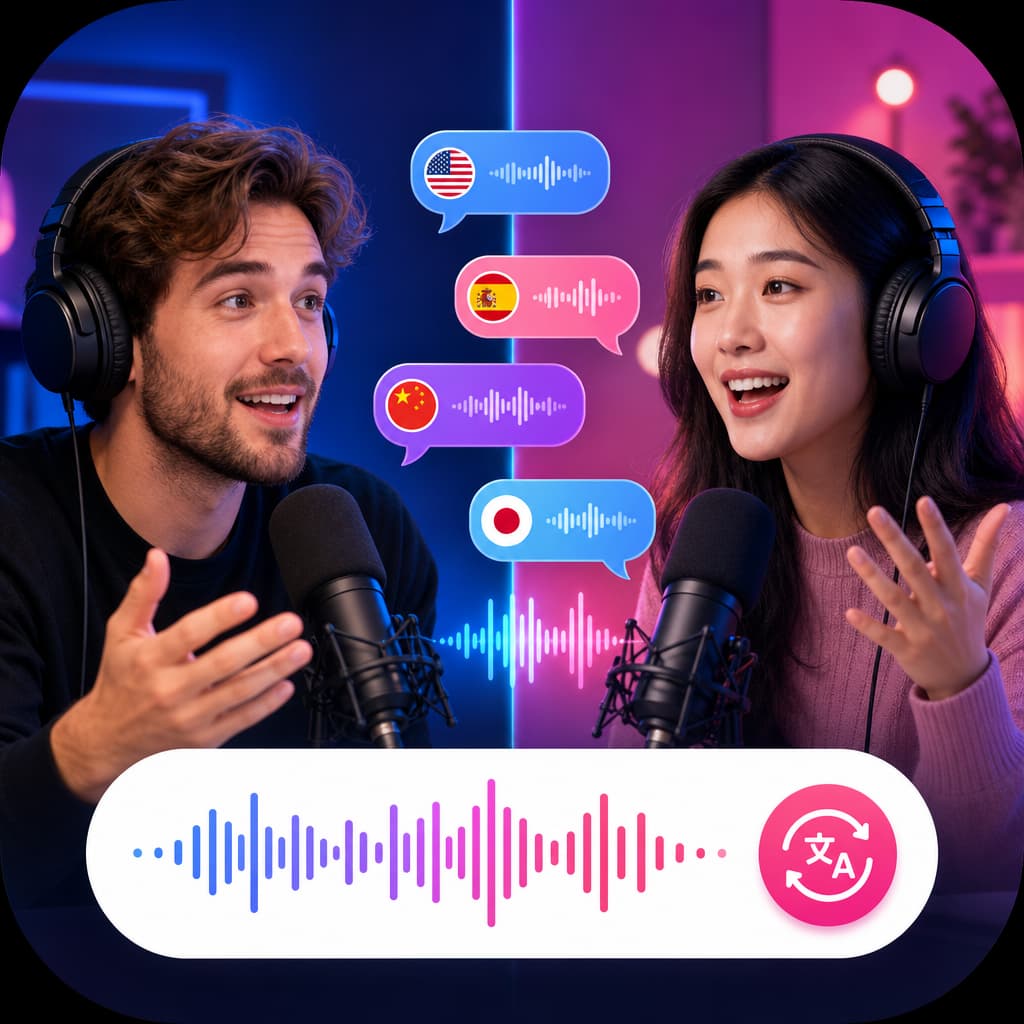
Dubbing and localization

Translate an existing recording so one campaign can reach viewers across languages and markets.

04

Podcasts and audiobooks

Create consistent long-form narration, chapter drafts, trailers, and alternate language editions.

05

Film, animation, and games

Prototype dialogue, character voices, creature sounds, ambience, transitions, and cinematic effects.

06

Training and education

Produce lessons, onboarding, tutorials, explainers, and accessible multilingual learning content.

Wider ElevenLabs platform

More than text to speech.

ElevenLabs also offers the capabilities listed here across its wider platform. They are included for a complete model overview, but they are not all current ElevenLabs integrations in HighReach.

HighReach currently connects ElevenLabs voice-over, dubbing, voice changing, and sound effects. Its Voice Clone and Create Music tools currently use other model providers.

Voice cloning

ElevenLabs offers instant and professional voice cloning for approved voice owners and consent-based production workflows.

Voice design

Create a new voice from a written description when a custom character or brand sound is more useful than a stock profile.

AI music

Generate structured songs or instrumental tracks from natural-language direction, including genre, mood, arrangement, and vocals.

Speech to text

Transcribe spoken content for subtitles, editing, search, localization, and downstream media workflows.

Voice isolation

Separate speech from distracting background sound to prepare cleaner dialogue for editing, dubbing, or reuse.

Conversational experiences

Build responsive spoken interactions and multi-speaker dialogue for agents, simulations, support, and interactive characters.

Responsible production

Powerful voice tools still need human review and consent.

Review pronunciation

Listen for names, brands, abbreviations, dates, and technical terms before publishing.

Match voice and language

Use a voice associated with the target language and region for more natural delivery.

Get clear permission

Never clone, transform, or impersonate a real person without explicit authorization.

Verify publishing rights

Confirm your plan, provider terms, scripts, recordings, music, and references are cleared for the intended use.

ElevenLabs FAQ

Common questions about ElevenLabs in HighReach.

What is ElevenLabs?+

ElevenLabs is an AI audio platform for expressive text to speech, multilingual dubbing, voice changing, voice cloning, sound effects, music, transcription, and conversational voice experiences. HighReach currently connects selected ElevenLabs generation workflows inside its Audio Suite.

Can I use ElevenLabs in HighReach?+

Yes. HighReach currently offers Eleven v3 and Eleven Multilingual v2 for voice-over generation, plus ElevenLabs dubbing, voice changing, and sound-effect generation. Open the Audio Suite, select a tool, add your inputs, and generate from one workspace.

Which ElevenLabs text-to-speech model should I choose?+

Choose Eleven v3 for highly expressive speech, emotional direction, and dialogue. Choose Eleven Multilingual v2 when you need stable long-form narration, broad multilingual coverage, or controls such as speed, similarity boost, and style exaggeration in HighReach.

How many languages does ElevenLabs support?+

Language coverage varies by model and product. Eleven Multilingual v2 supports 29 languages, Eleven v3 supports more than 70 languages according to ElevenLabs, and the wider ElevenLabs dubbing platform supports more than 90 languages. HighReach currently exposes a focused subset of dubbing target languages in its interface.

Does ElevenLabs support different accents, ages, and voices?+

Yes. The ElevenLabs voice ecosystem includes thousands of community and premade voices across accents, regions, age profiles, delivery styles, women’s voices, men’s voices, and character voices. Availability and labels vary by voice and language, so preview the voice with your own script before final production.

Can ElevenLabs dub a video into another language?+

Yes. ElevenLabs dubbing can translate audio or video while working to preserve speaker identity, timing, tone, and background audio. HighReach provides an ElevenLabs dubbing workflow for uploaded audio or video with the target languages shown in the tool.

Does ElevenLabs have a voice changer?+

Yes. ElevenLabs Voice Changer converts an existing performance into another selected voice while preserving expressive details such as pacing, emotion, whispers, laughter, and accent characteristics. HighReach exposes this as a speech-to-speech tool.

Can ElevenLabs clone a voice?+

The wider ElevenLabs platform supports instant and professional voice cloning. HighReach currently uses other providers in its Voice Clone tool, so ElevenLabs cloning is not presented as a connected HighReach workflow on this page. Only clone a voice when you have clear permission from the speaker.

Can ElevenLabs generate music and sound effects?+

Yes. ElevenLabs offers prompt-based music and sound-effect generation. HighReach currently exposes ElevenLabs Sound Effects V2; its current Create Music tool uses a different provider, while ElevenLabs music remains part of the broader platform capability described here.

Can I use ElevenLabs audio commercially?+

Commercial use depends on the applicable HighReach plan, the underlying provider terms, and your rights to every script, voice, recording, and reference. Review the current terms before publishing, and never impersonate or clone someone without authorization.

Start with a script

Turn the words on the page into a finished performance.

Choose Eleven v3 or Multilingual v2, preview a voice, direct the delivery, and generate your next narration in HighReach.

Generate voice-over

Model and language coverage can change. Review the controls shown in HighReach before generating.