01
Control who becomes who
Label each source identity and target person before generation so the order stays clear across family, team, event, and cast photos.
✨ Create Stunning Videos with AI! Access Kling 3.0, Seedance, Veo, Flux, Nano Banana and more in one platform. Start Creating
Plan a controlled multiple face swap for group photos. Replace one selected identity at a time, review the unchanged people, and carry the approved image into the next pass.
HighReach / Face Swap
01 / Group target
Group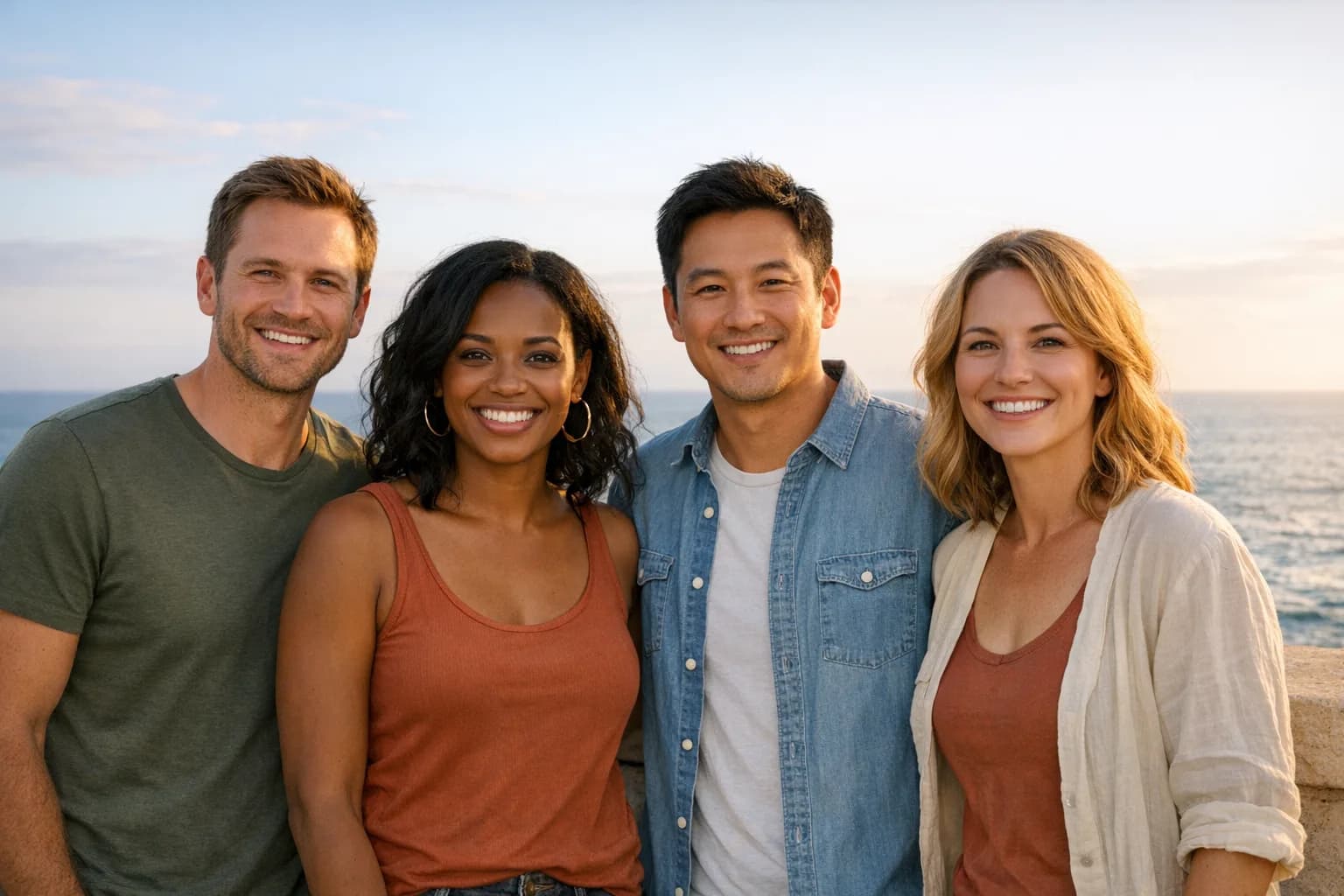
02 / Face references
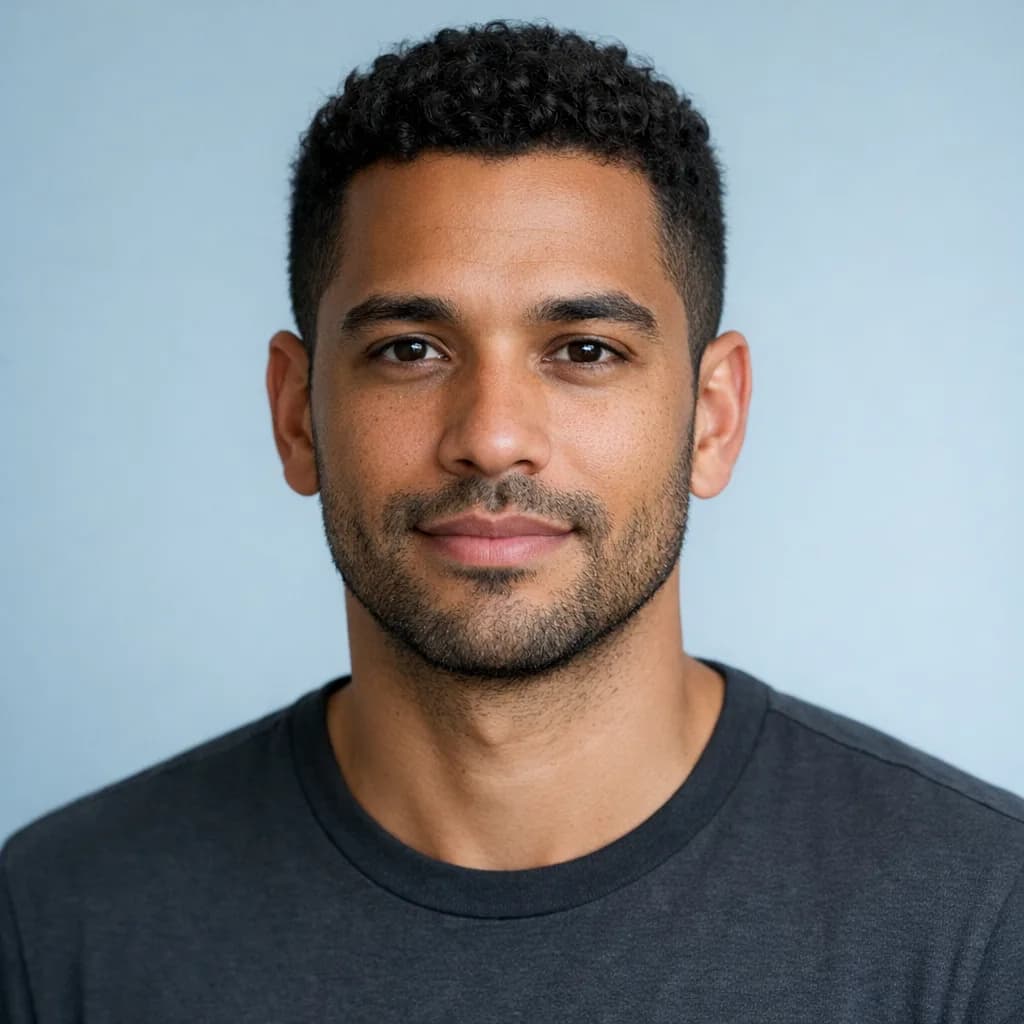 ABC
ABCWhat is multiple face swap?
Multiple face swap changes more than one identity in the same group photo. Each replacement needs a clear source face and a specific person in the target image. The main challenge is not detecting a face; it is keeping all other people, expressions, bodies, clothing, and background details stable across several changes.
HighReach currently uses a controlled sequential workflow. Replace one selected face, inspect the result, then use that approved output as the target for the next face. This is slower than an opaque one-click batch, but it makes source-to-person mapping and quality review easier to manage.
Why use HighReach?
Create the identity edit, inspect it at full size, and keep working with image, video, and audio tools in one creative suite.
Label each source identity and target person before generation so the order stays clear across family, team, event, and cast photos.
Approve one face at a time and check that already-finished people, clothing, hands, and background details remain stable.
Use the strongest group frame as the visual anchor instead of rebuilding a complex composition from separate portraits.
Group face-swap ideas
Group images contain more failure points, so clear consent, face mapping, and a fixed replacement order matter.
Combine authorized expressions from nearby takes so a closed eye or missed smile does not discard an otherwise strong group photograph.
Prototype an approved team lineup, ensemble poster, fictional cast, or internal story concept using named identity references.
Create playful, clearly disclosed group transformations for birthdays, reunions, invitations, greetings, and community content.
Place an authorized group into an original fantasy, historic, sports, or cinematic composition without losing the scene arrangement.
Repair one distracting expression at a time while monitoring whether other faces, hands, clothing, and fine details remain unchanged.
Build a consistent group reference frame before developing each character into separate scenes or motion tests.
Step-by-step workflow
Work in a deliberate order and save each approved result. Do not change several identities without checking the rest of the image.
Step 1
Number the target people from left to right and match each one to a clearly labeled source portrait. Confirm consent for every identity before editing.
Step 2
Upload the group image as the target and the first identity as the source. Generate, then inspect the selected face and every untouched person.
Step 3
Use the best output as the next target image, add the next source face, and continue until the planned group mapping is complete.
Better input, better output
Sequential edits can introduce drift. Preserve a copy of the original and compare every pass at full resolution.
Connected face-swap workflows
The three guides are intentionally connected: validate a face in a still, plan group mapping, or carry an authorized identity through motion.

Single image
Transfer one authorized identity into a target portrait while retaining the target scene.
Read the guide
Moving footage
Use a source clip and replacement character reference to preserve performance and motion.
Read the guideCurrent guideGroup photos
Map several source identities and replace each selected face in controlled passes.
Open the toolGroup face swap FAQ
Clear answers about inputs, quality, credits, workflow limits, and responsible face swapping.
Multiple face swap is an AI image-editing workflow for replacing more than one identity in a group photo. Each source face must be mapped to a specific target person while the system tries to preserve the other people, expressions, bodies, clothing, lighting, and background.
Use a sequential workflow: upload the group photo and first source face, generate and approve that replacement, then use the approved output as the target for the next source face. Repeat until the planned group mapping is complete.
The current Face Swap tool accepts a target image and one source face per generation. Multiple faces are handled in controlled passes. This makes it easier to verify who is being replaced and whether the rest of the group remains stable.
Each replacement generation uses HighReach credits. Current starter credits or promotions, if available, appear in your account. Because a multi-face workflow uses several passes, review the first replacement carefully before continuing through the group.
Use a high-resolution photo with visible adult faces, minimal overlap, limited blur, and balanced lighting. Large differences in head angle, tiny background faces, sunglasses, hands over faces, or harsh shadows make identity replacement more difficult.
Yes, for an authorized and clearly playful creative concept you can reuse one source portrait in separate passes. Review every result because angle, expression, scale, and light will differ across each person in the group.
Replace one identity at a time, compare each output with the last approved image, and revert immediately if unrelated people change. Clear, separated faces and a high-resolution target image reduce ambiguity but do not remove the need for review.
No. Use group photos and adult likenesses you own or have permission to transform. Do not edit minors, create deceptive or explicit media, fabricate endorsements, misrepresent real events, or use a person's likeness in ways they did not authorize.
Multiple face swap
Bring an authorized target and identity reference. HighReach gives you the connected image and video tools to create, review, refine, and finish the result.