Research-backed product profile
Last checked August 26, 2026
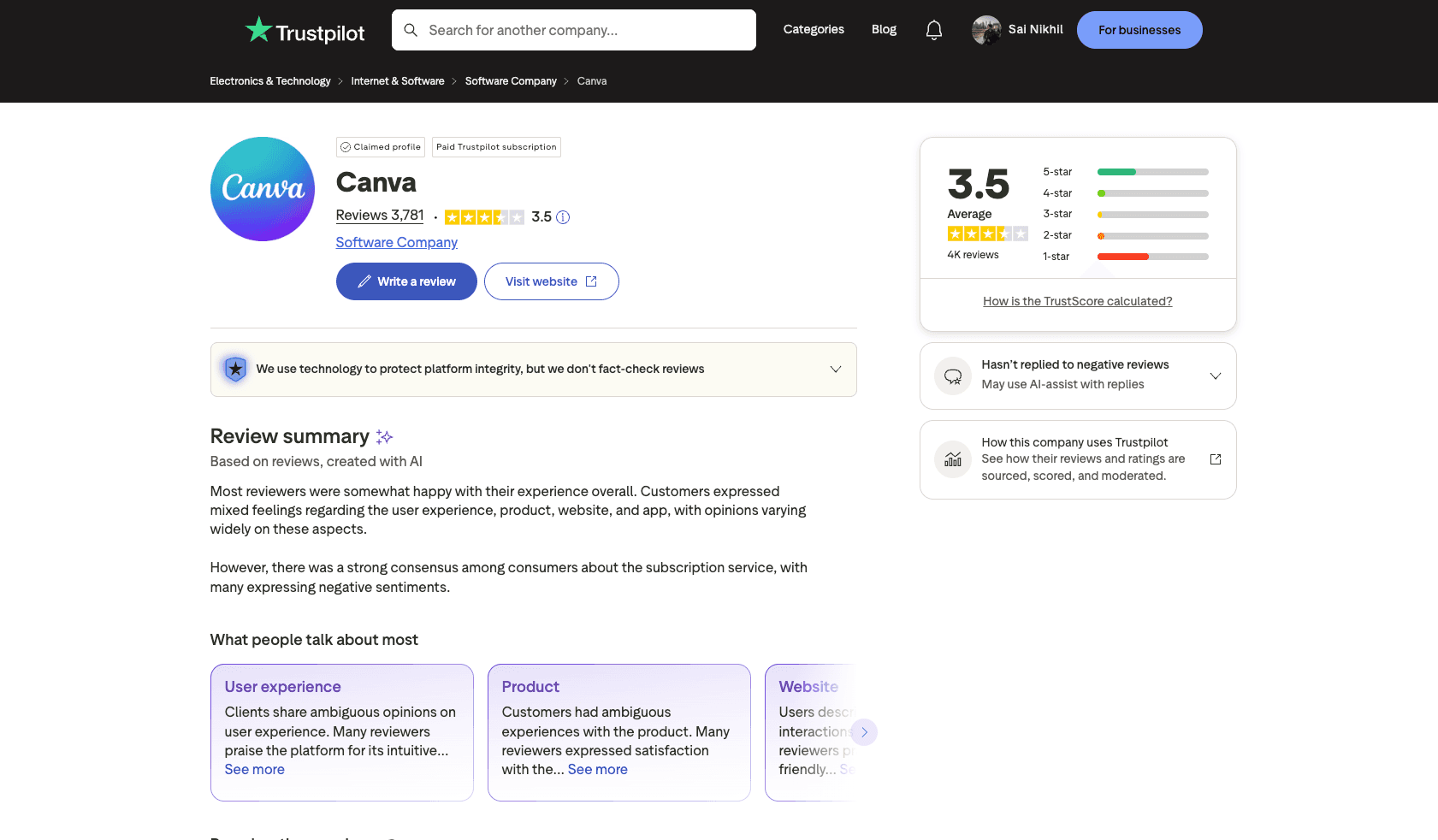
Canva review: design, video, publishing, collaboration, and Canva AI
Canva combines templates, stock media, presentations, social design, video editing, websites, print, brand controls, collaboration, publishing, and a large collection of AI-assisted creation tools.
Best for
Individuals and teams creating many types of visual communication
Learning curve
Low for templates; moderate for brand systems and advanced team workflows
Platform
Web, Windows, macOS, iOS, and Android
Main trade-off
Breadth can obscure which features and AI allowances apply to a specific plan or operation
About Canva
What the product does and where it fits
Canva is a visual communication platform rather than only an AI generator. Its template-driven editor covers social posts, presentations, documents, videos, websites, whiteboards, print designs, and many other deliverables inside a consistent drag-and-drop interface.
Canva AI and Magic Studio add conversational design, writing, translation, image and video generation, resize, background tools, object editing, animation, voice, and other assisted workflows. The value is less about one frontier model and more about placing AI output directly into an editable design system with stock media and publishing.
Plan selection now depends on both content access and pooled AI allowances. Higher-tier AI operations consume more of the monthly pool, while many traditional editing features are included separately and may be subject to fair-use limits.
Ideal users
Who is Canva best for?
The strongest use cases for Canva come from teams whose production needs match its most opinionated workflows.
General content teams
Create presentations, social posts, documents, videos, and print materials together.
Small businesses
Maintain brand kits and produce routine marketing without specialist software.
Educators and nonprofits
Use eligible organization plans with expanded premium capabilities.
Distributed teams
Collaborate on templates, approvals, assets, and publishing in one workspace.
Capabilities
Top Canva features
These are the capabilities most likely to affect the buying decision and day-to-day creative workflow.
Template-driven editor
Covers more than a thousand design types with drag-and-drop editing.
Canva AI and Magic Studio
Adds conversational creation, writing, translation, image and video tools, and generative editing.
Stock and asset libraries
Provides templates, photos, videos, graphics, fonts, and audio at plan-dependent scale.
Brand and collaboration
Stores brand kits, reusable templates, approvals, roles, and shared projects.
Publishing and ecosystem
Supports social scheduling, print, websites, apps, connectors, and developer integrations.
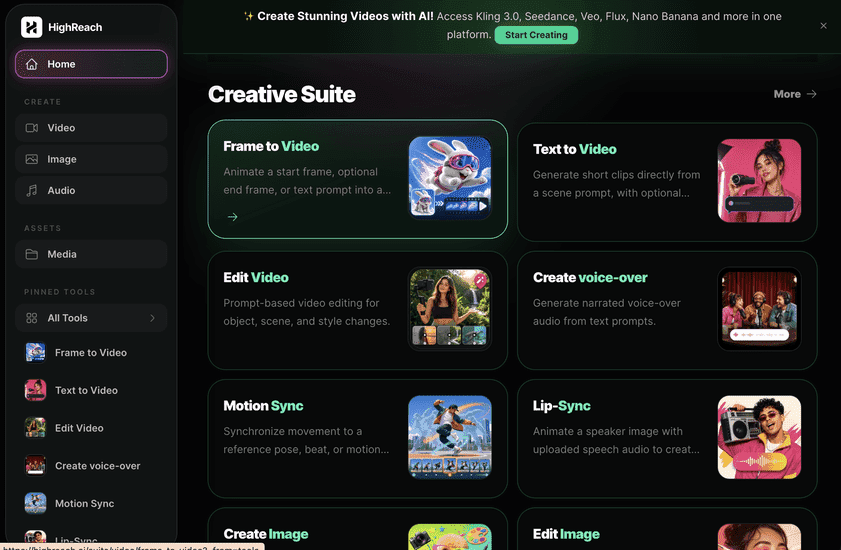
Create across leading video, image, and audio models in one studio
Canva is stronger for layout, templates, presentations, collaboration, stock content, and final design assembly. HighReach is stronger for direct access to specialized generative image, video, and audio models. Many teams can generate source media in HighReach and finish layouts in Canva.
Pricing
Canva pricing snapshot
Free; Pro $144 yearly; Business $250 per person yearly; Enterprise custom. Compare included usage, exports, storage, collaboration, and AI limits rather than choosing on headline price alone.
Free
$0
Core editor, 1.6M+ templates, 4.7M+ assets, 5 GB storage, and a limited AI allowance.
Pro
$144/year
One person, premium tools and assets, five brand kits, 100 GB storage, and 10x Free AI allowance.
Business
$250/person/year
Team administration, 100 brand kits, approvals, 500 GB storage, and 20x Free AI allowance.
Enterprise
Custom
Security, governance, custom apps, 1,000 brand kits, priority support, and organizational controls.
Pricing checked August 26, 2026. Promotions, annual discounts, regional pricing, taxes, credits, and plan limits can change.
Check current pricingTrade-offs
Canva pros and cons
The practical strengths and limitations to consider before adopting the product for a recurring workflow.
Pros
- Exceptional breadth of deliverable types
- Very approachable editing experience
- Large template and stock ecosystem
- Strong brand and collaboration controls
Cons
- Not optimized for deep cinematic generation
- AI allowances vary by tier and operation
- Large feature set can feel crowded
- Business pricing is per person
Verdict
Is Canva worth it?
Canva remains one of the most practical general-purpose creative platforms. Its AI tools are useful because they sit inside a mature editor, but specialists should compare the underlying generation quality and allowance with dedicated tools.
FAQ
Canva frequently asked questions
Short answers to the questions buyers commonly ask before choosing a creative software platform.
What is Canva?
Canva combines templates, stock media, presentations, social design, video editing, websites, print, brand controls, collaboration, publishing, and a large collection of AI-assisted creation tools.
Is Canva free to use?
Yes, with core design tools, 5 GB storage, templates, stock assets, and a smaller AI allowance. Free-plan limits and availability can change, so confirm the current allowance on Canva's official pricing page before beginning a production workflow.
How much does Canva cost?
Free; Pro $144 yearly; Business $250 per person yearly; Enterprise custom. Prices, promotions, included credits, and regional taxes can change. The pricing snapshot on this page was checked on August 26, 2026.
Who is Canva best for?
Canva is best for individuals and teams creating many types of visual communication. Its strongest fit depends on whether that focused workflow matters more than having broad generative image, video, and audio tools in one studio.
What is the main disadvantage of Canva?
Breadth can obscure which features and AI allowances apply to a specific plan or operation
How is Canva different from HighReach?
Canva is stronger for layout, templates, presentations, collaboration, stock content, and final design assembly. HighReach is stronger for direct access to specialized generative image, video, and audio models. Many teams can generate source media in HighReach and finish layouts in Canva.
Research notes
Sources and disclosure
HighReach is not affiliated with Canva. Product names and trademarks belong to their owners. We checked official product and pricing documentation on August 26, 2026, kept factual claims separate from our assessment, and linked the sources below. Features and prices can change after that date.