01
Explore more than one aesthetic
Move between painterly, illustrative, graphic, surreal, cinematic, tactile, and mixed-media directions without rebuilding the brief in separate tools.
✨ Create Stunning Videos with AI! Access Kling 3.0, Seedance, Veo, Flux, Nano Banana and more in one platform. Start Creating
Turn a written concept or visual reference into paintings, illustrations, concept art, characters, covers, and experimental artwork. Compare leading image models, refine the strongest direction, and keep the full creative workflow connected.
HighReach / create
Reference image
01 / Prompt and result
 Generated
1 image · credits vary by model
GenerateWhat is AI art?
AI art is artwork created or transformed with generative artificial intelligence. An artificial intelligence artwork generator interprets a prompt, reference image, sketch, or combination of image and text, then renders a new visual response shaped by the subject, medium, composition, palette, light, texture, and mood you direct.
HighReach turns artificial intelligence art into a practical creative workflow rather than a one-click novelty. Explore an idea with several models, develop a coherent visual language, transform existing images, edit individual details, upscale approved artwork, or carry a finished frame into motion. Art AI remains a tool in the process; authorship still depends on the choices, references, iteration, and judgment you bring.
Why HighReach
Move between text prompts, image references, generative edits, variations, expansion, upscale, camera control, and video without rebuilding the workflow.
Move between painterly, illustrative, graphic, surreal, cinematic, tactile, and mixed-media directions without rebuilding the brief in separate tools.
Compare models for composition, prompt accuracy, texture, typography, reference handling, character work, or rapid visual exploration.
Create variations, adjust one visual decision at a time, repair details, extend the frame, upscale for delivery, or animate the selected artwork.
Creative applications
Use the AI art generator for exploration, pre-production, and finished creative assets, with human review appropriate to the final audience and use.
Visualize environments, architecture, props, costumes, creatures, color scripts, and key moments before committing to production.
Translate abstract themes into distinctive article art, visual metaphors, covers, title images, and presentation artwork.
Develop original characters, expressions, silhouettes, wardrobe, locations, and narrative frames across a shared visual direction.
Build album art, book-cover concepts, event posters, collectible graphics, and packaging directions with deliberate negative space for final typography.
Explore broad media qualities such as ink, collage, gouache, printmaking, ceramic, paper, charcoal, or painterly digital texture without copying a living artist.
Create a composed hero frame or visual sequence, then continue into image-to-video with controlled camera, subject, and environmental movement.
Visual range
Move between photographic, painterly, illustrative, mixed-media, product, character, and editorial directions while keeping the prompt, reference, and finishing workflow connected.
Step-by-step workflow
Treat generation like art direction: define the idea, choose a visual language, then refine through specific decisions.
Step 1
Describe the subject, environment, emotional idea, composition, palette, and intended use. Upload a rights-cleared reference when a sketch, structure, or material is easier to show than describe.
Step 2
Select the model and aspect ratio, then direct broad medium qualities such as painterly texture, collage, graphic shape, cinematic concept art, or sculptural material.
Step 3
Compare a focused set of directions, refine one variable at a time, inspect details at full size, and edit, upscale, export, or animate the approved artwork.
Prompt framework
The strongest AI artwork prompts define an idea, composition, medium, material, color system, and mood. Use broad art direction rather than asking for an imitation of a living artist.
Current image models
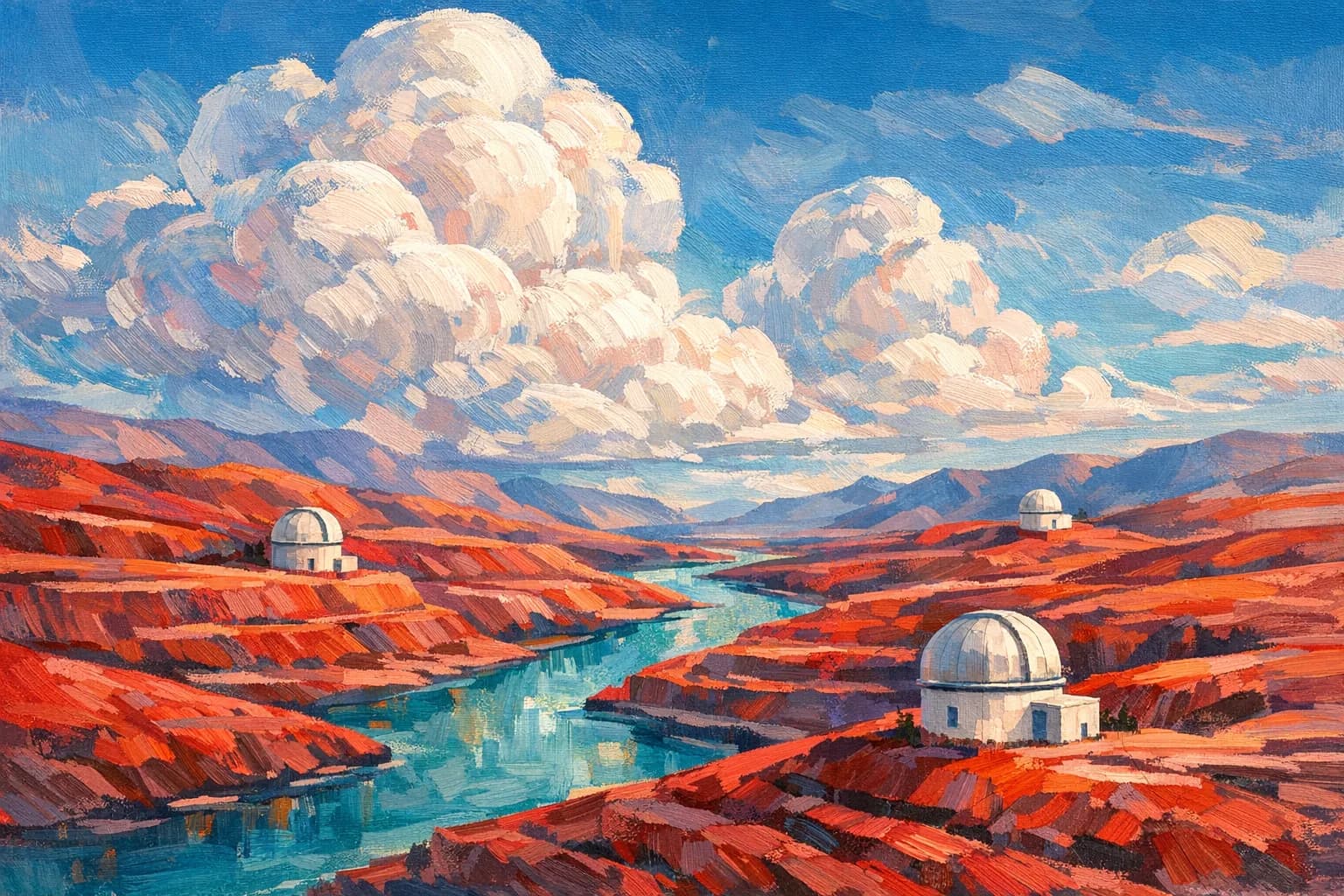
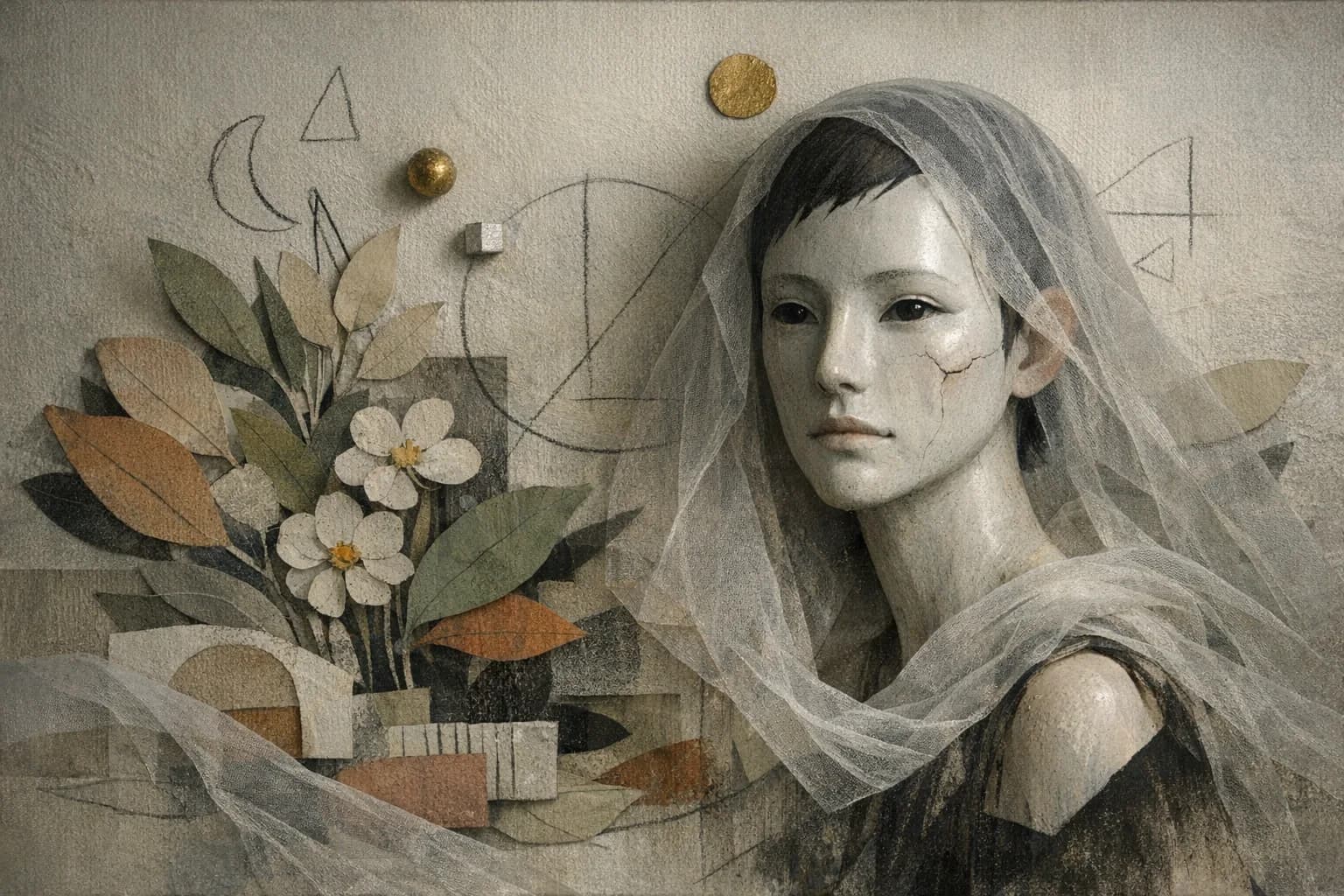
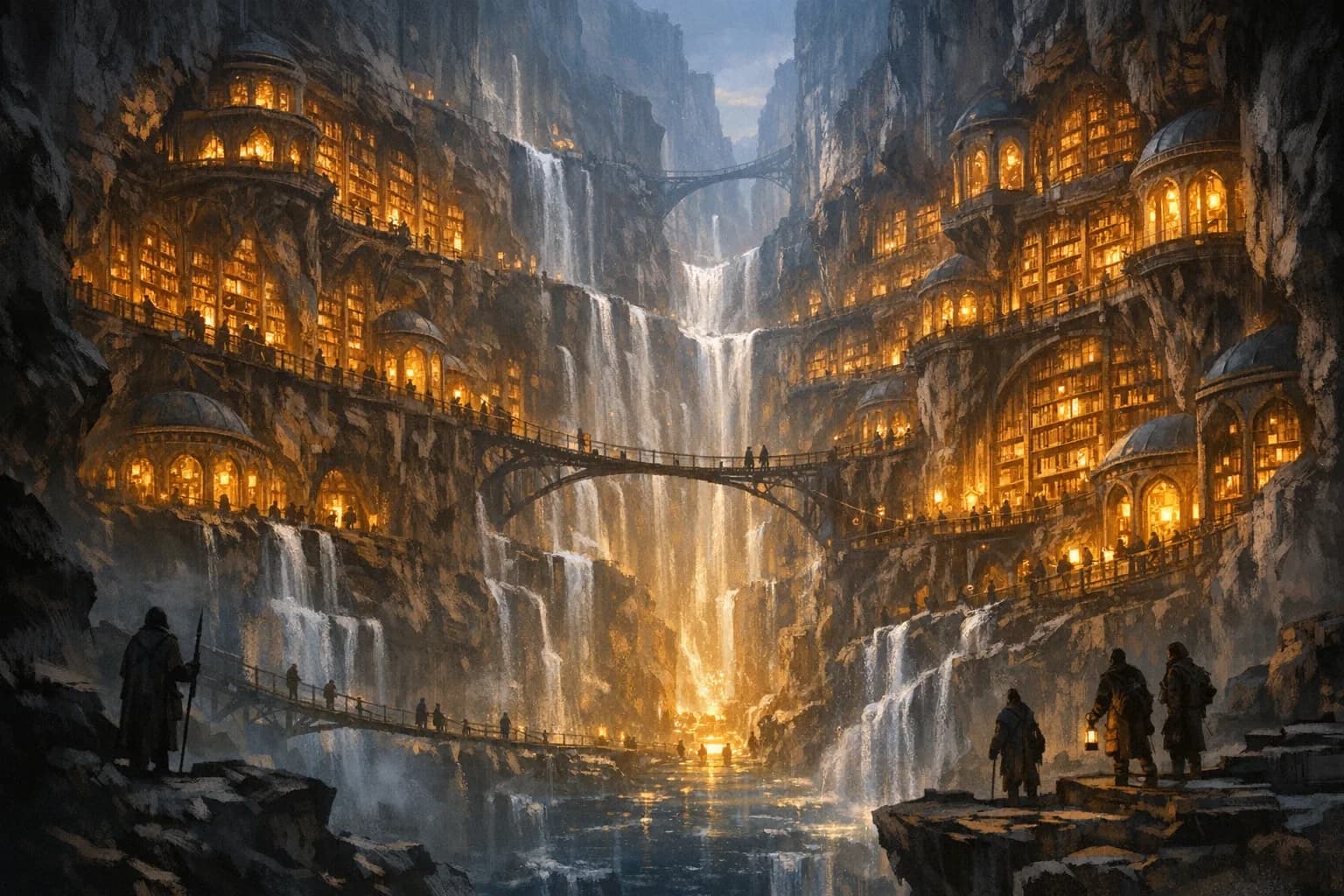
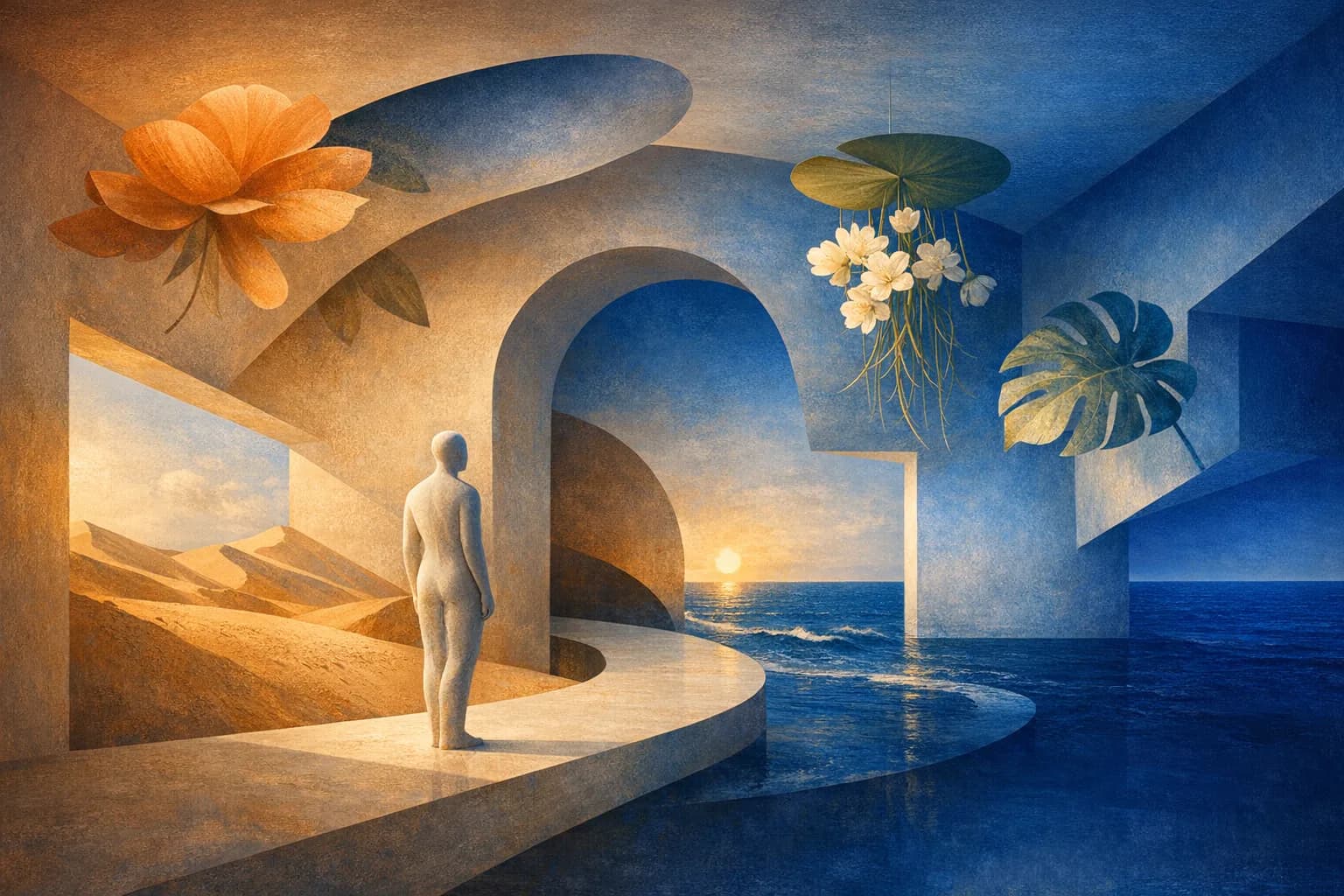
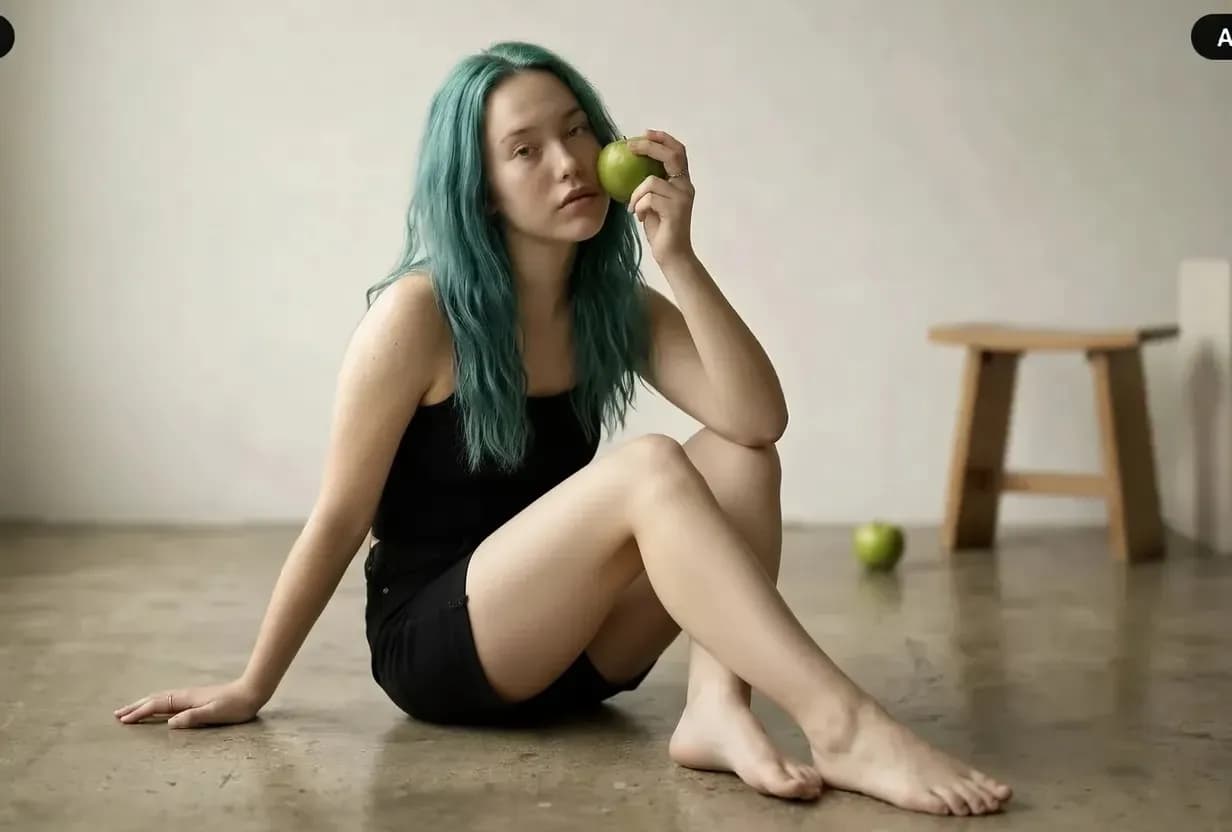
Model availability can change. HighReach keeps leading image generators in one interface so you can compare generation and editing strengths without changing the complete workflow. Images below illustrate the workflow range rather than claiming a specific model output.
 01
01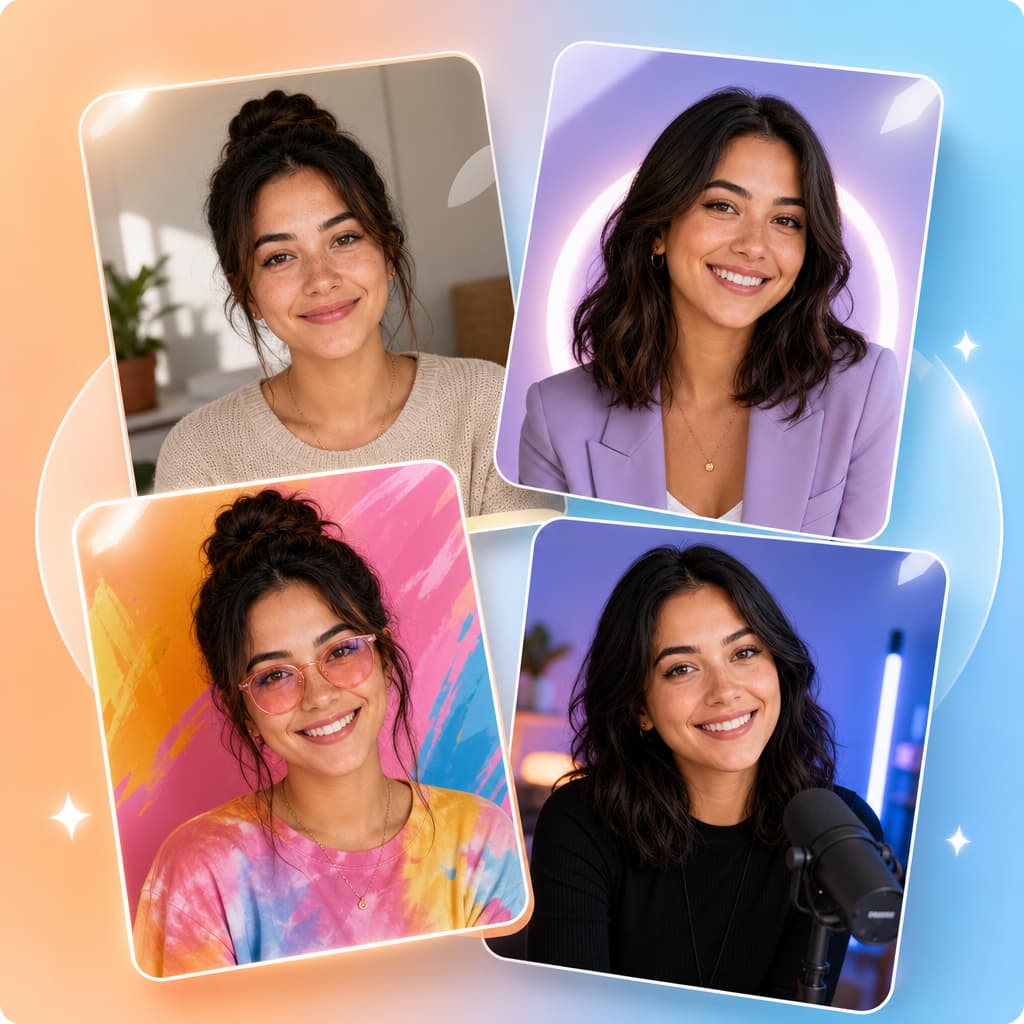 02
02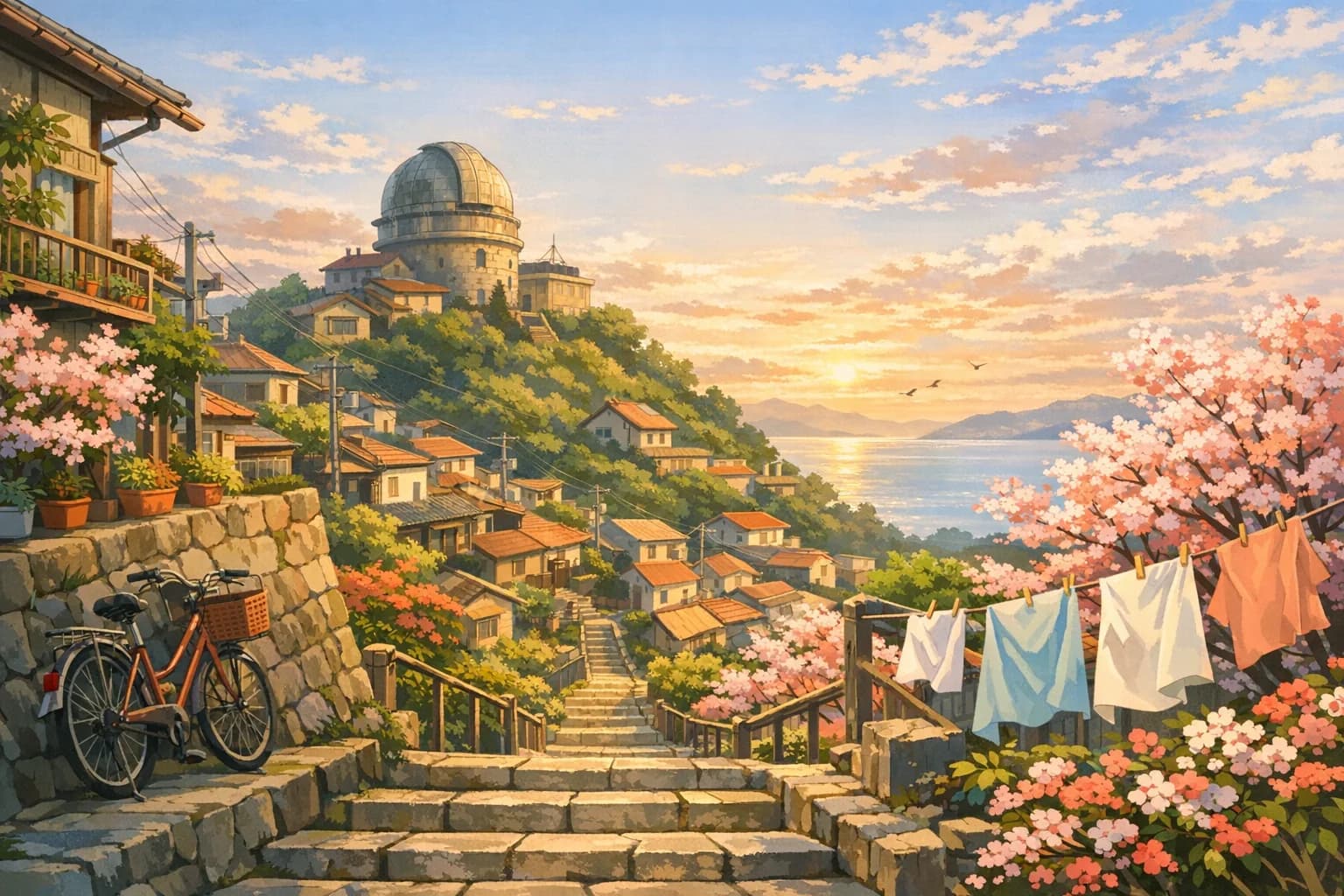 03
03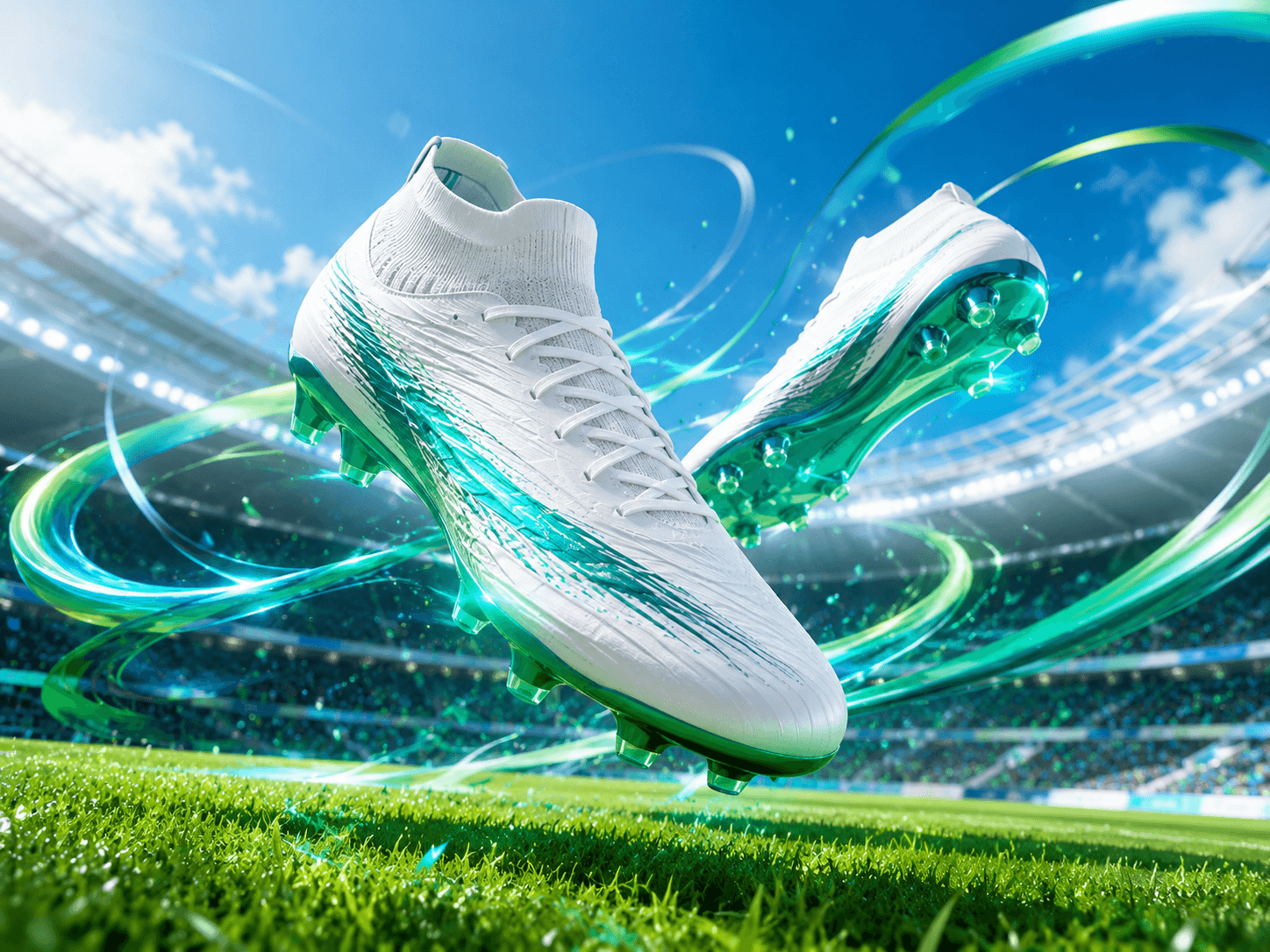 04
04Put the tools into practice
Explore copyable prompts, reference-image advice and composition workflows before your next generation.
Learn a repeatable editing method with same-photo model comparisons for backgrounds, lighting and clothing.
Explore the workflowCompare reference-led edits, try natural poses and troubleshoot two-person portraits.
Explore the workflowChoose a photographic direction for people, products, food or a new scene.
Explore the workflowExplore tested Gemini-family edits with original references, product examples and exact prompts.
Explore the workflowAdd room around the composition with a reference-led outpainting workflow.
Explore the workflowImage generation guides
Start from text, transform a reference, or edit an existing photograph. Explore what each workflow can do before choosing your next tool.
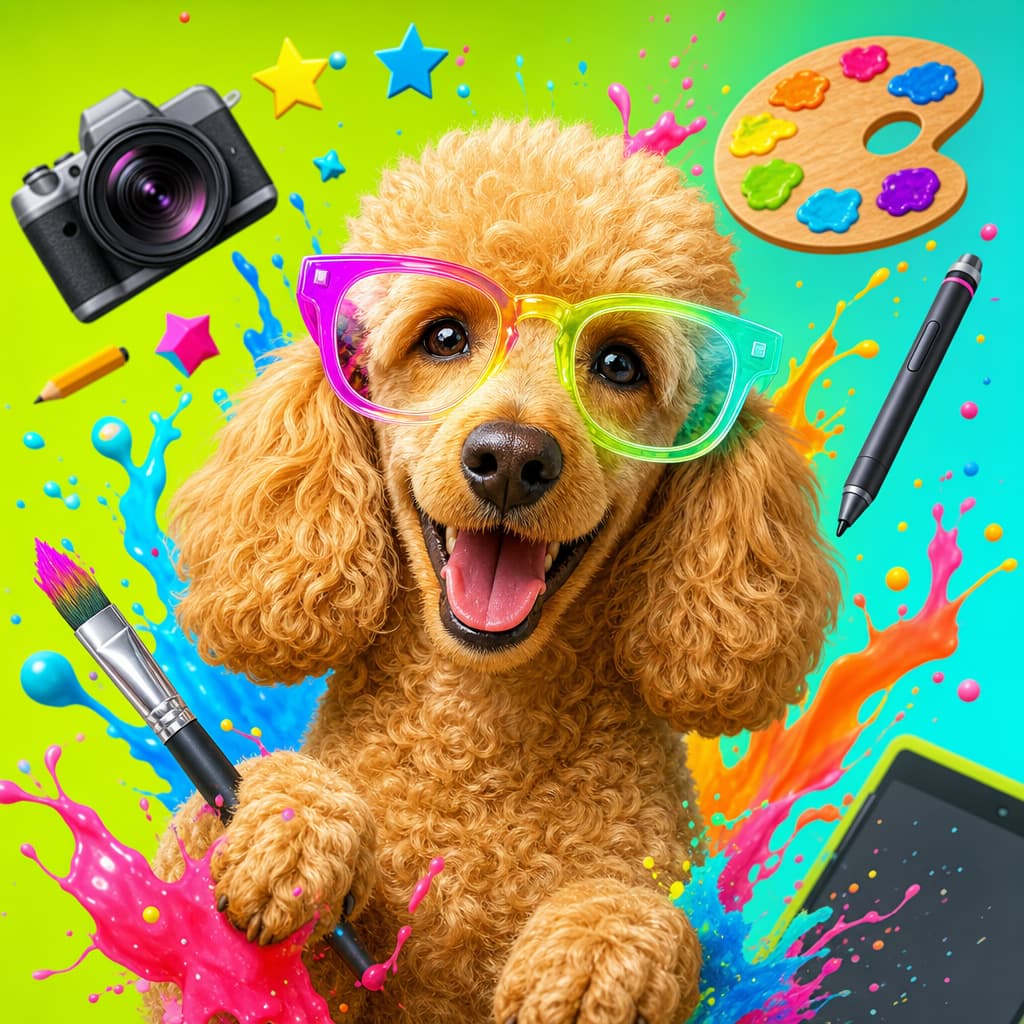
Pillar
Create original images from text and continue into a complete visual workflow.
Read the guideCurrent guideArtwork
Create paintings, illustrations, concept art, and mixed-media artwork from text or images.
Open the toolTransform
Upload a visual anchor and generate new styles, scenes, and variations.
Read the guide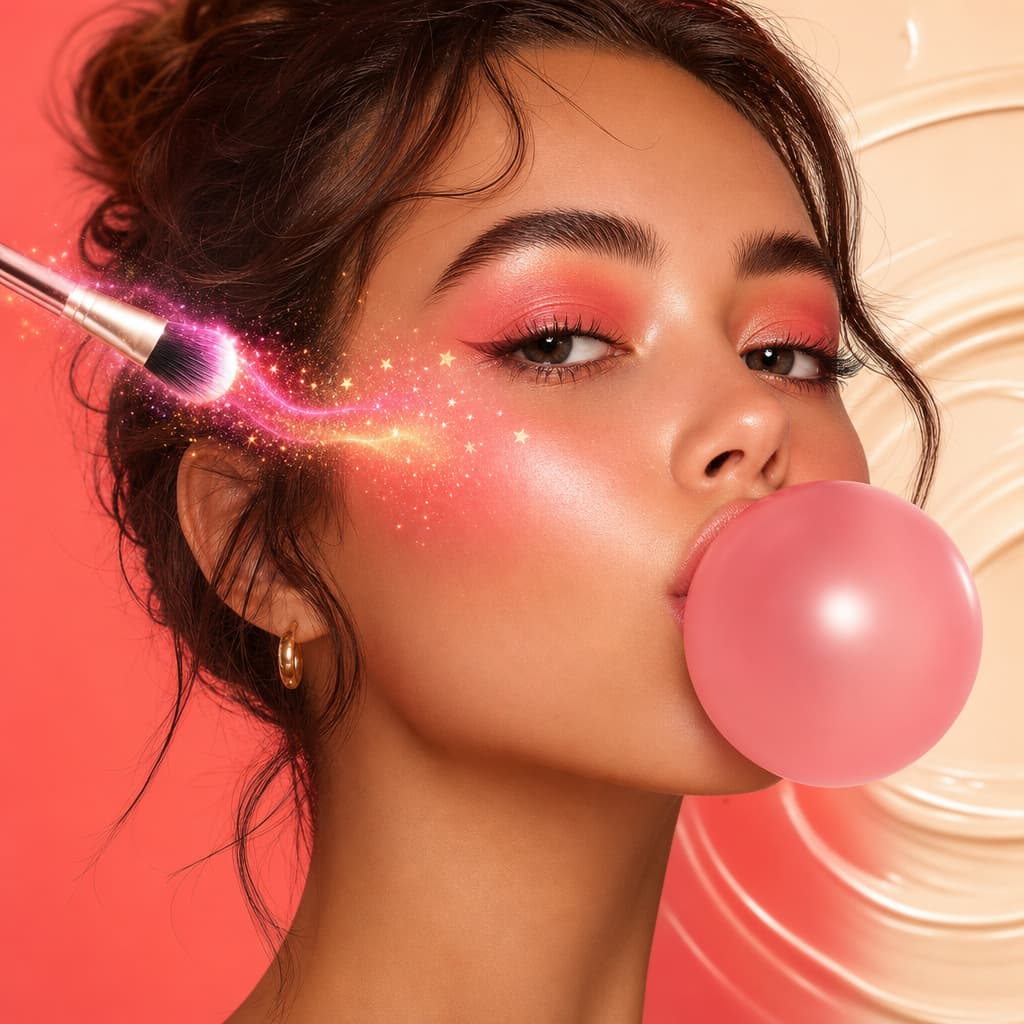
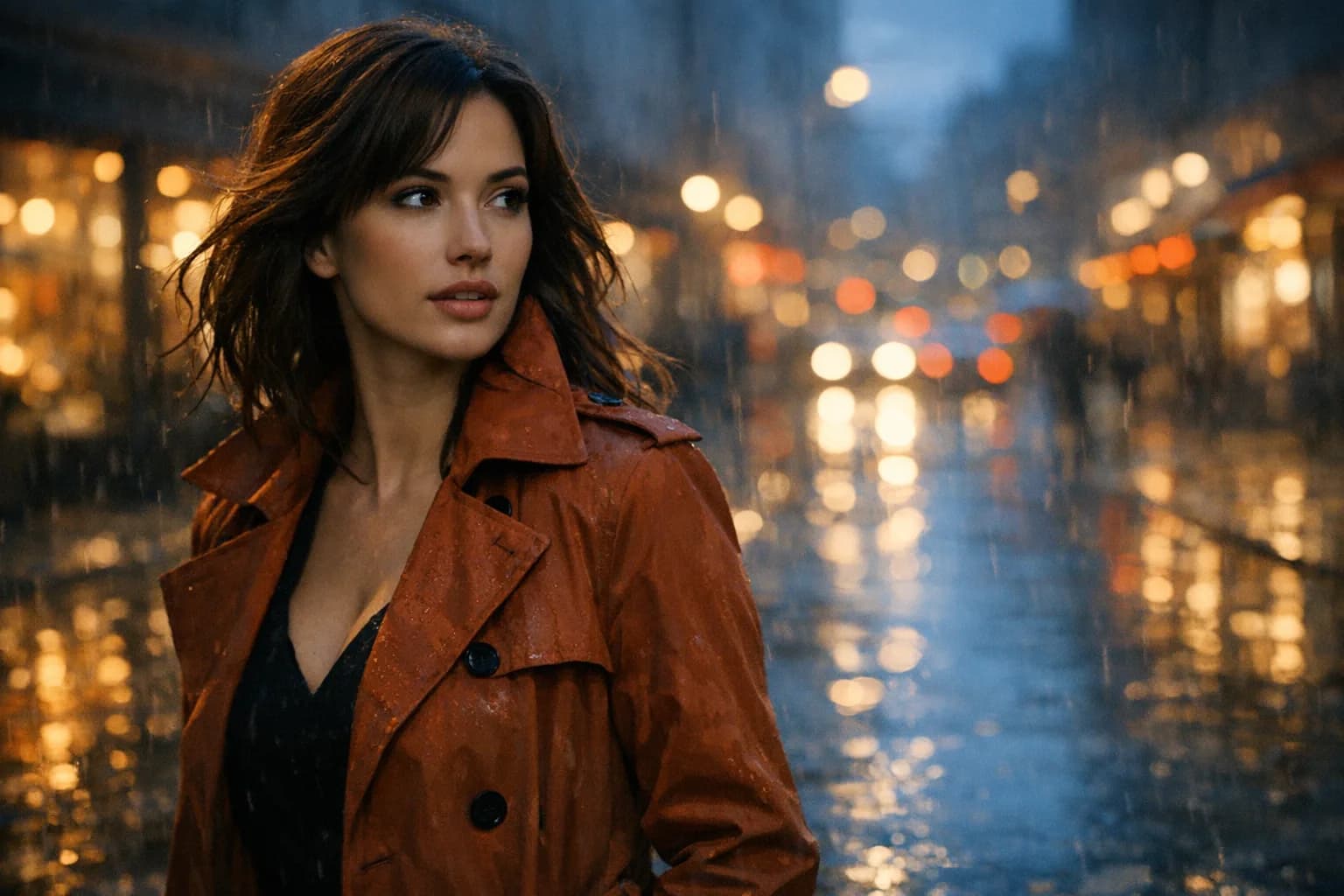
Photography
Generate photorealistic portraits, products, places, and editorial scenes.
Read the guideVariations
Use one photograph as the visual anchor for another photographic direction.
Read the guide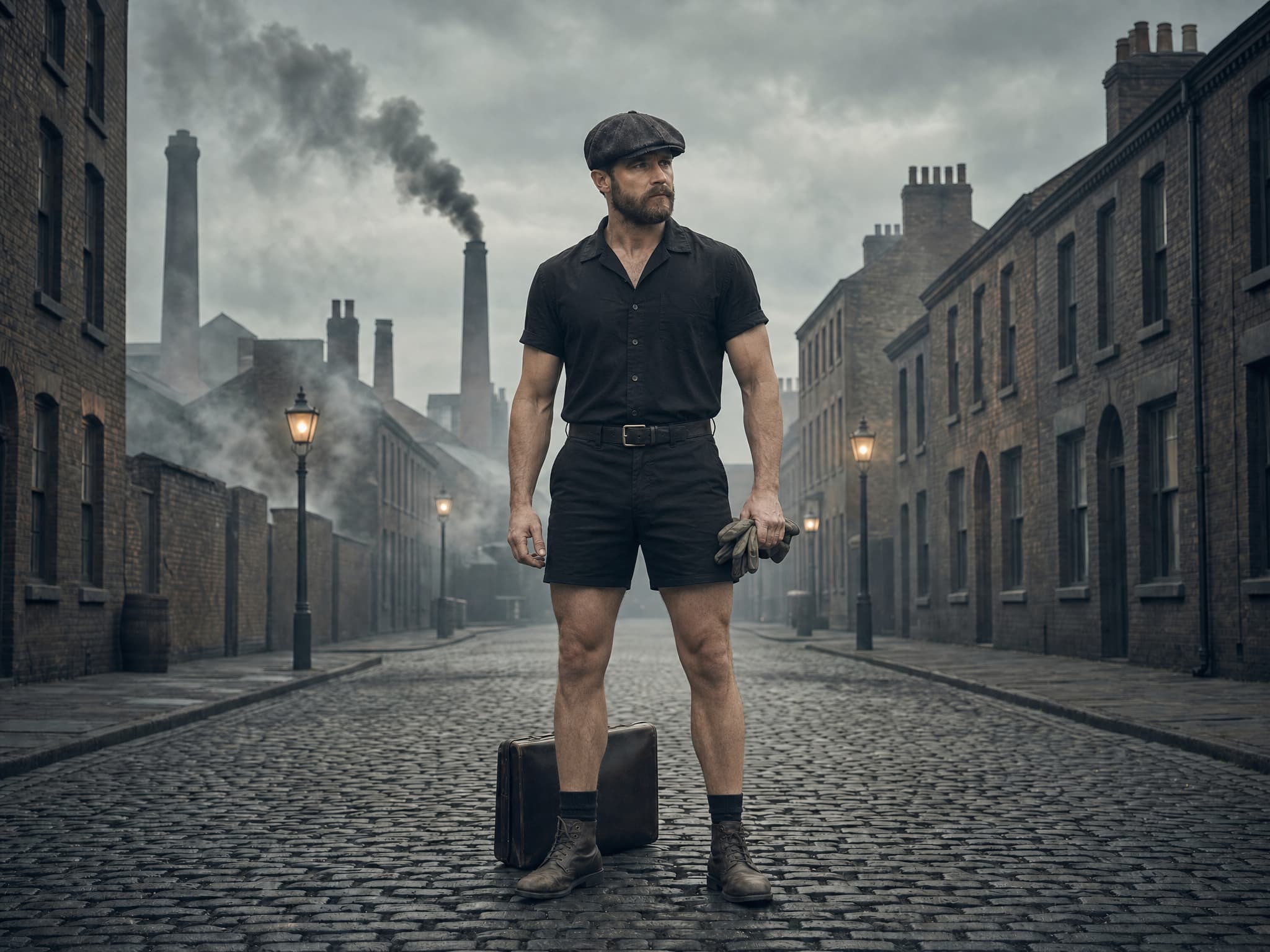
Retouch
Correct and transform photographs while protecting natural detail and identity.
Read the guide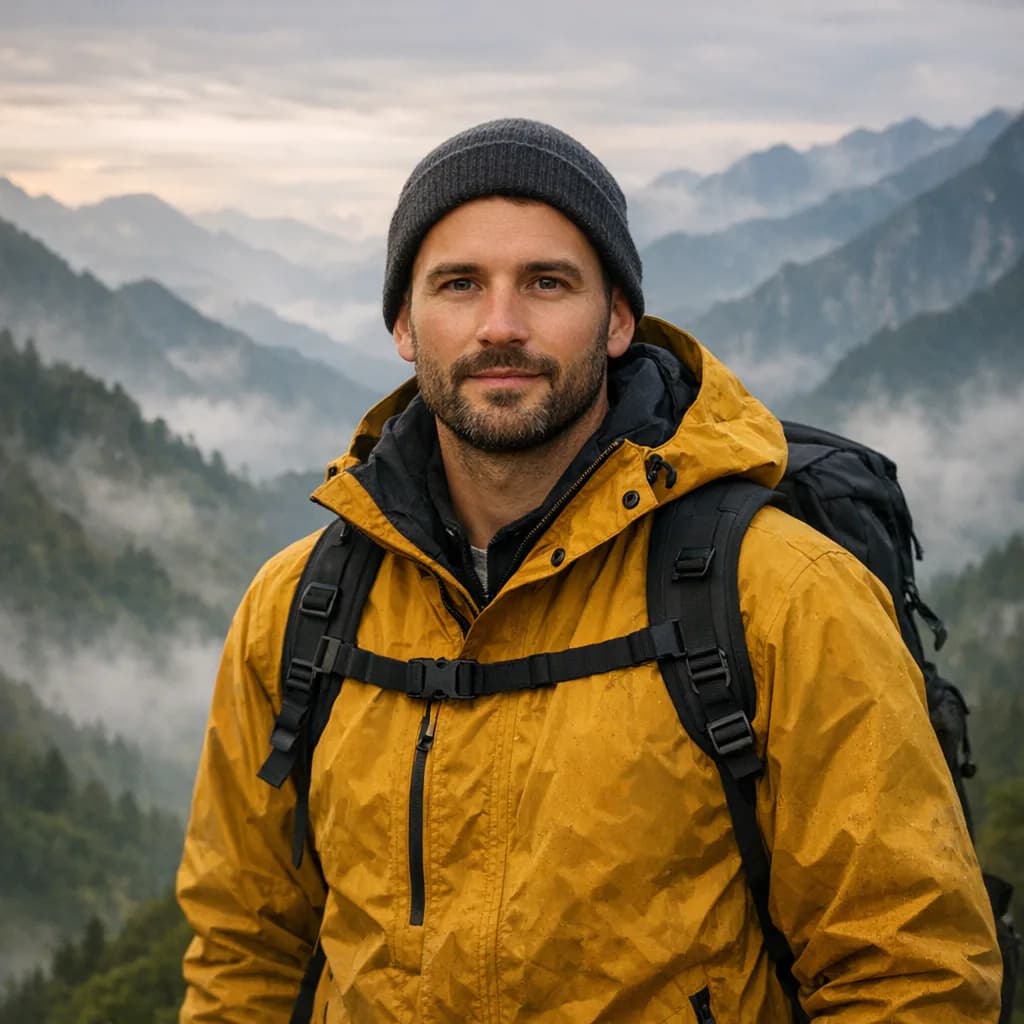
Prompt
Direct a realistic photographic scene from a written visual brief.
Read the guideAI artwork generator FAQ
Clear answers about inputs, prompts, free credits, workflow differences, quality, and responsible production.
AI art is visual artwork created or transformed with generative artificial intelligence. A model interprets text, images, sketches, or other visual context and renders a new image, while the creator directs the concept, composition, medium, palette, references, iteration, and final selection.
An AI artwork generator converts your prompt and optional image references into visual features such as subject, shape, depth, color, texture, and style. HighReach lets you compare available models, generate alternatives, and continue into variations, editing, upscale, or motion.
Yes. Use an image-to-image or variation workflow when you want a rights-cleared photo, sketch, composition, palette, or previous generation to guide new artwork. State what the model should preserve and what it should reinterpret.
The model generates a new output, but originality and protectability are more nuanced than technical novelty. Use references you are authorized to use, avoid requesting copies of protected work or living artists' styles, document meaningful human creative decisions, and review the result before publishing.
Commercial use depends on the selected model, your inputs, HighReach terms, third-party rights, and applicable law. Verify model-specific terms and clear any protected characters, trademarks, copyrighted references, or likenesses before commercial release.
AI artwork generation uses credits because each model has a compute cost. Any current starter credits, trial allocation, or promotion appears in your account, and the selected model and settings determine the cost of a generation.
AI artwork generator
Start with a prompt or rights-cleared image, choose the right model, and keep refining the result inside the connected HighReach image and video suite.