 01
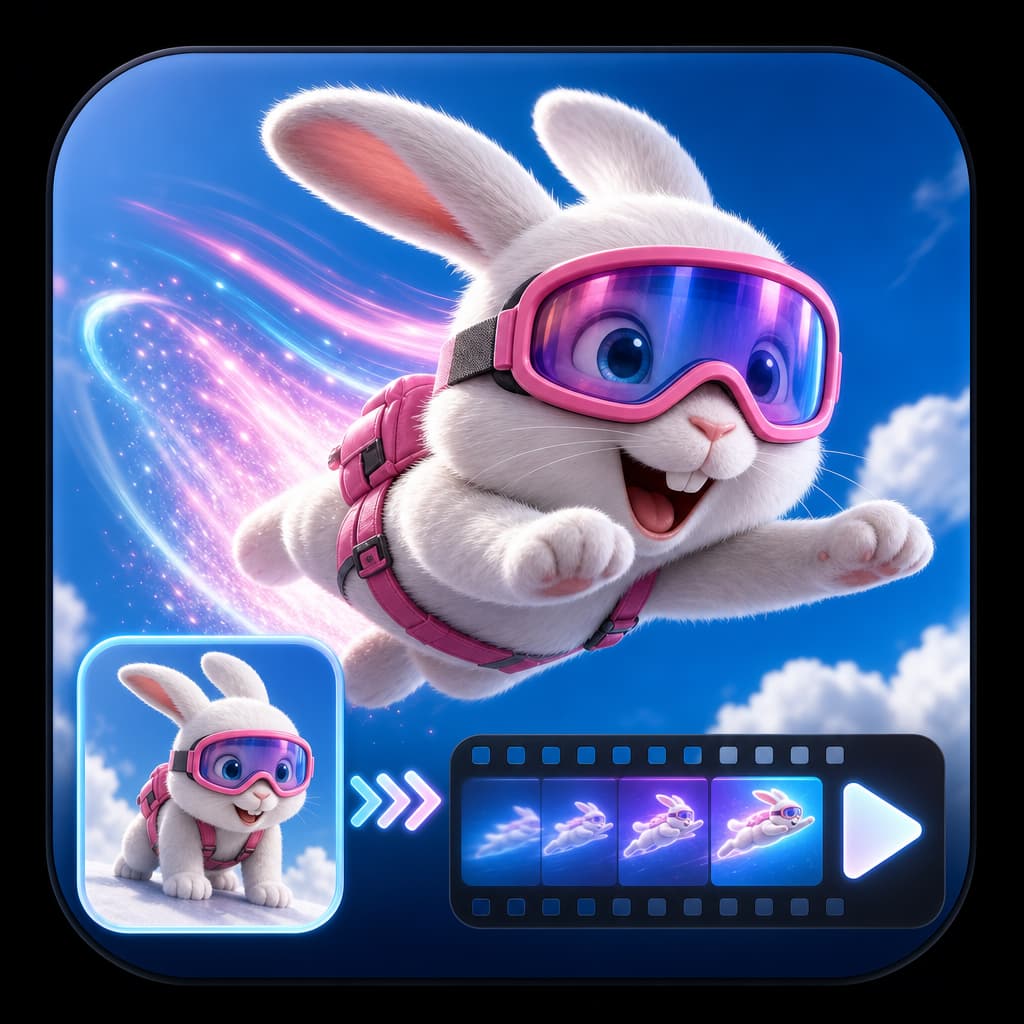
01Frame-to-frame direction
Control where the shot starts and lands.
Use a source image to anchor composition and an optional end frame to define the destination. The prompt directs the action and camera path Kling generates between those moments.
✨ Create Stunning Videos with AI! Access Kling 3.0, Seedance, Veo, Flux, Nano Banana and more in one platform. Start Creating
Create Kling AI video from text or images, direct the opening and closing frame, plan multi-shot action, add native audio, transfer a performance, or transform existing footage inside HighReach.
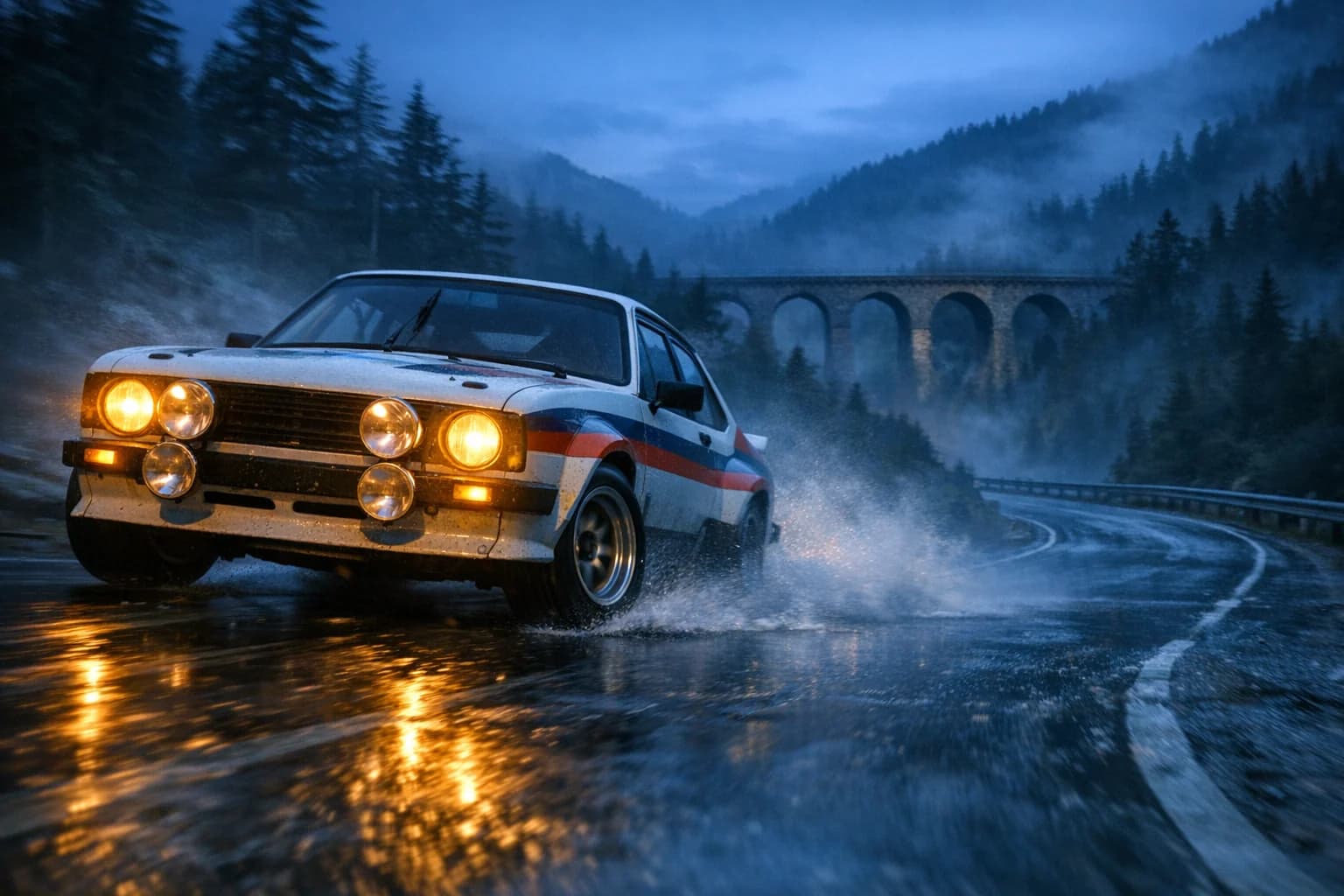
Low tracking camera races beside a vintage rally car drifting through a wet alpine hairpin at blue hour; realistic spray, tire grip, suspension weight, and amber headlights.
Core workflows
Text, frames, motion, and editing
Generation length
3-15 second clips
Formats
16:9, 9:16, and 1:1
HighReach output
720p with optional audio
What is Kling AI?
Kling AI is Kuaishou's generative video system. Kling 3.0 expands it into a connected family for text, image, reference, audio, multi-shot, and editing workflows.
Kling 3.0 is designed for stronger narrative control, consistent subjects, cinematic camera movement, physical realism, and longer directed clips with native sound.
In HighReach, Kling 3.0 Pro and Standard support text-to-video and image-to-video, optional end frames, multi-shot timing, audio, negative prompts, and 3-15 second output in landscape, square, or vertical formats.
The wider Kling lineup adds O3 animation and editing plus motion-control workflows, letting a single model family cover concepting, character performance, product video, social scenes, and source-video transformation.
Kling 3.0 capabilities
Use Kling 3.0 as part of a complete AI video workflow in HighReach, from the first reference frame to final output review.
01Frame-to-frame direction
Use a source image to anchor composition and an optional end frame to define the destination. The prompt directs the action and camera path Kling generates between those moments.
 02
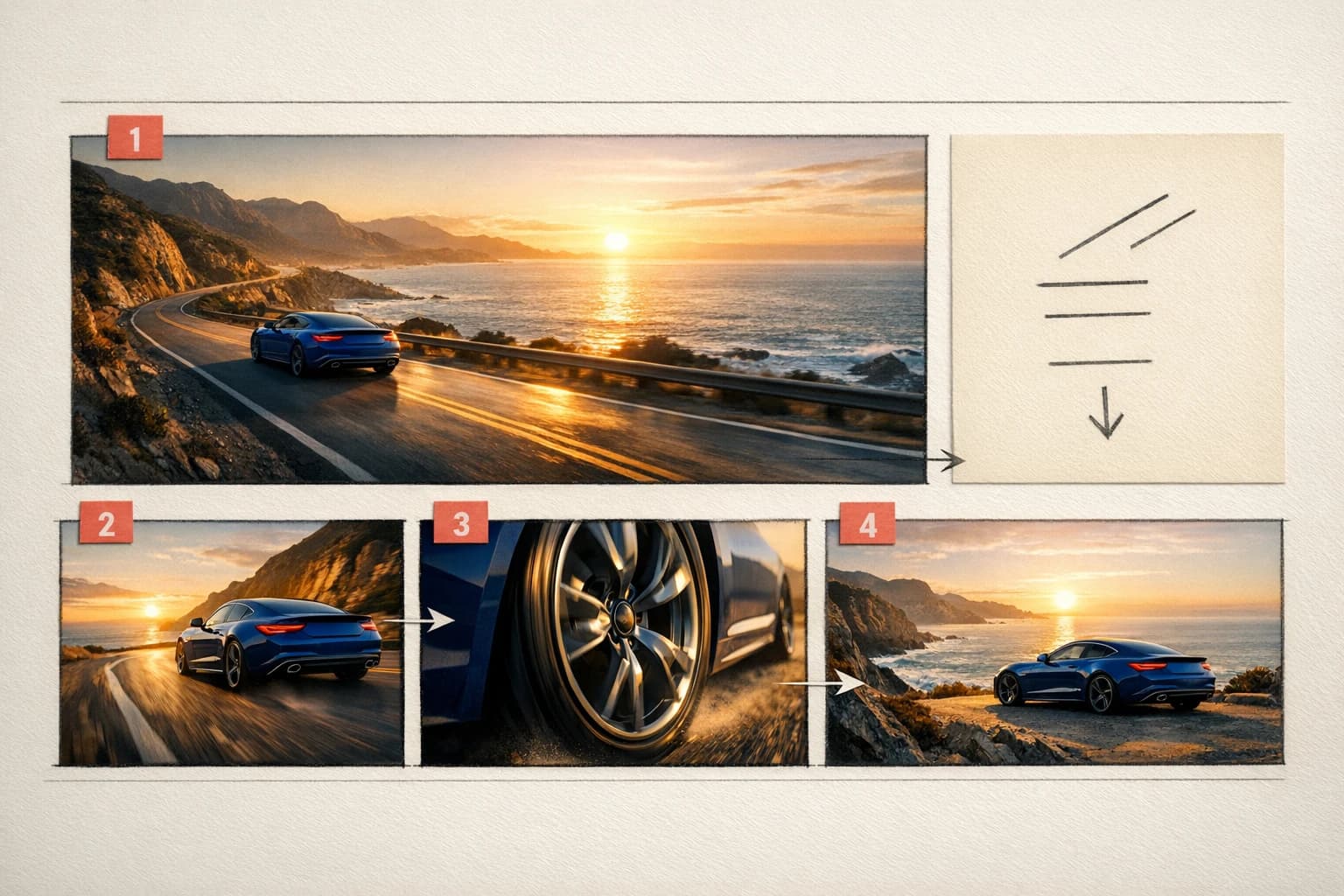
02Multi-shot storytelling
Describe an opening hook, progression, transition, and final hold. Multi-shot timing helps the clip behave like a short sequence rather than one continuous random movement.
 03
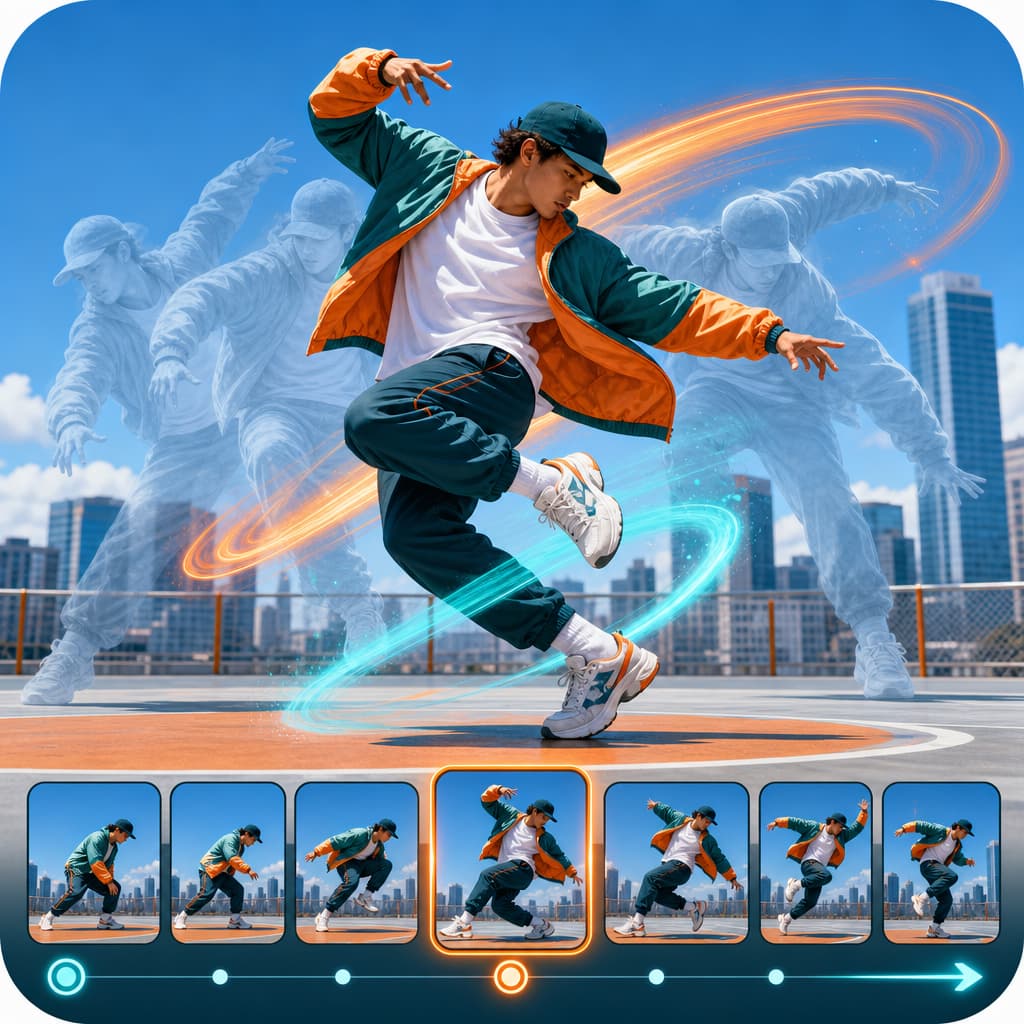
03Performance and editing
Kling motion control can follow a reference performance, while Kling O3 editing can change selected scene details when the instruction clearly protects identity, timing, framing, and camera movement.
Connected production
Brief, generate, compare, and refine without losing the creative thread.
How it works
Start from a written idea, a directed frame, a motion reference, or an existing clip. HighReach exposes only the controls supported by the selected Kling endpoint.
Choose Text to Video, Image to Video, Motion Sync, or Edit Video based on the assets already available.
Use Pro for fidelity, Standard for an economical draft, or O3 for compatible animation and editing tasks.
State subject movement, camera movement, timing, sound, and the visual details that must remain consistent.
Choose a 3-15 second clip, landscape, square, or vertical framing, and audio where supported, then review the result.
Model lineup in HighReach
The newest model is not automatically the right endpoint for every job. Match fidelity, speed, editing, and motion controls to the shot.
Highest fidelity
The primary Kling workflow for polished text and image generation where motion quality and visual detail matter most.
Efficient production
A lower-credit route to the core Kling 3.0 controls for drafts, testing, and higher-volume creative exploration.
Animate and edit
Use O3 for supported image animation or prompt-based changes to existing footage inside HighReach Edit Video.
Transfer performance
Drive a new character from a motion reference while using a source image to protect appearance and styling.
Talking avatar
Turn one portrait image and a speech audio file into a lip-synced talking-avatar video, with an optional prompt for delivery and framing.
Prompt playbook
A useful prompt behaves like a compact director's brief. Give every detail a job instead of stacking visual adjectives.
Cinematic action
01Vintage rally car enters a wet alpine hairpin at blue hour. Action: one controlled drift with realistic tire grip, spray, and suspension compression. Camera: low side-tracking rig, then a restrained pan as the car exits. Amber headlights reflect on asphalt. Cinematic realism, no cuts, no slow motion.
Start and end frame
02Begin exactly from the supplied wide frame. The subject walks toward camera as the lens slowly cranes upward. Preserve face, coat, street geometry, and evening light. Finish exactly on the supplied close portrait with natural perspective and one continuous movement.
Multi-shot product film
03Shot 1: macro condensation travels across the bottle, 3 seconds. Shot 2: clean pullback reveals the product on dark stone, 4 seconds. Shot 3: slow 30-degree orbit lands on a label-sharp hero frame, 3 seconds. Restrained studio ambience and one soft glass placement sound.
Choose the right model
No single model is best for every brief. Compare the controls, cost and results that matter for your production workflow.
 Google
Best for Rapid reference-led iteration
Fast multimodal video generation with image references and conversational creative direction.
Explore Gemini Omni Flash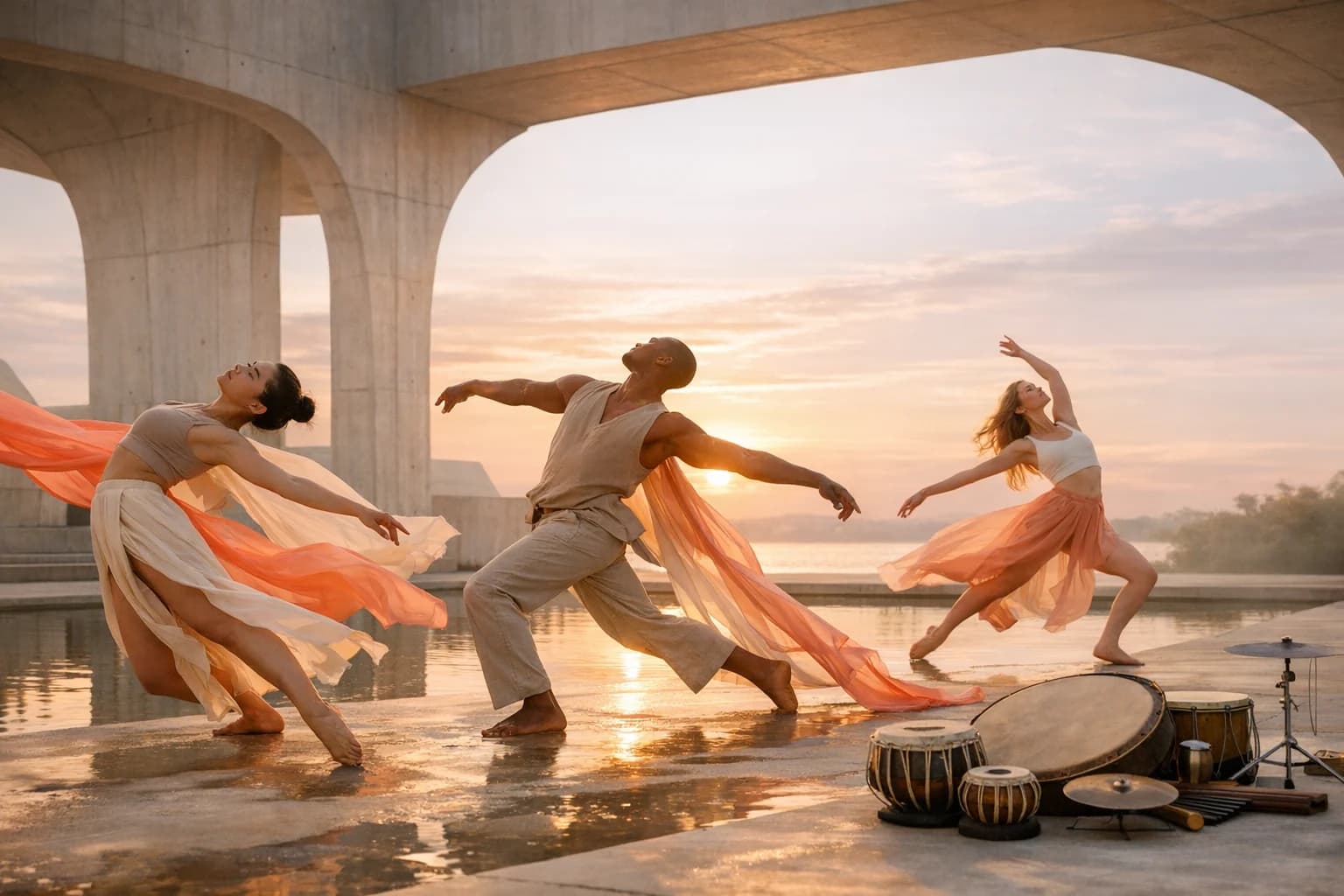 ByteDance
Best for Complex narrative sequences
Multimodal, multi-shot video production with native sound, broad formats, and high-resolution output.
Explore Seedance 2.0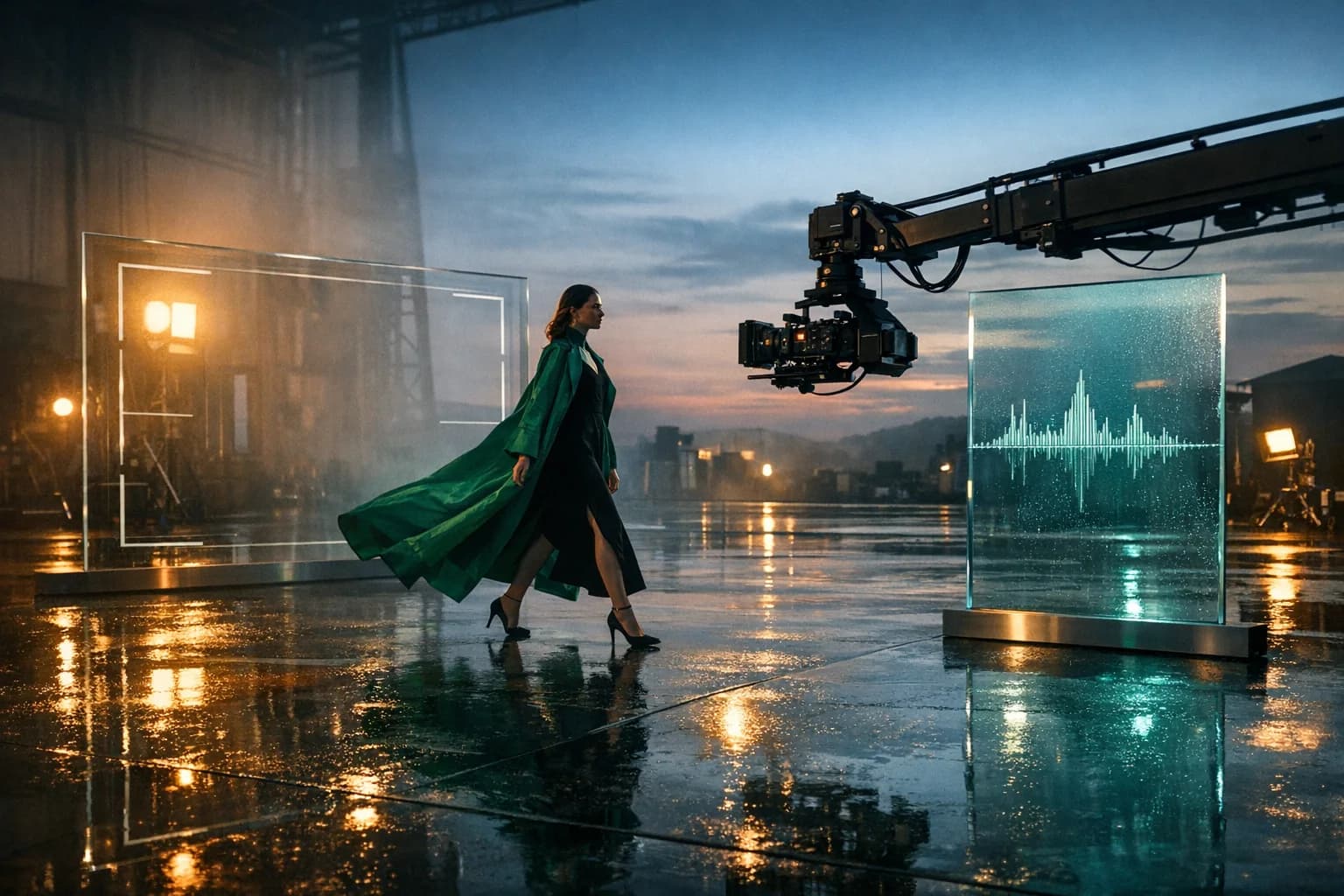 MiniMax
Best for Reference-rich commercial production
Multimodal video generation and localized editing with long prompts, reference media, high-resolution output, and native sound capabilities.
Explore MiniMax H3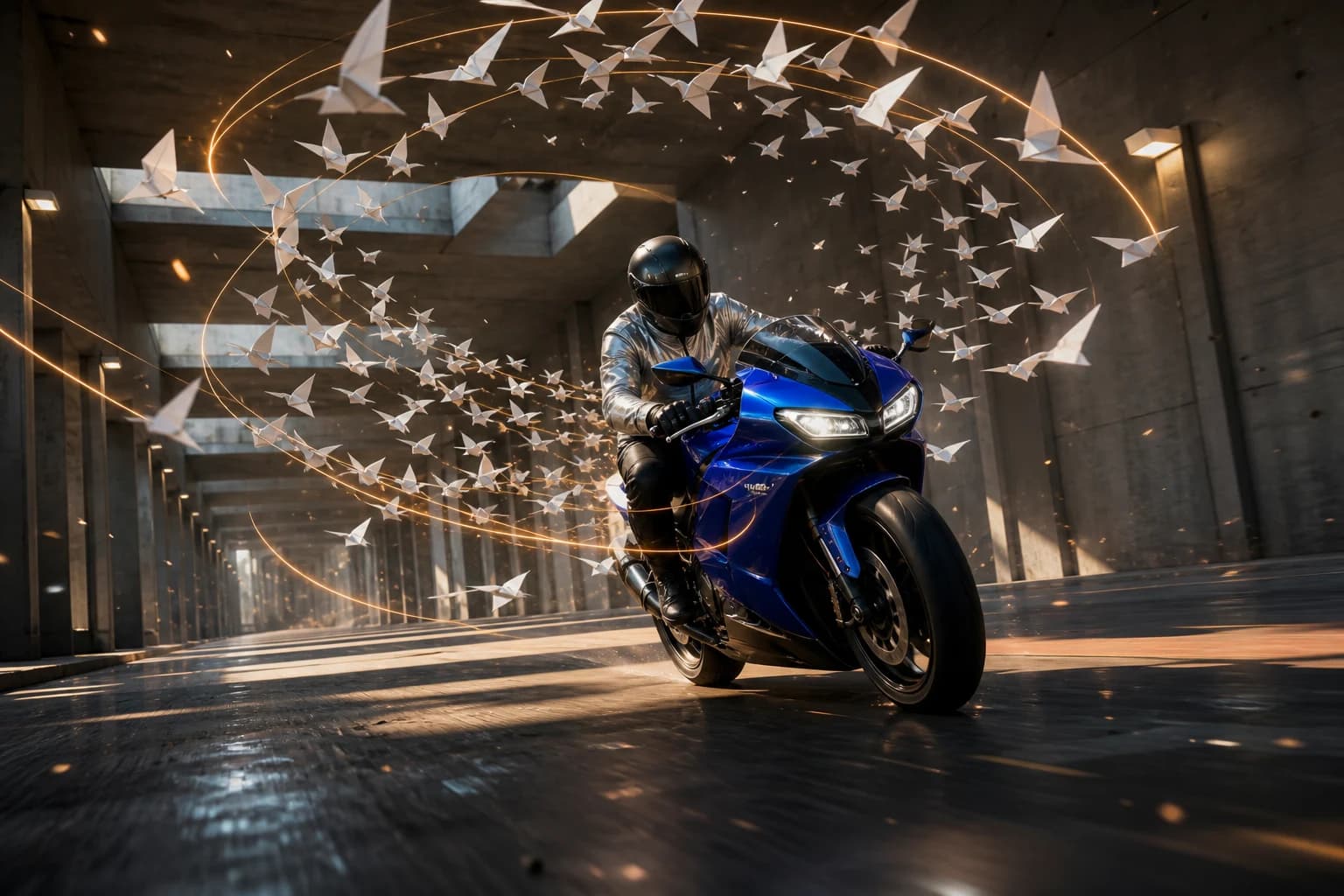 fal Research
Best for Fast, high-quality shot iteration
fal's post-trained H3 variant combines stronger prompt adherence, native synchronized audio, and faster-than-real-time 768P generation.
Explore MiniMax H3 Max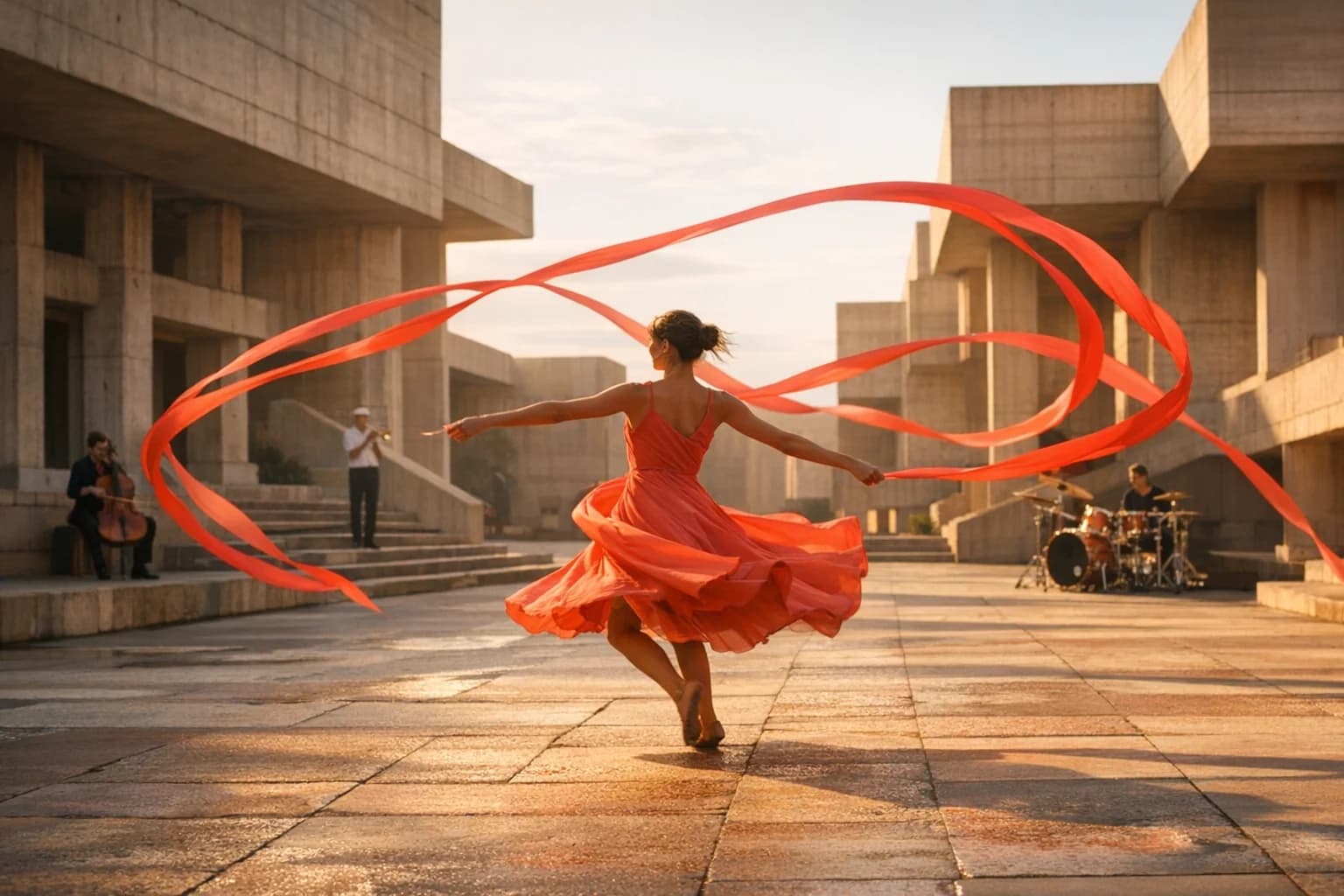 ByteDance
Best for Long takes and multimodal direction
Long-form text, image, and reference-to-video with up to 50 multimodal inputs, native audio, and directed 30-second sequences.
Explore Seedance 2.5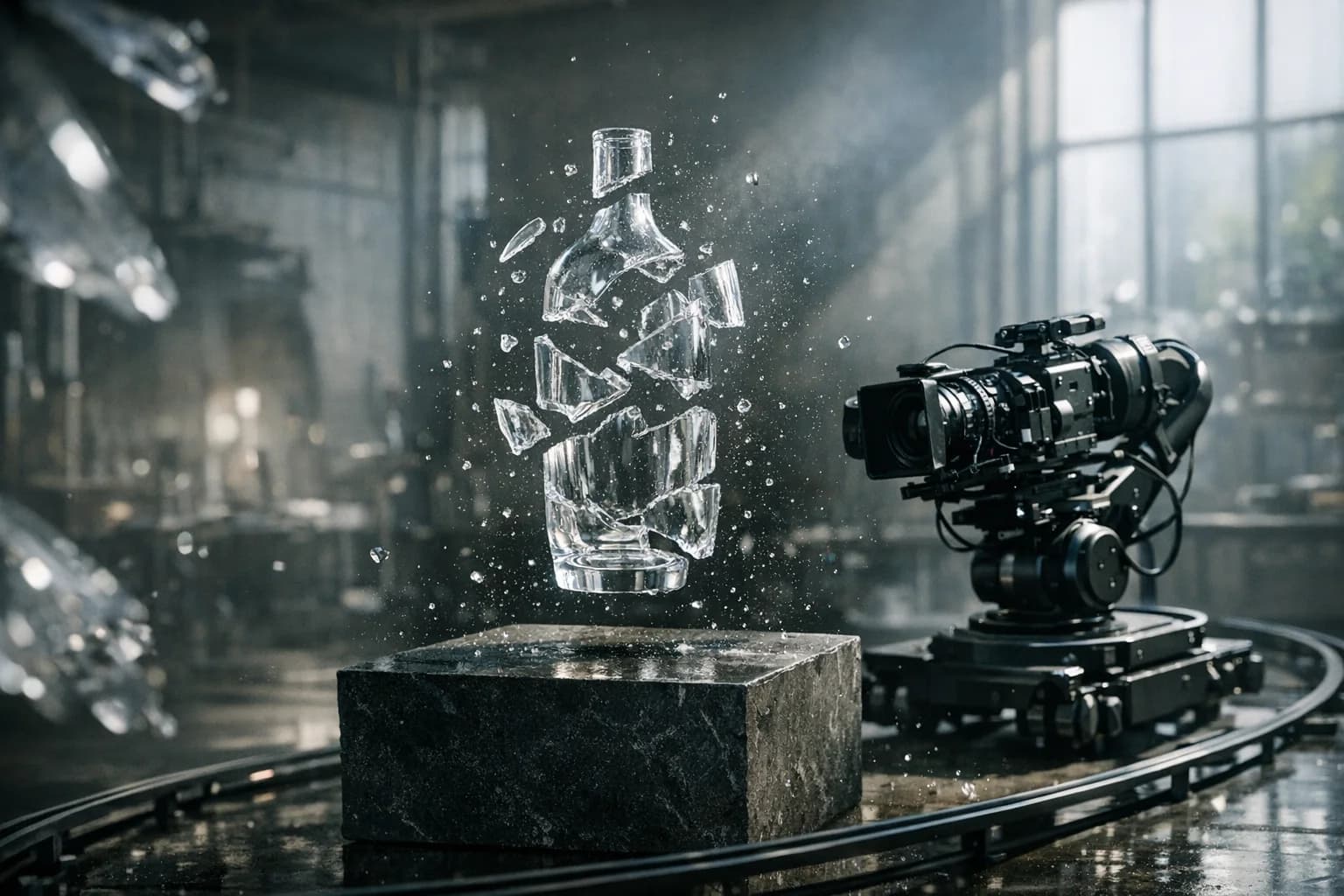 Black Forest Labs
Best for Physical motion and camera control
Physics-aware video with native audio, precise camera language, high-fidelity image animation, and up to 20-second output.
Explore FLUX.3 VideoProduction notes
Check 01
Review fast limbs, hands, wheels, liquid, collisions, and object contact for physical errors.
Check 02
Start and end frames that differ too radically can produce abrupt morphing or unnatural transitions.
Check 03
Dense multi-shot briefs work better when each beat has one action, one camera instruction, and clear timing.
Check 04
Generated dialogue, readable text, logos, and small product details should be verified before publication.
Kling 3.0 FAQ
Practical answers about Kling 3.0, available HighReach workflows, output controls, and prompt direction.
Kling AI is a family of generative video models from Kuaishou. Kling 3.0 covers text-to-video, image-to-video, native audio, multi-shot storytelling, and longer directed clips, while related Kling workflows support motion control and video editing.
Yes. HighReach includes Kling 3.0 Pro and Standard for text and image generation, Kling O3 for supported animation and editing, and Kling motion-control workflows.
Yes. Upload a starting frame in HighReach Image to Video and select a compatible Kling model. You can direct subject movement, environmental motion, camera behavior, pacing, and audio.
Compatible Kling image-to-video models in HighReach accept an optional end frame alongside the starting image, letting you define both ends of the generated motion.
HighReach currently exposes durations from 3 to 15 seconds for Kling 3.0 Pro and Standard, depending on the selected workflow and settings.
Supported Kling 3.0 and O3 endpoints include an audio option. HighReach only displays the control when the selected model supports it.
Kling motion control combines a subject image with a reference performance video. It transfers gestures and movement while the image guides the new character's appearance. The output follows the reference video's length: up to 30 seconds when orientation follows the video, or 10 seconds when it follows the image.
Yes. Kling AI Avatar v2 animates one portrait image to a speech audio file. Use it in HighReach Lip-Sync, where Standard is the default and Pro is available for higher fidelity.
fal's list rates are $0.126 per second for Kling 3.0 Standard motion control, $0.168 for Pro motion control, $0.0562 per second of audio for AI Avatar v2 Standard, and $0.115 per second for AI Avatar v2 Pro. For a 5-second job, HighReach charges 1,260 credits for Standard motion control, 1,401 for Pro motion control, and 562 for AI Avatar v2 Standard.
Kling 3.0 is a strong fit for cinematic movement, start/end frames, motion control, and 3-15 second 720p output. Seedance 2.0 offers broader aspect ratios, multimodal reference workflows, native audio, and output up to 4K where supported.
Kling 3.0 offers broader duration, end-frame, multi-shot, audio, and motion-control options in HighReach. Gemini Omni Flash is a focused choice for fast, image-reference-rich generation with up to ten supporting images.
Kling 3.0 in HighReach
Build with Kling 3.0 Pro, Standard, O3, or Motion Control in HighReach, then compare results without rebuilding your production workflow.