✨ Create Stunning Videos with AI!Access Kling 3.0, Seedance, Veo, Flux, Nano Banana and more in one platform. Start Creating

ByteDance long-form video model

Seedance 2.5, longer stories with one coherent rhythm.

Generate 4-30 second Seedance AI video from text or an image, or direct a new scene with up to 50 image, video, and audio references. Build longer takes with native sound, physical motion, and explicit pacing in HighReach.

4-30 secondsUp to 50 referencesNative audioText, image, and reference
HighReach video suiteSeedance 2.5
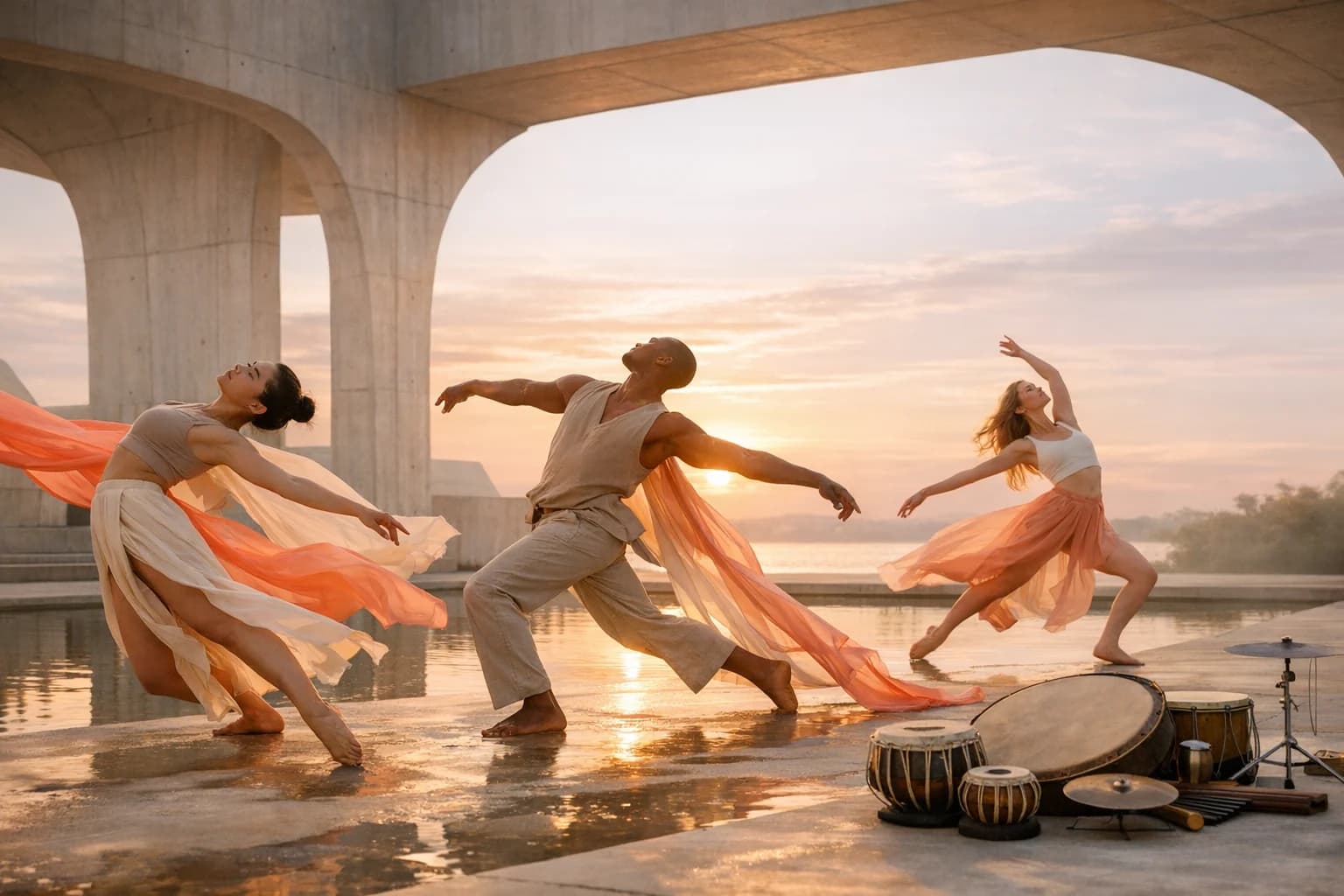
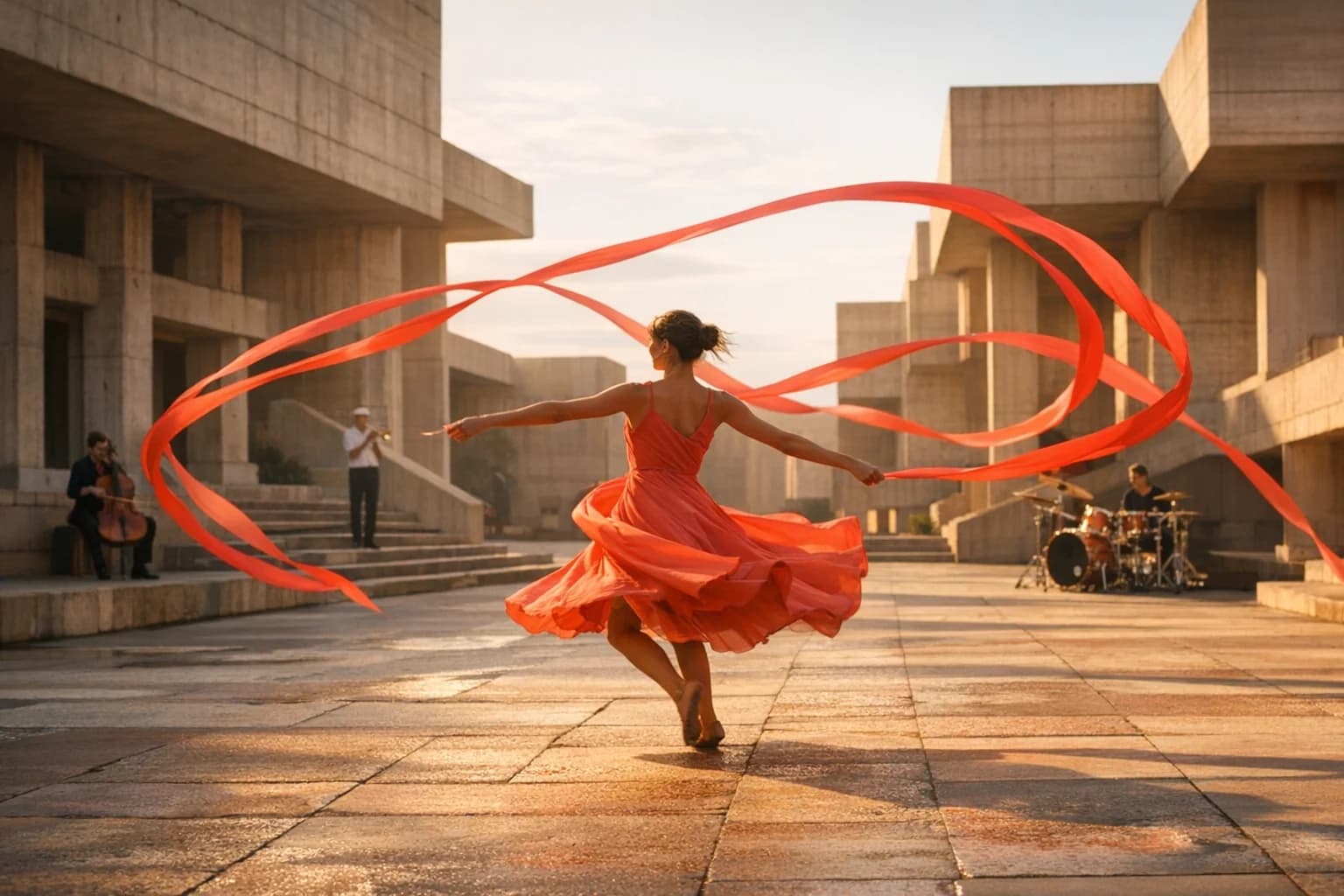
Dancer and musicians in a sunlit courtyard for a Seedance 2.5 long-take concept
Prompt direction

One continuous tracking shot follows a dancer through a sunlit concrete courtyard. Coral ribbons trace physically believable arcs as live percussion builds; preserve spatial layout, fabric weight, and the final musical beat.

BriefGenerateReview

Core workflows

Text, image, and reference video

Reference capacity

Up to 50 combined files

Generation length

4-30 second clips

HighReach output

480p and 720p

What is Seedance 2.5?

A long-form multimodal model that plans the take before it moves.

Seedance 2.5 is ByteDance's native audio-video model for generating a complete clip from text, one image, or a large reference set containing images, footage, and sound.

01

Unlike workflows that assemble several independent short clips, Seedance 2.5 can reason across a native take up to 30 seconds. That longer context helps characters, locations, camera logic, sound, and narrative beats remain connected.

02

Its dedicated reference workflow accepts as many as 30 images, 10 videos, and 10 audio files, with 50 files total. Visual sources can define identity and spatial layout, video can guide motion and camera language, and audio can establish dialogue, performance, or rhythm.

03

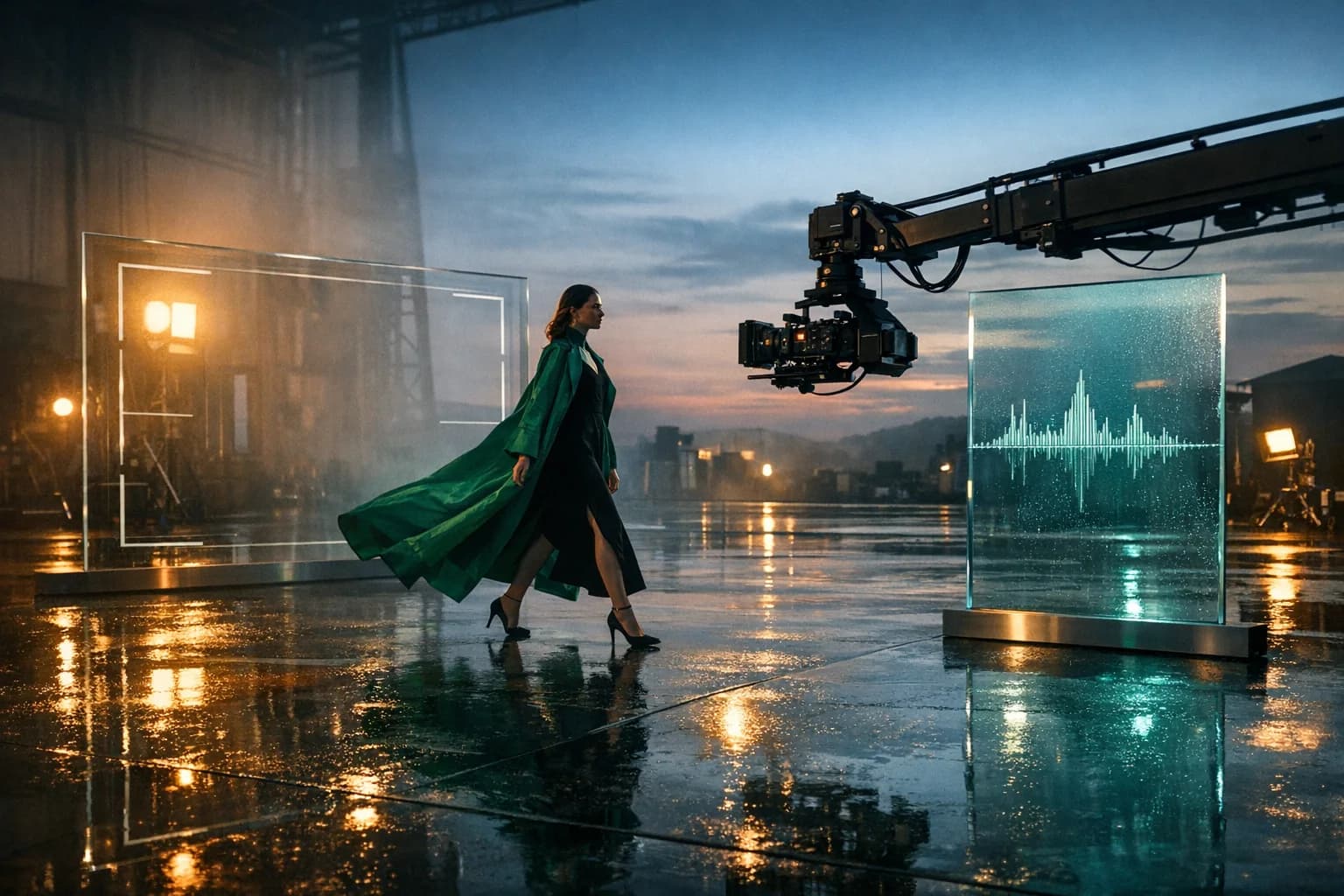
Seedance 2.5 also supports timestamped pacing, layout references, physically grounded fabric and hair, multilingual direction, synchronized sound, and focused scene changes such as replacing a green-screen background.

Seedance 2.5 capabilities

Direct the shot with more than a one-line prompt.

Use Seedance 2.5 as part of a complete AI video workflow in HighReach, from the first reference frame to final output review.

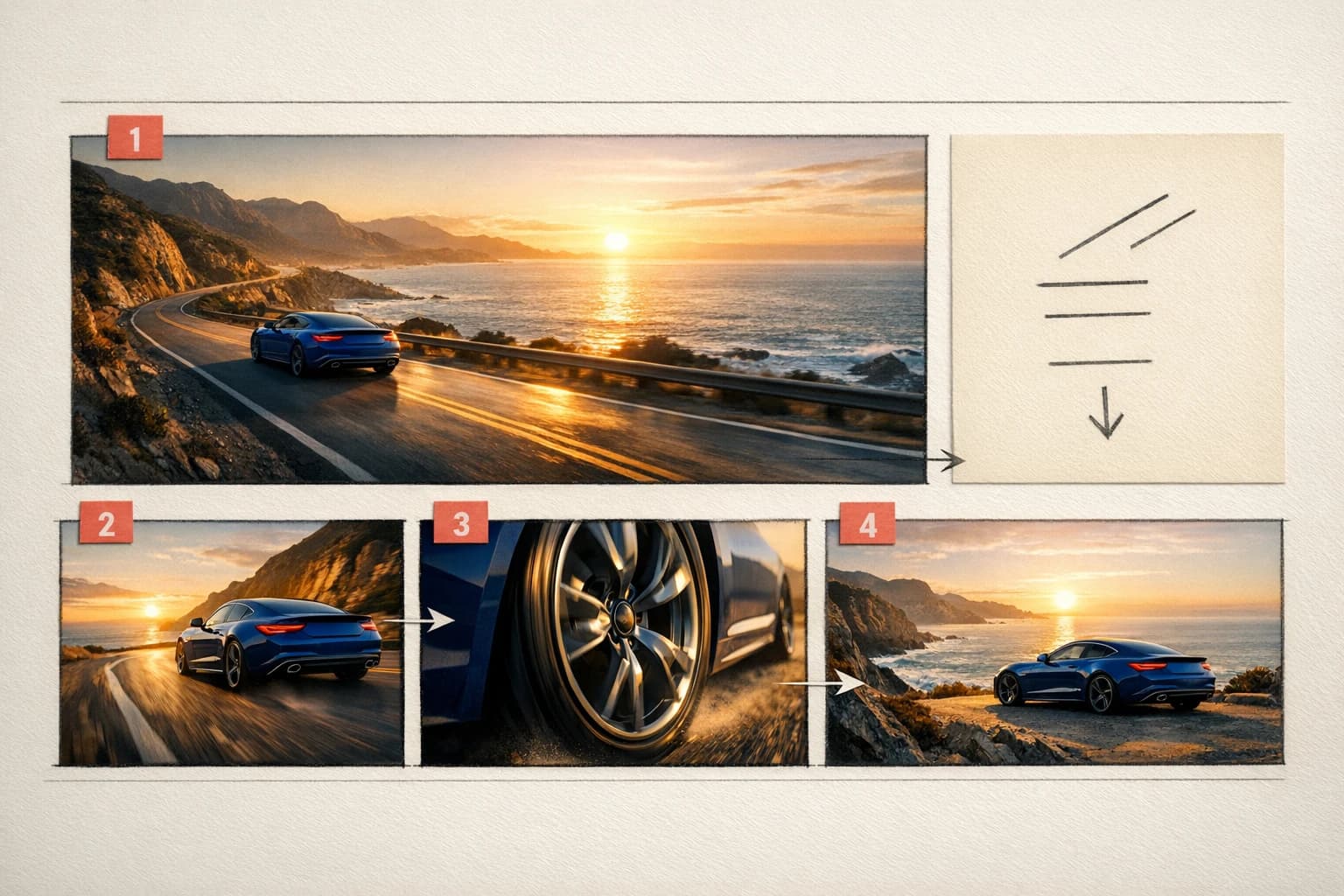
Long-form AI video storyboard with timed consecutive scenes01

Native 30-second takes

Develop a complete beat without stitching fragments.

Direct an establishing moment, progression, camera transition, and final hold inside one generation. Timestamp ranges can allocate time to consecutive, non-overlapping actions.
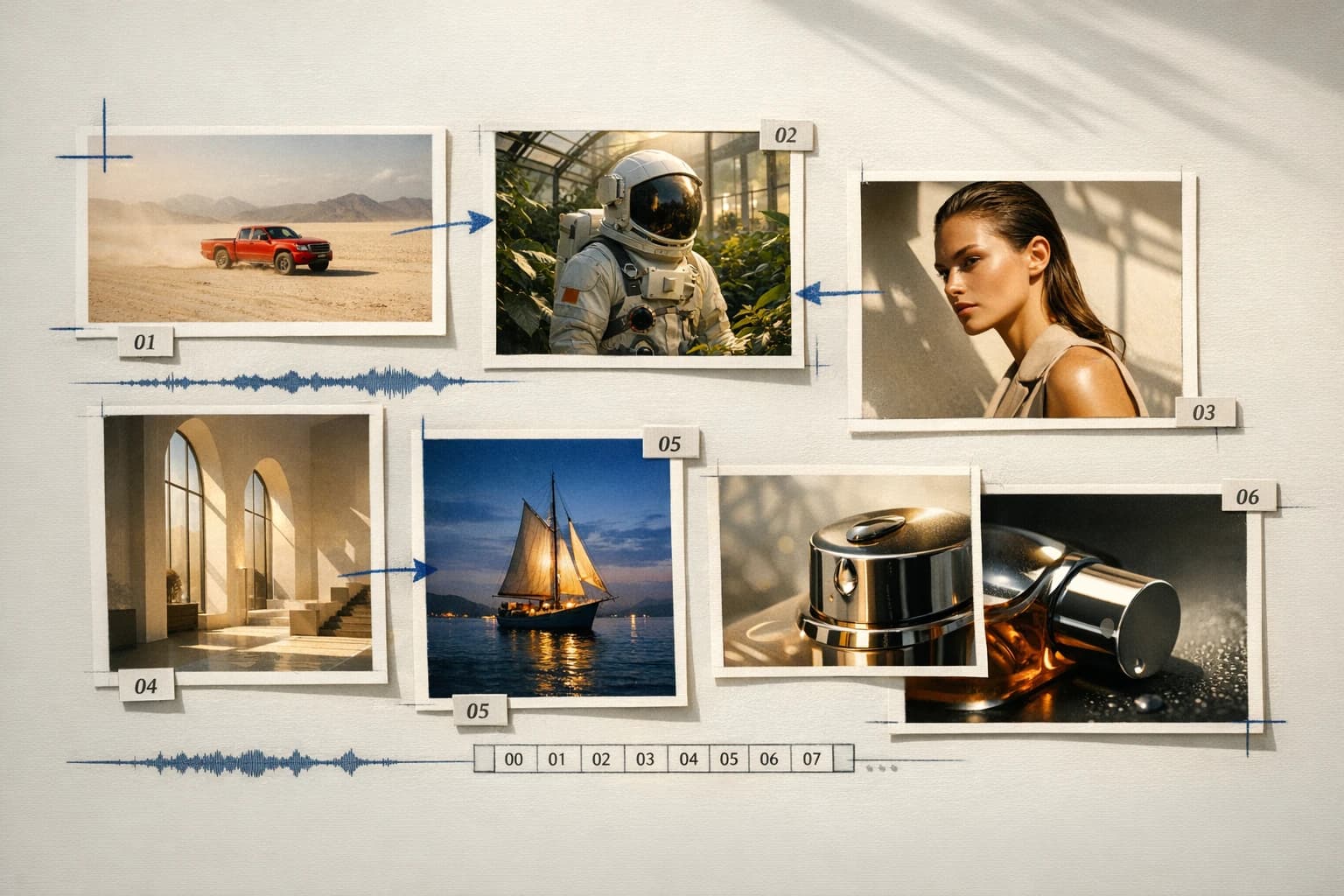
Seedance 2.5 production board with visual, motion, and audio references02

Up to 50 references

Build the shot from a full production board.

Combine character sheets, products, wardrobe, environments, blockouts, motion clips, dialogue, and music. Explicit roles prevent a large reference set from becoming an ambiguous mood board.

Dancer moving with live musicians in a synchronized Seedance video concept03

Synchronized audio and motion

Direct what happens, how it moves, and what it sounds like.

Write dialogue, ambience, music, effects, and silence alongside action and camera direction. Seedance generates the sound with the moving scene rather than treating it as a later attachment.

Seedance 2.5 long-take choreography with ribbons and musicians

Connected production

Brief, generate, compare, and refine without losing the creative thread.

How it works

Design the sequence as one connected visual and audio timeline.

Seedance benefits from clear timing and role-based references. HighReach keeps source material, controls, output, and follow-up generations in one production view.

01

Choose the simplest source

Use text for open exploration, an image for a fixed opening composition, or reference mode for production continuity.

02

Map references to production roles

Identify which files control characters, products, wardrobe, location, layout, motion, camera, dialogue, or music.

03

Write a timed action arc

Use consecutive timestamp ranges for setup, movement, transitions, sound cues, and the final composition.

04

Set delivery and review continuity

Choose 4-30 seconds at 480p or 720p, then inspect faces, physical contact, sound alignment, and transitions.

Generate with Seedance 2.5

Model lineup in HighReach

Start from an idea, a frame, or a complete reference system.

Each Seedance 2.5 endpoint is designed around different source material while retaining the same duration, resolution, and review workflow in HighReach.

Create from words

Seedance 2.5 Text

01

Generate a complete scene from a written brief with flexible aspect ratios, native sound, and unusually long output for a direct generation.

  • 4-30 second clips
  • Seven aspect ratios including auto
  • 480p or 720p with audio

Animate a composition

Seedance 2.5 Image

02

Anchor the opening shot with an uploaded image and optionally define the ending composition with a second frame.

  • Required start frame
  • Optional end frame
  • Long-form motion with native audio

Direct with up to 50 files

Seedance 2.5 Reference

03

Use a large multimodal production board when identity, layout, performance, camera, or sound needs an explicit source.

  • Up to 30 images
  • Up to 10 videos and 10 audio files
  • 50 combined references maximum

Prompt playbook

Write better Seedance 2.5 prompts.

A useful prompt behaves like a compact director's brief. Give every detail a job instead of stacking visual adjectives.

Use non-overlapping timestamp ranges when several beats must happen in one long clip.
Give every reference one named responsibility and repeat the details that must remain stable.
Use layout images or blockouts when paths, staging, and camera geography matter.
Write dialogue, ambience, music, effects, and intentional silence as separate sound layers.

Timed long take

01

Give every phase a duration

0-6s: wide tracking shot follows the dancer entering the courtyard as quiet cello begins. 6-18s: camera arcs left while coral ribbons respond naturally to her turns and percussion enters. 18-27s: push toward a medium portrait as the musicians resolve one final beat. 27-30s: hold the closing composition. One continuous take, stable identity and architecture.

Reference-rich campaign

02

Turn the mood board into a production map

@Image1 defines the actor, @Image2 the exact coat, @Image3 the product, @Image4 the concrete location, @Video1 the camera pace, @Video2 the hand choreography, and @Audio1 the edit rhythm. Build one 20-second commercial scene. Preserve face, garment, label, and spatial layout throughout.

Spatial direction

03

Use a blockout to control geography

Use @Image1 as the exact 3D layout: performer begins at marker A, camera starts at marker B, and the product remains on pedestal C. Replace the blockout materials with warm limestone and late-afternoon light. Follow the marked camera path without changing object positions.

Choose the right model

Compare Seedance 2.5 with other leading video models.

No single model is best for every shot. Move between model families while keeping your source frames and production workflow in HighReach.

Gemini Omni Flash AI video model previewGoogle

Gemini Omni Flash

Best for Rapid reference-led iteration

Fast multimodal video generation with image references and conversational creative direction.

Explore Gemini Omni Flash
Kling 3.0 AI video model previewKuaishou

Kling 3.0

Best for Directed camera and character motion

Cinematic text and image animation with start/end frames, multi-shot timing, audio, and motion control.

Explore Kling 3.0
Seedance 2.0 AI video model previewByteDance

Seedance 2.0

Best for Complex narrative sequences

Multimodal, multi-shot video production with native sound, broad formats, and high-resolution output.

Explore Seedance 2.0
MiniMax H3 AI video model previewMiniMax

MiniMax H3

Best for Reference-rich commercial production

Multimodal video generation and localized editing with long prompts, reference media, high-resolution output, and native sound capabilities.

Explore MiniMax H3
FLUX.3 Video AI video model previewBlack Forest Labs

FLUX.3 Video

Best for Physical motion and camera control

Physics-aware video with native audio, precise camera language, high-fidelity image animation, and up to 20-second output.

Explore FLUX.3 Video

Production notes

What to check before the final export.

Check 01

HighReach currently exposes Seedance 2.5 at 480p and 720p; broader product claims from other surfaces may not match these endpoints.

Check 02

Video and audio references are each limited to 30 seconds total in the reference workflow, even when several files are uploaded.

Check 03

Large reference sets can conflict; remove redundant inputs and clearly identify the source of truth for each detail.

Check 04

Review dialogue clarity, hands, object contact, typography, logos, and identity through every transition before publishing.

Seedance 2.5 FAQ

Questions before you generate.

Practical answers about Seedance 2.5, available HighReach workflows, output controls, and prompt direction.

01What is Seedance 2.5?

Seedance 2.5 is ByteDance's multimodal audio-video model for generating video from text, an image, or a reference set containing images, clips, and audio. It supports native takes up to 30 seconds and synchronized sound.

02Can I use Seedance 2.5 in HighReach?

Yes. HighReach includes Seedance 2.5 Text, Image, and Reference workflows for text-to-video, frame-to-video, and multimodal generation.

03How long can Seedance 2.5 videos be?

The current HighReach endpoints support durations from 4 to 30 seconds.

04How many references can Seedance 2.5 use?

The reference workflow accepts up to 30 images, 10 video clips, and 10 audio files, with no more than 50 combined references.

05Can Seedance 2.5 generate audio?

Yes. The current Seedance 2.5 workflows in HighReach support generated audio, including scene ambience, effects, music, and prompted dialogue.

06Can Seedance 2.5 use a first and last frame?

Yes. The Image workflow requires a start frame and accepts an optional end frame, giving the model a visual destination for the generated movement.

07What is Seedance 2.5 best used for?

Seedance 2.5 is well suited to narrative scenes, fashion and performance films, product campaigns, character-led sequences, layout-driven shots, dialogue scenes, and other productions that benefit from long duration or many references.

08How is Seedance 2.5 different from FLUX.3 Video?

Seedance 2.5 supports longer 4-30 second clips and a large 50-file reference workflow. FLUX.3 Video focuses on 5-20 second text and image generation with strong physical reasoning, native audio, and precise camera language.

Seedance 2.5 in HighReach

Direct the whole take, not a pile of disconnected clips.

Create up to 30 seconds of Seedance 2.5 video from text, a frame, or a full multimodal production board, then refine it in the connected HighReach workflow.