01
Direct camera and light
Specify viewpoint, lens feel, framing, focus, shutter behavior, time of day, practical lights, shadows, and color response.
✨ Create Stunning Videos with AI! Access Kling 3.0, Seedance, Veo, Flux, Nano Banana and more in one platform. Start Creating
Generate original, photorealistic portraits, products, locations, lifestyle scenes, and editorial concepts by describing the subject, camera, light, and visual intent.
HighReach / create
Reference image
01 / Prompt and result
 Generated
1 image · credits vary by model
GenerateWhat is an AI photo generator?
An AI photo generator creates images that use the visual grammar of photography: camera position, lens behavior, depth of field, exposure, motion, texture, practical light, and environmental detail. A convincing generated picture is directed with these observable choices even though the scene was not captured by a physical camera.
HighReach lets you compare image models, formats, and prompt directions for portraits, products, food, interiors, travel, fashion, and conceptual photography. Use generated photos for ideation or approved production contexts, and disclose synthetic imagery where viewers could reasonably misunderstand it as documentary evidence.
Why HighReach
Move between text prompts, image references, generative edits, variations, expansion, upscale, camera control, and video without rebuilding the workflow.
Specify viewpoint, lens feel, framing, focus, shutter behavior, time of day, practical lights, shadows, and color response.
Combine subject, wardrobe, location, weather, props, and art direction without waiting for the perfect stock image to exist.
Compare alternate compositions, lighting setups, palettes, environments, and formats before selecting a final direction.
Creative applications
Photorealism needs more than the word realistic. Direct the scene with observable photographic choices.
Create fictional adult portraits, fashion concepts, magazine-style imagery, artist profiles, and character studies.
Generate studio setups, hero compositions, material studies, macro details, and lifestyle context around an accurate product reference.
Direct ingredients, surfaces, table styling, glass, reflections, condensation, natural texture, and precise studio lighting.
Visualize rooms, buildings, materials, furniture, sunlight, weather, landscape, and lived-in environmental detail.
Create atmospheric destinations and human moments for fictional or clearly illustrative storytelling, not fake documentary claims.
Test lens, casting direction, wardrobe, location, palette, props, and layout before committing to a physical production.
Visual range
Move between photographic, painterly, illustrative, mixed-media, product, character, and editorial directions while keeping the prompt, reference, and finishing workflow connected.
Step-by-step workflow
Prompt the image as if you were briefing a photographer, stylist, and lighting team.
Step 1
Describe who or what is in the frame, what is happening, and the specific visual details that make the subject believable.
Step 2
Add framing, lens feel, focus, light source, time, weather, location, surfaces, palette, and atmosphere.
Step 3
Review anatomy, materials, reflections, scale, depth, text, product accuracy, and physical relationships before use.
Prompt framework
A believable AI photo prompt describes light, material, camera, environment, and moment rather than repeating quality adjectives.
Current image models
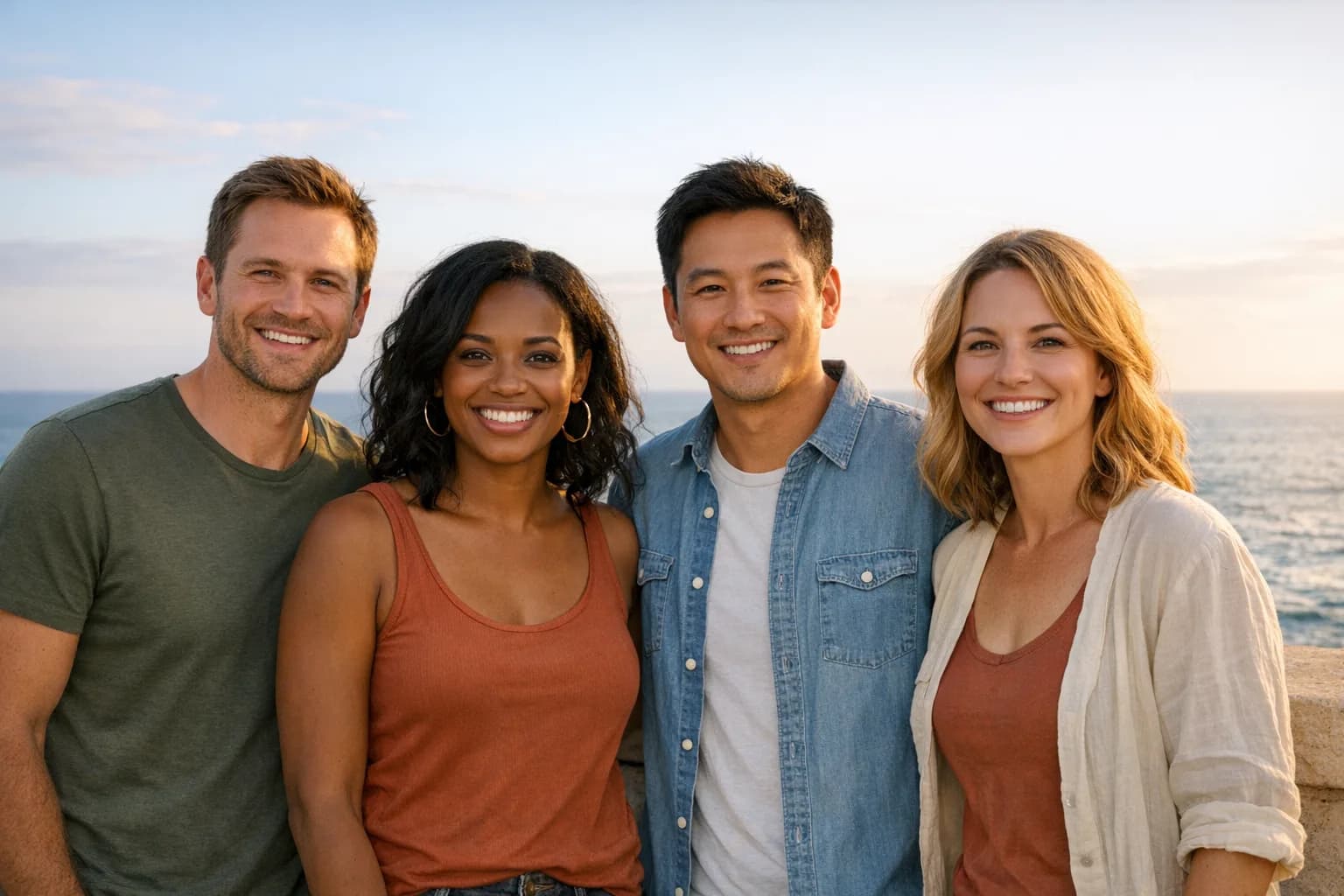
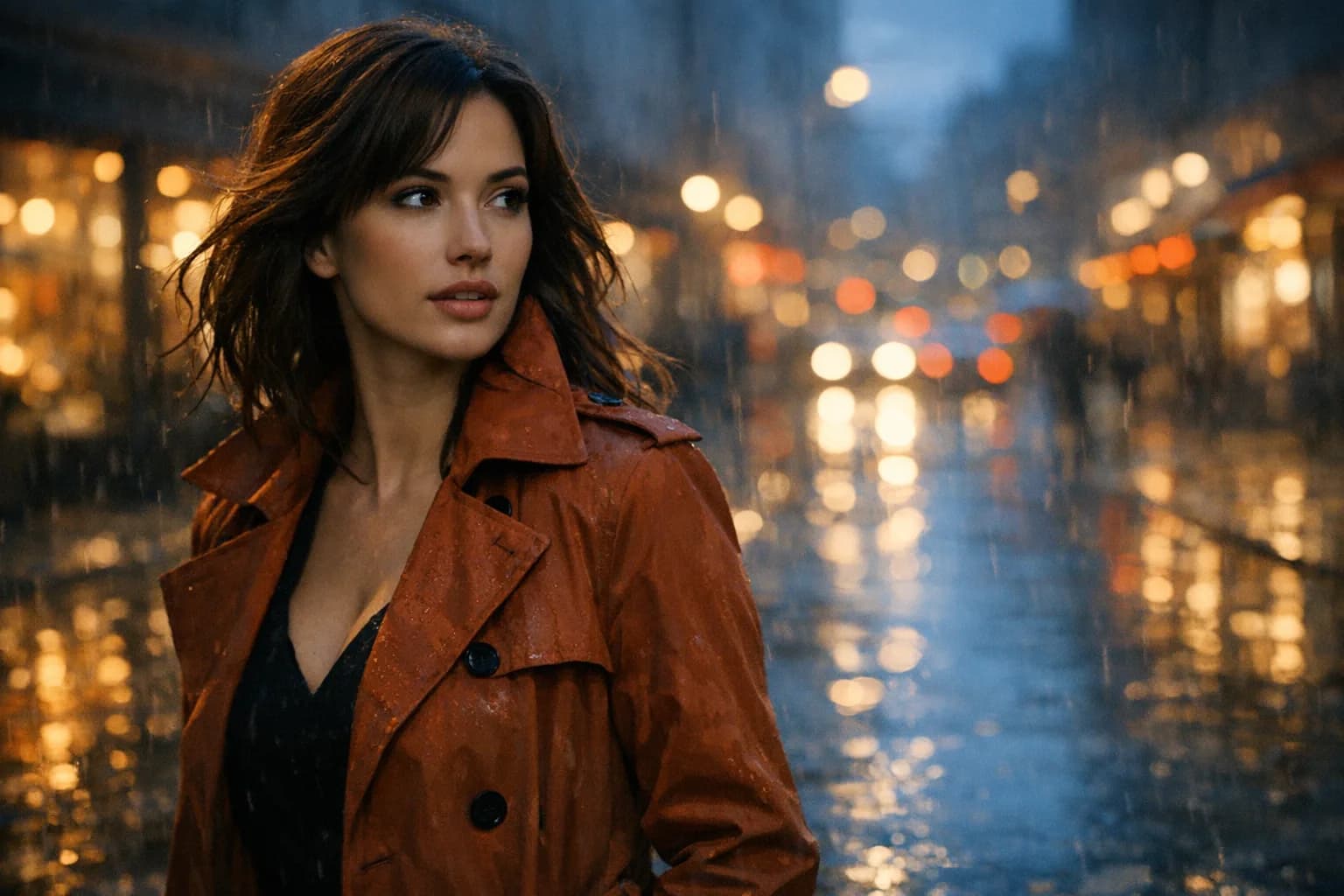
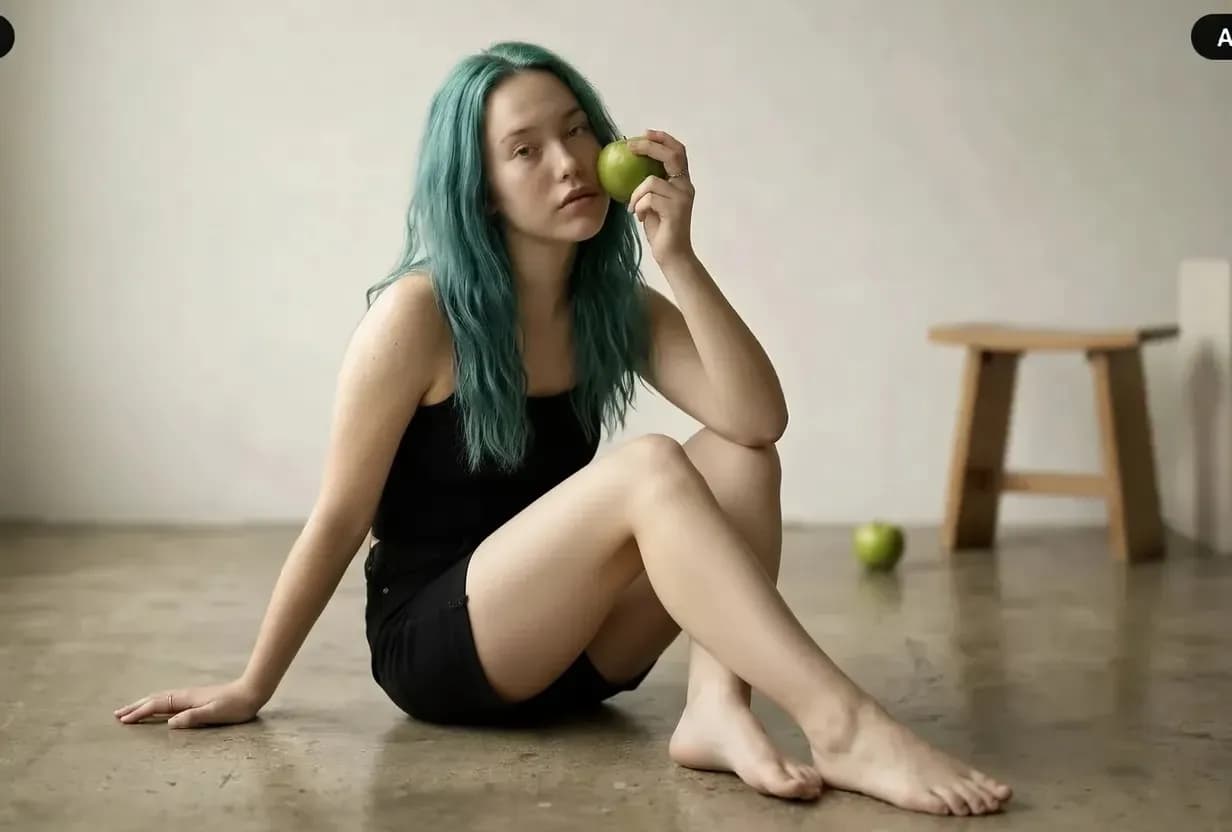
Model availability can change. HighReach keeps leading image generators in one interface so you can compare generation and editing strengths without changing the complete workflow. Images below illustrate the workflow range rather than claiming a specific model output.
 01
01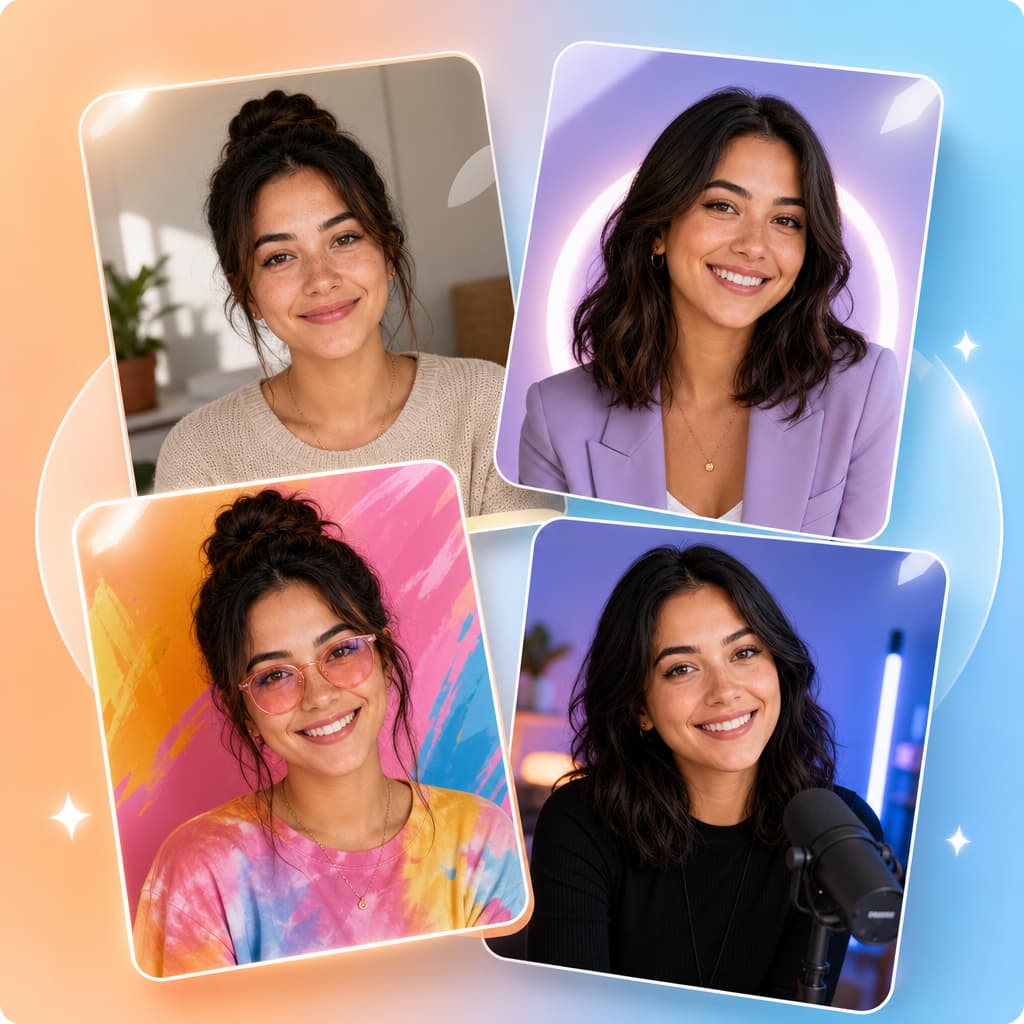 02
02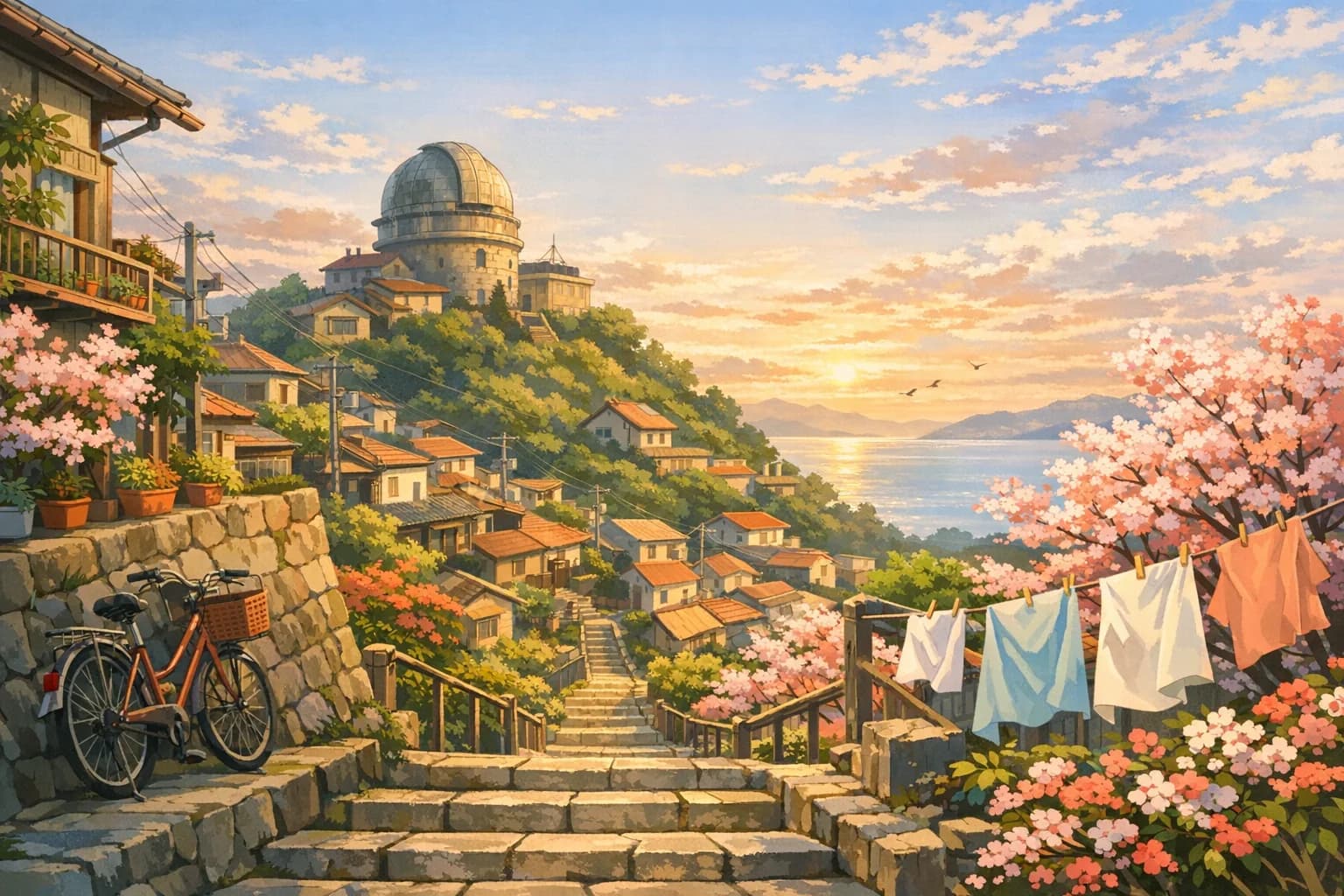 03
03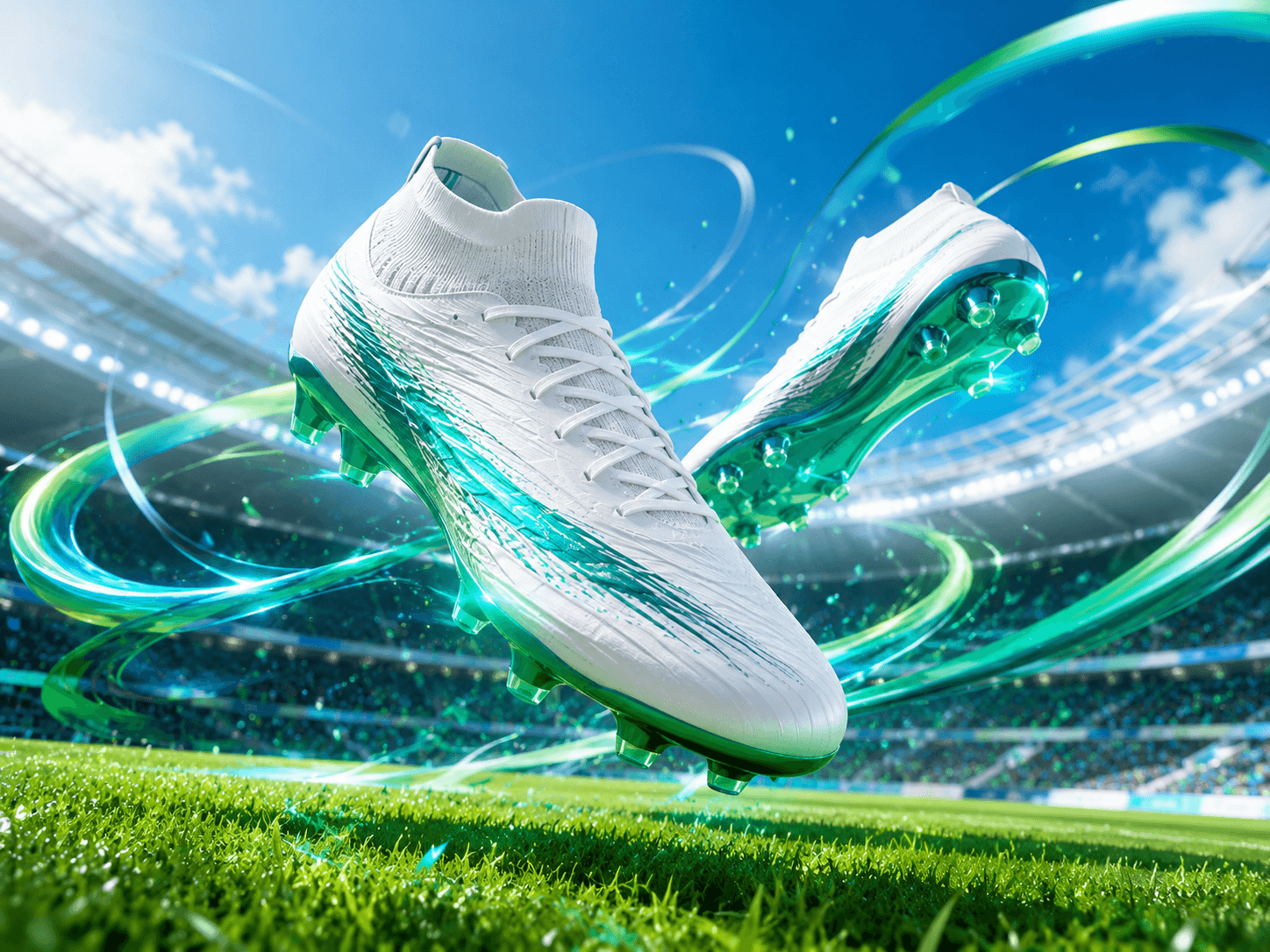 04
04Put the tools into practice
Explore copyable prompts, reference-image advice and composition workflows before your next generation.
Learn a repeatable editing method with same-photo model comparisons for backgrounds, lighting and clothing.
Explore the workflowCompare reference-led edits, try natural poses and troubleshoot two-person portraits.
Explore the workflowChoose a photographic direction for people, products, food or a new scene.
Explore the workflowExplore tested Gemini-family edits with original references, product examples and exact prompts.
Explore the workflowAdd room around the composition with a reference-led outpainting workflow.
Explore the workflowImage generation guides
Start from text, transform a reference, or edit an existing photograph. Explore what each workflow can do before choosing your next tool.
Pillar
Create original images from text and continue into a complete visual workflow.
Read the guide
Artwork
Create paintings, illustrations, concept art, and mixed-media artwork from text or images.
Read the guideTransform
Upload a visual anchor and generate new styles, scenes, and variations.
Read the guide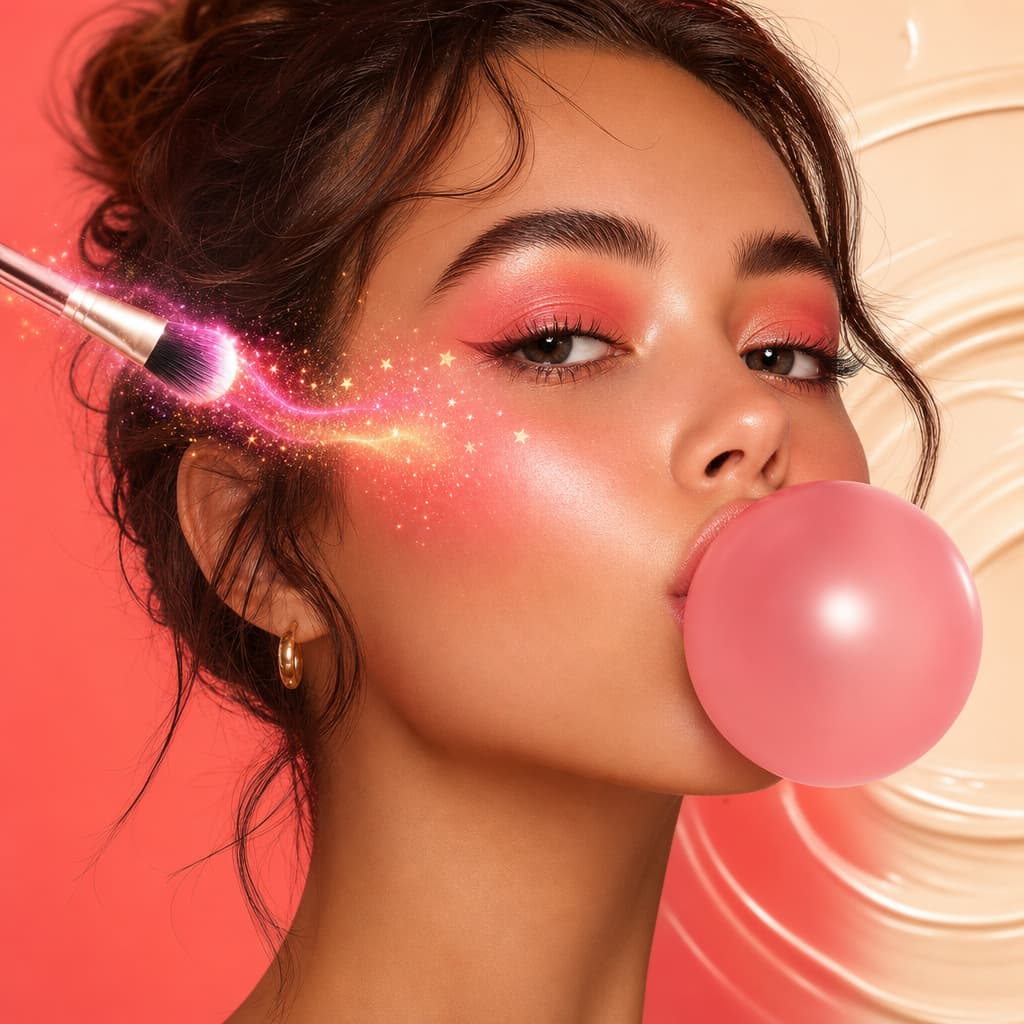 Current guide
Photography
Generate photorealistic portraits, products, places, and editorial scenes.
Open the toolVariations
Use one photograph as the visual anchor for another photographic direction.
Read the guide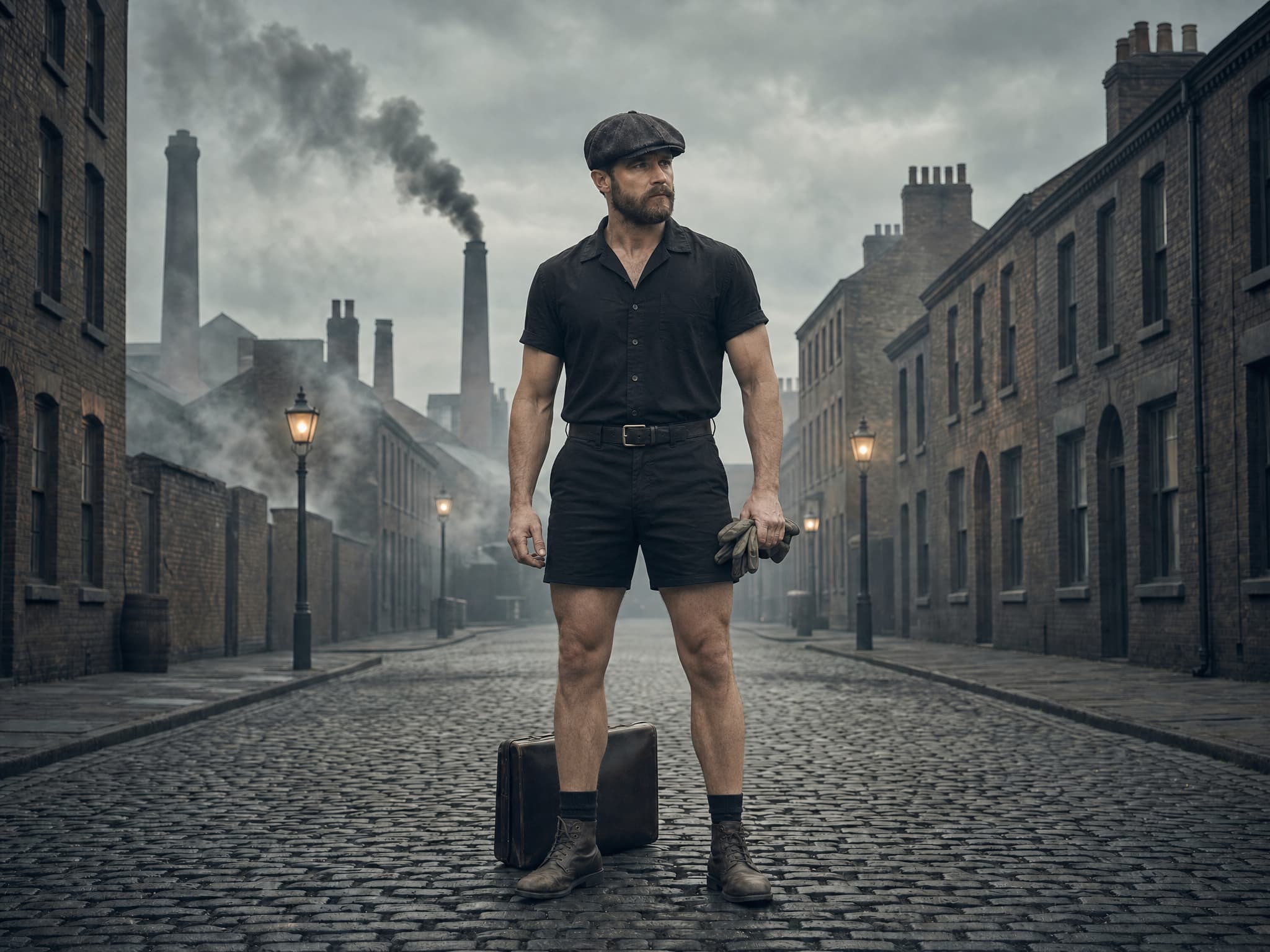
Retouch
Correct and transform photographs while protecting natural detail and identity.
Read the guide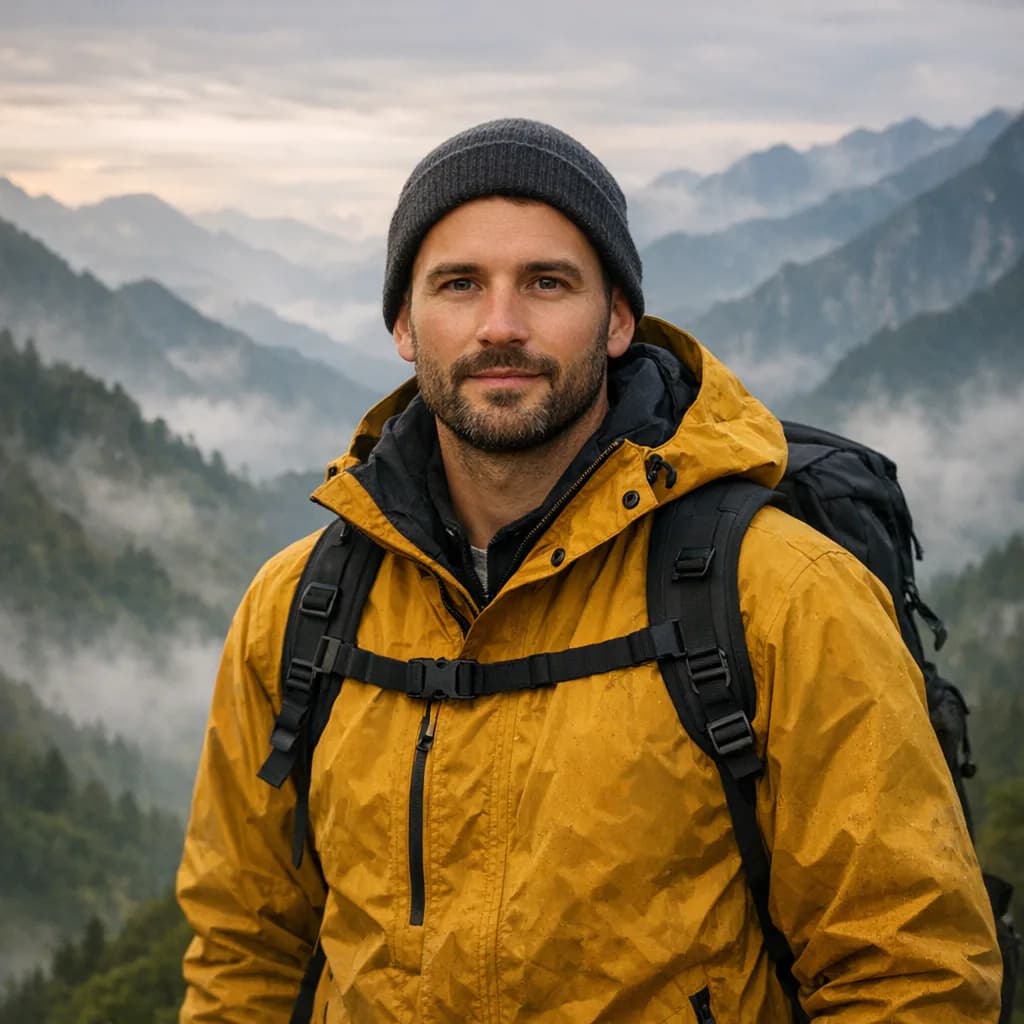
Prompt
Direct a realistic photographic scene from a written visual brief.
Read the guideAI photography generator FAQ
Clear answers about inputs, prompts, free credits, workflow differences, quality, and responsible production.
An AI photo generator creates photorealistic-looking images from text or visual references. It simulates photographic cues such as perspective, focus, light, exposure, texture, and camera framing, but the result is generated media rather than a camera-captured event.
A realistic generated picture needs a plausible subject, physical environment, light source, camera position, lens behavior, depth of field, materials, and restrained color treatment. Review anatomy, reflections, shadows, scale, and repeated background details before use.
Yes. For product accuracy, use an approved reference image and explicitly preserve shape, color, label, proportions, and packaging details. Generated product claims and text must be checked before publication.
Yes, including fictional adult characters and authorized likeness-based concepts. Do not use real people's likenesses without permission or create deceptive, explicit, political, or fraudulent synthetic media.
Photo generation uses HighReach credits. Current starter credits or trial access, if available, appears in your account; generation cost depends on model and settings.
No. A real photograph records light from a physical scene. An AI photo is synthesized by a model. Disclose the distinction when the context is journalistic, evidentiary, political, medical, or otherwise likely to mislead.
AI photography generator
Start with a prompt or rights-cleared image, choose the right model, and keep refining the result inside the connected HighReach image and video suite.