 01
01One prompt
Describe the whole track at once.
Put genre, mood, instruments, tempo and vocals in a single prompt of up to 5,000 characters. Lyria writes its own lyrics when you ask for singing.
✨ Create Stunning Videos with AI! Access Kling 3.0, Seedance, Veo, Flux, Nano Banana and more in one platform. Start Creating
Lyria 3.5 is Google DeepMind's music model. You describe the genre, mood, instruments and vocals in one prompt, and it returns a finished track, writing its own lyrics when you ask for singing.
An uplifting acoustic pop track with claps and a whistled melody, 110 BPM, about 30 seconds, no vocals. Start bright, add a small lift halfway through and end cleanly.
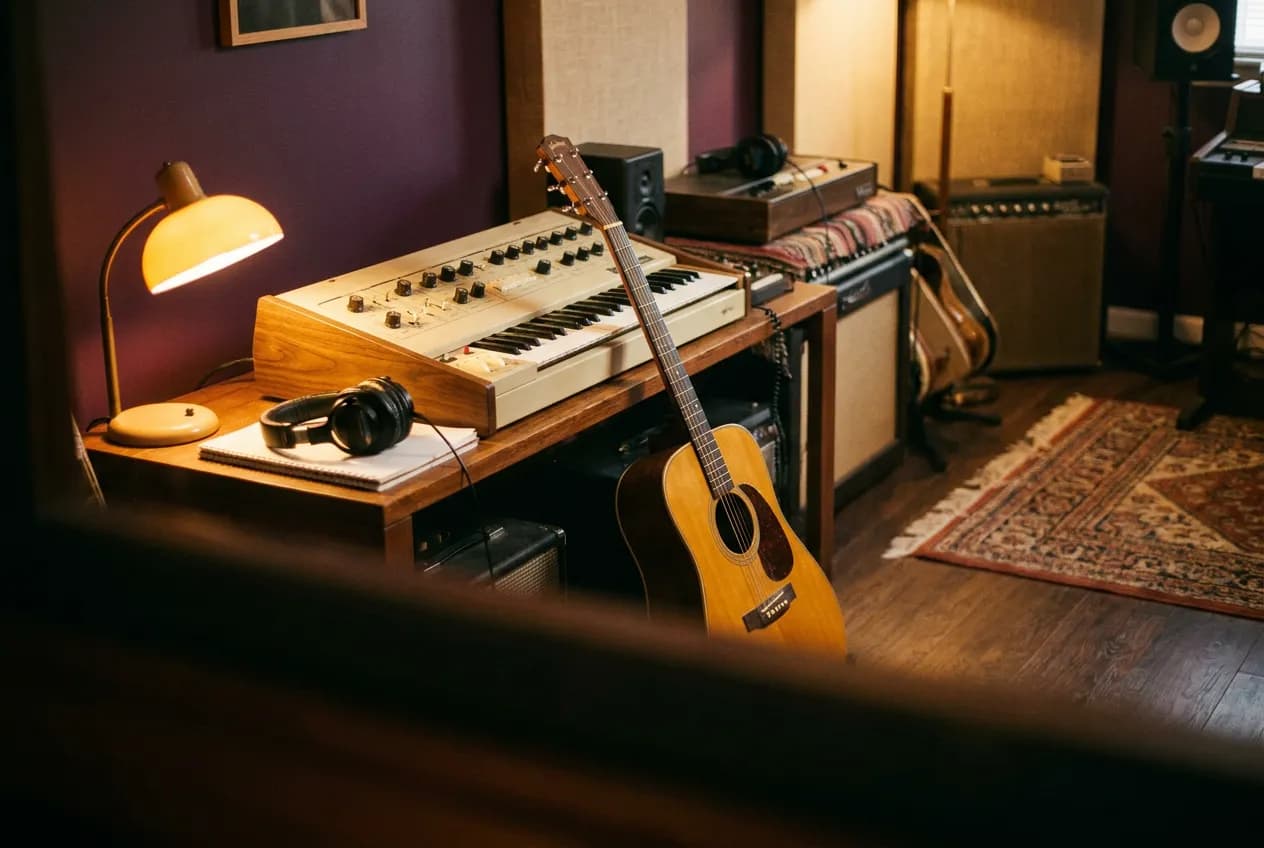
Illustrative artwork generated with Nano Banana Pro via fal. Not a sample output or benchmark of this model. Supporting imagery is illustrative too.
Input
One prompt, up to 5,000 characters
Length
Set in the prompt, up to a few minutes
Vocal languages
English, German, Spanish, French, Hindi, Japanese, Korean, Portuguese
Output
MP3
Why Lyria?
A practical creative workflow for background music for ads and social videos and more.
Lyria 3.5 is Google DeepMind's music model. You describe the genre, mood, instruments and vocals in one prompt, and it returns a finished track, writing its own lyrics when you ask for singing.
Useful starting points include background music for ads and social videos, full songs with vocals from a short brief, quick instrumental beds for explainers. Choose one specific outcome for the first pass.
The controls below describe what is available in HighReach, not every option in the underlying API. There is no separate lyrics or duration field. Ask for the length and structure in the prompt, and treat the result as approximate.
Lyria capabilities
Explore what Lyria supports in HighReach, with controls and limits that match the current integration.
01One prompt
Put genre, mood, instruments, tempo and vocals in a single prompt of up to 5,000 characters. Lyria writes its own lyrics when you ask for singing.
 02
02Length and structure
There is no duration slider. Say 'a 30-second jingle' or 'a two-minute song', or lay out sections with timestamps, then check the length of the result.
03Flat pricing
The provider charges per generated song rather than per second, so you can compare several directions without the cost rising with length.
Connected production
Brief, generate, compare, and refine without losing the creative thread.
How it works
Prepare the brief, choose the controls that matter, then review a small first pass before a larger production run.
Describe the genre, mood, instruments and tempo, and say whether you want vocals.
State the length and structure, for example a 30-second jingle or a two-minute verse and chorus song.
Generate, listen to the whole track, then adjust the prompt and try again.
Model lineup in HighReach
Open the right tool with the model already selected. Check the live settings and credit estimate before submitting.
Create music with Lyria 3.5
Open Create Music with Lyria 3.5 selected and write one descriptive prompt.
Plan your generation
Normal pricing. No temporary launch discount built into your quote.
Normal fal pricing is $0.10 per generated song, whatever its length. HighReach applies its existing audio margin.
Credits include HighReach's service margin. The tool recalculates the estimate for your settings and references. Actual token usage and output length can differ from an estimate.
Compare HighReach plans →Example credit estimate
267
credits
One Lyria 3.5 song
This configuration only—not an unlimited plan or a guaranteed price for every result.
Check your settings →Prompt playbook
A useful prompt behaves like a compact director's brief. Give every detail a job instead of stacking visual adjectives.
Starting brief
01An uplifting acoustic pop track with claps and a whistled melody, 110 BPM, about 30 seconds, no vocals. Start bright, add a small lift halfway through and end cleanly.
Another direction
02An upbeat pop song with driving electric guitar, energetic drums and a catchy chorus about starting fresh. 120 BPM, female vocal, about one minute long with a verse, a chorus and a clean ending.
Choose the right model
No single model is best for every brief. Compare the controls, cost and results that matter for your production workflow.
 Google
Explore explainer voice-overs
Create narration and two-speaker scripted dialogue with Gemini 3.8 Flash TTS in HighReach. Choose voices and separate delivery instructions.
Explore Gemini 3.8 Flash TTSMiniMaxExplore original campaign music concepts
Generate music from a style brief and lyrics with MiniMax Music 3 in HighReach. Set a duration cap up to five minutes and export WAV audio.
Explore MiniMax Music 3 Mureka
Explore songs sung from lyrics you wrote
Turn your own lyrics into a sung song with Mureka 9.5 in HighReach, or generate a complete song from a description. Compare the two prices before you start.
Explore Mureka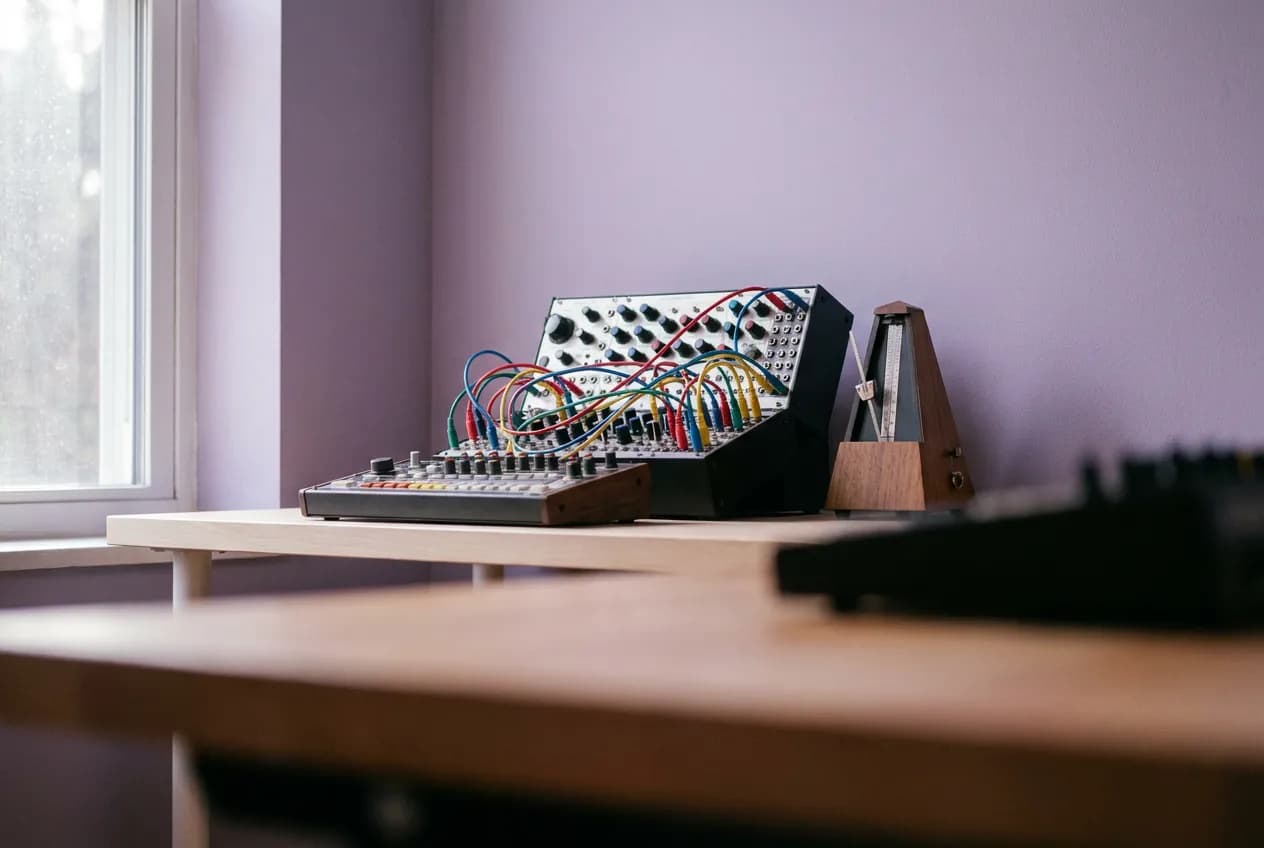 Stability AI
Explore music beds cut to an exact video length
Generate stereo music at an exact length, from 1 second to 6 minutes 20 seconds, with Stable Audio 3 Medium in HighReach. One low flat price per track.
Explore Stable AudioProduction notes
Check 01
There is no separate lyrics or duration field. Ask for the length and structure in the prompt, and treat the result as approximate.
Check 02
HighReach sends a text prompt only; Lyria's image-inspiration input is not offered here.
Check 03
Generated music is not a guarantee of exclusive rights or automatic legal clearance. Review each track before commercial use.
Lyria FAQ
Practical answers about Lyria, available HighReach workflows, output controls, and prompt direction.
Say it in the prompt, for example 'a 30-second jingle' or 'a two-minute song', or use section markers with timestamps. The model follows this as guidance, so check the final length.
There is no separate lyrics field. You can quote the lines you want sung inside the prompt, or choose Mureka 9.5 in Create Music when the exact lyrics matter.
Describe the genre, mood, instruments and tempo, and say whether you want vocals. State the length and structure, for example a 30-second jingle or a two-minute verse and chorus song. Generate, listen to the whole track, then adjust the prompt and try again.
Normal fal pricing is $0.10 per generated song, whatever its length. HighReach applies its existing audio margin. Your HighReach credit estimate includes the service margin and is recalculated in the tool.
Capabilities and normal rates checked against provider documentation on October 10, 2026. These are workflow recommendations, not benchmark results. Page artwork is illustrative and was generated with Nano Banana Pro via fal; it is not a sample output of Lyria.
Lyria in HighReach
Bring a focused brief to HighReach. Choose your settings, check the quote, and start with one carefully directed result.