 01
01Musical direction
Describe what the track should feel like.
Specify instrumentation, tempo, mood and structure. A brief that explains where the music will sit is more useful than a long list of unrelated genres.
✨ Create Stunning Videos with AI! Access Kling 3.0, Seedance, Veo, Flux, Nano Banana and more in one platform. Start Creating
Music 3 turns a musical brief and structured lyrics into a track. Use it to explore an original direction for a campaign or creative project, then assess the arrangement against the actual edit.
Warm instrumental indie-pop bed, soft percussion, muted guitar and a gentle melodic hook. Build gradually, leave space for narration and finish without a dramatic climax. Lyrics field: [instrumental]
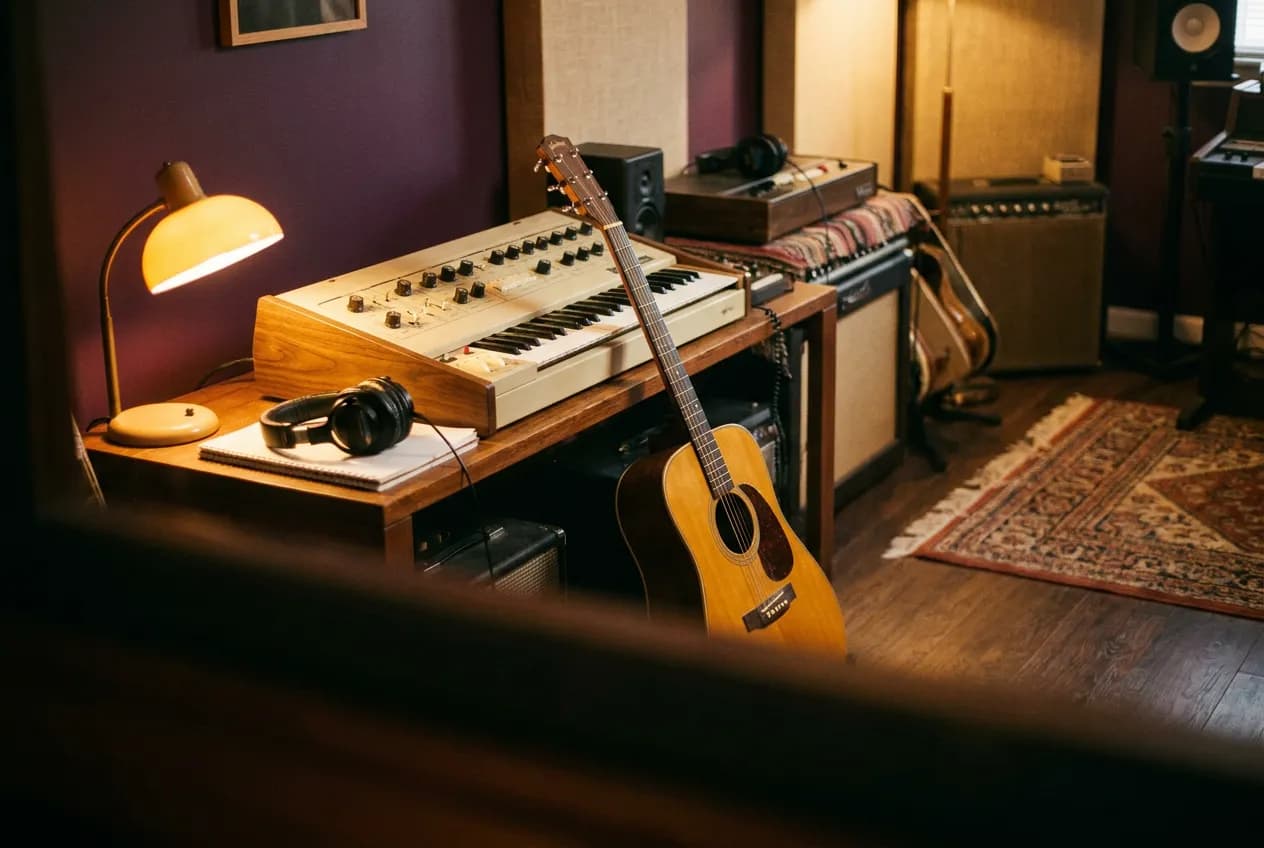
Illustrative artwork generated with Nano Banana Pro via fal. Not a sample output or benchmark of this model. Supporting imagery is illustrative too.
Inputs
Style prompt and lyrics
Duration cap
1–300 seconds
Instrumental request
Use [instrumental] in the lyrics field
Output
44.1 kHz, 16-bit stereo WAV
Why MiniMax Music 3?
A practical creative workflow for original campaign music concepts and more.
Music 3 turns a musical brief and structured lyrics into a track. Use it to explore an original direction for a campaign or creative project, then assess the arrangement against the actual edit.
Useful starting points include original campaign music concepts, short branded song experiments, instrumental beds for an edited sequence. Choose one specific outcome for the first pass.
The controls below describe what is available in HighReach, not every option in the underlying API. Duration is a maximum, not a promise of an exact-length result.
MiniMax Music 3 capabilities
Explore what MiniMax Music 3 supports in HighReach, with controls and limits that match the current integration.
01Musical direction
Specify instrumentation, tempo, mood and structure. A brief that explains where the music will sit is more useful than a long list of unrelated genres.
 02
02Lyrics or instrumental
Supply original lyrics with section tags on separate lines. For a backing track without lyrics, enter [instrumental] in the required lyrics field.
03Audio delivery
Outputs are 44.1 kHz, 16-bit stereo WAV. Set a cap between one and three hundred seconds, then check actual length, structure and room for narration.
Connected production
Brief, generate, compare, and refine without losing the creative thread.
How it works
Prepare the brief, choose the controls that matter, then review a small first pass before a larger production run.
Describe tempo, instrumentation, mood and structure.
Add original lyrics with section tags on separate lines, or request an instrumental.
Set a sensible duration cap and compare the generated structure with your video before a final mix.
Model lineup in HighReach
Open the right tool with the model already selected. Check the live settings and credit estimate before submitting.
Create with Music 3
Combine a style prompt and lyrics in the Create Music workspace.
Plan your generation
Normal pricing. No temporary launch discount built into your quote.
Normal provider pricing is $0.002 per generated second. HighReach reserves credits using the requested maximum duration and its audio margin; the actual output may be shorter.
Credits include HighReach's service margin. The tool recalculates the estimate for your settings and references. Actual token usage and output length can differ from an estimate.
Compare HighReach plans →Example credit estimate
321
credits
60-second requested duration cap
This configuration only—not an unlimited plan or a guaranteed price for every result.
Check your settings →Prompt playbook
A useful prompt behaves like a compact director's brief. Give every detail a job instead of stacking visual adjectives.
Starting brief
01Warm instrumental indie-pop bed, soft percussion, muted guitar and a gentle melodic hook. Build gradually, leave space for narration and finish without a dramatic climax. Lyrics field: [instrumental]
Another direction
02Style: Bright acoustic pop, light percussion and a warm vocal. A compact verse followed by a memorable chorus; a clean ending. Lyrics: [verse] Morning light across the floor One small step becomes one more [chorus] Make a little room to grow Take the day and make it glow
Choose the right model
No single model is best for every brief. Compare the controls, cost and results that matter for your production workflow.
GoogleExplore explainer voice-overs
Create narration and two-speaker scripted dialogue with Gemini 3.8 Flash TTS in HighReach. Choose voices and separate delivery instructions.
Explore Gemini 3.8 Flash TTSProduction notes
Check 01
Duration is a maximum, not a promise of an exact-length result.
Check 02
This route does not use Music 2.6's lyric optimizer controls.
Check 03
Use lyrics and references you have permission to use. Generated music is not a guarantee of exclusive rights or automatic legal clearance.
MiniMax Music 3 FAQ
Practical answers about MiniMax Music 3, available HighReach workflows, output controls, and prompt direction.
The endpoint requires the lyrics field. For an instrumental, enter [instrumental] rather than leaving it empty.
Describe tempo, instrumentation, mood and structure. Add original lyrics with section tags on separate lines, or request an instrumental. Set a sensible duration cap and compare the generated structure with your video before a final mix.
Normal provider pricing is $0.002 per generated second. HighReach reserves credits using the requested maximum duration and its audio margin; the actual output may be shorter. Your HighReach credit estimate includes the service margin and is recalculated in the tool.
Capabilities and normal rates checked against provider documentation on September 27, 2026. These are workflow recommendations, not benchmark results. Page artwork is illustrative and was generated with Nano Banana Pro via fal; it is not a sample output of MiniMax Music 3.
MiniMax Music 3 in HighReach
Bring a focused brief to HighReach. Choose your settings, check the quote, and start with one carefully directed result.