 01
01Flexible duration
Match the clip to the idea.
Choose between two and thirty seconds. A quick movement may need only a short clip; a slower product reveal can benefit from more time without adding a cut.
✨ Create Stunning Videos with AI! Access Kling 3.0, Seedance, Veo, Flux, Nano Banana and more in one platform. Start Creating
Wan 3.0 is useful when a shot needs more time to develop. Its two-to-thirty-second range lets you plan a short action or a longer reveal without treating every scene as a fixed five-second clip.
Over ten seconds, a ceramic mug rotates slowly on a neutral plinth. The camera stays fixed. Soft side lighting reveals the glaze. Keep the handle shape consistent and add no text.
Illustrative artwork generated with Nano Banana Pro via fal. Not a sample output or benchmark of this model. Supporting imagery is illustrative too.
Duration
2–30 seconds
Resolution
480p, 720p, 1080p
Inputs
Text or a start image; optional end image
Audio
Generation can be enabled or disabled
Why Wan 3.0?
A practical creative workflow for longer product reveals and more.
Wan 3.0 is useful when a shot needs more time to develop. Its two-to-thirty-second range lets you plan a short action or a longer reveal without treating every scene as a fixed five-second clip.
Useful starting points include longer product reveals, portrait and landscape campaign variants, silent visual assets for a separately mixed soundtrack. Choose one specific outcome for the first pass.
The controls below describe what is available in HighReach, not every option in the underlying API. A longer duration increases cost and gives the scene more opportunities to drift.
Wan 3.0 capabilities
Explore what Wan 3.0 supports in HighReach, with controls and limits that match the current integration.
01Flexible duration
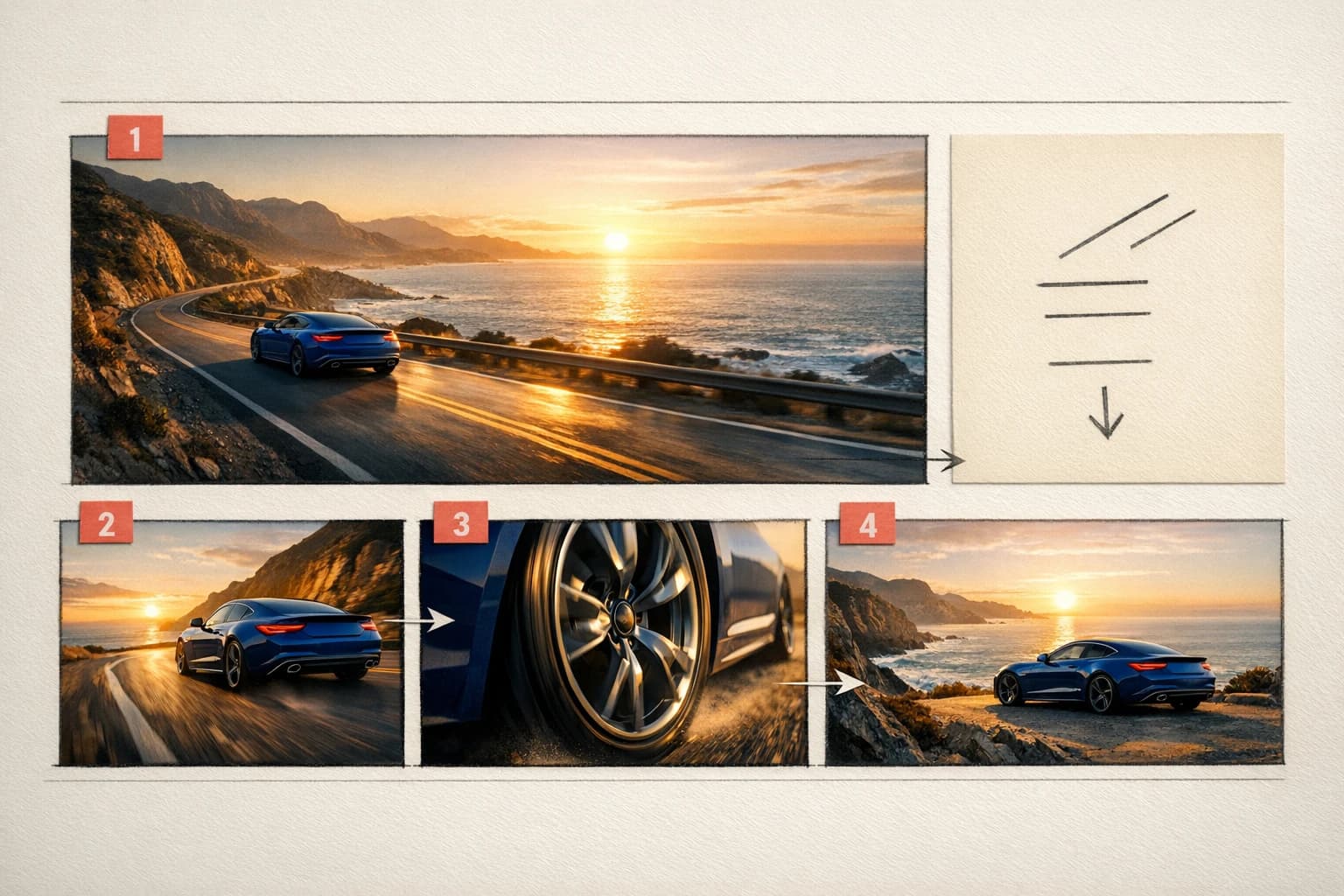
Choose between two and thirty seconds. A quick movement may need only a short clip; a slower product reveal can benefit from more time without adding a cut.
 02
02Frame guidance
Start from a written prompt or a supplied image. Add an end frame when the closing composition matters, and explain a plausible transition between the two.
 03
03Sound and delivery
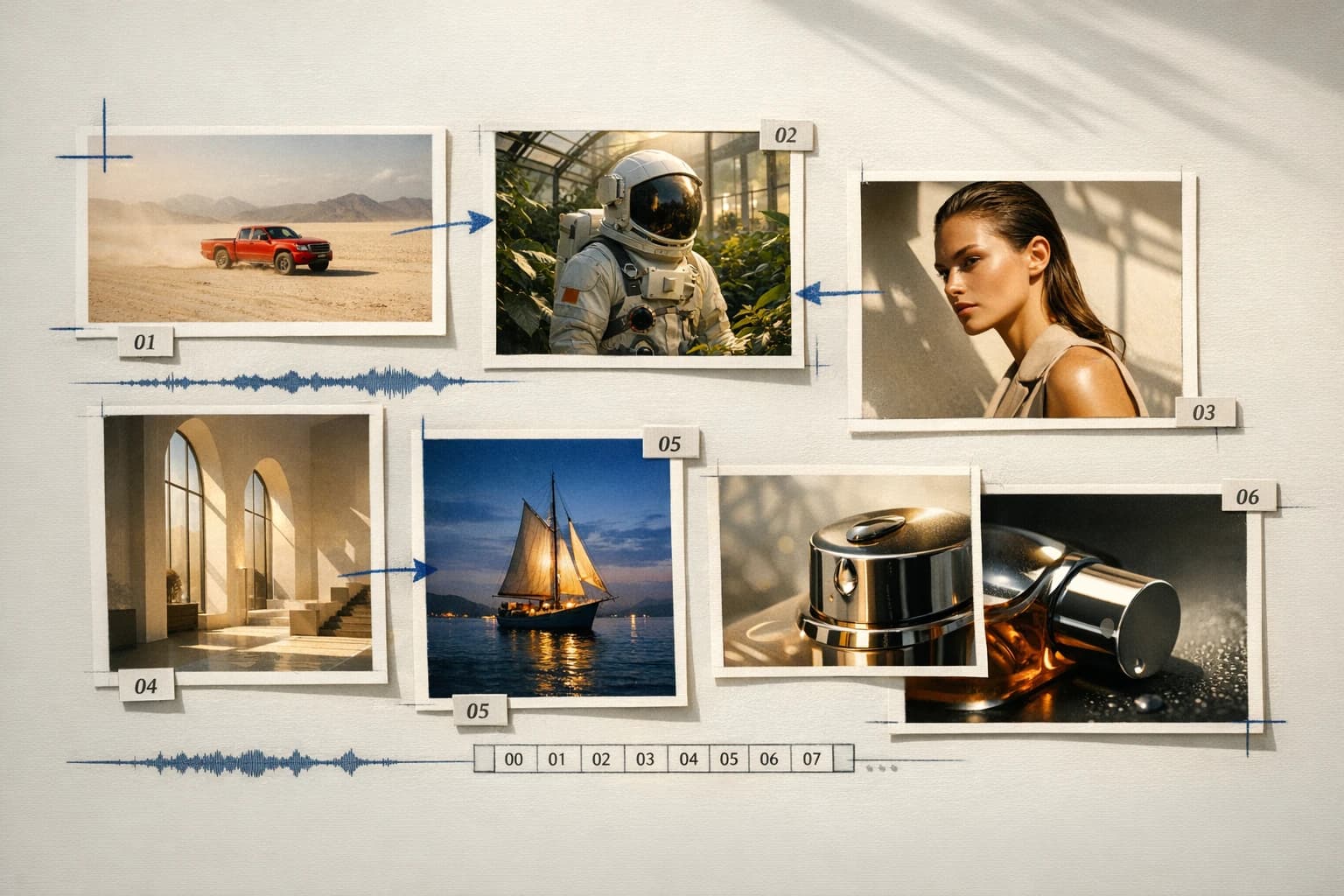
Enable audio for a self-contained scene or leave it off for a separately mixed voice-over or music track. Select 480p, 720p or 1080p to suit the production pass.
Connected production
Brief, generate, compare, and refine without losing the creative thread.
How it works
Prepare the brief, choose the controls that matter, then review a small first pass before a larger production run.
Describe an action that can reasonably fit the chosen duration.
Add start and end frames when composition matters.
Choose audio on or off, generate a draft and inspect the whole clip—not only the opening frame.
Model lineup in HighReach
Open the right tool with the model already selected. Check the live settings and credit estimate before submitting.
Create with Wan 3.0
Build a scene from subject, action, camera and sound instructions.
Use start/end frames
Use an opening image and optional closing image to guide the shot.
Plan your generation
Normal pricing. No temporary launch discount built into your quote.
Normal provider rates are $0.05 / $0.10 / $0.20 per second for 480p / 720p / 1080p. HighReach applies its standard video margin; duration and resolution both affect the credit quote.
Credits include HighReach's service margin. The tool recalculates the estimate for your settings and references. Actual token usage and output length can differ from an estimate.
Compare HighReach plans →Example credit estimate
1,000
credits
5 seconds at 720p
This configuration only—not an unlimited plan or a guaranteed price for every result.
Check your settings →Prompt playbook
A useful prompt behaves like a compact director's brief. Give every detail a job instead of stacking visual adjectives.
Starting brief
01Over ten seconds, a ceramic mug rotates slowly on a neutral plinth. The camera stays fixed. Soft side lighting reveals the glaze. Keep the handle shape consistent and add no text.
Another direction
02A ten-second slow dolly forward through a greenhouse aisle. Leaves shift gently as sunlight falls across the glass roof. End on a small wooden workbench. Keep the architecture stable. Natural greenhouse ambience, no music or titles.
Choose the right model
No single model is best for every brief. Compare the controls, cost and results that matter for your production workflow.
 MiniMax / fal
Explore reference-led product stories
Guide video generation with image, video and audio references using H3 Max Reference in HighReach. Explore limits, resolutions and credit estimates.
Explore MiniMax H3 Max Reference MiniMax / fal
Explore storyboard motion tests
Create 5–15 second videos with H3 Max Turbo in HighReach. Compare normal pricing, frame controls and 480P, 768P or refined 1080P output.
Explore MiniMax H3 Max Turbo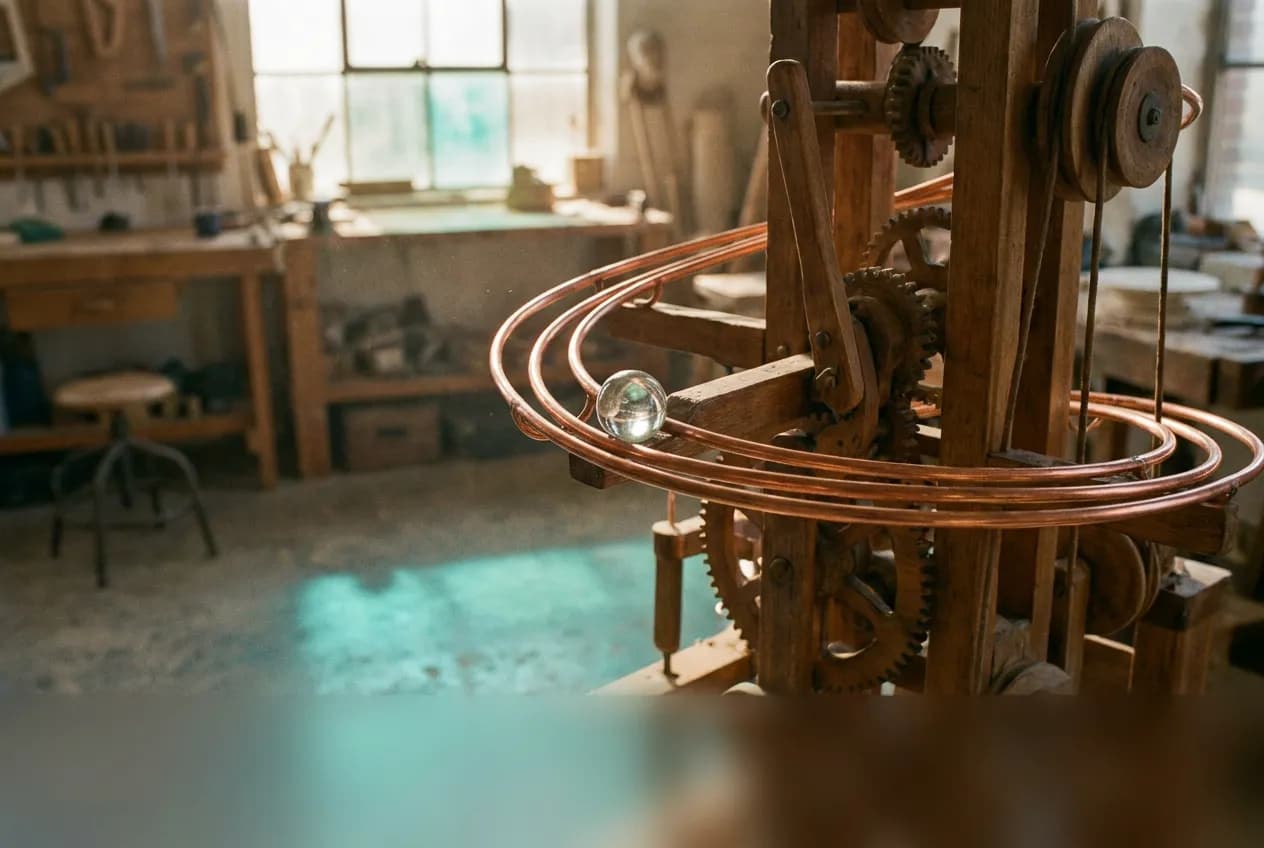 Google
Explore reference-guided short scenes
Use Gemini Omni Flash 1.1 for text, image, reference-led video and instruction-based edits in HighReach, with output options up to 4K.
Explore Gemini Omni Flash 1.1 ByteDance
Explore multi-reference campaign scenes
Explore Seedance 2.5 US in HighReach: text, frames, multimodal references, video edits and extensions with 1080p output options.
Explore Seedance 2.5 USProduction notes
Check 01
A longer duration increases cost and gives the scene more opportunities to drift.
Check 02
End frames guide the destination; they do not guarantee exact motion between frames.
Check 03
This integration is Wan 3.0, not a separate Prime endpoint.
Wan 3.0 FAQ
Practical answers about Wan 3.0, available HighReach workflows, output controls, and prompt direction.
No. Choose the shortest duration that communicates the action. Shorter drafts make it cheaper to correct composition or motion before a longer render.
Describe an action that can reasonably fit the chosen duration. Add start and end frames when composition matters. Choose audio on or off, generate a draft and inspect the whole clip—not only the opening frame.
Normal provider rates are $0.05 / $0.10 / $0.20 per second for 480p / 720p / 1080p. HighReach applies its standard video margin; duration and resolution both affect the credit quote. Your HighReach credit estimate includes the service margin and is recalculated in the tool.
Capabilities and normal rates checked against provider documentation on September 27, 2026. These are workflow recommendations, not benchmark results. Page artwork is illustrative and was generated with Nano Banana Pro via fal; it is not a sample output of Wan 3.0.
Wan 3.0 in HighReach
Bring a focused brief to HighReach. Choose your settings, check the quote, and start with one carefully directed result.