 01
01Visual identity
Anchor the subject, not just the style.
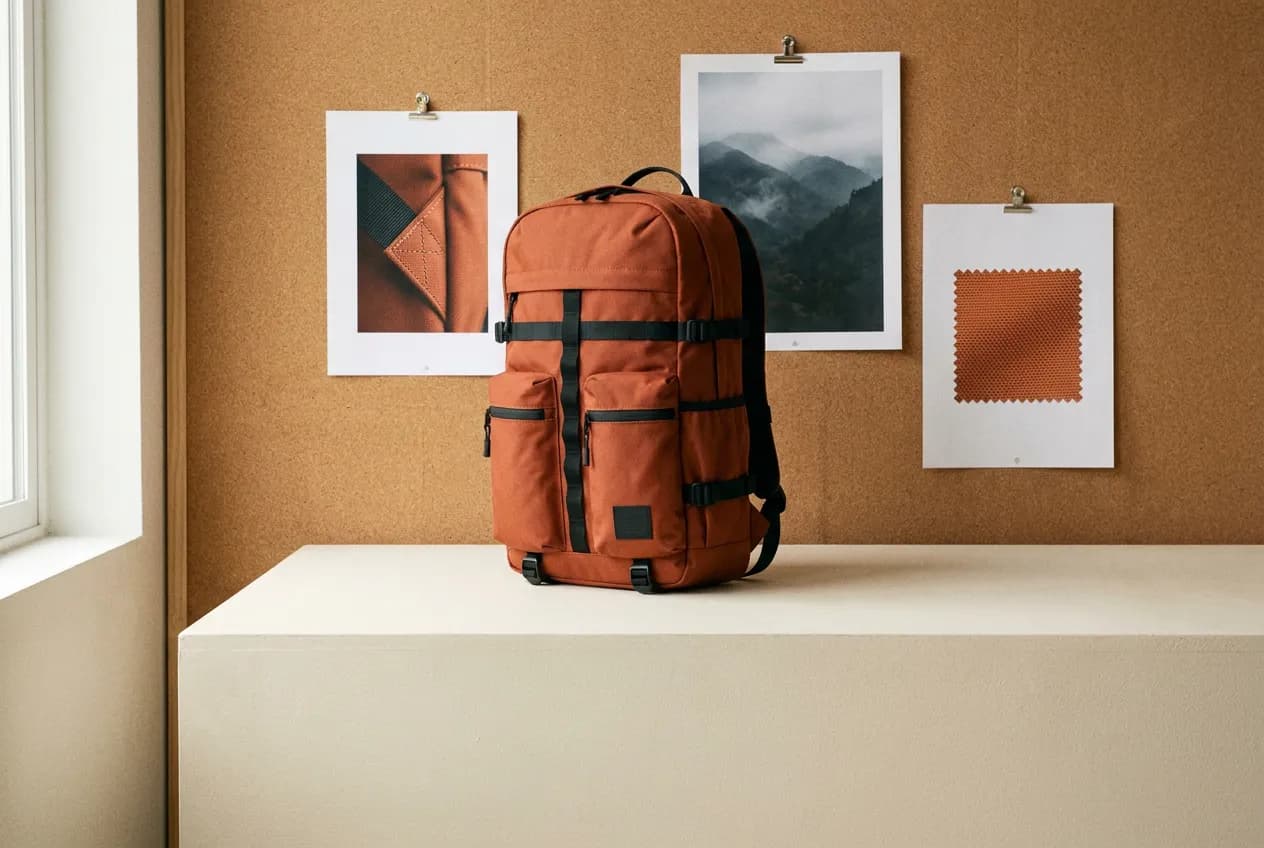
Use image references to communicate the product, wardrobe or character you want to carry into a new scene. Identify what each reference controls, then check those details in the result.
✨ Create Stunning Videos with AI! Access Kling 3.0, Seedance, Veo, Flux, Nano Banana and more in one platform. Start Creating
A text prompt explains the shot; references explain what should stay recognizable. Use H3 Max Reference when a recurring subject, a visual treatment or an audio cue matters more than starting from a blank prompt.
Use the first image for the backpack design and the second for the studio lighting. A slow camera orbit reveals its front and side. Keep the fabric color and pocket arrangement consistent. Soft room tone; no dialogue.
Illustrative artwork generated with Nano Banana Pro via fal. Not a sample output or benchmark of this model. Supporting imagery is illustrative too.
Output
5–15 seconds
Resolution
480P, 768P, refined 1080P
Reference limits
9 images, 3 videos, 3 audio files; 12 total
Clip limits
2–15 seconds each; 15 seconds combined per media type
Why MiniMax H3 Max Reference?
A practical creative workflow for reference-led product stories and more.
A text prompt explains the shot; references explain what should stay recognizable. Use H3 Max Reference when a recurring subject, a visual treatment or an audio cue matters more than starting from a blank prompt.
Useful starting points include reference-led product stories, recurring characters across short scenes, music- or motion-guided creative experiments. Choose one specific outcome for the first pass.
The controls below describe what is available in HighReach, not every option in the underlying API. 1080P is refined from 768P, not native 1080P generation.
MiniMax H3 Max Reference capabilities
Explore what MiniMax H3 Max Reference supports in HighReach, with controls and limits that match the current integration.
01Visual identity
Use image references to communicate the product, wardrobe or character you want to carry into a new scene. Identify what each reference controls, then check those details in the result.
 02
02Multimodal direction
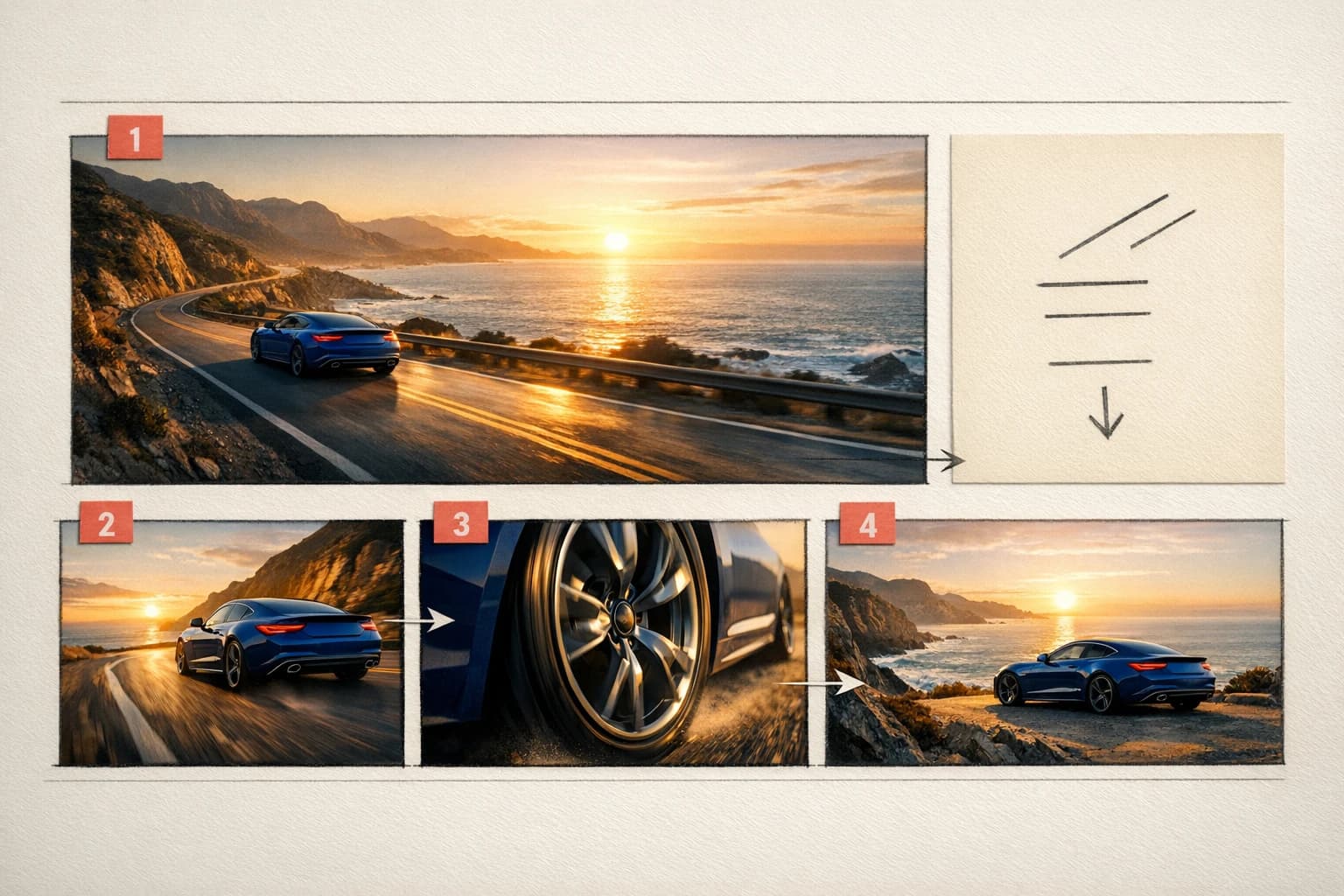
Add short video or audio references alongside images. HighReach accepts up to nine images, three videos and three audio files, with a combined limit of twelve references.
 03
03Resolution choices
Generate 5–15 second clips at 480P or 768P for review. Choose refined 1080P for a later pass, remembering that reference inputs can add to the output cost.
Connected production
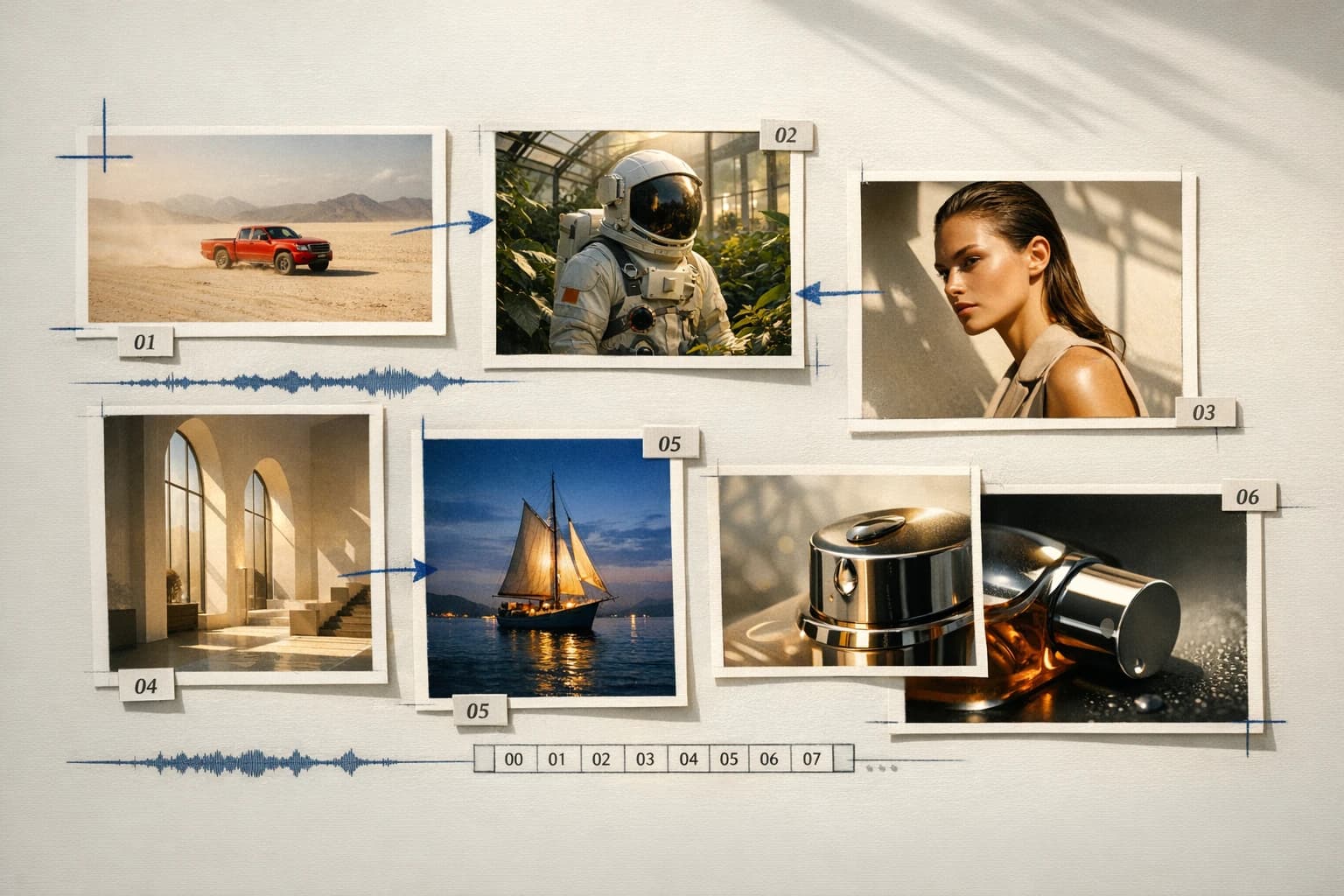
Brief, generate, compare, and refine without losing the creative thread.
How it works
Prepare the brief, choose the controls that matter, then review a small first pass before a larger production run.
Upload only the references needed for one shot.
Explain the role of each reference and describe motion, camera and sound.
Start at 768P, inspect consistency, and revise the shot before producing a full sequence.
Model lineup in HighReach
Open the right tool with the model already selected. Check the live settings and credit estimate before submitting.
Create reference video
A single workspace for the prompt and your image, video or audio references.
Plan your generation
Normal pricing. No temporary launch discount built into your quote.
Normal output rates are $0.05 / $0.08 / $0.16 per second for 480P / 768P / 1080P, plus $0.02 per 1,000 reference tokens above the shared 4,096-token allowance. HighReach estimates reference tokens before generation; video-heavy requests can cost substantially more than the output-only example.
Credits include HighReach's service margin. The tool recalculates the estimate for your settings and references. Actual token usage and output length can differ from an estimate.
Compare HighReach plans →Example credit estimate
800
credits
5 seconds, 768P, one image reference
This configuration only—not an unlimited plan or a guaranteed price for every result.
Check your settings →Prompt playbook
A useful prompt behaves like a compact director's brief. Give every detail a job instead of stacking visual adjectives.
Starting brief
01Use the first image for the backpack design and the second for the studio lighting. A slow camera orbit reveals its front and side. Keep the fabric color and pocket arrangement consistent. Soft room tone; no dialogue.
Another direction
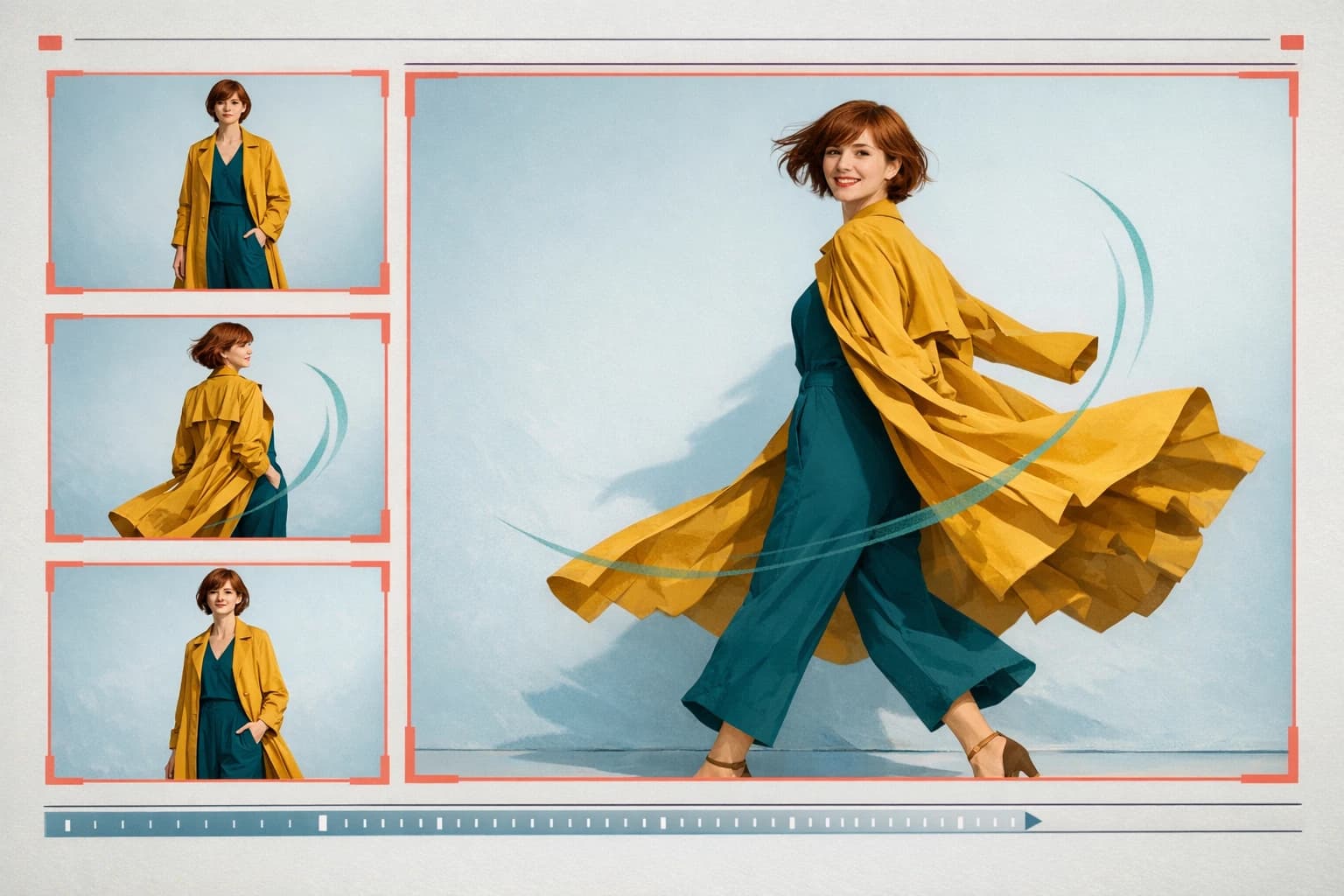
02Use the first image for the character's coat and appearance, and the second for the station interior. One continuous medium shot follows the character walking toward the platform. Preserve the coat color and silhouette. Gentle camera movement, natural footsteps, no captions.
Choose the right model
No single model is best for every brief. Compare the controls, cost and results that matter for your production workflow.
 MiniMax / fal
Explore storyboard motion tests
Create 5–15 second videos with H3 Max Turbo in HighReach. Compare normal pricing, frame controls and 480P, 768P or refined 1080P output.
Explore MiniMax H3 Max Turbo Alibaba
Explore longer product reveals
Generate Wan 3.0 video in HighReach with 2–30 second durations, optional audio, start/end frames and output up to 1080p.
Explore Wan 3.0 Google
Explore reference-guided short scenes
Use Gemini Omni Flash 1.1 for text, image, reference-led video and instruction-based edits in HighReach, with output options up to 4K.
Explore Gemini Omni Flash 1.1 ByteDance
Explore multi-reference campaign scenes
Explore Seedance 2.5 US in HighReach: text, frames, multimodal references, video edits and extensions with 1080p output options.
Explore Seedance 2.5 USProduction notes
Check 01
1080P is refined from 768P, not native 1080P generation.
Check 02
Reference similarity is guidance, not a guarantee of exact identity or unchanged product details.
Check 03
Video and audio uploads need known duration metadata. Input tokens beyond the shared allowance cost extra.
MiniMax H3 Max Reference FAQ
Practical answers about MiniMax H3 Max Reference, available HighReach workflows, output controls, and prompt direction.
Yes. This endpoint accepts audio-only reference guidance. It does not imply lip synchronization to a particular visible person.
No. Choose the original text or image route for simple shots; choose Reference when you need multiple kinds of guidance.
Upload only the references needed for one shot. Explain the role of each reference and describe motion, camera and sound. Start at 768P, inspect consistency, and revise the shot before producing a full sequence.
Normal output rates are $0.05 / $0.08 / $0.16 per second for 480P / 768P / 1080P, plus $0.02 per 1,000 reference tokens above the shared 4,096-token allowance. HighReach estimates reference tokens before generation; video-heavy requests can cost substantially more than the output-only example. Your HighReach credit estimate includes the service margin and is recalculated in the tool.
Capabilities and normal rates checked against provider documentation on September 27, 2026. These are workflow recommendations, not benchmark results. Page artwork is illustrative and was generated with Nano Banana Pro via fal; it is not a sample output of MiniMax H3 Max Reference.
MiniMax H3 Max Reference in HighReach
Bring a focused brief to HighReach. Choose your settings, check the quote, and start with one carefully directed result.