✨ Create Stunning Videos with AI!Access Kling 3.0, Seedance, Veo, Flux, Nano Banana and more in one platform. Start Creating
AI photo prompt guide · 2026
24 Best Gemini AI Photo Promptsto Copy and Paste
Start with a ready-made photo brief, copy it in one click, and adapt the subject, setting, camera, or style. These original prompts cover portraits, couples, products, travel, food, social content, and practical photo edits.
If you searched for a Gemini AI photo prompt to copy and paste, the library starts immediately below. Each example combines a photographic idea with the details that make it usable: identity rules, scene, lighting, camera language, composition, aspect ratio, and exclusions.
The prompts work as starting briefs, not magic phrases. Copy one, replace the details in plain language, and keep the constraints that protect the face, product, or source image. That makes each template reusable across many photos.
Photo examples and ready prompts
Choose a look. Copy the full prompt.
Every visual example includes a complete prompt and a direct path into HighReach. Use the filters to jump between portraits, couples, products, travel, food, and lifestyle photography.
Portrait
Rainy city portrait
Identity preserved50mmNight editorial
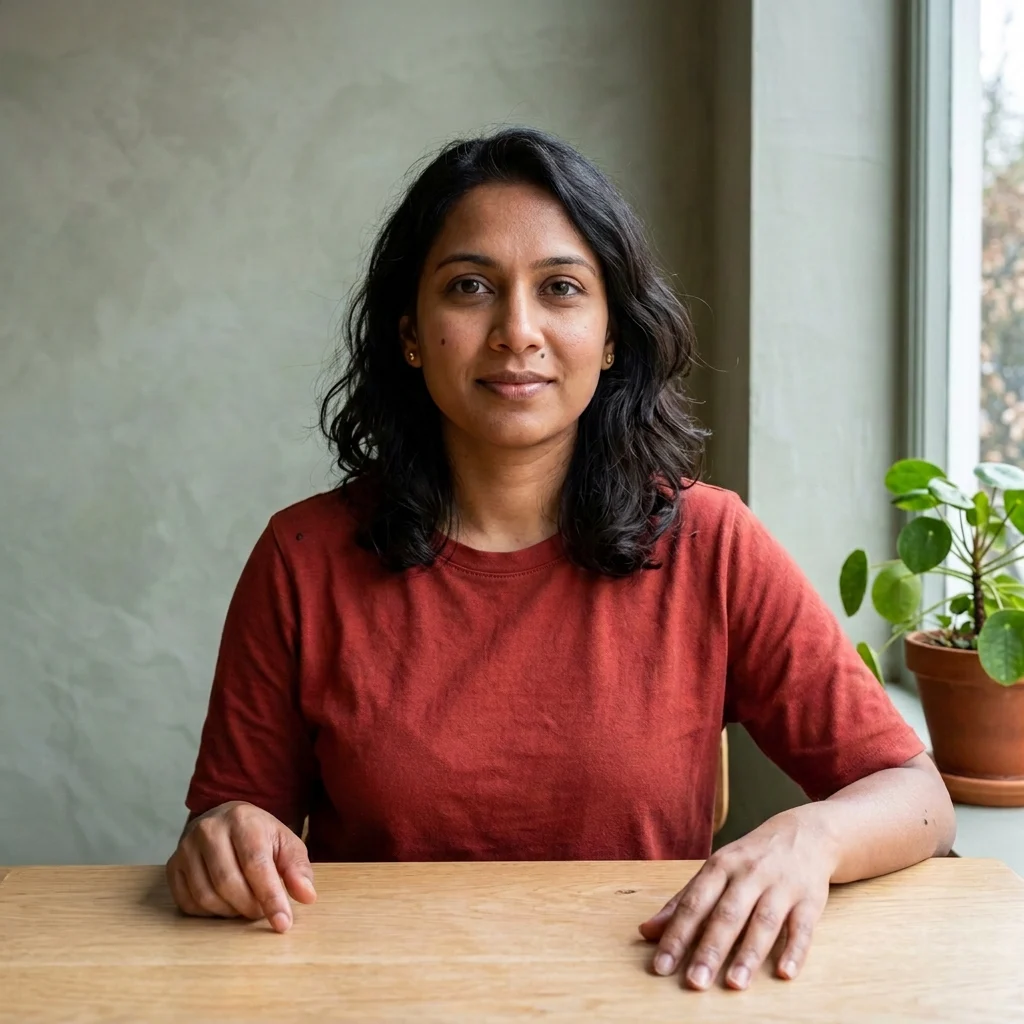
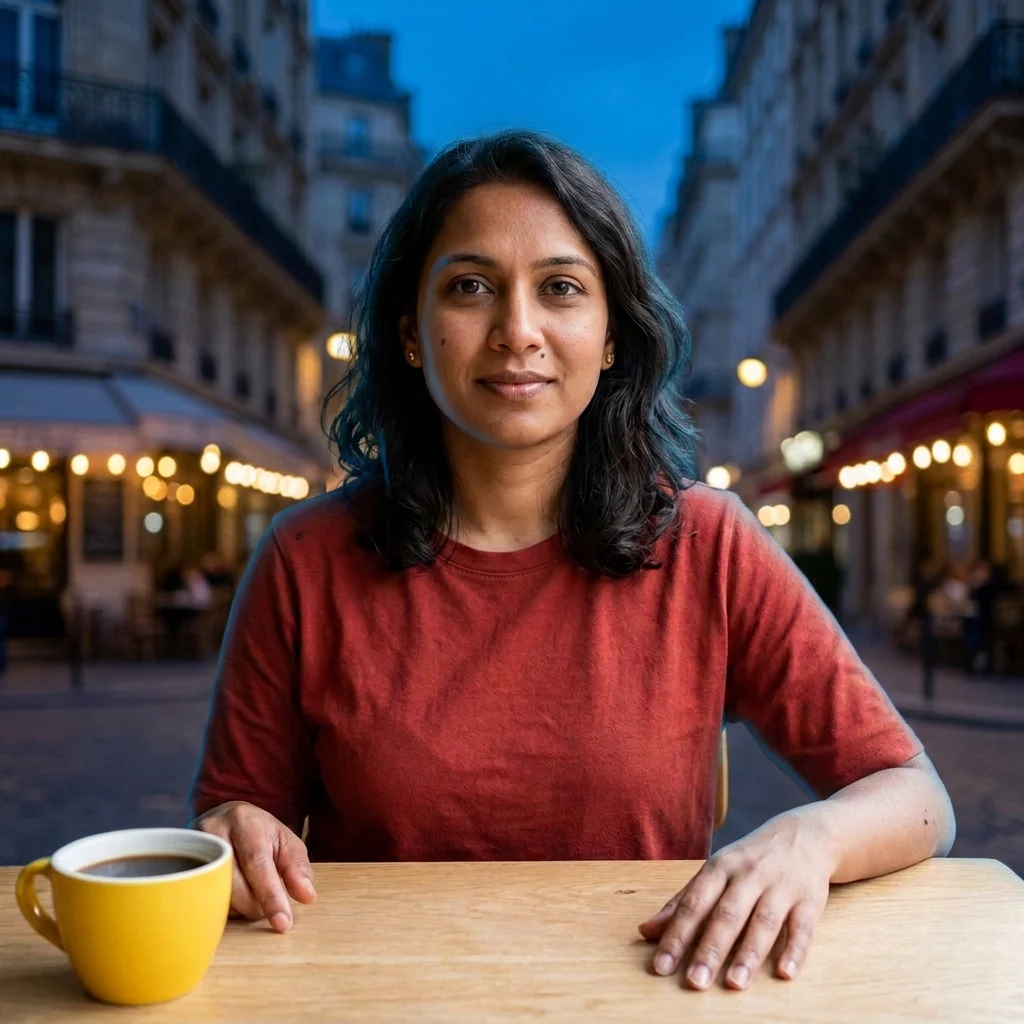
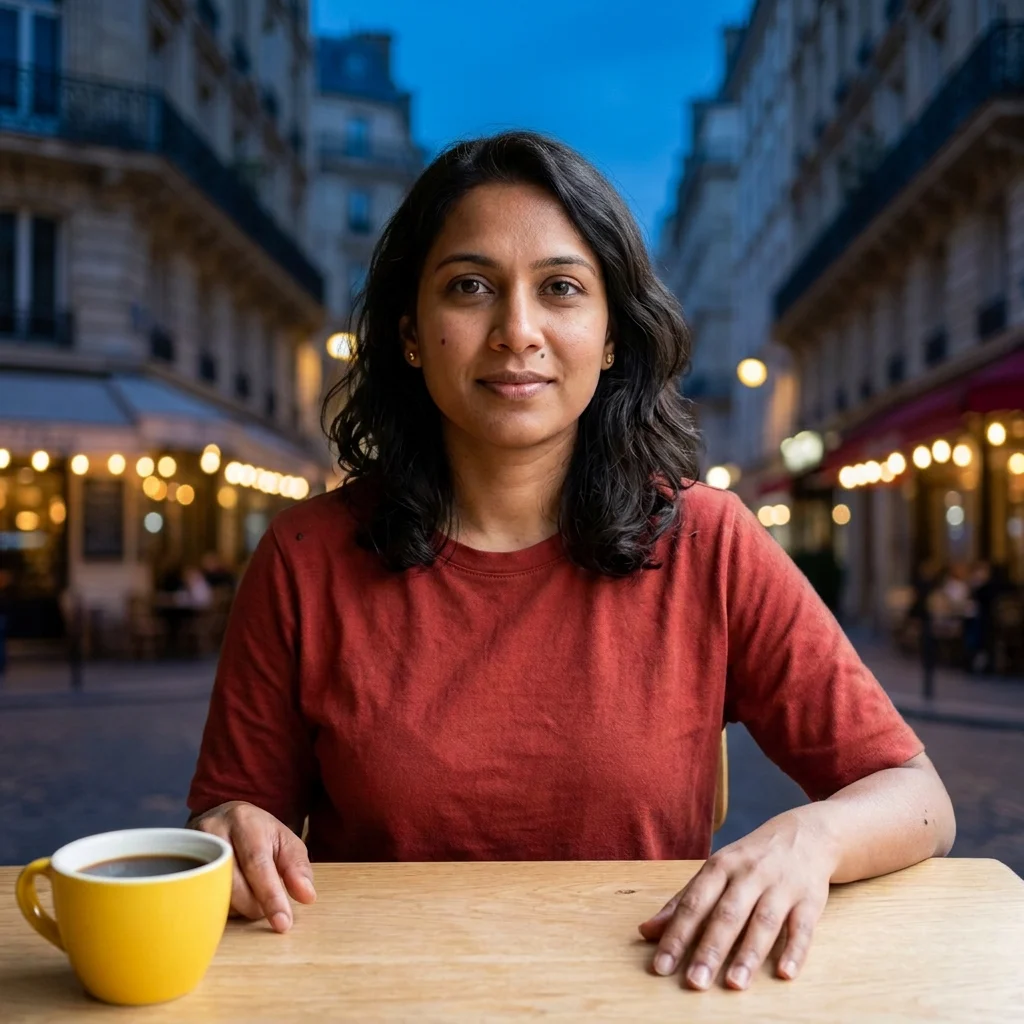
Create a cinematic night portrait of the person in the uploaded photo beneath a rain-slicked city awning. Preserve their face, skin tone, and identity. Add teal storefront light, warm amber streetlights reflected on wet pavement, a soft breeze moving loose hair, natural skin texture, a confident direct gaze, shallow depth of field, and realistic 50mm editorial photography. Vertical 4:5 composition; no text or logos.
Edit the uploaded couple photo into a candid golden-hour meadow portrait. Preserve both faces and their natural body proportions. Show them walking through tall grass and laughing together while a light breeze moves their clothing. Use low sun through distant trees, warm film color, subtle grain, authentic expressions, layered foreground grass, and documentary-style photography. Keep the result realistic and emotionally understated, 4:5 portrait.
Turn the uploaded selfie into a premium professional headshot while keeping the exact face, age, hairstyle, and skin tone. Style the subject in a charcoal blazer and simple black top against a warm light-gray daylight studio. Use a relaxed, confident expression, realistic pores and hair detail, subtle eye catchlights, an 85mm portrait lens, and soft window light from camera left. Avoid corporate stock-photo styling and heavy retouching. Square crop.
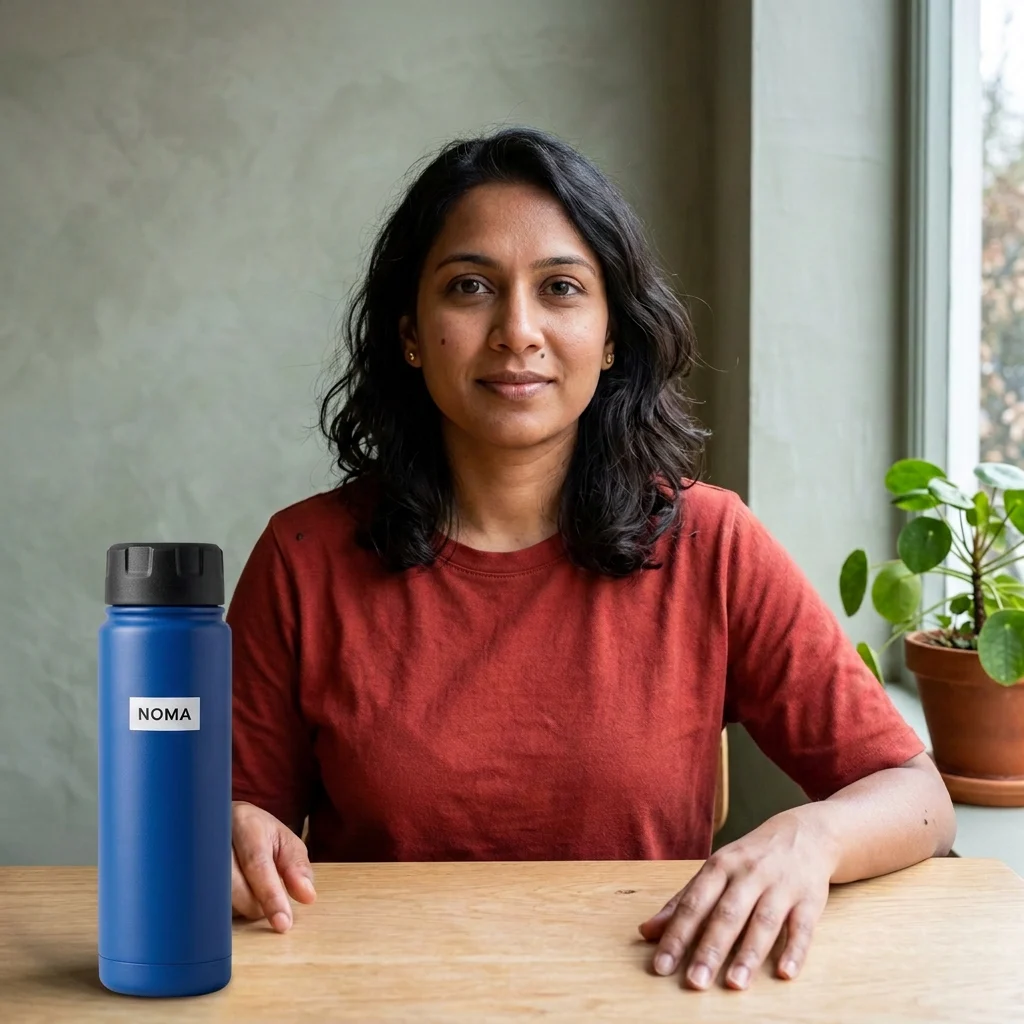
Create a premium product hero photo of the uploaded skincare bottle on a sculpted cream-stone pedestal. Preserve the bottle shape, cap, label, colors, and proportions exactly. Add one translucent botanical leaf casting a delicate shadow, tiny water droplets, warm morning sunlight, realistic frosted-glass reflections, and clean negative space. Use an ivory, amber, and muted-sage palette with restrained luxury campaign styling. Square composition; no extra products or invented text.
Place the person from the uploaded image on a high cliff path overlooking a turquoise coastal cove. Keep their identity and clothing recognizable, but add a rust-colored windbreaker if needed. Show textured rock, distant waves, light sea mist, and late-afternoon sun breaking through clouds. Frame the subject on the left third with the coastline leading into the distance. Premium travel-magazine photography, realistic scale and natural color, vertical 4:5.
Create an overhead editorial food photograph of a handmade Mediterranean lunch on a dark walnut table: roasted vegetables, herbed flatbread, citrus salad, olive oil, and a loosely folded linen napkin. Arrange everything with balanced asymmetry, as if friends have just sat down. Use directional window light, soft shadows, deep walnut, olive green, burnt orange, and cream tones. Make every ingredient appetizing and photorealistic; no people, labels, or text. Square crop.
Edit the uploaded portrait into an early-2000s fashion editorial. Keep the person’s exact face and skin tone. Style them in a silver bomber jacket and subtle tinted glasses against a cobalt-blue studio wall. Use direct on-camera flash, a spontaneous half-turn pose, controlled hard shadow, crisp magazine styling, realistic skin texture, and light film grain. Keep the mood playful rather than costume-like. Vertical 4:5; no text, logos, or excessive smoothing.
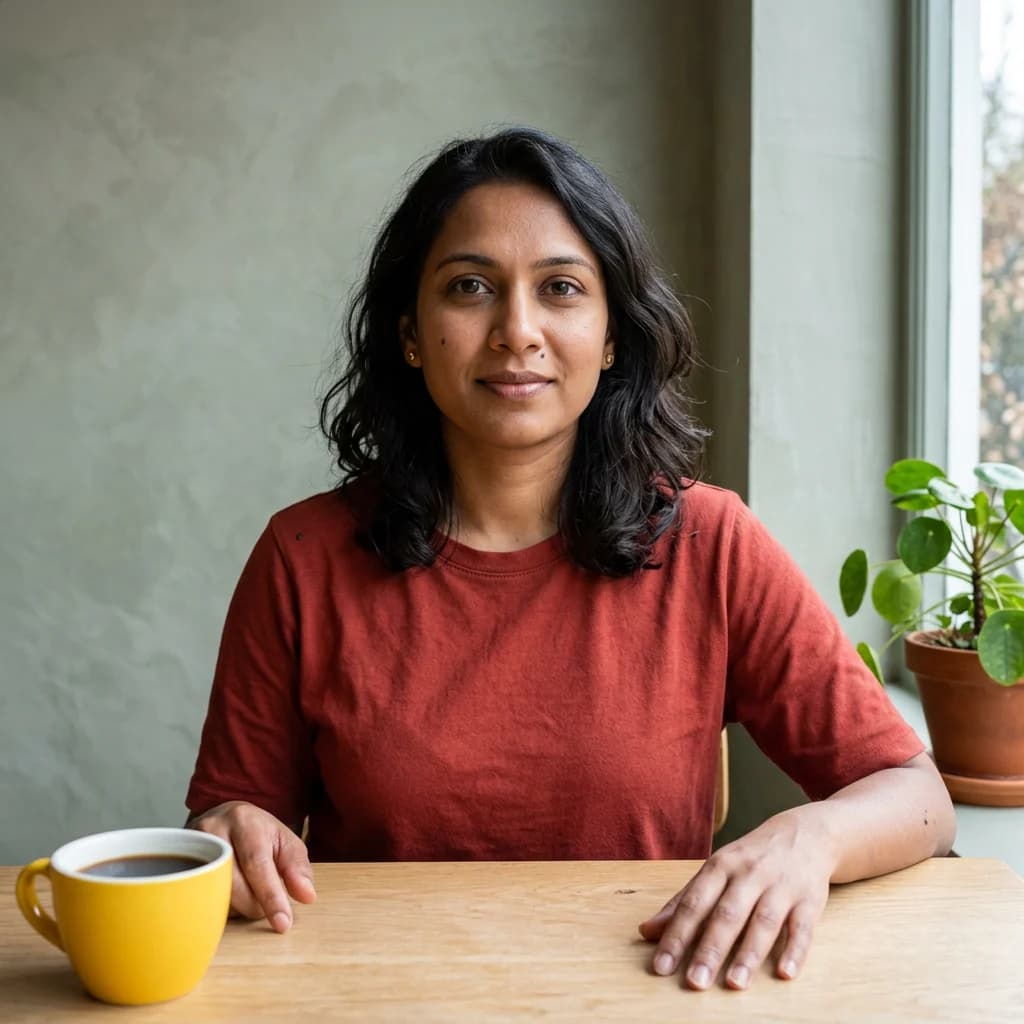
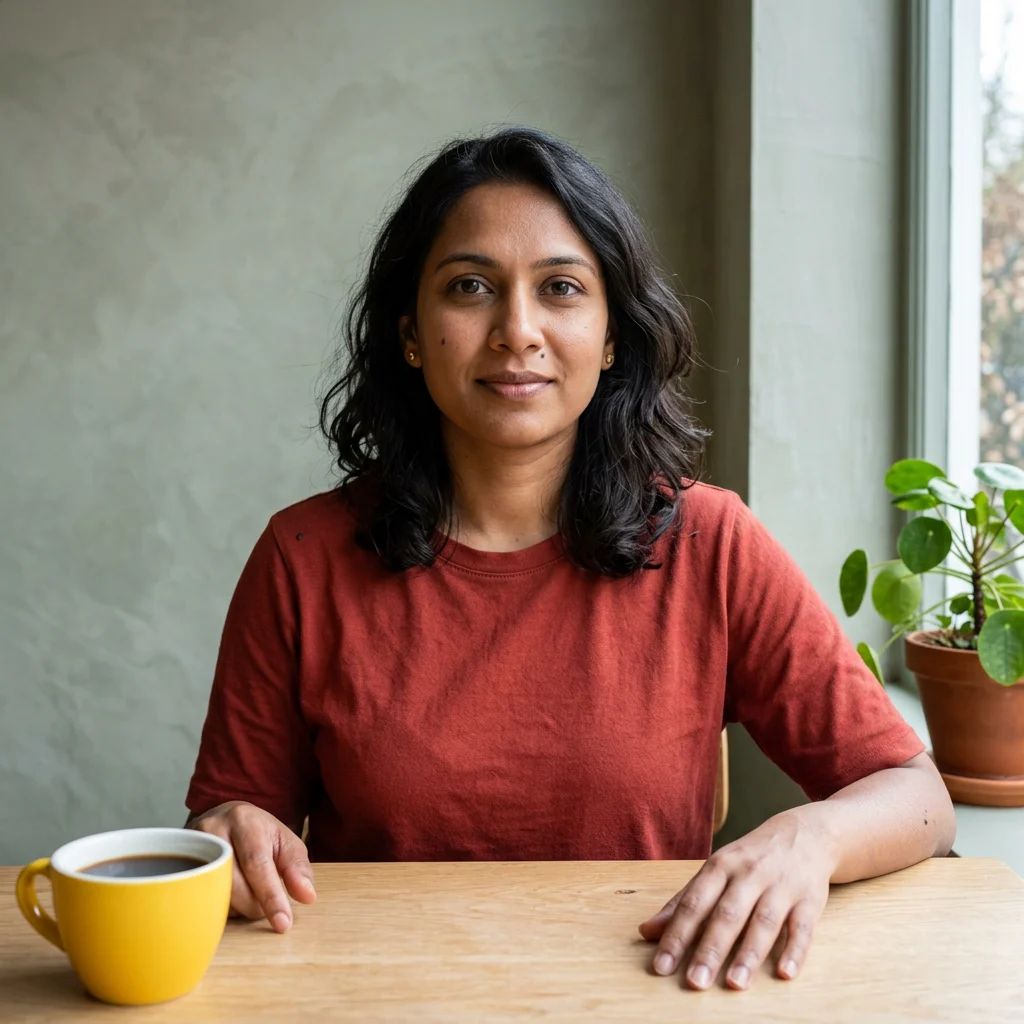
Create a quiet lifestyle photo of the uploaded person sitting beside a café window on a rainy morning. Preserve their identity and natural expression. Place their hands around a ceramic cup with an open notebook nearby, add soft reflections on the glass, cool overcast window light, warm café practical lights, and a candid thoughtful mood. Photograph through a subtle foreground reflection with the subject on the right third. Realistic story-driven 50mm photography, square crop.
Use these as complete starting points. Replace the subject, setting, wardrobe, product, or output ratio while keeping the photographic instructions that matter.
09 · Portrait edits
Soft-glam portrait
Edit the uploaded selfie into a refined soft-glam portrait. Preserve the exact face, eye shape, skin tone, and expression. Add luminous but natural skin, soft rose makeup, a cream textured outfit, diffused butterfly lighting, and a clean warm-gray studio background. Use an 85mm lens look and realistic skin detail; avoid plastic smoothing and changes to facial structure.
10 · Portrait edits
Monochrome editorial
Convert the uploaded portrait into a high-contrast black-and-white editorial photograph. Keep identity, pose, and expression unchanged. Use sculpted side lighting, detailed skin and fabric texture, deep blacks, controlled highlights, subtle film grain, and a minimal studio background. Crop close at 4:5 with a premium magazine finish.
11 · Portrait edits
Warm festival portrait
Restyle the uploaded photo as an elegant evening festival portrait. Preserve the person’s exact face and natural skin tone. Add refined traditional clothing, warm diya light, subtle gold jewelry reflections, soft background bokeh, and realistic fabric texture. Keep the result tasteful, intimate, and photographic rather than theatrical. Vertical 4:5.
12 · Portrait edits
Atmospheric rim light
Edit the uploaded portrait into a cinematic low-angle photograph while keeping the person fully recognizable. Add a restrained electric-blue rim light, a dark atmospheric background, soft haze, subtle airborne particles, and a confident pose. Preserve natural skin texture and realistic shadows. Use a 35mm lens feeling and vertical 9:16 framing.
13 · Photo editing
Restore an old photo
Restore the uploaded family photograph. Remove dust, scratches, folds, stains, and torn edges; recover realistic detail in faces, hair, and clothing; correct fading and exposure. Preserve every person’s identity, expression, age, pose, and the original composition. Keep subtle period-appropriate grain and avoid inventing facial details that are not visible.
14 · Photo editing
Natural photo colorization
Colorize the uploaded black-and-white photograph with believable, era-appropriate colors. Preserve all faces and details exactly. Use natural skin tones, realistic fabric colors, restrained saturation, consistent light direction, and subtle film texture. Do not modernize clothing, background objects, architecture, or hairstyles.
15 · Photo editing
Replace the background
Replace only the background of the uploaded portrait with a quiet modern gallery interior in warm limestone and soft daylight. Keep the person, face, pose, hair, clothing, edges, and foreground lighting unchanged. Match the new background perspective, depth of field, color temperature, and shadows to the original photo so the composite looks naturally photographed.
16 · Photo editing
Remove distractions
Clean up the uploaded photo by removing the background clutter and the small distracting object near the subject. Reconstruct the hidden wall and floor texture naturally. Keep the main subject, framing, colors, lighting, shadows, and every other object unchanged. Do not crop or restyle the image.
17 · Products
Luxury watch campaign
Create a luxury campaign photograph of the uploaded watch resting on dark volcanic stone with a thin layer of water. Preserve the exact dial, hands, crown, strap, proportions, and branding. Add a narrow warm highlight, cool ambient fill, realistic droplets, and a premium macro-photography finish. Dark 4:5 composition with clean negative space above.
18 · Products
Sports shoe motion still
Create a dynamic studio photograph of the uploaded running shoe suspended above a textured track surface. Keep the shoe design, materials, colors, logo placement, and sole exact. Add controlled dust particles, a diagonal hard light, slight background motion blur, and crisp product detail. Energetic sports-campaign styling, landscape 16:9.
19 · Products
Beverage splash hero
Turn the uploaded beverage can into a polished campaign hero. Preserve the can artwork and proportions exactly. Surround it with a realistic arc of sparkling water, condensation droplets, and two fresh citrus slices over a clean gradient background. Use high-speed studio photography, sharp label detail, believable reflections, and square framing. Do not alter or invent text.
20 · Products
Jewelry macro photograph
Create a close macro product photograph of the uploaded ring on folded ivory silk. Preserve the exact stone cut, setting, metal color, and proportions. Use soft side light, one controlled sparkle, realistic metal reflections, shallow depth of field, and a quiet luxury palette. Keep the ring tack sharp and the composition minimal, square crop.
21 · Social photos
Travel postcard
Edit the uploaded travel photo into a polished editorial postcard without adding text. Preserve the person and location. Improve only the light, color, depth, and composition: early-morning atmosphere, gentle warm highlights, clean blue shadows, realistic sky detail, and subtle film grain. Keep colors natural and the place recognizable. Vertical 4:5 for Instagram.
22 · Social photos
Indie music cover
Create an atmospheric square album-cover photograph of a lone figure crossing an empty parking lot after rain, viewed from far away. Add sodium-vapor light, blue hour sky, reflected puddles, subtle grain, and a restrained melancholic mood. Keep generous negative space and do not add any title, artist name, logo, or typography.
23 · Social photos
Fitness campaign portrait
Transform the uploaded fitness portrait into a premium campaign image while preserving the athlete’s exact face and physique. Use a concrete training space, directional morning light, subtle airborne chalk, realistic perspiration, crisp fabric texture, and a composed post-workout expression. Editorial sports photography, vertical 4:5, no slogans or logos.
24 · Social photos
Cinematic creator thumbnail
Create a cinematic creator portrait from the uploaded image. Keep the person’s face and expression exact. Place them in a softly lit creative studio with practical lights, a strong foreground-to-background depth, and one clear visual gesture toward the camera. Use clean contrast and leave uncluttered negative space on the left for a future headline. Landscape 16:9; do not render text.
How to write a prompt for Gemini AI
Brief the model like a photographer.
Specific visual direction beats a pile of quality adjectives. Build the prompt in four purposeful layers and keep the instructions in a natural order.
01
Subject and intent
Name who or what the image is about and whether you want to generate a new photograph or edit an uploaded one.
Edit the uploaded portrait; preserve the same identity
02
Scene and styling
Describe the location, wardrobe, props, period, color palette, and photographic genre that should shape the result.
Rainy city awning, understated fashion editorial
03
Light and camera
Add light direction, lens language, depth of field, framing, viewpoint, and aspect ratio to make the brief photographable.
Soft teal rim light, 50mm lens, vertical 4:5
04
Preserve and avoid
State what must remain unchanged and exclude common failure modes such as altered faces, invented text, or plastic skin.
Keep face and skin tone exact; no logos or smoothing
Use the prompts in HighReach
From copied prompt to finished photo.
The fastest workflow is simple: give the model a strong source when needed, paste a focused brief, and refine only the variable that did not work.
1
Step 1
Choose or upload a photo
Start from text for a new image, or upload a clear source photo when identity, product design, composition, or an existing moment should be preserved.
2
Step 2
Paste and personalize
Copy a prompt below, replace the subject and scene details, then keep the camera, lighting, composition, and preservation instructions that fit your goal.
3
Step 3
Generate and refine
Select a Gemini-family image model, generate the first result, and revise one variable at a time instead of rewriting the whole brief.
Generate or edit?
Give Gemini the right kind of brief.
Generate a new photo when you want the model to invent the subject and scene. Describe appearance, environment, light, camera, mood, and output format without referring to an upload.
Edit a photo when a person, product, composition, or memory must remain recognizable. Start the prompt with the requested change, then state exactly what must stay untouched.
For identity-sensitive edits, use a well-lit source where the face is large enough to read. For products, include an angle that clearly shows the shape, materials, label, and details that cannot drift.
New image prompt
Create a photorealistic editorial portrait of...
Editing prompt
Edit the uploaded photo. Keep the exact face...
Preservation rule
Do not change the product shape, label, or colors...
Output direction
Vertical 4:5, eye-level, realistic 85mm lens...
Models for Gemini photo prompts
Start with Gemini. Compare when the brief demands it.
HighReach keeps leading image models in one workspace, so you can run the same prompt through another model when identity, text, style, or product accuracy needs a different interpretation.
Everyday choice
Nano Banana 2
A practical starting point for prompt-led image creation and reference-based edits that need clear instruction following.
HighReach is an independent creative platform and is not affiliated with or endorsed by Google. Gemini and Nano Banana model names belong to their respective owners.
Gemini photo prompt FAQ
Questions before you paste.
Practical answers for writing, editing, preserving identity, choosing detail, and using Gemini-family image workflows in HighReach.
01What is a Gemini AI photo prompt?
A Gemini AI photo prompt is a plain-language creative brief used to generate a new image or edit an uploaded photograph with a Gemini-family image model. Strong prompts describe the subject, scene, photographic style, lighting, camera, composition, output ratio, and anything the model must preserve.
02Can I copy and paste these Gemini AI photo prompts?
Yes. Every prompt in this guide is written as an original ready-to-paste template. Replace the person, product, setting, clothing, or mood to fit your image. For edits, upload the source photo before pasting the prompt so the model has the identity or object you want it to preserve.
03What is the best prompt for Gemini AI photos?
The best prompt is specific enough to behave like a photo brief. Name the subject and desired change, then add setting, light, lens or framing, mood, aspect ratio, preservation rules, and exclusions. A clear sequence such as subject, scene, light, camera, preserve, avoid is more reliable than a list of vague quality words.
04How do I keep the same face in a Gemini photo edit?
Use a clear source image and explicitly say to preserve the exact face, identity, age, skin tone, expression, and facial structure. Describe only the elements you want changed. Avoid conflicting instructions, extreme poses, or heavy beauty language that encourages the model to redesign the person.
05Do these prompts work with Nano Banana?
Yes. Nano Banana is the commonly used name for Google's Gemini image model family. The prompts are designed for text-to-image and reference-image workflows available through Nano Banana models, though exact controls and results vary by model version.
06Should I use a short or detailed prompt for Gemini AI?
Use enough detail to remove ambiguity, but keep every sentence purposeful. A useful photo prompt is often four to eight sentences: one for the task, one for the subject, one or two for the scene and styling, one for light and camera, and one for preservation or exclusions.
07Can I create Gemini-style AI photos in HighReach?
Yes. HighReach provides image-generation and editing workflows with Gemini-family Nano Banana models alongside other image models. HighReach is an independent creative platform and is not affiliated with or endorsed by Google.
Turn a prompt into a photograph
Copy an idea. Make it yours.
Choose a prompt from the library, upload a reference when needed, and create your next portrait, campaign image, product photo, or visual concept in HighReach.