 01
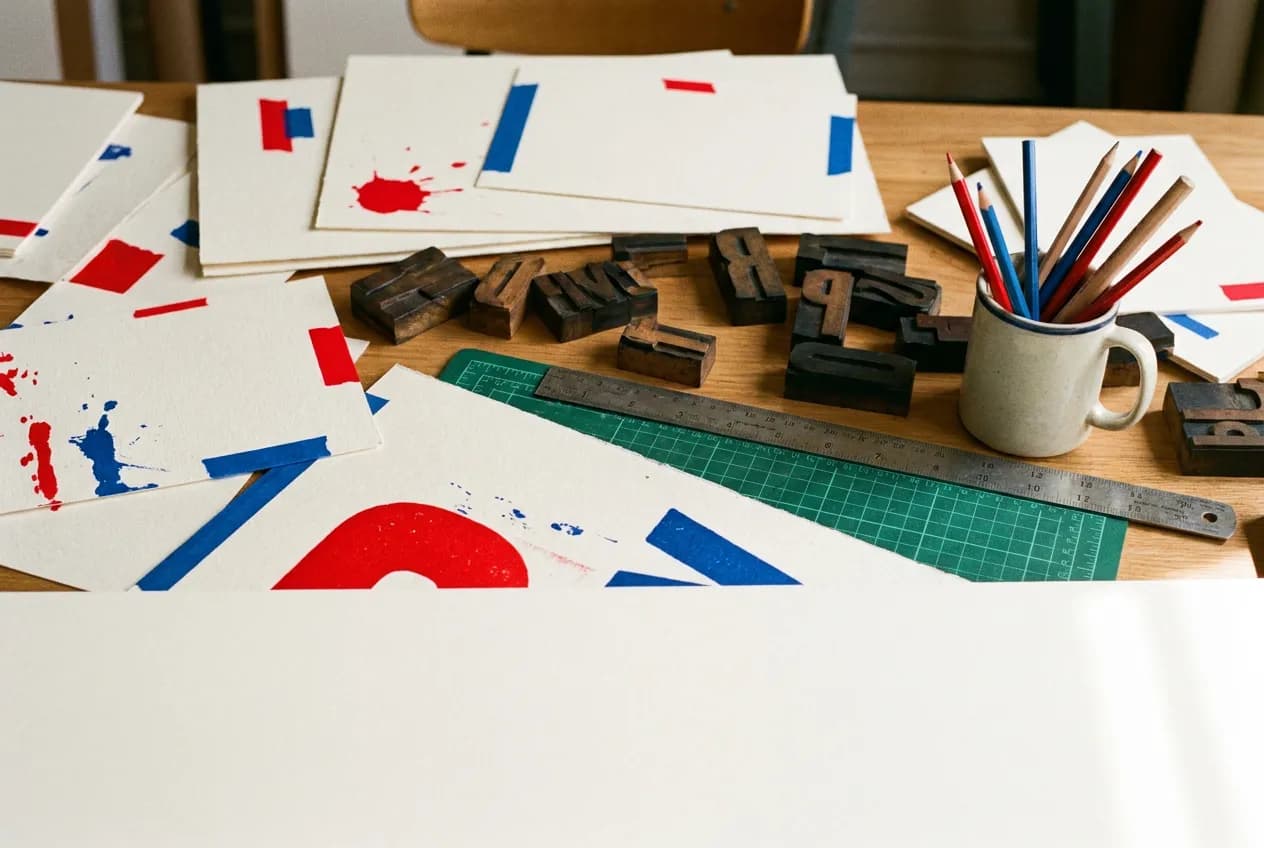
01Typography
Put the exact words in the prompt.
Write the text you need in quotation marks, then describe the layout, hierarchy and style. Proofread every result before publishing.
✨ Create Stunning Videos with AI! Access Kling 3.0, Seedance, Veo, Flux, Nano Banana and more in one platform. Start Creating
Ideogram V4.5 is built for images that contain readable text, such as posters, logos and ad layouts. You choose a quality level, and the price depends on that level rather than on the image size.
A bold retro concert poster that reads "SUMMER NIGHTS" in large cream letters over a sunset gradient, small palm silhouettes at the bottom, clean grain texture, centered layout.
Illustrative artwork generated with Nano Banana Pro via fal. Not a sample output or benchmark of this model. Supporting imagery is illustrative too.
Quality
Low, Medium or High
Editing
One source image plus up to four reference images
Prompt expansion
On by default, can be turned off
HighReach output
1K square, 4:3 and 16:9 sizes
Why Ideogram?
A practical creative workflow for posters and event flyers and more.
Ideogram V4.5 is built for images that contain readable text, such as posters, logos and ad layouts. You choose a quality level, and the price depends on that level rather than on the image size.
Useful starting points include posters and event flyers, logo and wordmark exploration, ad layouts with headlines. Choose one specific outcome for the first pass.
The controls below describe what is available in HighReach, not every option in the underlying API. Text-to-image does not accept reference images; use Edit Image to work from an existing image.
Ideogram capabilities
Explore what Ideogram supports in HighReach, with controls and limits that match the current integration.
01Typography
Write the text you need in quotation marks, then describe the layout, hierarchy and style. Proofread every result before publishing.
 02
02Quality levels
Choose Low, Medium or High. The price depends on the quality level, not the image size, so drafts at Low keep exploration inexpensive.
 03
03Editing
Open Edit Image to change a layout or style. The edit endpoint takes one source image and up to four extra reference images.
Connected production
Brief, generate, compare, and refine without losing the creative thread.
How it works
Prepare the brief, choose the controls that matter, then review a small first pass before a larger production run.
Write the exact text you want in quotation marks, plus the layout and style.
Draft at Low or Medium quality to explore layouts.
Use High quality for the final version, or open Edit Image to refine an existing design.
Model lineup in HighReach
Open the right tool with the model already selected. Check the live settings and credit estimate before submitting.
Create with Ideogram V4.5
Generate posters, logos and text-led designs.
Edit with Ideogram V4.5
Revise an existing image with a written instruction.
Plan your generation
Normal pricing. No temporary launch discount built into your quote.
Normal fal rates per image: $0.03 Low, $0.06 Medium and $0.22 High quality. Editing also offers Very Low at $0.008. Image size does not change the price.
Credits include HighReach's service margin. The tool recalculates the estimate for your settings and references. Actual token usage and output length can differ from an estimate.
Compare HighReach plans →Example credit estimate
200
credits
One Medium-quality Ideogram V4.5 image
This configuration only—not an unlimited plan or a guaranteed price for every result.
Check your settings →Prompt playbook
A useful prompt behaves like a compact director's brief. Give every detail a job instead of stacking visual adjectives.
Starting brief
01A bold retro concert poster that reads "SUMMER NIGHTS" in large cream letters over a sunset gradient, small palm silhouettes at the bottom, clean grain texture, centered layout.
Another direction
02A minimal wordmark that reads "Fernway" in a rounded geometric typeface, dark green letters on an off-white background, generous spacing, centered, no icon.
Choose the right model
No single model is best for every brief. Compare the controls, cost and results that matter for your production workflow.
 OpenAI
Explore product concepts with written art direction
Generate and edit images with GPT Image 2.5 Flare and Sunburst in HighReach. Compare quality controls, reference inputs and token-based pricing.
Explore GPT Image 2.5 xAI
xAIExplore quick campaign concept variants
Create and edit images with Grok Imagine Image 2.0, animate images with Grok Imagine video, and edit short clips in HighReach. Compare quality, resolution and credit estimates.
Explore Grok Imagine Google
Explore campaign and product visuals
Create and edit images with Google's Nano Banana 2.1, Nano Banana Pro and Nano Banana 2 in HighReach. Compare 1K–4K output, references and credit estimates.
Explore Nano Banana ByteDance
Explore photoreal product and lifestyle images
Create and edit images with ByteDance Seedream 5.0 Pro and Flash in HighReach. Compare 1K and 2K output, multi-image edits and credit estimates.
Explore SeedreamProduction notes
Check 01
Text-to-image does not accept reference images; use Edit Image to work from an existing image.
Check 02
HighReach offers prompt-based edits for Ideogram, not painted area edits.
Check 03
Always proofread spelling and check brand marks before publishing.
Ideogram FAQ
Practical answers about Ideogram, available HighReach workflows, output controls, and prompt direction.
Yes. Low, Medium and High are priced differently, while image size does not affect the price.
In Edit Image, yes. Upload the image to edit; the edit endpoint can also take up to four extra reference images.
Write the exact text you want in quotation marks, plus the layout and style. Draft at Low or Medium quality to explore layouts. Use High quality for the final version, or open Edit Image to refine an existing design.
Normal fal rates per image: $0.03 Low, $0.06 Medium and $0.22 High quality. Editing also offers Very Low at $0.008. Image size does not change the price. Your HighReach credit estimate includes the service margin and is recalculated in the tool.
Capabilities and normal rates checked against provider documentation on October 10, 2026. These are workflow recommendations, not benchmark results. Page artwork is illustrative and was generated with Nano Banana Pro via fal; it is not a sample output of Ideogram.
Ideogram in HighReach
Bring a focused brief to HighReach. Choose your settings, check the quote, and start with one carefully directed result.