✨ Create Stunning Videos with AI! Access Kling 3.0, Seedance, Veo, Flux, Nano Banana and more in one platform. Start Creating
The HighReach model library
AI models for
your next big idea.
A moving scene. A better image. A voice that fits. Find the right creative tools without starting your workflow over.
17 model guides · Video, image & audio
Illustrative artwork. Explore each guide for model capabilities, not benchmark claims.
A useful starting point
Choose by the job.
Not the hype.
01
Start with your inputs
Text, a starting frame, a reference set or an existing clip? Choose a workflow that fits what you have.
02
Check the controls
Look for the duration, resolution, editing or voice options your project actually needs.
03
Compare a small draft
Check the live credit estimate, then test the same brief before committing to a larger production.
01 / Video models
Put your ideas in motion.
Generate a new scene, animate a starting frame, or build on existing footage. Compare reference inputs, shot length and editing controls.
 MiniMax / fal
MiniMax H3 Max Reference
Guide video generation with image, video and audio references using H3 Max Reference in HighReach. Explore limits, resolutions and credit estimates.
- Image, video + audio
- 5–15 seconds
- 12 references total
 MiniMax / fal
MiniMax H3 Max Turbo
Create 5–15 second videos with H3 Max Turbo in HighReach. Compare normal pricing, frame controls and 480P, 768P or refined 1080P output.
- Text + image to video
- Start / end frames
- 5–15 seconds
 Alibaba
Wan 3.0
Generate Wan 3.0 video in HighReach with 2–30 second durations, optional audio, start/end frames and output up to 1080p.
- 2–30 seconds
- Up to 1080p
- Optional audio
 Google
Gemini Omni Flash 1.1
Use Gemini Omni Flash 1.1 for text, image, reference-led video and instruction-based edits in HighReach, with output options up to 4K.
- Generate, reference + edit
- 3–10 second new clips
- Up to 4K
 ByteDance
Seedance 2.5 US
Explore Seedance 2.5 US in HighReach: text, frames, multimodal references, video edits and extensions with 1080p output options.
- Reference, edit + extend
- 4–30 second new clips
- 1080p option
 Kuaishou
Kling 3.0
Explore cinematic generation, frame-guided animation and directed character motion.
- Text + image to video
- Motion control
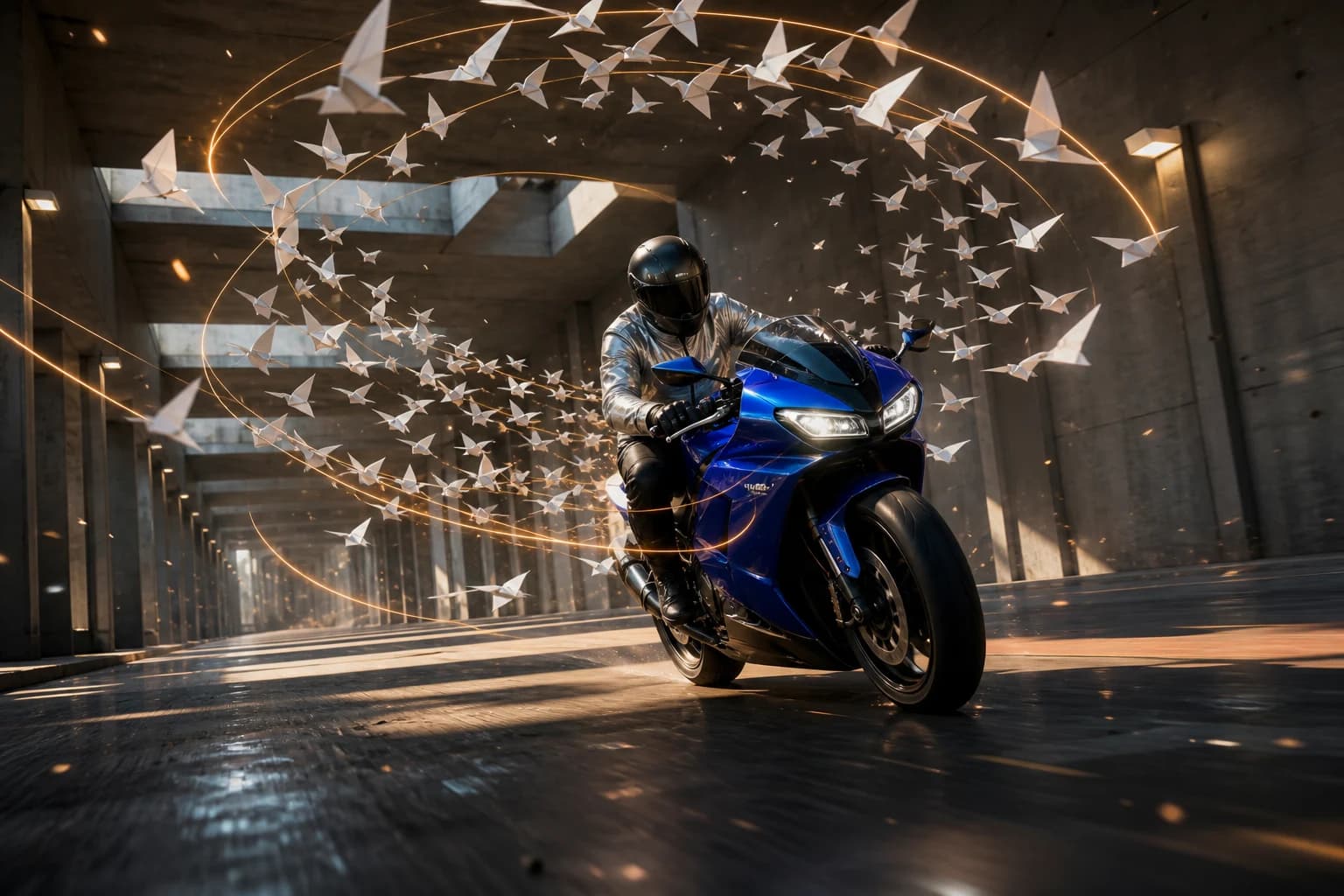 MiniMax / fal
MiniMax H3 Max
Build short scenes with prompt-led direction, visual references and synchronized sound.
- Directed short scenes
- Native audio
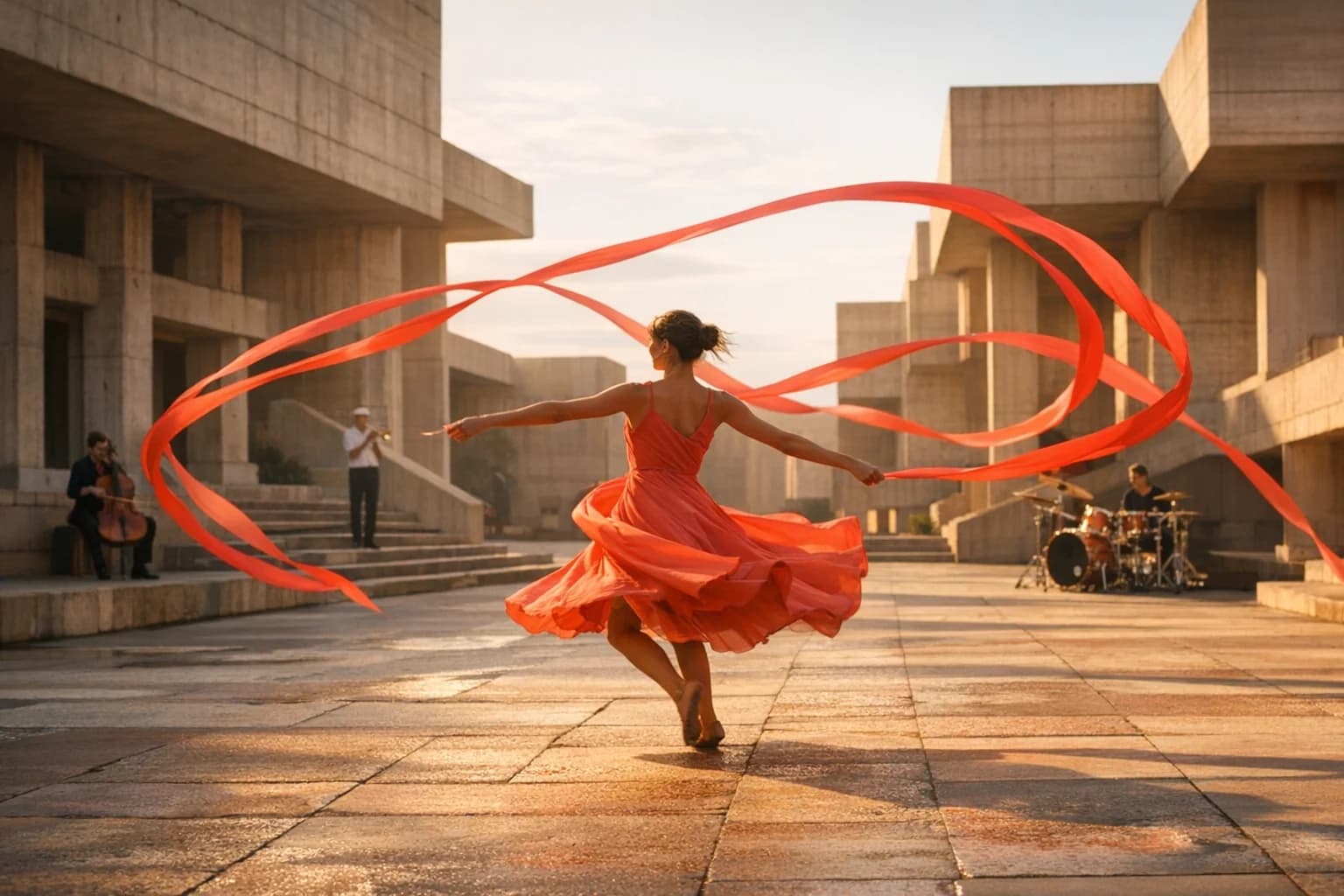 ByteDance
Seedance 2.5
Plan longer takes with multimodal references and connected visual direction.
- Multimodal references
- Longer takes
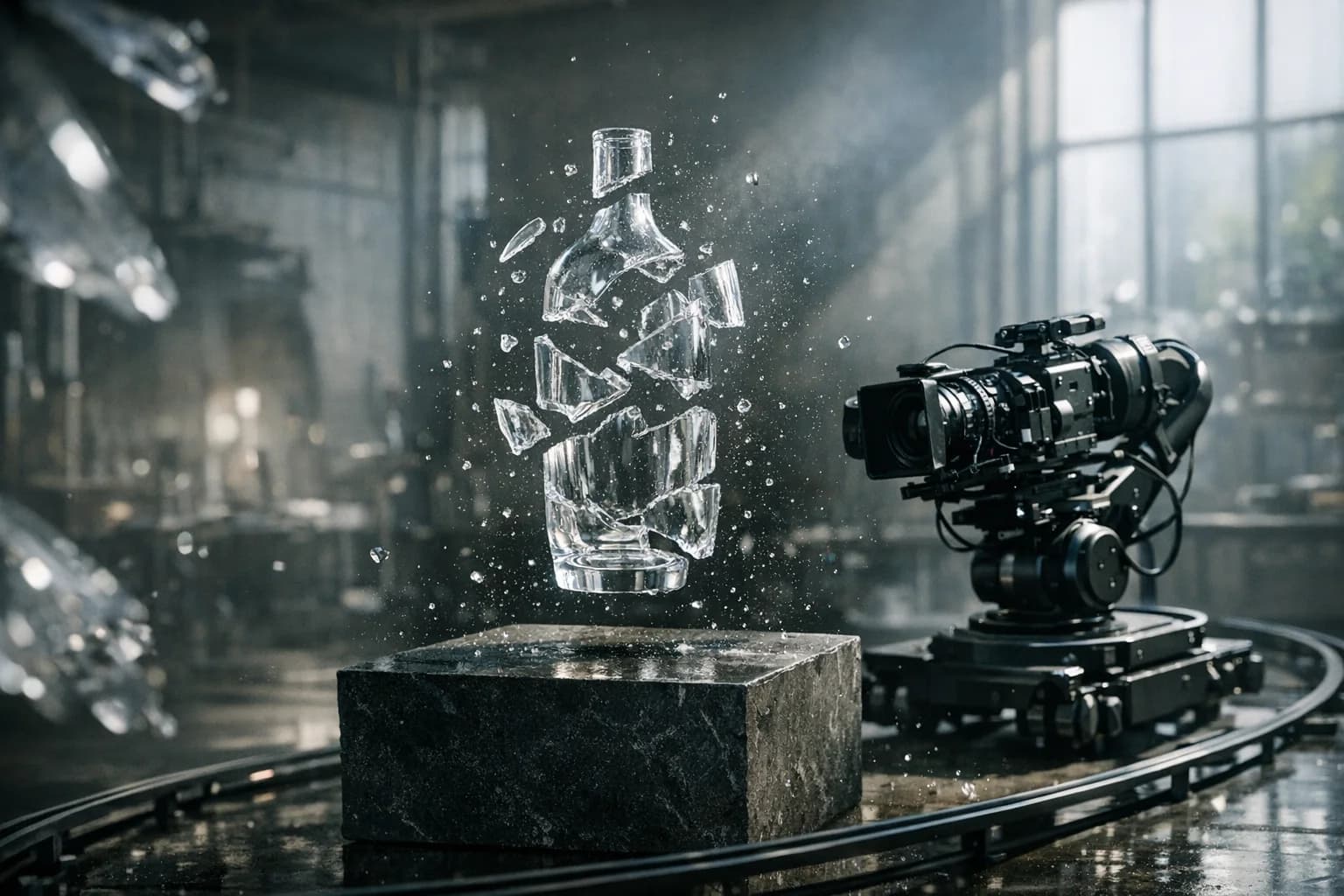 Black Forest Labs
FLUX.3 Video
Direct physical action, camera movement and sound from a prompt or starting image.
- Text + image to video
- Camera direction
 Google
Gemini Omni Flash
Explore the original Omni Flash workflow for short, reference-led video concepts.
- Original integration
- Image references
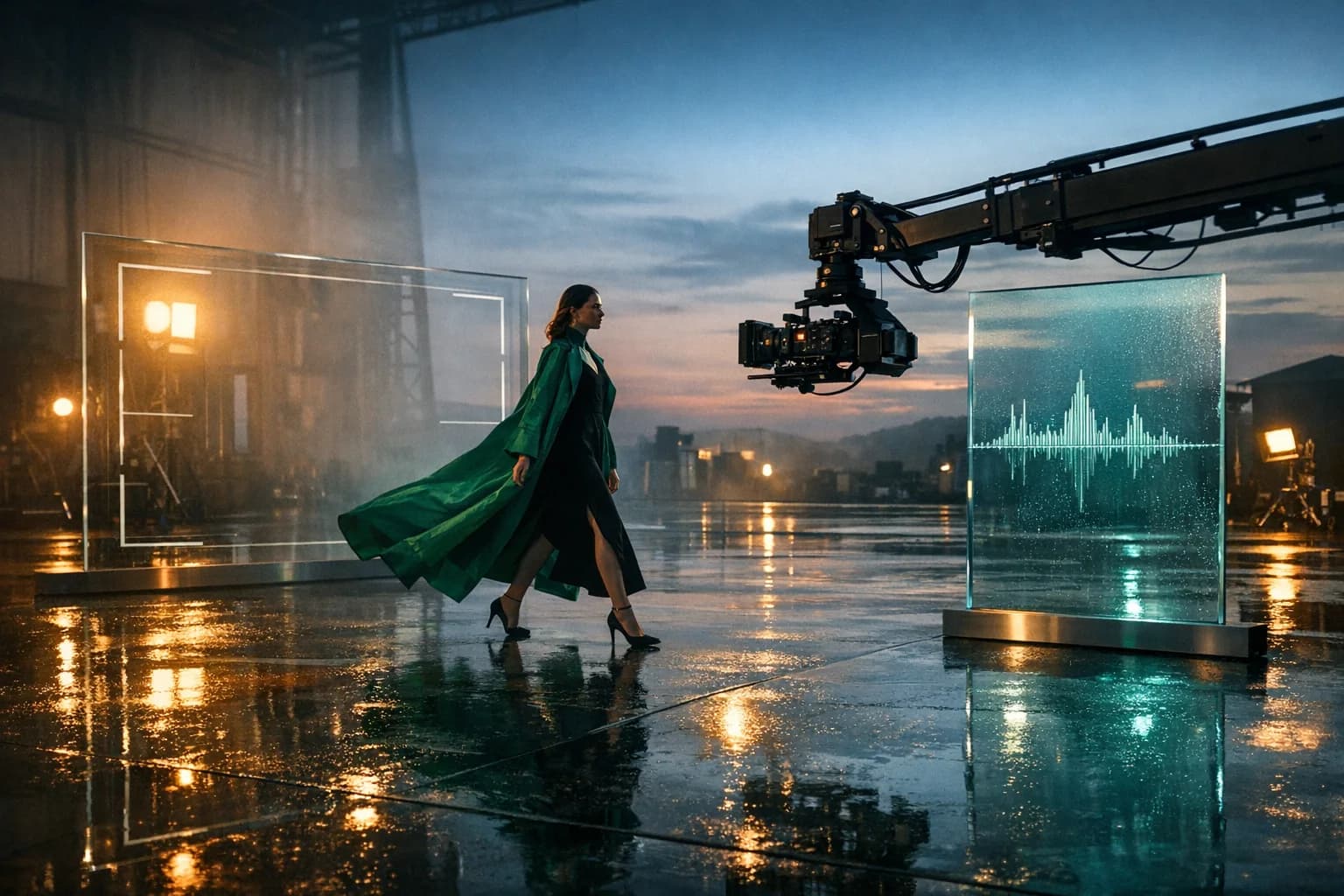 MiniMax
MiniMax H3
Bring images, motion and sound into a structured multimodal production brief.
- Multimodal direction
- Reference-led scenes
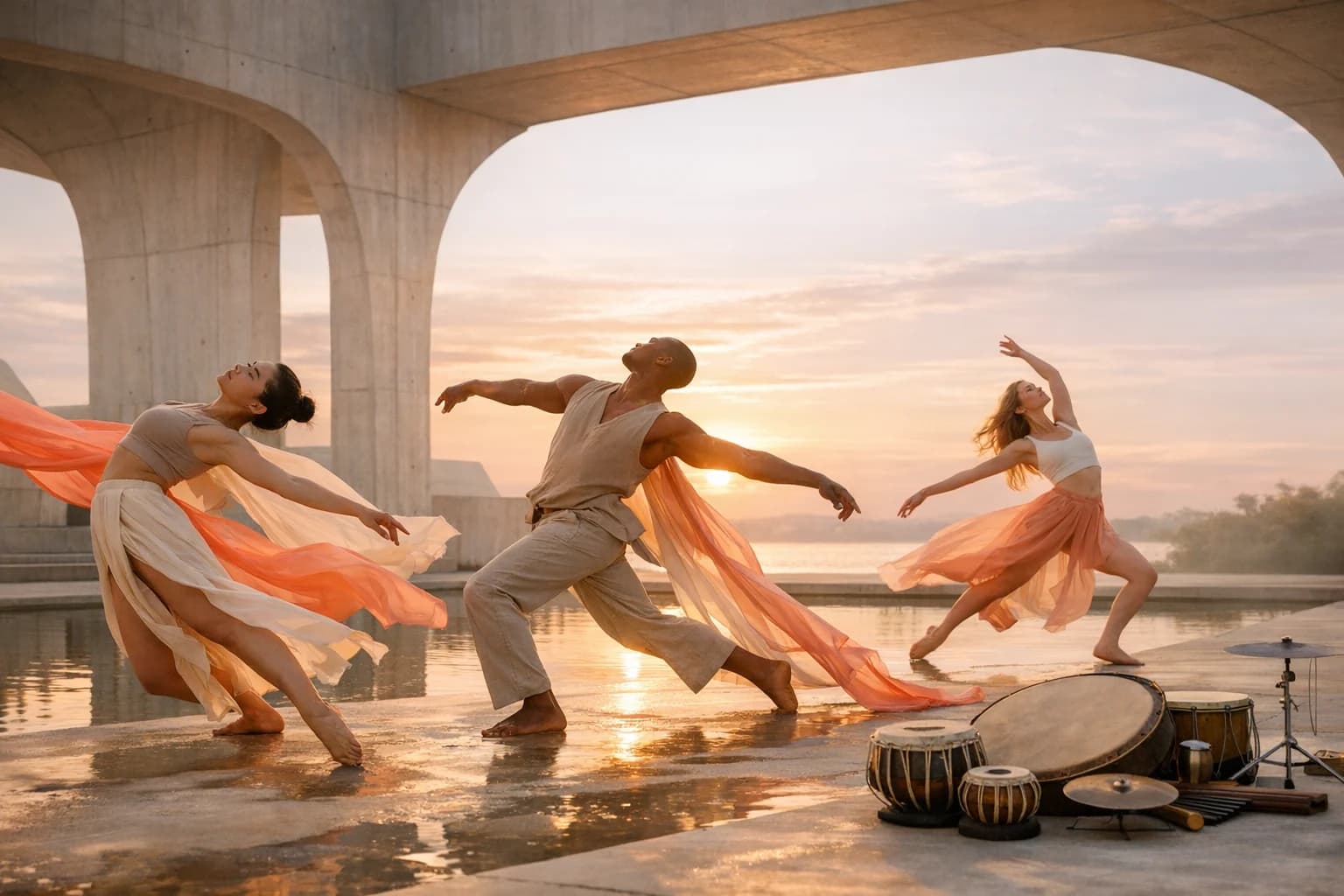 ByteDance
Seedance 2.0
Explore frame animation, multimodal inputs and multi-shot creative workflows.
- Multi-shot direction
- Native sound
02 / Image models
Create it. Then make it yours.
Explore visual directions, refine compositions and make focused edits. Choose the model around your references, quality needs and revision workflow.
 OpenAI
GPT Image 2.5
Generate and edit images with GPT Image 2.5 Flare and Sunburst in HighReach. Compare quality controls, reference inputs and token-based pricing.
- Flare + Sunburst
- Generate + edit
- 1K / 2K output
 xAI
xAIGrok Imagine Image 2.0
Create and edit Grok Imagine Image 2.0 images in HighReach with 1K/2K output, low/medium quality and reference-aware credit estimates.
- Generation + instruction edits
- 1K / 2K
- Low / medium quality
03 / Audio models
Give the story a sound.
Find a voice for your script or a musical direction for your edit. Compare narration, dialogue, music and audio-production workflows.
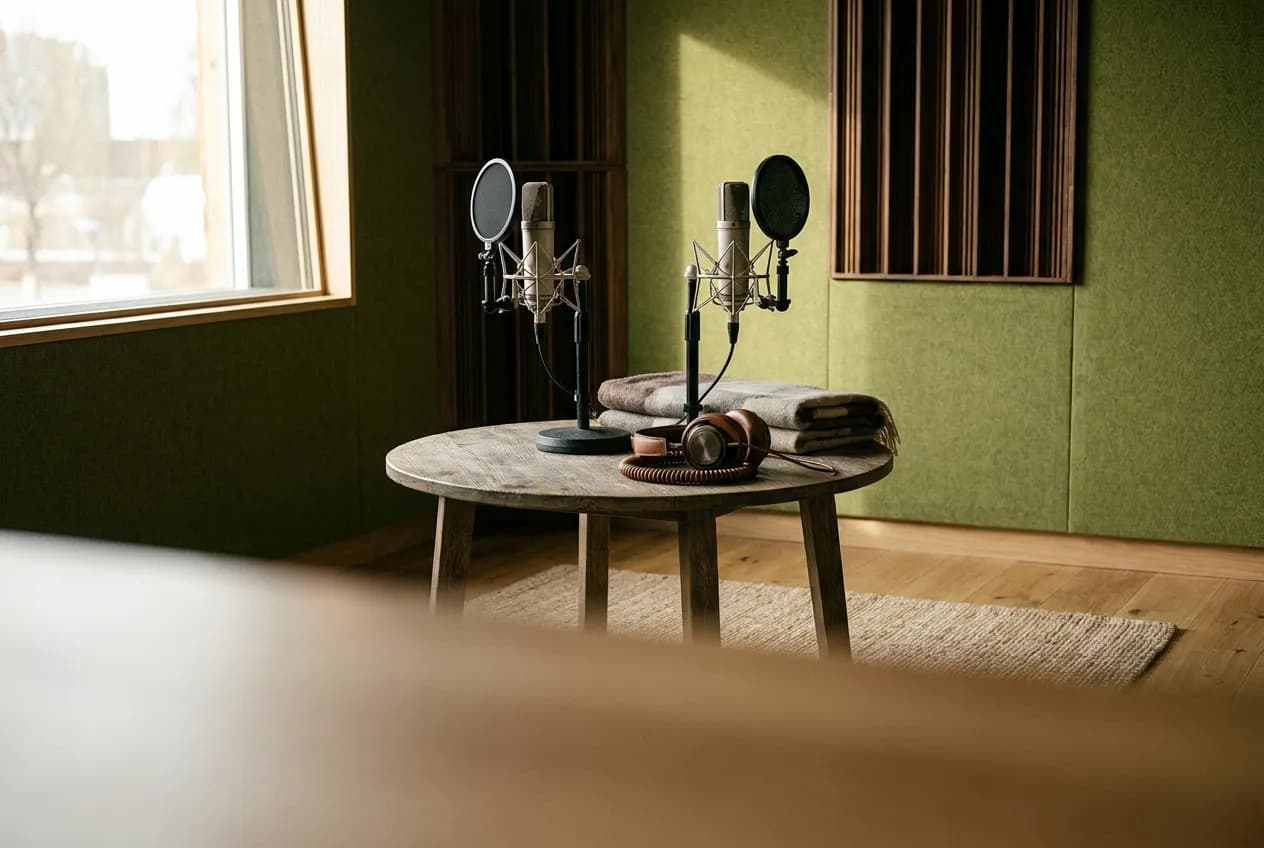 Google
Gemini 3.8 Flash TTS
Create narration and two-speaker scripted dialogue with Gemini 3.8 Flash TTS in HighReach. Choose voices and separate delivery instructions.
- 30 voices
- Two-speaker dialogue
- Separate delivery direction
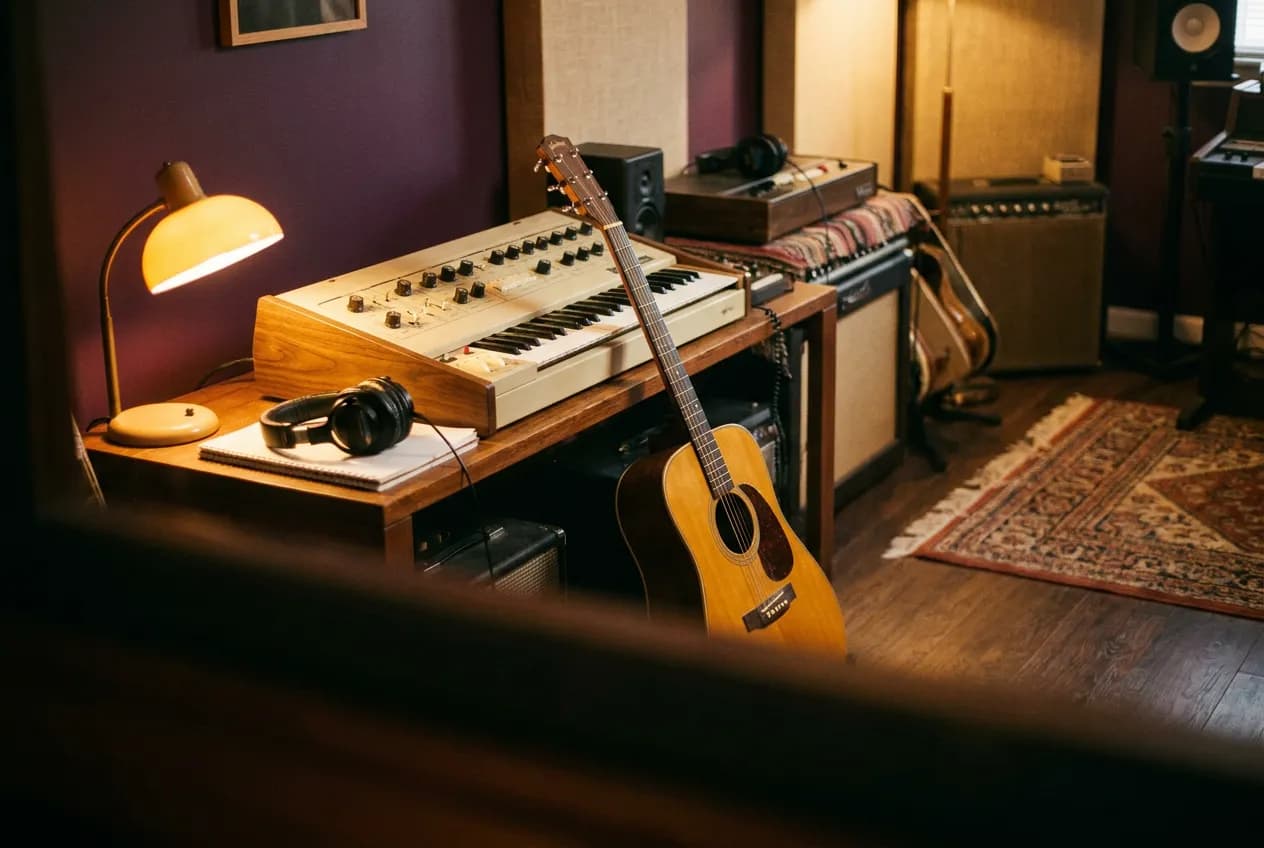 MiniMax
MiniMax Music 3
Generate music from a style brief and lyrics with MiniMax Music 3 in HighReach. Set a duration cap up to five minutes and export WAV audio.
- Style + lyrics
- Up to 5-minute cap
- Stereo WAV
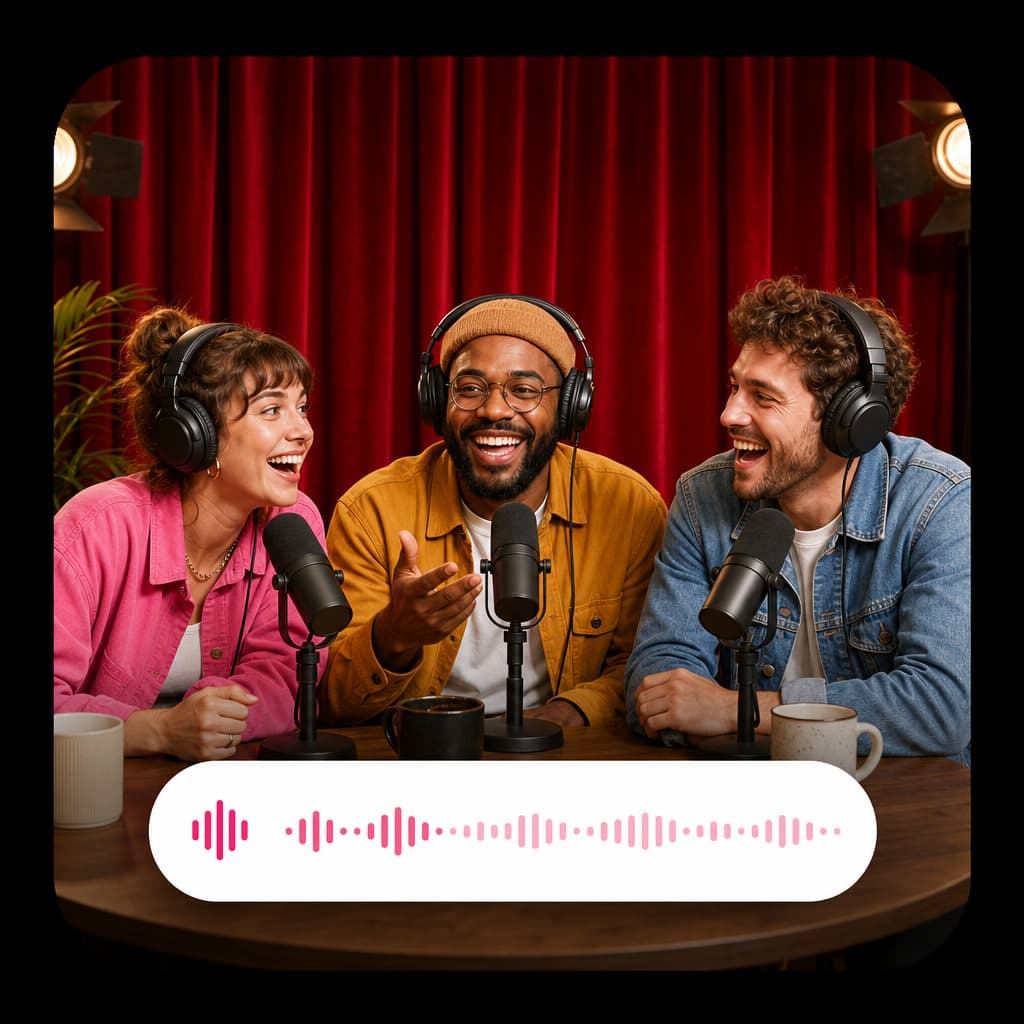 ElevenLabs
ElevenLabs
Create expressive voice-overs, dubbing, voice transformations and sound effects.
- Voice-over + dubbing
- Sound effects
Before you generate
A few good
questions.
The right model depends on your brief. The guides explain the options; your own small test helps you make the final choice.
01Which AI model should I start with?
Start with the task and the material you already have. A starting image calls for a frame-based workflow; multiple references need a reference-capable model. For audio, decide between narration, scripted dialogue and music before comparing models.
02Are the images on this page actual model outputs?
The images are illustrative editorial artwork, not a side-by-side benchmark or proof of the advertised model's output. Each guide explains supported controls and limitations. Compare models using your own brief before selecting a production workflow.
03Do all models cost the same number of credits?
No. The model, resolution, duration, quality and reference inputs can all affect the quote. The newer guides include normal-price examples with HighReach's service margin; the studio shows an estimate for your actual settings before you generate.
04Does this library list every model in HighReach?
This page collects the published model guides. A guide may cover more than one variant or task, and the studio can offer additional models. Open the relevant video, image or audio suite to see its available model choices.
Your next idea starts here
One creative workspace. More ways to make it.
Bring your brief to HighReach, choose a workflow, and explore the model choices available in the studio.