✨ Create Stunning Videos with AI!Access Kling 3.0, Seedance, Veo, Flux, Nano Banana and more in one platform. Start Creating

Black Forest Labs AI video model

FLUX.3 Video, motion that understands cause and effect.

Create FLUX.3 video from a written idea or an opening image. Direct physical action, material behavior, camera movement, and synchronized sound across 5-20 second clips at 720p or 1080p in HighReach.

Text and image to video5-20 secondsNative audio720p and 1080p
HighReach video suiteFLUX.3 Video
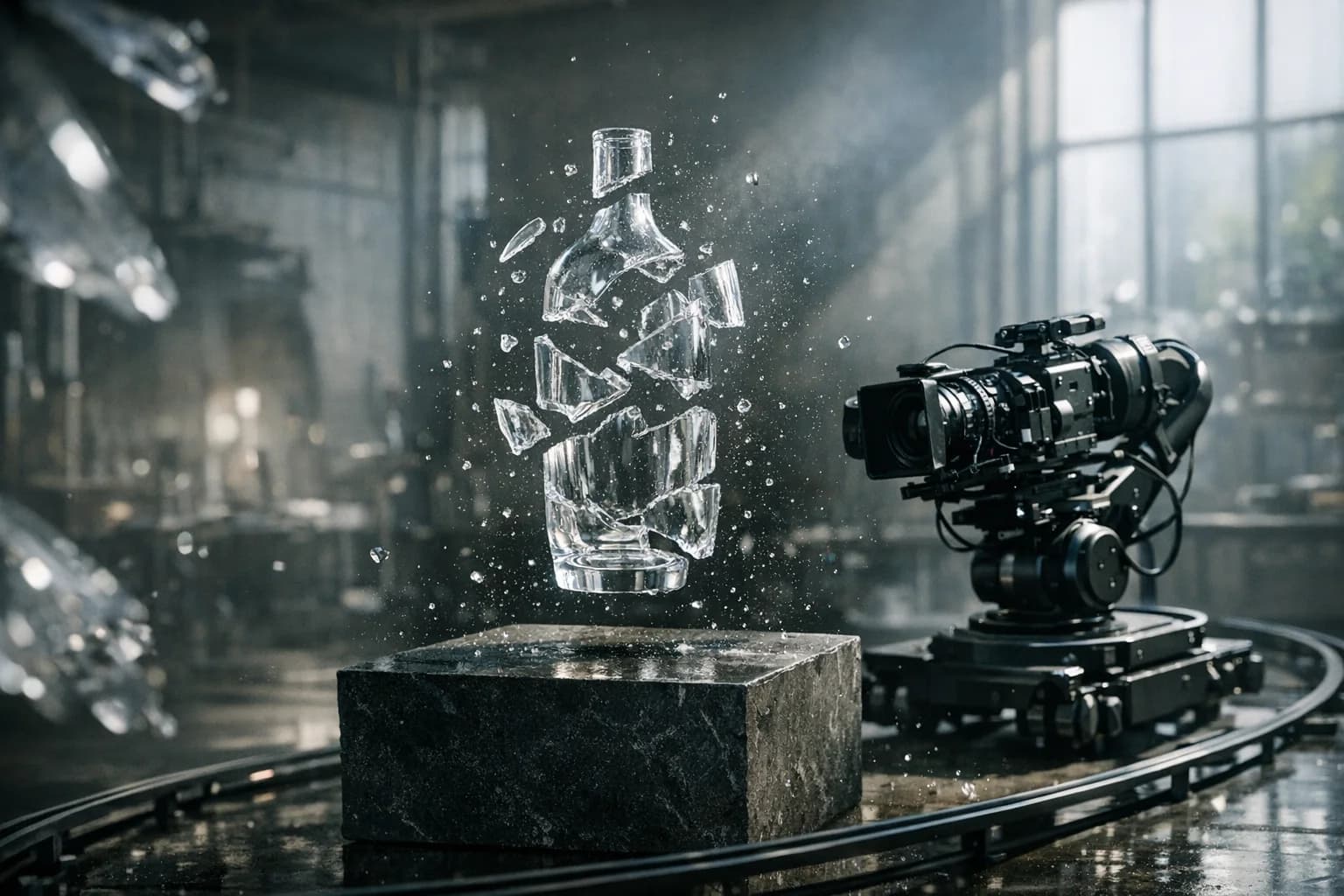
Glass bottle reassembling on a camera-controlled product set for FLUX.3 Video
Prompt direction

A clear sculptural bottle reassembles above black stone as the camera dolly completes one restrained orbit. Every shard follows believable momentum; droplets resolve into condensation with synchronized glass and room sound.

BriefGenerateReview

Current workflows

Text to video and image to video

Generation length

5-20 second clips

Formats

21:9 through 9:16

HighReach output

720p and 1080p at 24fps

What is FLUX.3 Video?

The first Black Forest Labs video model, built for grounded motion and camera logic.

FLUX.3 Video turns a prompt or still frame into a high-fidelity moving scene with native audio, real-world grounding, and explicit cinematic direction.

01

Black Forest Labs designed FLUX.3 around physical cause and effect. Weight, momentum, collisions, liquid, fabric, and material response are treated as connected events rather than independent visual effects.

02

The model also understands production language such as dolly moves, orbits, focus racks, and tracking shots. That makes it useful when camera geometry and the relationship between lens, subject, and set are part of the creative brief.

03

The wider FLUX.3 family includes first-and-last-frame, keyframe, clip extension, and draft-enhance workflows. HighReach currently exposes the direct text-to-video and image-to-video endpoints with native audio, 5-20 second duration, and 720p or 1080p output.

FLUX.3 Video capabilities

Direct the shot with more than a one-line prompt.

Use FLUX.3 Video as part of a complete AI video workflow in HighReach, from the first reference frame to final output review.

Physics-aware glass reassembly concept generated for FLUX.3 Video01

Physical cause and effect

Describe the event as a chain of forces.

Direct what initiates the motion, how mass and momentum travel, what makes contact, and where the action resolves. This is especially useful for products, vehicles, materials, food, and practical-effects concepts.
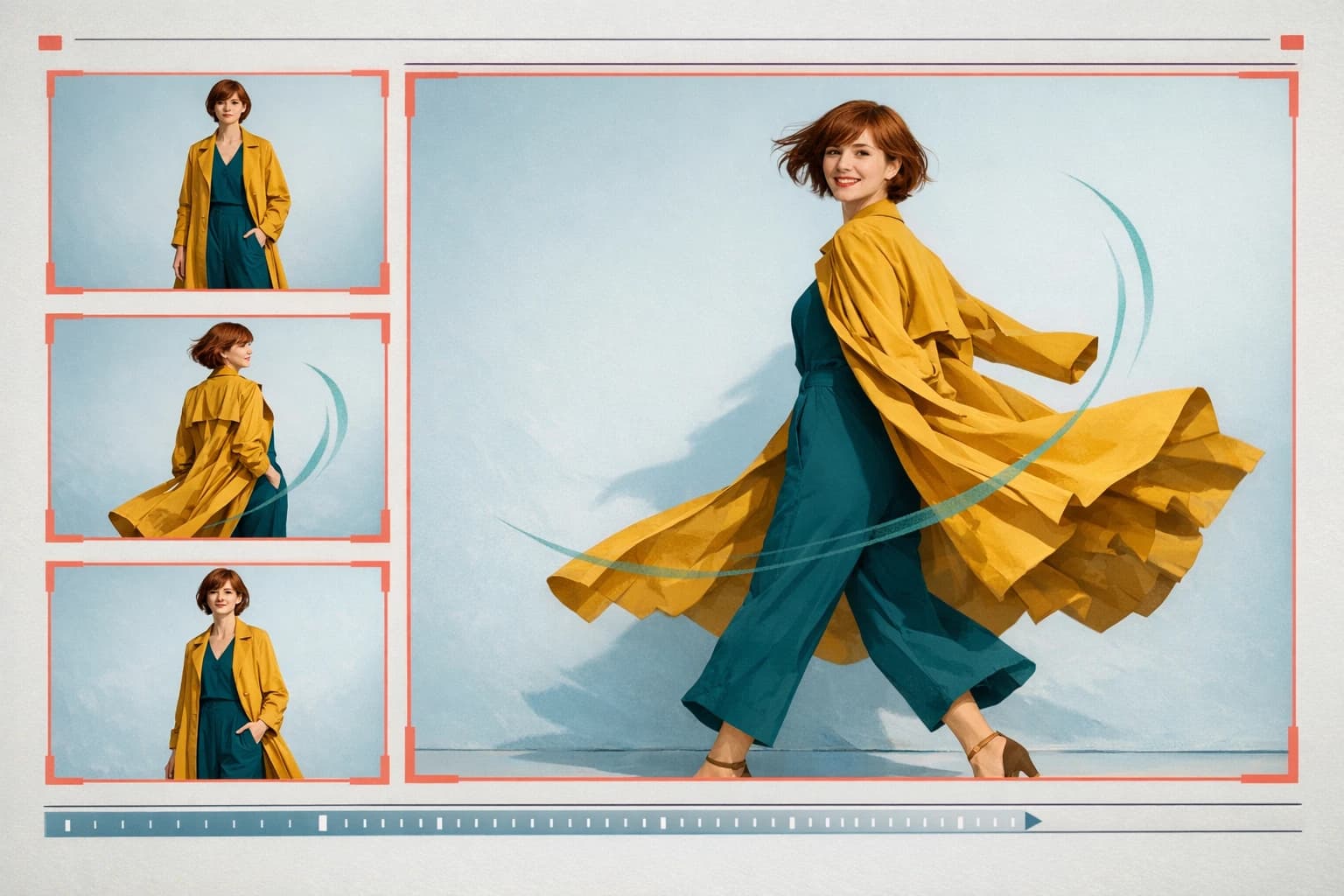
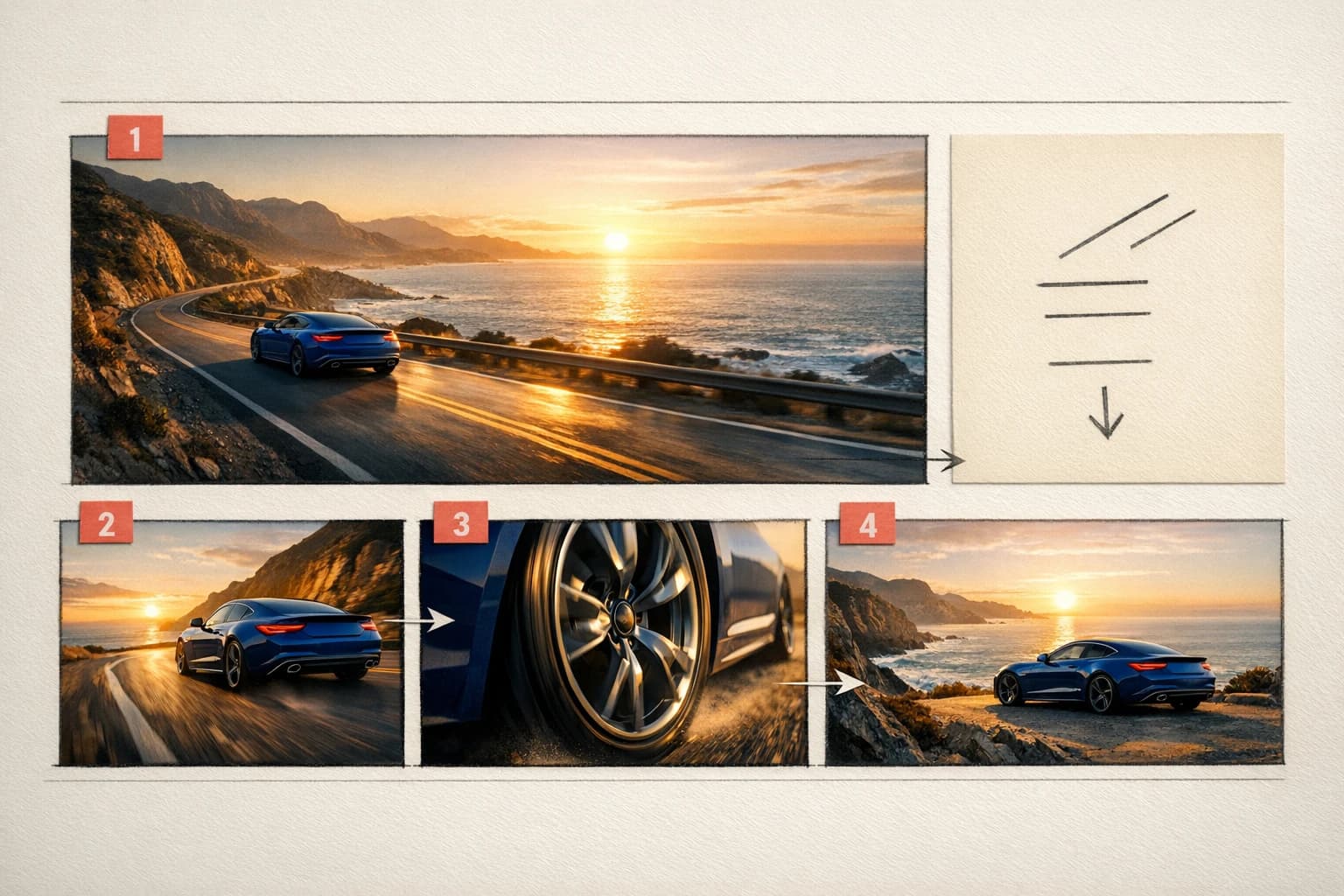
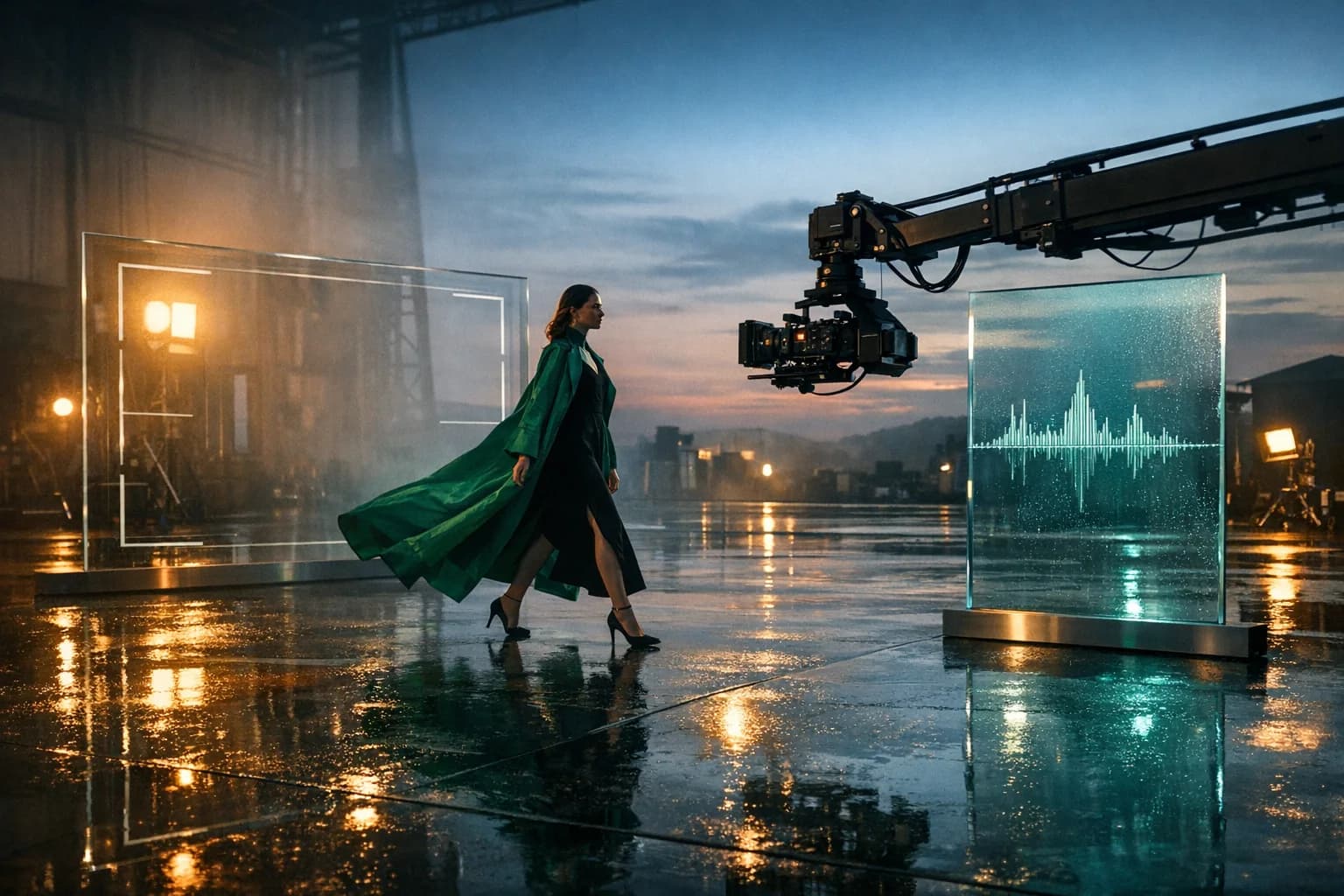
Image-to-video camera motion study for a directed FLUX.3 shot02

Camera-aware direction

Use production language instead of vague movement.

Specify a dolly, orbit, tracking path, focus rack, lens distance, and final composition. FLUX.3 can connect camera movement to scene geometry instead of merely adding shake or zoom.

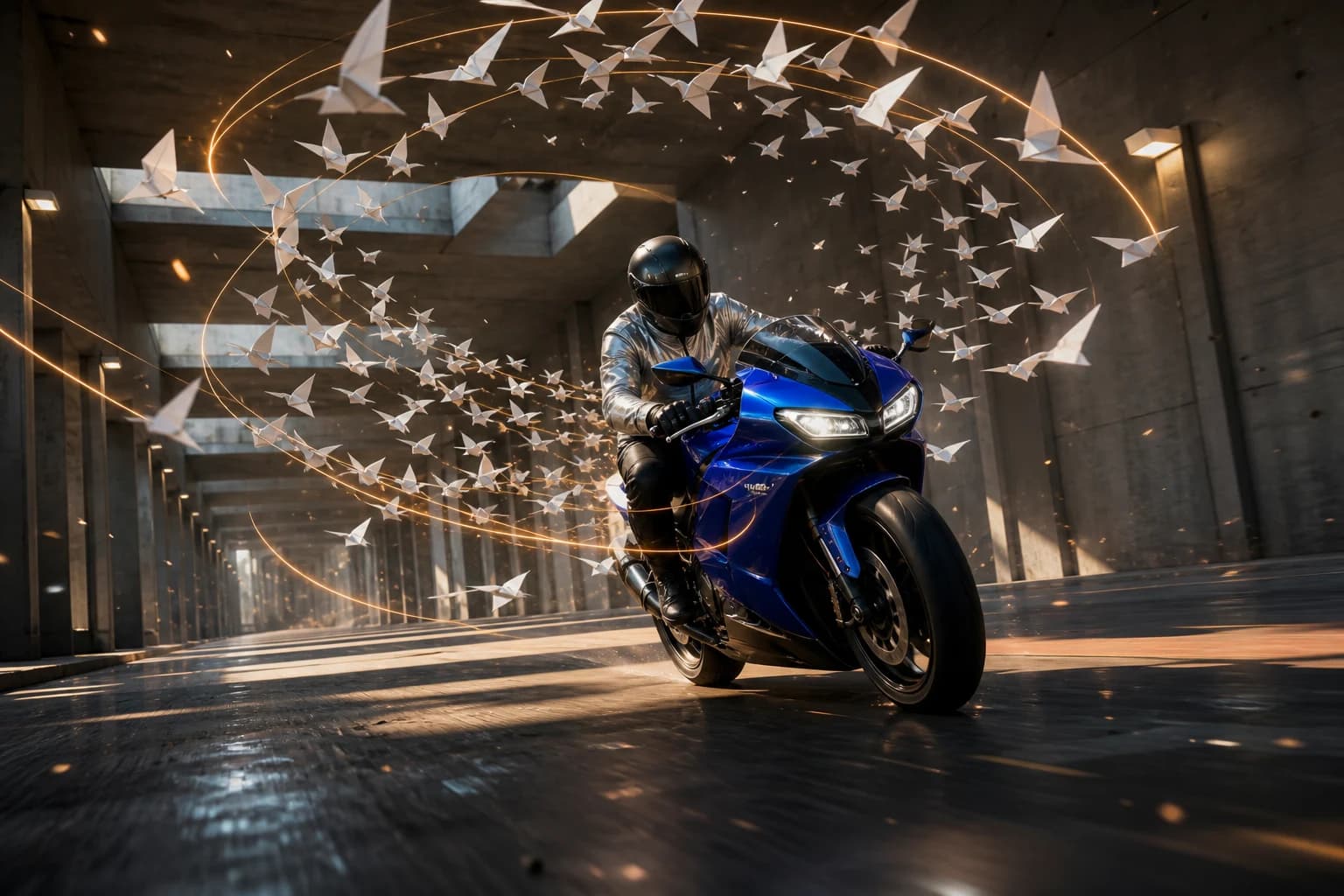
Storyboard combining visual action and synchronized audio cues03

Native synchronized sound

Generate the sound event with the visual event.

Prompt dialogue, effects, ambience, and music in the same pass. Native audio is especially valuable when impact, material response, footsteps, machinery, or speech should align with visible action.

FLUX.3 product-film scene with glass fragments and a camera dolly

Connected production

Brief, generate, compare, and refine without losing the creative thread.

How it works

Write the shot as action, physics, camera, and sound.

FLUX.3 performs best when the prompt explains how the scene evolves. HighReach keeps the source frame, output choices, cost, and generated result together for rapid comparison.

01

Choose text or image mode

Create an original composition from text or upload a frame when appearance and framing already exist.

02

Define the physical event

State the trigger, force, material response, contact, momentum, and final resting state in chronological order.

03

Direct camera and sound

Name the camera path, lens behavior, focus, pacing, ambience, effects, dialogue, and intentional silence.

04

Set format and fidelity

Choose 5-20 seconds, a landscape or social aspect ratio, and 720p or 1080p, then review physical continuity.

Generate with FLUX.3

Model lineup in HighReach

Two direct FLUX.3 workflows available in HighReach.

Start from language when composition is open, or start from a frame when visual identity and layout must be established before movement begins.

Generate from an idea

FLUX.3 Text to Video

01

Create an original scene with grounded physical action, directable camera behavior, native sound, and flexible duration.

  • 5-20 second clips
  • 720p or 1080p at 24fps
  • Native audio and broad aspect ratios

Animate a source frame

FLUX.3 Image to Video

02

Use a still image to lock the initial subject, product, set, palette, and framing while the prompt controls what moves next.

  • Required opening image
  • Prompt-directed motion and camera
  • Grounded visual context

Prompt playbook

Write better FLUX.3 Video prompts.

A useful prompt behaves like a compact director's brief. Give every detail a job instead of stacking visual adjectives.

Describe physical events chronologically, including the trigger, material response, and final state.
Use concrete camera language such as dolly, orbit, tracking, crane, and focus rack.
For image animation, explicitly protect product geometry, identity, framing, and light direction.
Write sound cues beside the visible action they must synchronize with.

Physics-led product film

01

Write cause before effect

A single water droplet strikes the suspended glass bottle and sends one pressure wave through it. The bottle separates into clean curved sections that continue along believable momentum, slow, then reassemble above the stone plinth. Camera performs one 35-degree clockwise dolly orbit. Precise glass impacts, droplets, and quiet workshop ambience.

Image animation

02

Protect the frame while directing motion

Use the uploaded image as the exact opening composition. Preserve the bottle, label, stone, window geometry, daylight direction, and camera height. Condensation forms gradually as the camera slides 20 centimeters left and racks focus from foreground droplets to the label. No cuts and no product deformation.

Cinematic action

03

Connect camera movement to scene geometry

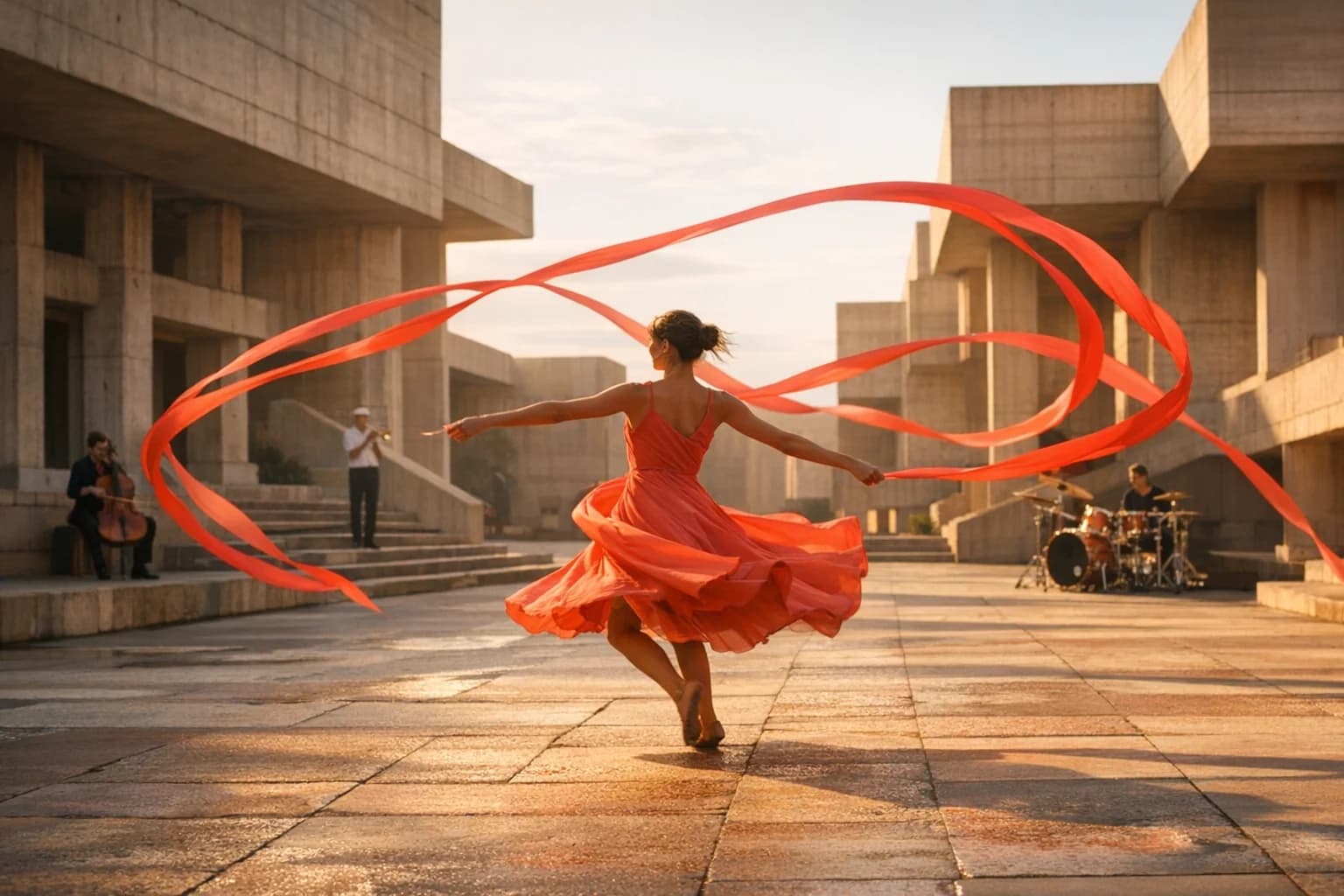
A cyclist accelerates through a rain-dark tunnel. Camera tracks low beside the rear wheel, maintaining constant distance as water sprays from tire contact. At the exit, the rig rises smoothly to shoulder height and focus shifts to the sunrise skyline. Real wheel rotation, body weight, tunnel echo, chain sound, and road spray.

Choose the right model

Compare FLUX.3 Video with other leading video models.

No single model is best for every shot. Move between model families while keeping your source frames and production workflow in HighReach.

Gemini Omni Flash AI video model previewGoogle

Gemini Omni Flash

Best for Rapid reference-led iteration

Fast multimodal video generation with image references and conversational creative direction.

Explore Gemini Omni Flash
Kling 3.0 AI video model previewKuaishou

Kling 3.0

Best for Directed camera and character motion

Cinematic text and image animation with start/end frames, multi-shot timing, audio, and motion control.

Explore Kling 3.0
Seedance 2.0 AI video model previewByteDance

Seedance 2.0

Best for Complex narrative sequences

Multimodal, multi-shot video production with native sound, broad formats, and high-resolution output.

Explore Seedance 2.0
MiniMax H3 AI video model previewMiniMax

MiniMax H3

Best for Reference-rich commercial production

Multimodal video generation and localized editing with long prompts, reference media, high-resolution output, and native sound capabilities.

Explore MiniMax H3
Seedance 2.5 AI video model previewByteDance

Seedance 2.5

Best for Long takes and multimodal direction

Long-form text, image, and reference-to-video with up to 50 multimodal inputs, native audio, and directed 30-second sequences.

Explore Seedance 2.5

Production notes

What to check before the final export.

Check 01

HighReach currently exposes text-to-video and image-to-video, not FLUX.3 first-last-frame, keyframe, extension, or draft-enhance endpoints.

Check 02

Complex collisions, transparent materials, liquid, hands, and fast contact still require frame-by-frame review.

Check 03

Readable labels, logos, signage, and exact product geometry can drift during strong motion or camera changes.

Check 04

A technically dense prompt works best when one primary action and one camera path remain visually achievable within the selected duration.

FLUX.3 Video FAQ

Questions before you generate.

Practical answers about FLUX.3 Video, available HighReach workflows, output controls, and prompt direction.

01What is FLUX.3 Video?

FLUX.3 Video is the first video generation model from Black Forest Labs. It creates video from text or images with native audio, grounded visual understanding, physics-aware motion, and directable camera behavior.

02Can I use FLUX.3 Video in HighReach?

Yes. HighReach currently includes FLUX.3 text-to-video and image-to-video with native audio, 5-20 second duration, and 720p or 1080p output.

03How long can FLUX.3 videos be?

The current HighReach FLUX.3 endpoints support clips from 5 to 20 seconds.

04Does FLUX.3 generate audio?

Yes. FLUX.3 can generate synchronized dialogue, effects, ambience, and music in the same pass as the video. HighReach exposes an audio control for the current text and image workflows.

05What resolution does FLUX.3 support?

HighReach currently offers 720p and 1080p FLUX.3 output at 24 frames per second.

06Can FLUX.3 animate an image?

Yes. Upload an opening image in Frame to Video, select FLUX.3, and describe subject motion, material behavior, camera movement, timing, and sound.

07What is FLUX.3 best used for?

FLUX.3 is a strong choice for product films, automotive motion, food and liquid scenes, material studies, camera-driven commercials, cinematic concepts, and image animation where physical cause and effect matters.

08How is FLUX.3 different from MiniMax H3?

FLUX.3 emphasizes grounded physics, explicit camera language, native audio, and 5-20 second 1080p generation. MiniMax H3 adds high-resolution output through 4K in HighReach and a reference workflow combining images, videos, and audio.

FLUX.3 Video in HighReach

Direct the force, the lens, and the sound in one shot.

Create FLUX.3 video from text or an opening image, then compare 720p and 1080p results with other leading models inside HighReach.