Marketing Teams
Create channel-specific export variants
Deliver separate files for paid social, organic feeds, and website embeds.
✨ Create Stunning Videos with AI! Access Kling 3.0, Seedance, Veo, Flux, Nano Banana and more in one platform. Start Creating
Convert animated GIFs to MP4 video. Dramatically smaller files with better quality. Free, private, and browser-based.
Drop your GIF file here or click to browse
Max file size: 200 MB
HighReach
Turn ideas, images, and clips into professional-quality videos in minutes.
Get Started For FreeNo credit card required
Click the upload area or drag and drop your animated GIF. Max file size is 200 MB.
Click Convert and your GIF will be encoded as H.264 MP4 — much smaller and higher quality.
Save the MP4 file. Enjoy dramatically smaller file size with better visual quality.
Gif To MP4 helps normalize media files for editing, social uploads, and storage efficiency across teams and devices.
| Profile | Resolution/Format | Typical Size | Best For |
|---|---|---|---|
| Compact | 360p-480p / MP4 | ~5-20 MB/min | Draft review and fast sharing |
| Balanced HD | 720p / MP4 | ~20-45 MB/min | Cross-platform social publishing |
| Full HD | 1080p / MP4 | ~45-90 MB/min | Editing source and quality archives |
| Audio Export | MP3/M4A/WAV | ~1-10 MB/min | Podcasts and voice extraction |
Result size depends on duration, bitrate, frame rate, and source complexity.
Marketing Teams
Deliver separate files for paid social, organic feeds, and website embeds.
Support Teams
Convert tutorial clips into easier-to-share help-center assets.
Archivists
Compress legacy assets while maintaining acceptable playback quality.
Internal Communications
Keep recordings compatible across browsers and collaboration tools.
Creators
Convert and compress videos for Shorts, Reels, TikTok, and landing pages.
Podcast Teams
Generate speech-ready audio files from interview and webinar footage.
Editors
Reduce import errors by converting mixed source codecs into stable outputs.
Sales Teams
Create lightweight versions for email and messaging workflows.
Optimization Playbook
Use these gif to mp4 optimization tactics to improve consistency, output quality, and execution speed.
Run multiple variants and compare before publishing one output.
Normalize audio levels when extracting voice tracks.
Match frame rate to source to reduce sync issues.
Use MP4 (H.264/AAC) for broad playback compatibility.
Use clear inputs and explicit outcome goals before generating results.
Perform a quick QA pass for accuracy, tone, and compliance before release.
Use channel-specific formatting so outputs match destination requirements.
Batch similar tasks to reduce setup time and improve consistency.
Track performance after publishing and feed insights back into next runs.
Lower bitrate gradually and compare quality before final export.
Try these solutions:
Processing happens server-side for reliable performance on modern desktop and mobile browsers.
Desktop Browsers
Mobile Browsers
Your Privacy Matters: We process inputs to generate outputs and do not require social or platform account credentials for standard tool usage.
Secure by Design: Connections use SSL/TLS encryption and tool processing runs through secure infrastructure.
Legal Responsibility: Use each tool only for lawful workflows and for content/data you are authorized to process under applicable regulations and platform terms.
DISCLAIMER OF LIABILITY: This service is provided as-is without warranties. Users are solely responsible for lawful usage and authorization of all processed content.
Gif To MP4 is a free online tool built to streamline Gif workflows with fast, practical outputs for creators, marketers, and operators.
Learn how to generate better ads with AI using practical examples, optimization frameworks, and campaign testing playbooks.
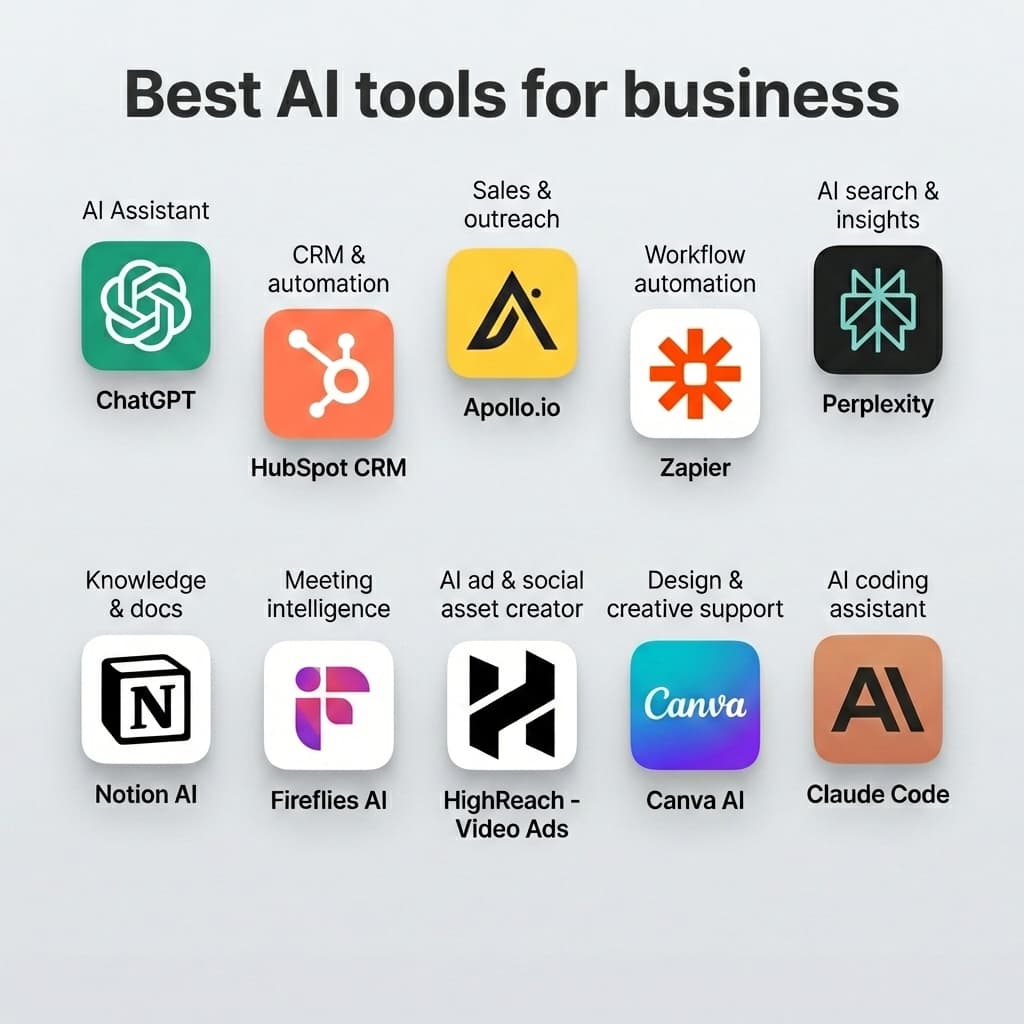

Complete 2026 Guide (Examples, Templates, Tools)
Read article

Explore more HighReach studio tools across video, image, avatar, and audio creation.

Create, edit, lip-sync, and direct motion-rich videos from one workspace.
Open tool
Generate, expand, edit, and upscale campaign-ready images in one place.
Open tool
Create voice overs, music, dubbing, and sound effects without leaving the studio.
Open toolAnimate product shots, references, and still frames into polished short clips.
Open tool
Generate fresh video scenes directly from prompts and style direction.
Open tool
Re-render existing clips with prompt-based changes and creative direction.
Open tool
Swap the on-screen subject while keeping motion, camera, and scene structure.
Open tool
Turn a speaker image plus audio into a talking-avatar or presenter clip.
Open tool
Drive motion from reference footage for controlled, repeatable outputs.
Open tool
Generate product visuals, editorial images, and concept frames with AI models.
Open toolPrompt-edit one image into multiple refined creative variations.
Open toolGenerate studio-ready narration for explainers, promos, and product videos.
Open toolGenerate image, video, and UGC ads in minutes with HighReach.
No credit card required