✨ Create Stunning Videos with AI!Access Kling 3.0, Seedance, Veo, Flux, Nano Banana and more in one platform. Start Creating

Photo to performance

AI Dancing VideoGenerator

Make a photo dance with AI. Turn a full-body solo, duo, character, or product mascot image into a rhythmic short video using a controlled motion prompt and leading video models.

Full-body photoSolo or duoSocial-ready motion

AI dance example

5 sec

A still pose becomes a performance

Generated with MiniMax H3

What is an AI dancing video generator?

A full-body image, directed through rhythm and space.

An AI dancing video generator uses image-to-video synthesis to turn a still subject into a moving dance clip. The model predicts new body poses, foot placement, arm paths, expression, clothing motion, background continuity, and camera behavior from the source image and your written direction.

HighReach treats the AI dance effect as a production shot rather than a fixed template. You can choose a current model, describe choreography and timing, set duration and resolution, generate multiple takes, and keep the strongest clip for Reels, Shorts, music visuals, character animation, or a longer edit.

AI dance video ideas

Choose motion that fits the source frame.

Start with compact, readable movement. Name the dance quality, key steps, arm behavior, camera, pace, and final pose instead of asking for every move at once.

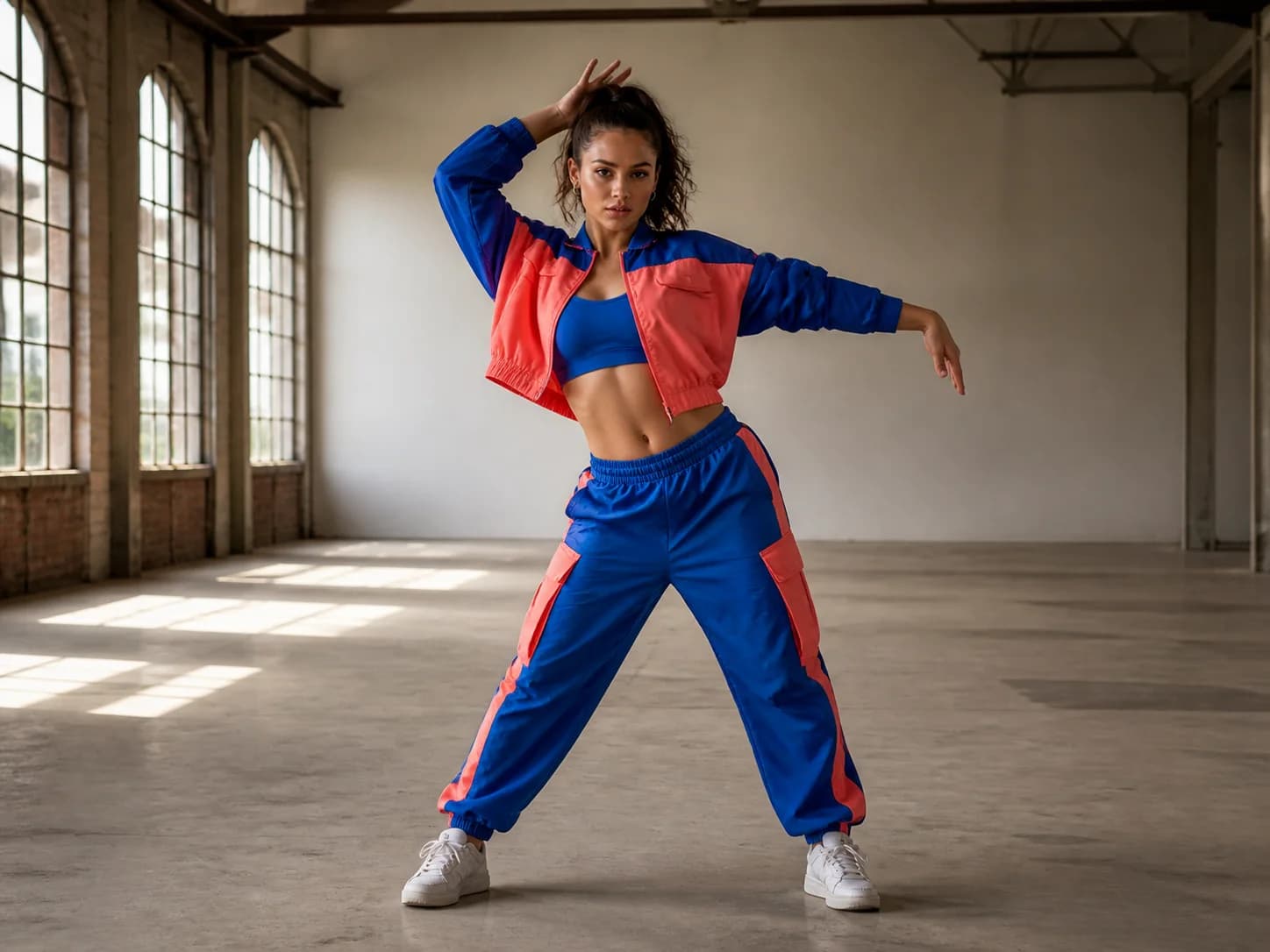
Fictional adult dancer in a cobalt and coral outfit inside a studioSolo performance01

Studio street dance

A controlled combination of side steps, arm waves, a quarter turn, and a clean ending pose keeps the full body readable.

View example prompt

The adult dancer performs two rhythmic side steps, one controlled arm wave, a smooth quarter turn, and a clean final pose. Preserve face, outfit, proportions, shoes, and studio. Keep the full body in frame with realistic foot contact and a stable wide camera.
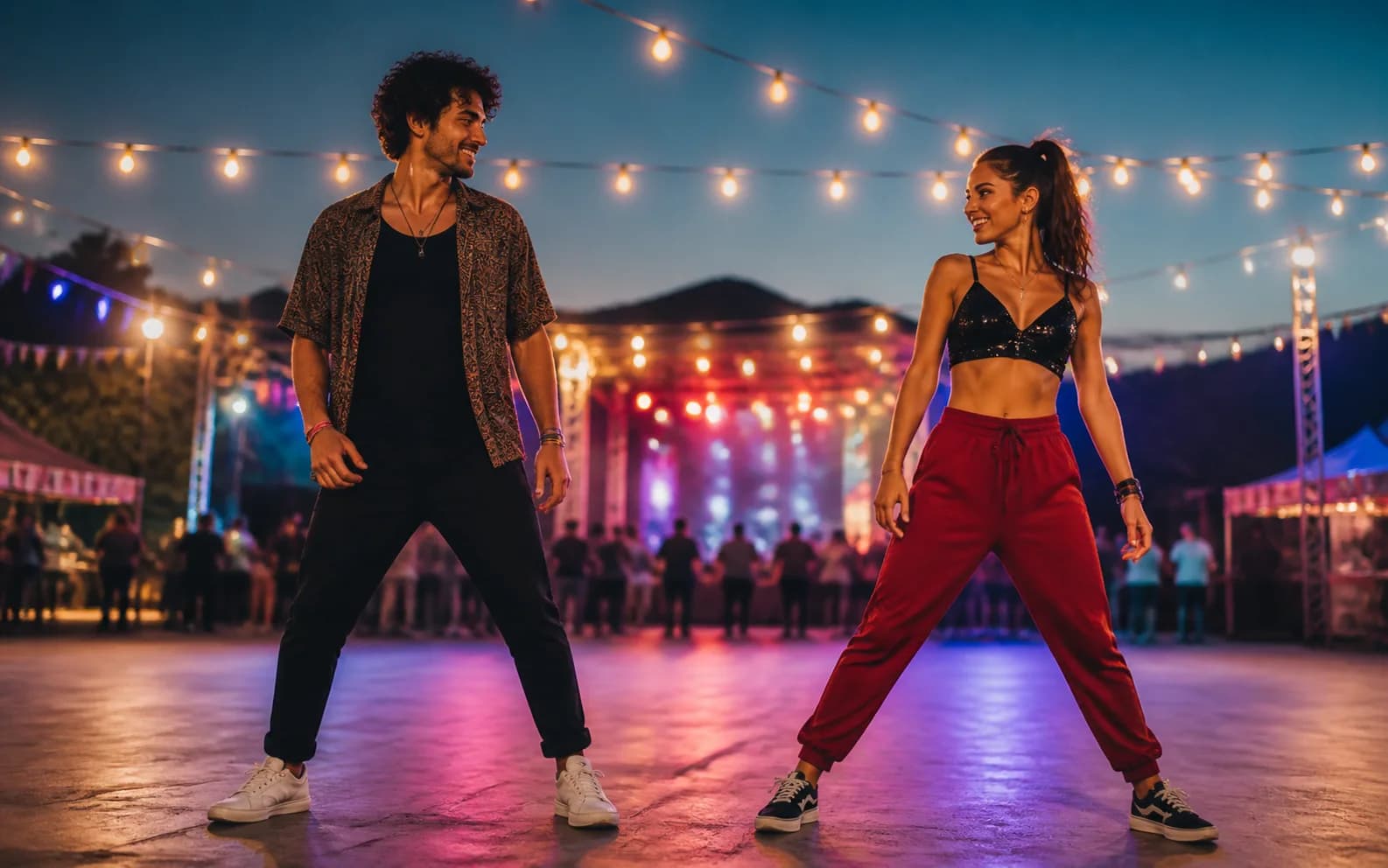
Two fictional adult dancers on an outdoor festival dance floorCoordinated02

Festival duo routine

Use mirrored steps and limited crossing paths so two dancers remain distinct while the environment stays stable.

View example prompt

The two adult dancers perform a joyful synchronized groove with mirrored side steps and simple coordinated arm movements, then finish facing camera. Preserve both identities, outfits, scale, festival lighting, and open floor. No body crossing or merged limbs.

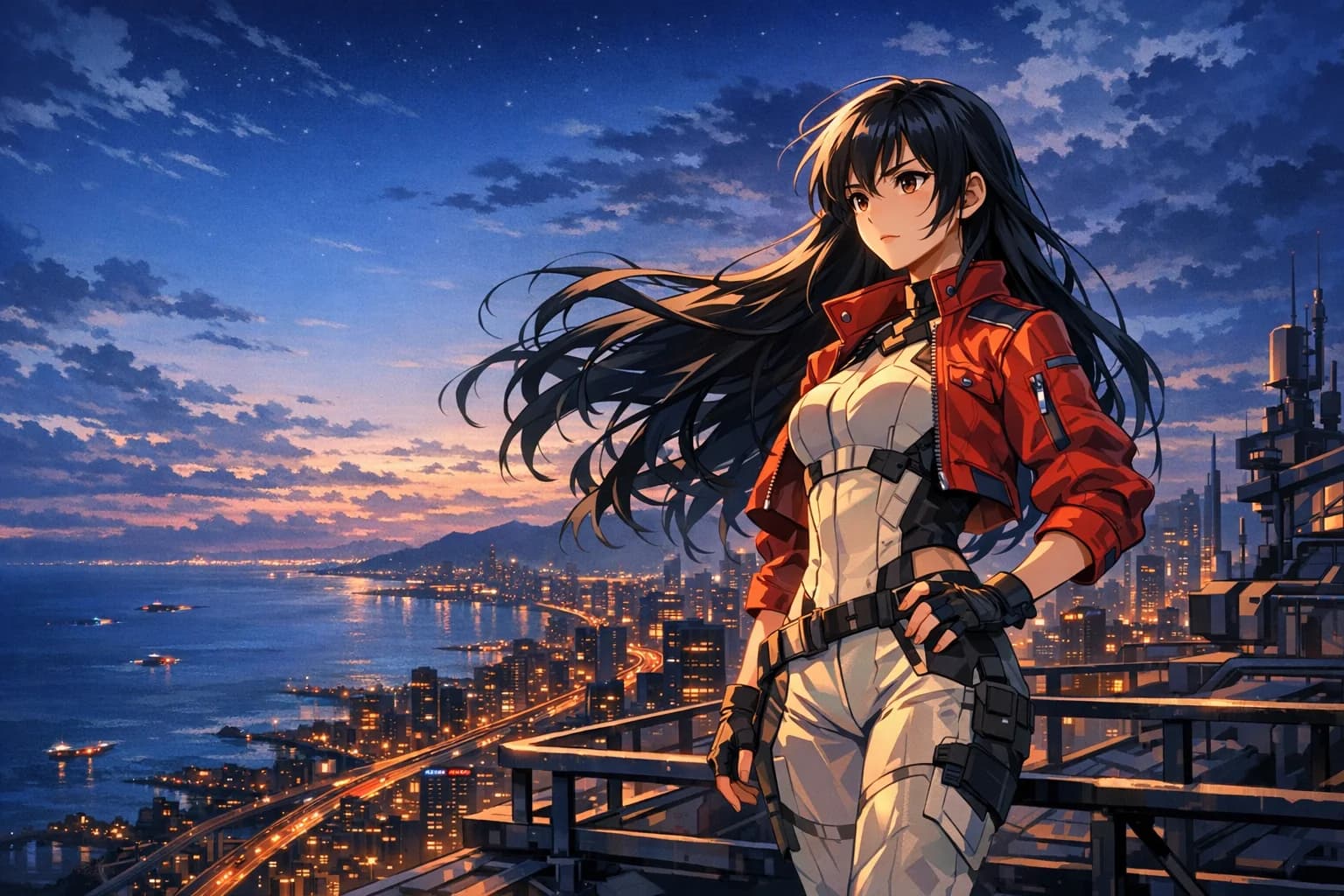
Original anime-style character in a colorful city sceneStylized03

Anime character dance

Animate original illustrated characters while preserving line language, silhouette, costume design, and environment.

View example prompt

The original anime character performs a compact upbeat dance with two steps, a playful arm gesture, and a final hero pose. Preserve face design, hairstyle, costume, line quality, shading, and city palette. Smooth animation, stable camera, no extra limbs.

Frame for movement

Give the dancer room to move before asking for motion.

Dance is harder than subtle portrait animation. Full-body visibility, clean silhouette, grounded feet, and open space materially improve the result.

Show head to toe

Use a full-body image with both feet visible. Cropped shoes and hidden legs force the model to invent critical anatomy during every step.

Leave movement space

Keep open floor around the dancer and avoid tight walls, furniture, overlapping people, or foreground objects that restrict arm and leg paths.

Use a clear silhouette

Contrasting clothing, visible limbs, a simple stance, and consistent lighting help preserve body shape as the pose changes.

How to make a photo dance

Upload, choreograph, and generate.

1

Step 1

Upload a full-body image

Choose a rights-cleared solo or duo photo with visible feet, a clean silhouette, and enough open space for movement.

2

Step 2

Write the choreography

Describe two or three readable movements, tempo, energy, camera framing, clothing behavior, and a clear final pose.

3

Step 3

Generate and refine

Select a video model and settings, review the credit cost, then compare takes for anatomy, rhythm, identity, foot contact, and background stability.

Creative uses

From social loops to character performances.

Use AI dance generation for fast visual concepts, playful social content, original characters, music treatments, and production tests.

01

Reels, Shorts, and TikTok concepts

Create compact vertical dance moments for social hooks, transitions, creator experiments, and trend-inspired posts using music you can legally use.

02

Solo creator performances

Animate an authorized full-body portrait into a movement test when a physical reshoot is impractical.

03

Duo and group concepts

Prototype synchronized steps for two clearly separated adults before planning a longer choreography sequence.

04

Anime and illustrated characters

Make original characters dance while preserving costume, color language, environment, and rendering style.

05

Mascots and product characters

Turn an owned brand character into a short celebratory movement for launches, events, or campaign transitions.

06

Music-video storyboards

Explore pose, camera distance, lighting, and performance energy before committing to a complete generated sequence.

Responsible performance generation

Respect people, choreography, and music rights.

A dance clip can reproduce a person, performance style, or copyrighted soundtrack. Treat every input and reference as production material that requires permission.

Use images you own or have explicit permission to animate
Do not make real people perform deceptive, humiliating, or sexualized actions
Avoid copying a recognizable performer or choreographer without authorization
Use licensed, original, or platform-cleared music in the final edit
Do not upload reference videos you lack rights to process
Disclose AI generation when the result could mislead viewers

AI dancing video generator FAQ

Practical questions, answered.

Full-body images, choreography prompts, music, motion transfer, formats, pricing, and commercial use.

01What is an AI dancing video generator?

An AI dancing video generator is an image-to-video workflow that synthesizes changing body poses, steps, arm motion, expression, clothing movement, and camera behavior so a still subject appears to dance.

02How can I make a photo dance with AI?

Open HighReach Frame to Video, upload a rights-cleared full-body image, describe a short readable dance sequence, choose a model and output settings, review the cost, then generate and compare takes.

03What image works best for an AI dance video?

Use a sharp head-to-toe image with visible feet, separated limbs, a simple starting pose, contrasting clothing, an uncluttered background, and open space around the subject.

04Can the AI create a specific dance?

Text prompts can describe broad movement, energy, steps, and timing, but they may not reproduce exact choreography. Precise motion matching usually requires a model and workflow that explicitly supports a rights-cleared reference video.

05Can I create a dance video with two people?

Yes, but keep both full bodies visible and clearly separated. Use simple mirrored or synchronized movements and avoid crossing paths, lifts, or fast contact until you have a stable first take.

06Does the AI dance generator add music?

The Frame to Video model may generate silent video unless its settings explicitly support audio. Add licensed or original music afterward and align cuts or speed to the beat in your editor.

07Is the AI dancing video generator free?

HighReach shows the estimated credit cost before each submission. Pricing varies by model, duration, resolution, and available plan or trial credits, so confirm the displayed amount before generating.

08Can I use an AI dance video commercially?

Commercial use depends on your rights to the image, depicted person, character, choreography reference, selected model output, soundtrack, and intended distribution. Secure the necessary releases and licenses.

Animate a full-body image

Turn one pose into a short performance.

Open Frame to Video, upload a clean solo or duo keyframe, direct the movement, and generate a social-ready dance clip.