Research-backed product profile
Last checked August 6, 2026
Vizard AI review: fast long-form to short-form repurposing
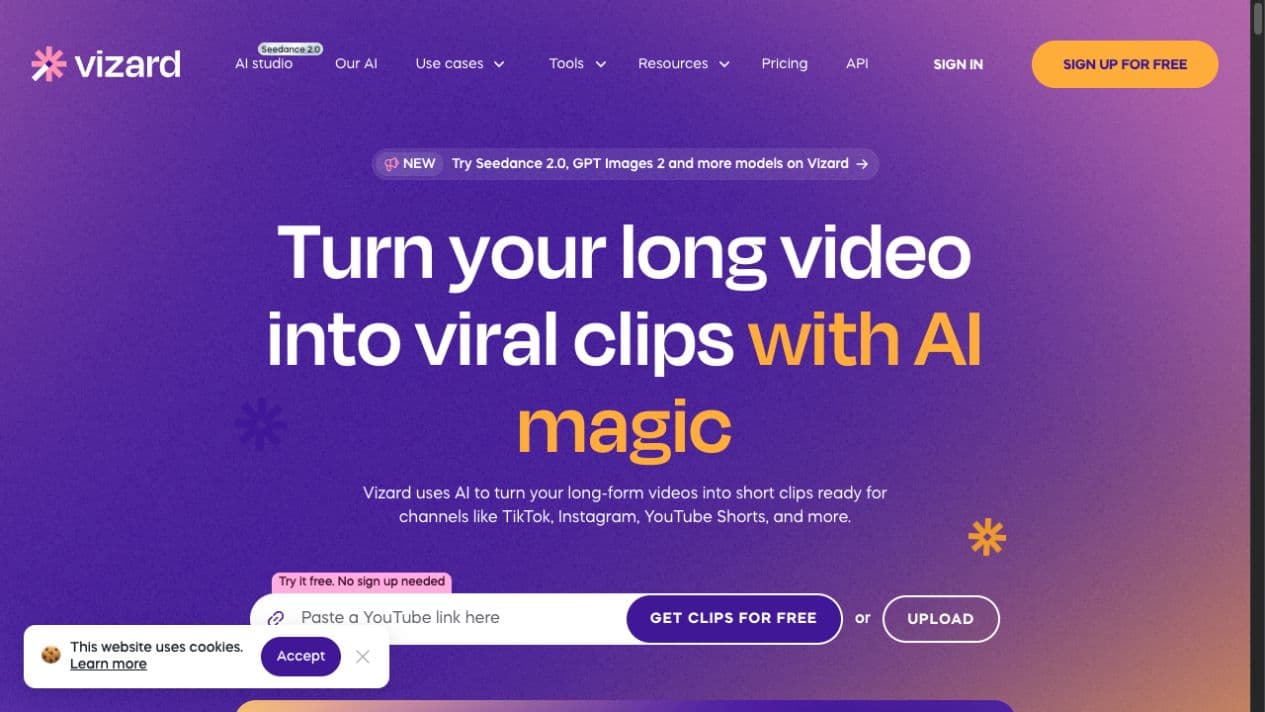
Vizard AI turns podcasts, webinars, interviews, and other long recordings into social-ready clips, then helps teams caption, resize, brand, schedule, and publish them.
Best for
Repurposing podcasts, webinars, interviews, and talking-head video
Learning curve
Low for clipping; moderate for advanced brand and publishing workflows
Platform
Web browser
Main trade-off
AI-selected highlights and framing still need a human quality pass
About Vizard AI
What the product does and where it fits
Vizard is built around one high-frequency marketing problem: finding useful moments inside long video and converting them into short clips without manually scrubbing an entire timeline. Its AI detects scenes and spoken hooks, proposes highlights, reframes speakers, and applies captions for vertical platforms.
The workflow is especially practical for teams that already own a library of webinars, podcasts, customer interviews, or educational recordings. It is less focused on cinematic generation from scratch than broad AI creative suites, but it is more opinionated about repurposing and distribution.
Ideal users
Who is Vizard AI best for?
The strongest use cases for Vizard AI come from teams whose production needs match its most opinionated workflows.
Podcast teams
Find concise hooks and publish multiple shorts from every episode.
B2B marketers
Repurpose webinars, demos, and interviews across social channels.
Agencies
Use brand kits, workspaces, and repeatable clipping workflows for clients.
Educators
Turn lectures and explainers into focused, captioned micro-content.
Capabilities
Top Vizard AI features
These are the capabilities most likely to affect the buying decision and day-to-day creative workflow.
AI highlight detection
Scores and extracts promising moments from long recordings.
Automatic reframing
Tracks speakers and adapts landscape footage for vertical platforms.
Caption styling
Creates readable social captions with editable visual presets.
Text-based editing
Cuts and refines video by editing the transcript.
Brand controls
Applies fonts, colors, layouts, and reusable templates.
Publishing workflow
Connects social accounts for scheduling and distribution.
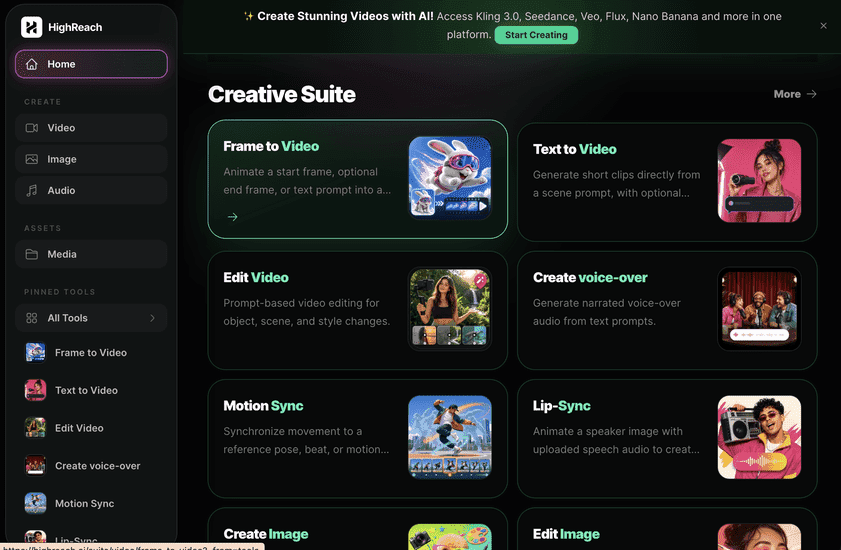
Create across leading video, image, and audio models in one studio
Choose Vizard when the source material already exists and the main job is turning it into social clips. Choose HighReach when you need to generate original images, video scenes, voices, edits, motion, or multi-model creative assets before distribution.
Pricing
Vizard AI pricing snapshot
Free; Creator $14.50/month; Business $19.50/user/month. Compare included usage, exports, storage, collaboration, and AI limits rather than choosing on headline price alone.
Free
$0
60 credits monthly, 720p, watermark, three-day storage, and one social account.
Creator
$14.50/mo
4K output, no watermark, permanent storage, and up to six social accounts.
Business
$19.50/user/mo
Team workspace, brand kits, custom fonts, and broader account connections.
Pricing checked August 6, 2026. Promotions, annual discounts, regional pricing, taxes, credits, and plan limits can change.
Check current pricingTrade-offs
Vizard AI pros and cons
The practical strengths and limitations to consider before adopting the product for a recurring workflow.
Pros
- Very fast first pass from long video to clips
- Strong subtitle and social-format workflow
- Useful publishing and collaboration layer
- Accessible pricing for frequent repurposing
Cons
- Highlight selection can miss context
- Automatic crops occasionally need correction
- Credits require planning at higher volume
- Not a full cinematic generation environment
User feedback
What G2 reviews say
G2 feedback is strongly positive about speed, ease of use, and the amount of manual clipping work Vizard removes. The recurring caution is that AI-selected moments and framing are useful drafts, not guaranteed final edits.
G2
4.7/5
368 reviews
Open review sourceCommon praise
- Fast content repurposing
- Simple workflow
- Useful captions and templates
Recurring cautions
- Manual review still matters
- Occasional clipping or framing misses
Review scores and counts are snapshots and may change. Themes are summarized rather than quoted to avoid overstating any single review.
Verdict
Is Vizard AI worth it?
Vizard is a focused, efficient repurposing tool. It is a strong fit for repeatable short-form output from existing recordings, provided someone reviews the AI's editorial choices before publishing.
FAQ
Vizard AI frequently asked questions
Short answers to the questions buyers commonly ask before choosing a creative software platform.
What is Vizard AI?
Vizard AI turns podcasts, webinars, interviews, and other long recordings into social-ready clips, then helps teams caption, resize, brand, schedule, and publish them.
Is Vizard AI free to use?
Yes, with 60 monthly credits, watermarking, 720p output, and short storage. Free-plan limits and availability can change, so confirm the current allowance on Vizard AI's official pricing page before beginning a production workflow.
How much does Vizard AI cost?
Free; Creator $14.50/month; Business $19.50/user/month. Prices, promotions, included credits, and regional taxes can change. The pricing snapshot on this page was checked on August 6, 2026.
Who is Vizard AI best for?
Vizard AI is best for repurposing podcasts, webinars, interviews, and talking-head video. Its strongest fit depends on whether that focused workflow matters more than having broad generative image, video, and audio tools in one studio.
What is the main disadvantage of Vizard AI?
AI-selected highlights and framing still need a human quality pass
How is Vizard AI different from HighReach?
Choose Vizard when the source material already exists and the main job is turning it into social clips. Choose HighReach when you need to generate original images, video scenes, voices, edits, motion, or multi-model creative assets before distribution.
Research notes
Sources and disclosure
HighReach is not affiliated with Vizard AI. Product names and trademarks belong to their owners. We checked official product and pricing documentation on , kept factual claims separate from our assessment, and linked the sources below. Features and prices can change after that date.