Research-backed product profile
Last checked August 6, 2026
CapCut review: accessible editing for social video on every device
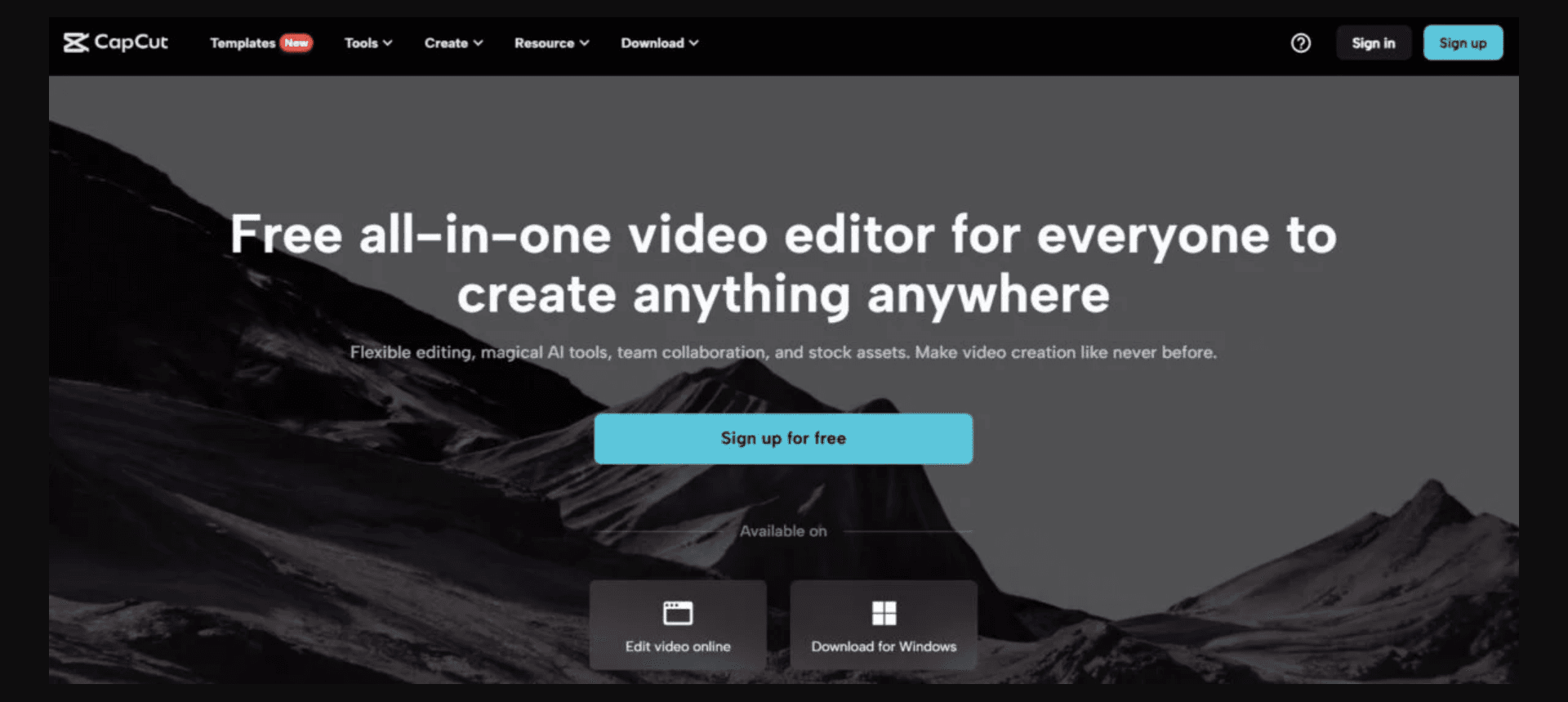
CapCut combines mobile-first timeline editing, templates, captions, effects, background tools, audio, stock assets, collaboration, and a growing set of AI features across mobile, desktop, and web.
Best for
Fast social editing on mobile, desktop, or web
Learning curve
Low for basics; moderate for advanced effects
Platform
iOS, Android, Windows, macOS, and web
Main trade-off
Regional pricing, premium asset rules, and privacy requirements deserve careful review
About CapCut
What the product does and where it fits
CapCut is one of the most accessible editors for short-form social video. It offers familiar timeline controls, templates, transitions, effects, captions, music, keyframes, masks, speed controls, background removal, and AI-assisted features without requiring professional editing experience.
Its close fit with TikTok-style production makes it fast for trends and vertical content, but it is still a different category from a generative production suite. Pricing varies by region, platform, tax, and promotion, so a static global price would be misleading.
Ideal users
Who is CapCut best for?
The strongest use cases for CapCut come from teams whose production needs match its most opinionated workflows.
Mobile creators
Edit, caption, style, and publish vertical video from a phone.
TikTok and Reels teams
Use trend-oriented templates, sounds, effects, and formats.
Beginners
Learn timeline editing without the complexity of a professional NLE.
Small businesses
Create quick promotions, explainers, and social updates.
Capabilities
Top CapCut features
These are the capabilities most likely to affect the buying decision and day-to-day creative workflow.
Cross-platform editor
Works across mobile, desktop, and web with familiar timelines.
Templates and effects
Provides trend-driven layouts, transitions, filters, and animations.
Automatic captions
Transcribes speech and applies editable subtitle styles.
AI editing tools
Includes background, portrait, script, media, and enhancement features.
Audio and stock assets
Offers music, sounds, stickers, fonts, and media libraries.
Social publishing fit
Optimizes formats and workflows for short-form channels.
Create across leading video, image, and audio models in one studio
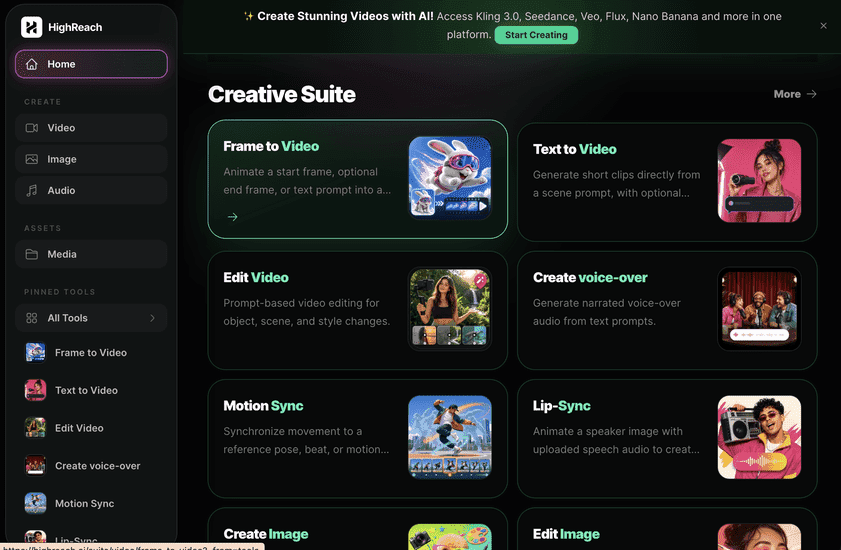
CapCut is primarily an editor for assembling and polishing existing footage. HighReach is a generative studio for creating new image, video, and audio assets with leading models and specialized AI transformations. Use CapCut for hands-on timeline finishing; use HighReach for source-media generation.
Pricing
CapCut pricing snapshot
Free plus region- and platform-dependent Pro and Teams subscriptions. Compare included usage, exports, storage, collaboration, and AI limits rather than choosing on headline price alone.
Free
$0
Core editing, templates, effects, captions, and exports with feature-specific limits.
Pro
Regional
Premium effects, templates, assets, storage, and advanced tools; monthly or annual.
Teams
Regional
Collaboration, shared assets, brand workflows, and organization features.
Pricing checked August 6, 2026. Promotions, annual discounts, regional pricing, taxes, credits, and plan limits can change.
Check current pricingTrade-offs
CapCut pros and cons
The practical strengths and limitations to consider before adopting the product for a recurring workflow.
Pros
- Excellent mobile and beginner experience
- Large template and effects ecosystem
- Strong fit for short-form social editing
- Many useful capabilities in the free product
Cons
- Not a full professional post-production suite
- Pricing differs by platform and region
- Some advanced assets require Pro
- Privacy and account permissions require informed review
User feedback
What Independent editorial testing reviews say
Independent reviews consistently position CapCut as one of the easiest mobile-first editors with strong templates and social features. The main cautions are limited professional depth, navigation constraints, regional pricing changes, and privacy concerns around permissions and data handling.
Independent editorial testing
Read reviews
Open review sourceCommon praise
- Beginner friendly
- Strong mobile workflow
- Useful free tools
Recurring cautions
- Review privacy permissions
- Confirm checkout pricing on your device and region
Review scores and counts are snapshots and may change. Themes are summarized rather than quoted to avoid overstating any single review.
Verdict
Is CapCut worth it?
CapCut remains a practical entry point for social editing and mobile production. It is easy to recommend for basic and intermediate short-form work, while privacy-sensitive teams and professional editors should review its tradeoffs carefully.
FAQ
CapCut frequently asked questions
Short answers to the questions buyers commonly ask before choosing a creative software platform.
What is CapCut?
CapCut combines mobile-first timeline editing, templates, captions, effects, background tools, audio, stock assets, collaboration, and a growing set of AI features across mobile, desktop, and web.
Is CapCut free to use?
Yes, with many core editing tools. Free-plan limits and availability can change, so confirm the current allowance on CapCut's official pricing page before beginning a production workflow.
How much does CapCut cost?
Free plus region- and platform-dependent Pro and Teams subscriptions. Prices, promotions, included credits, and regional taxes can change. The pricing snapshot on this page was checked on August 6, 2026.
Who is CapCut best for?
CapCut is best for fast social editing on mobile, desktop, or web. Its strongest fit depends on whether that focused workflow matters more than having broad generative image, video, and audio tools in one studio.
What is the main disadvantage of CapCut?
Regional pricing, premium asset rules, and privacy requirements deserve careful review
How is CapCut different from HighReach?
CapCut is primarily an editor for assembling and polishing existing footage. HighReach is a generative studio for creating new image, video, and audio assets with leading models and specialized AI transformations. Use CapCut for hands-on timeline finishing; use HighReach for source-media generation.
Research notes
Sources and disclosure
HighReach is not affiliated with CapCut. Product names and trademarks belong to their owners. We checked official product and pricing documentation on , kept factual claims separate from our assessment, and linked the sources below. Features and prices can change after that date.