AI Text-to-Video
Create in 3 steps
- Describe your scene
- Choose a model and settings
- Generate video
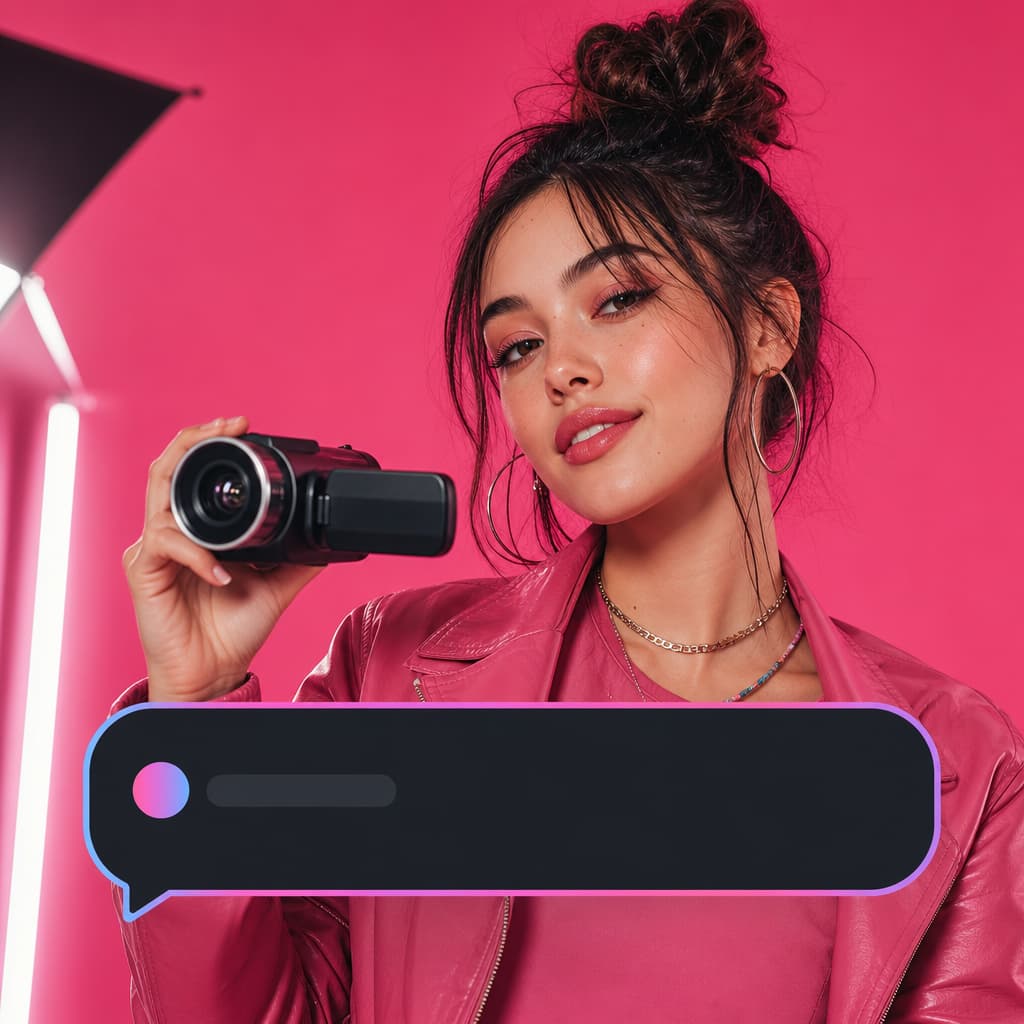
Pink family bedtime story
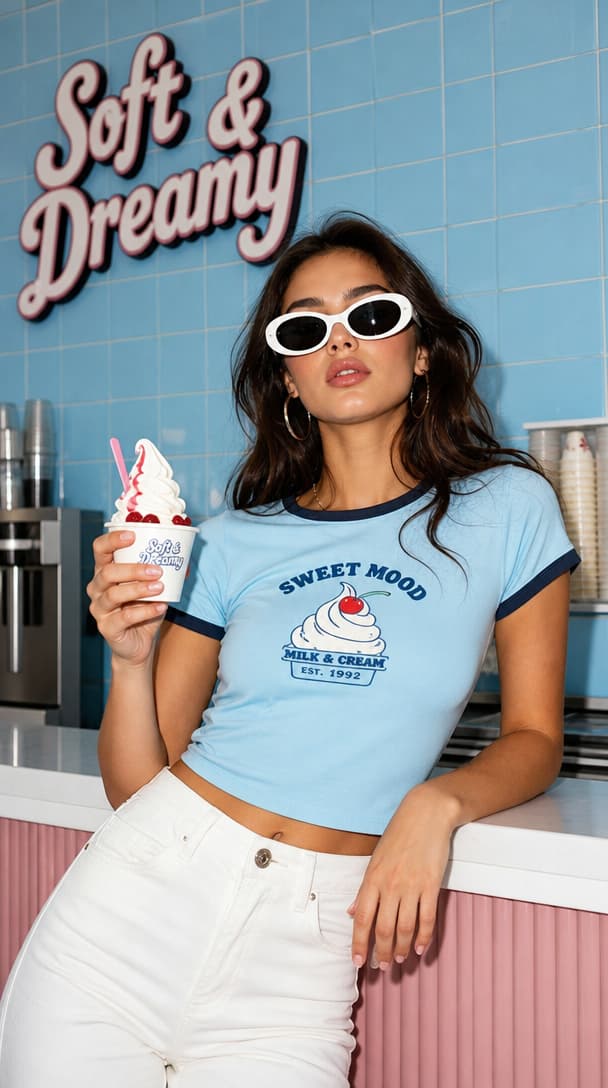
Retro fashion product editorial
Cyberpunk nightclub standoff
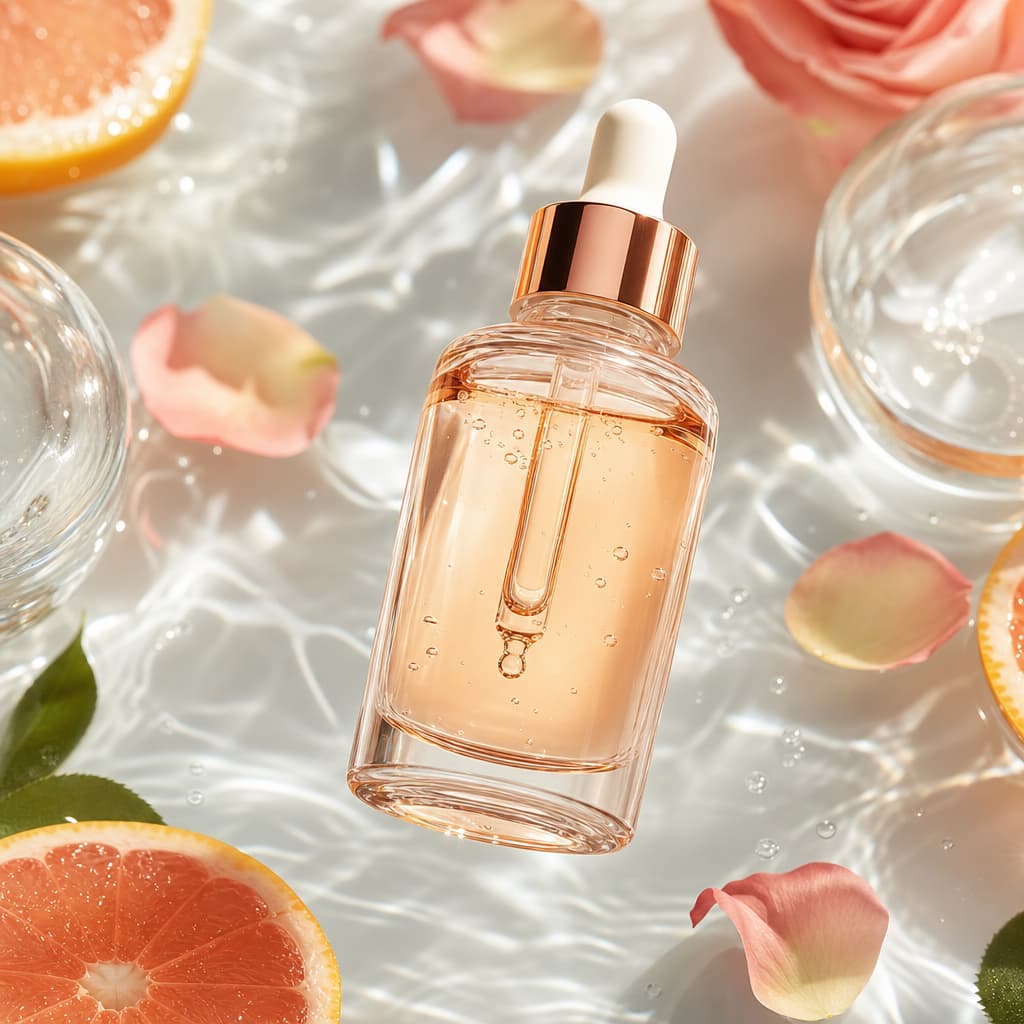
Luxury skincare splash ad
Mystery van haunted castle
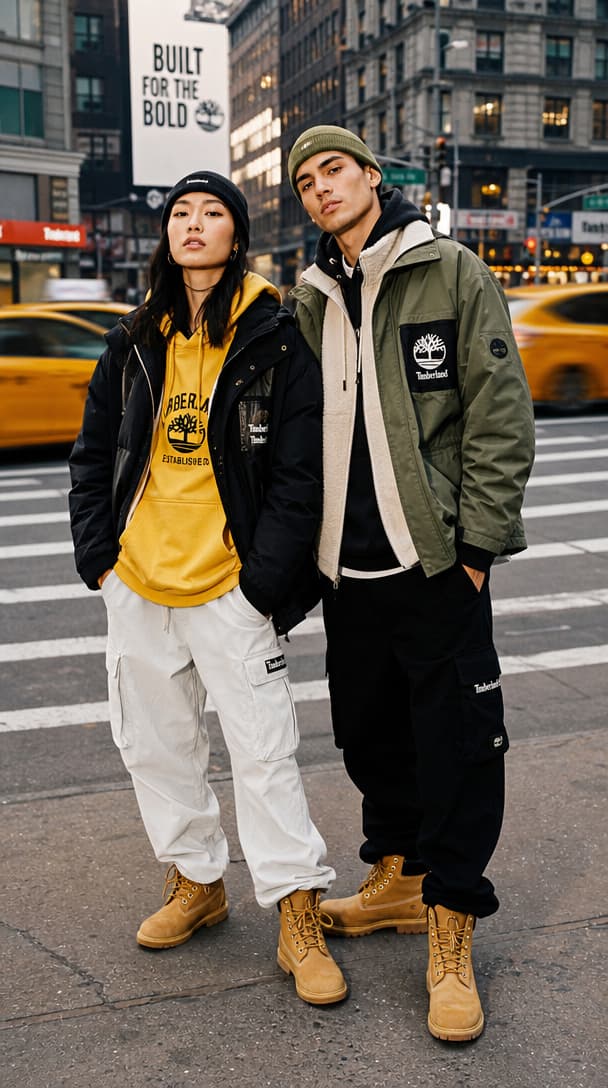
Streetwear city campaign
Kimono pond garden
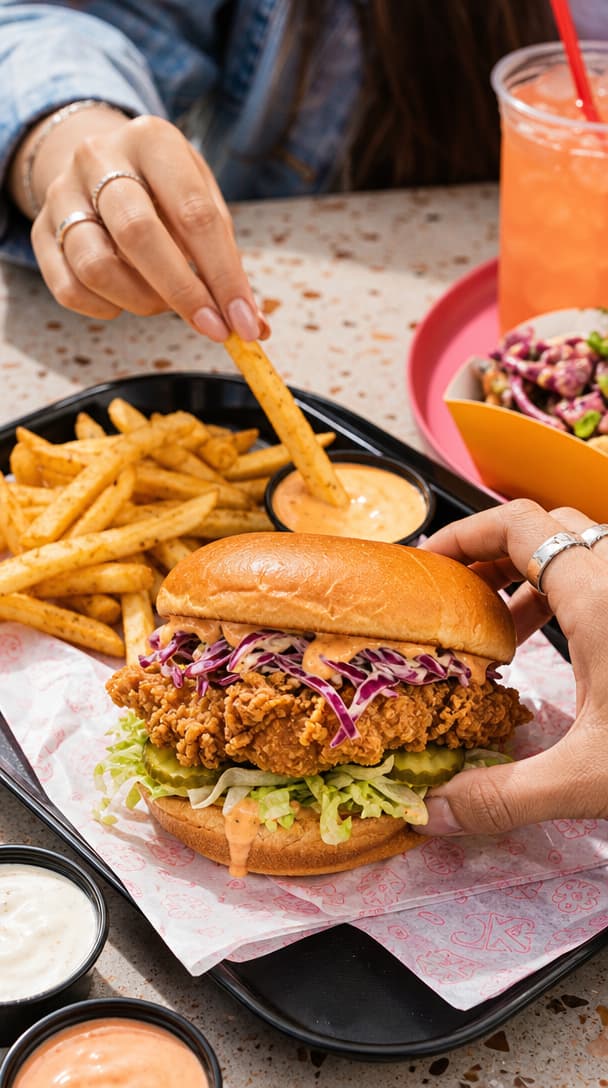
Food brand hero shot
Cherry blossom baby rabbits
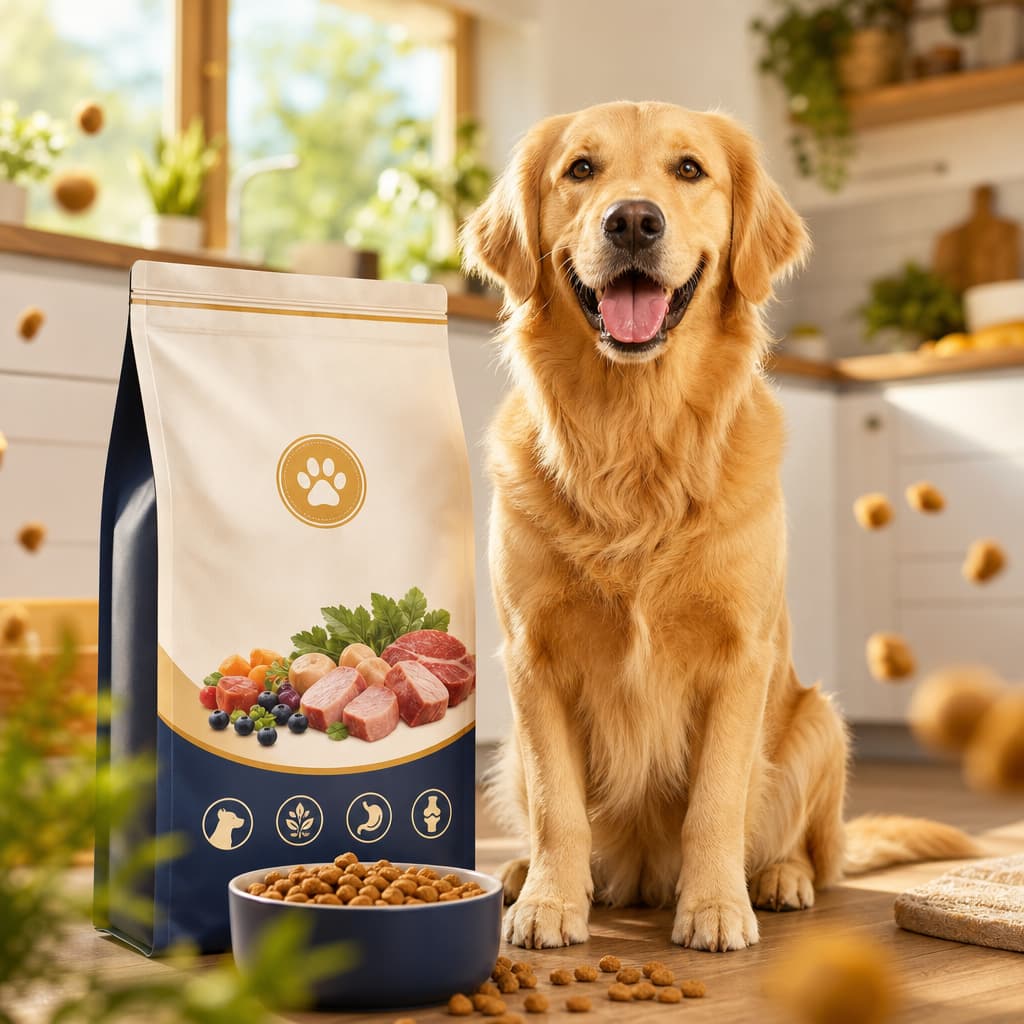
Pet product ad
Cherry blossom bike POV
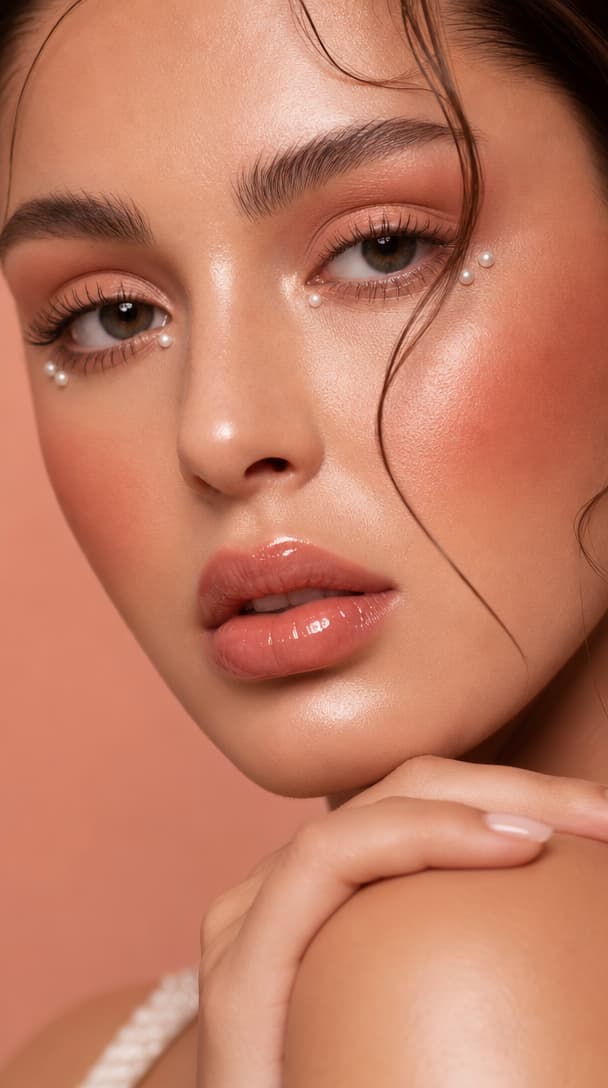
Beauty close-up editorial
Anime spring goodbye
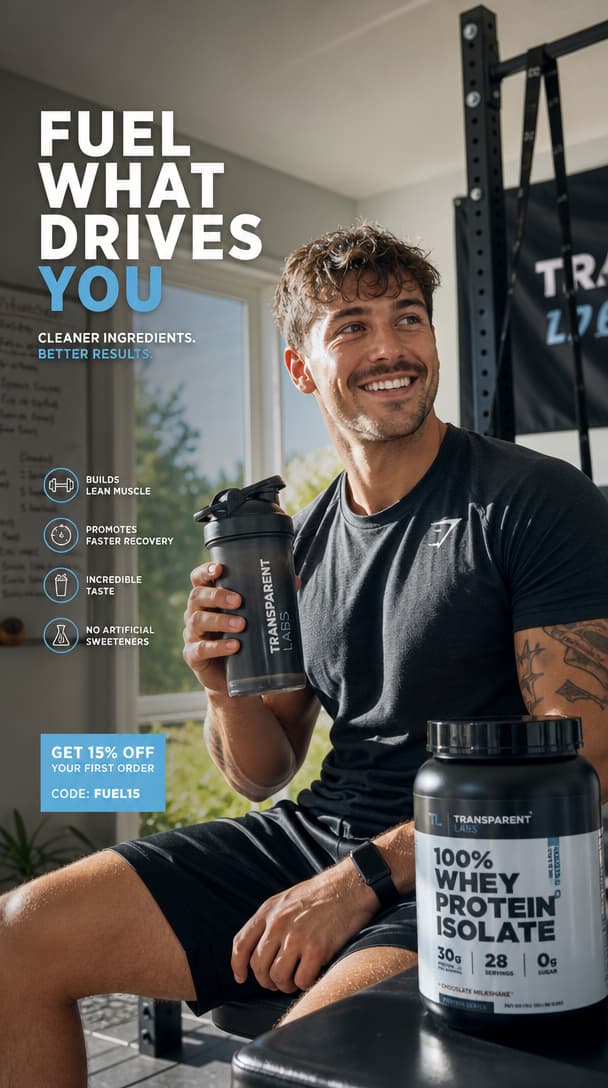
Fitness transformation ad
Boy on rooftop
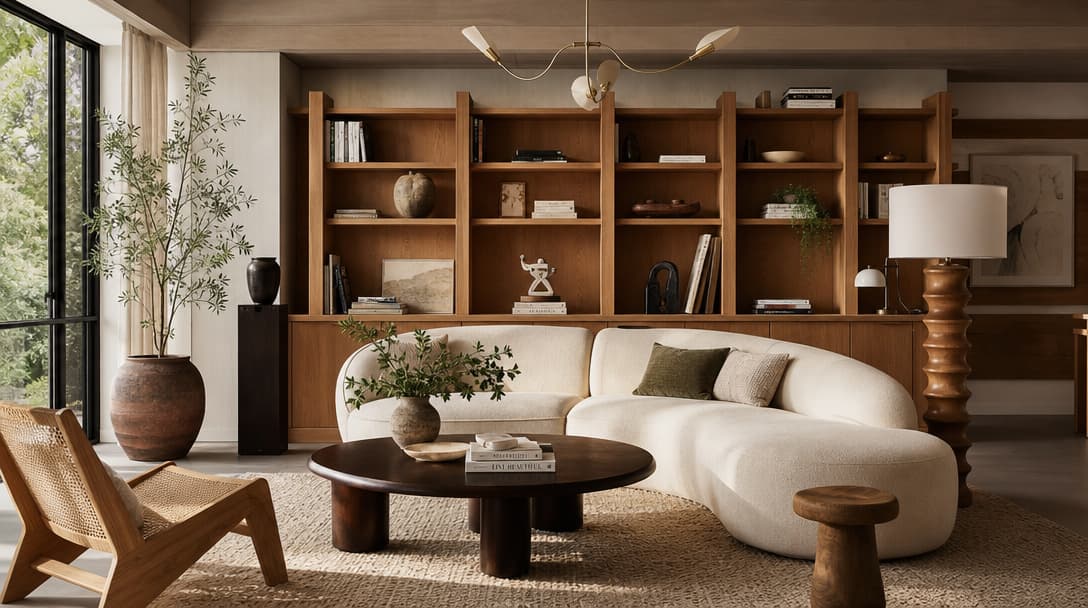
Interior design inspiration
Sky ocean sailing ship
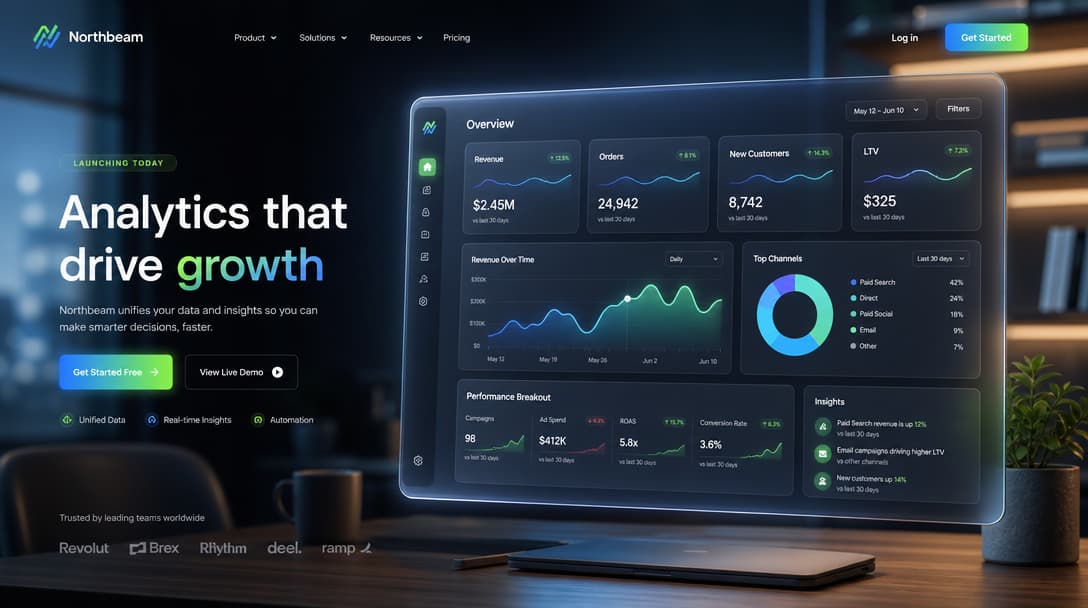
SaaS launch visual
Ink combat
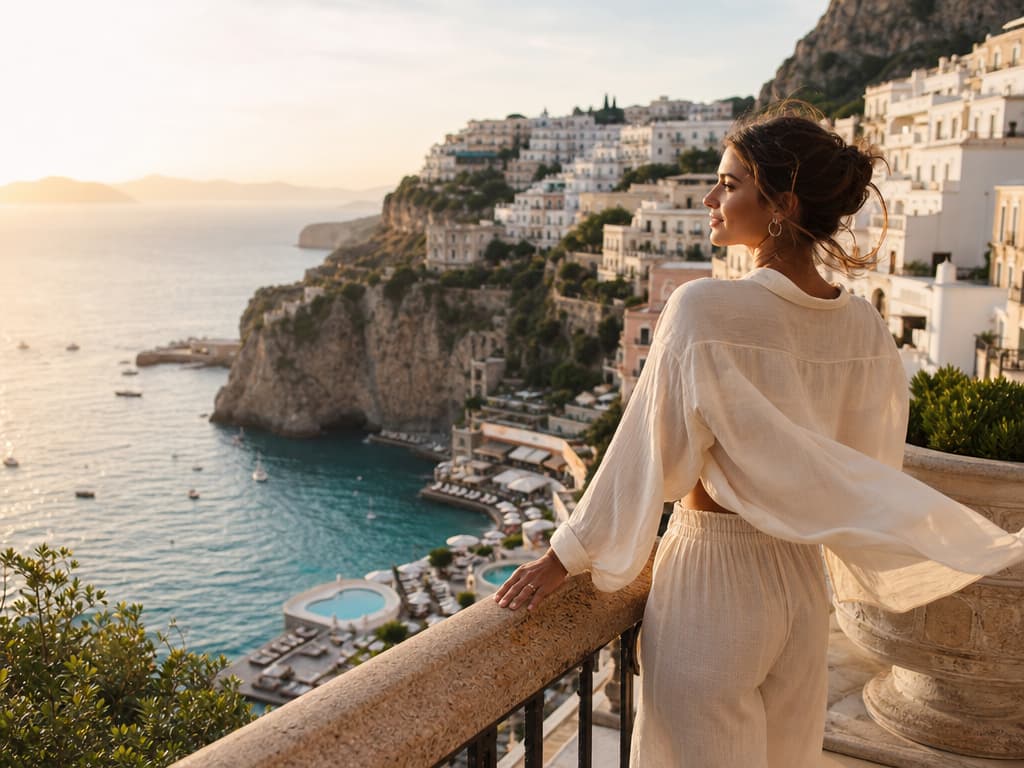
Luxury travel campaign
Forest spirit

Jewelry macro campaign
Retro diner product ad
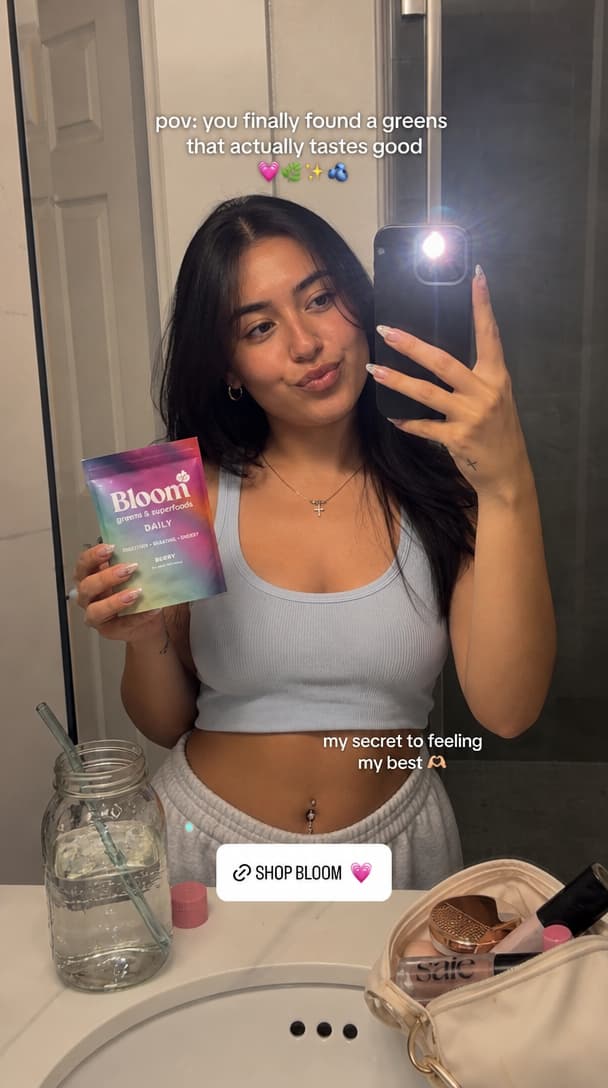
Creator UGC product shot
Desert road chase
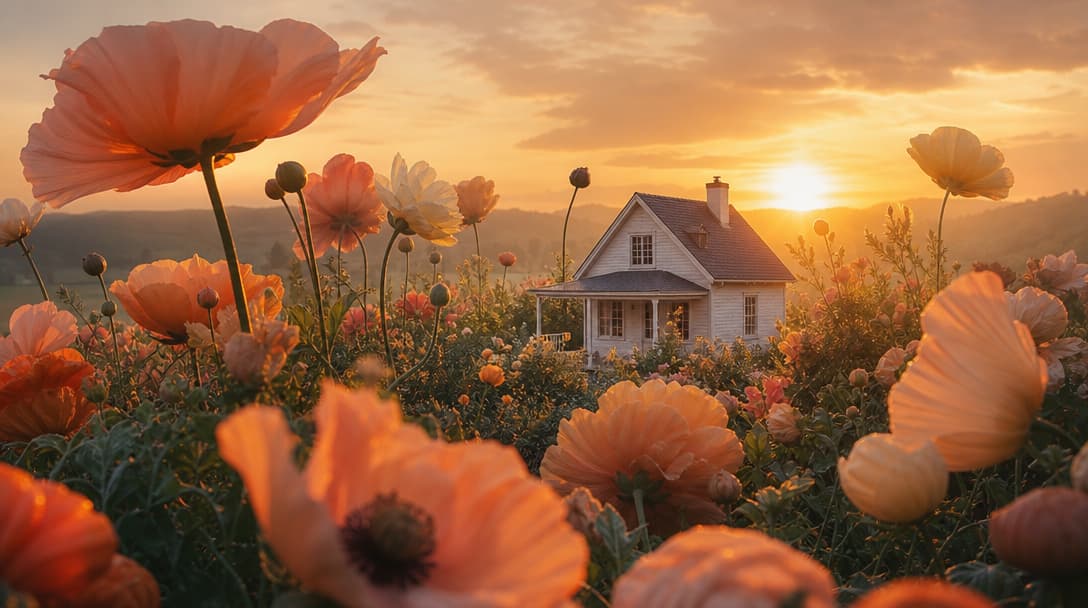
Surreal brand landscape
Red pickup planet road
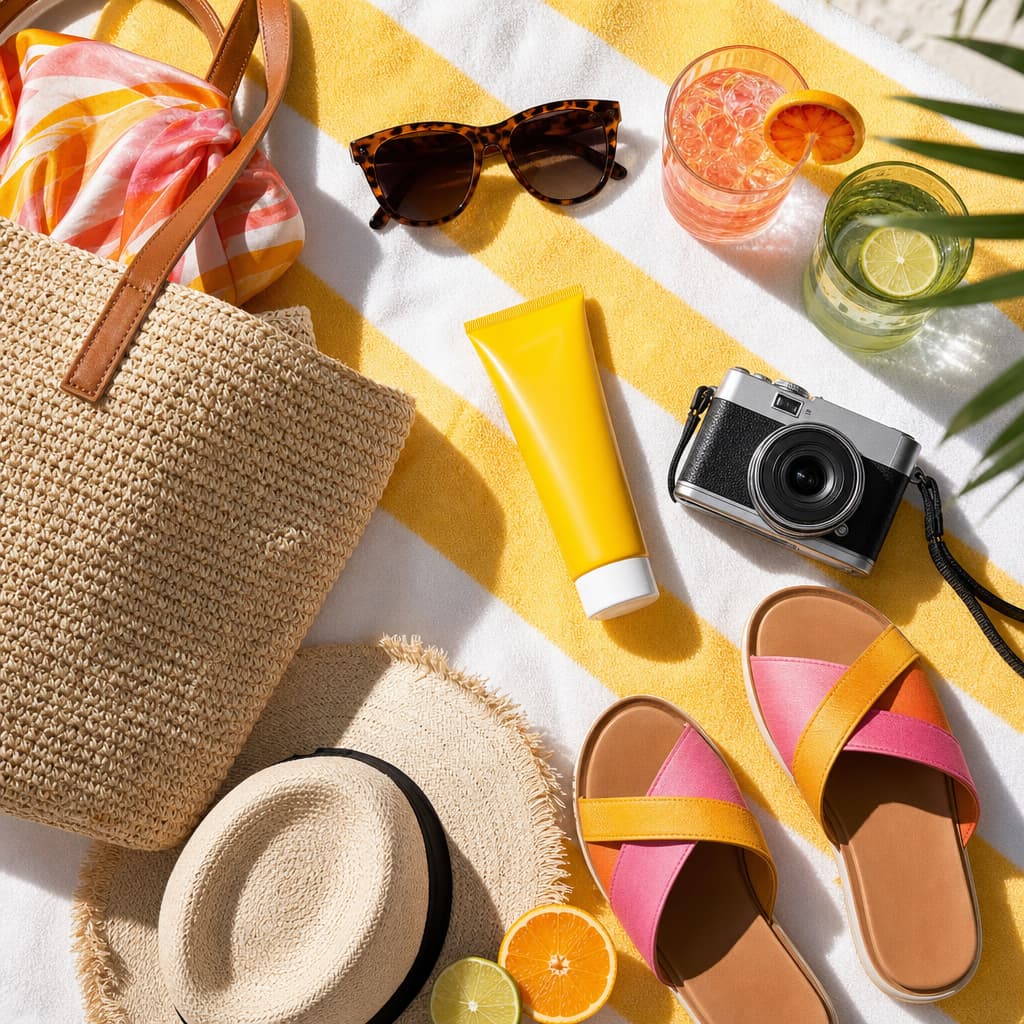
Ecommerce summer flatlay
Cyberpunk rain ronin
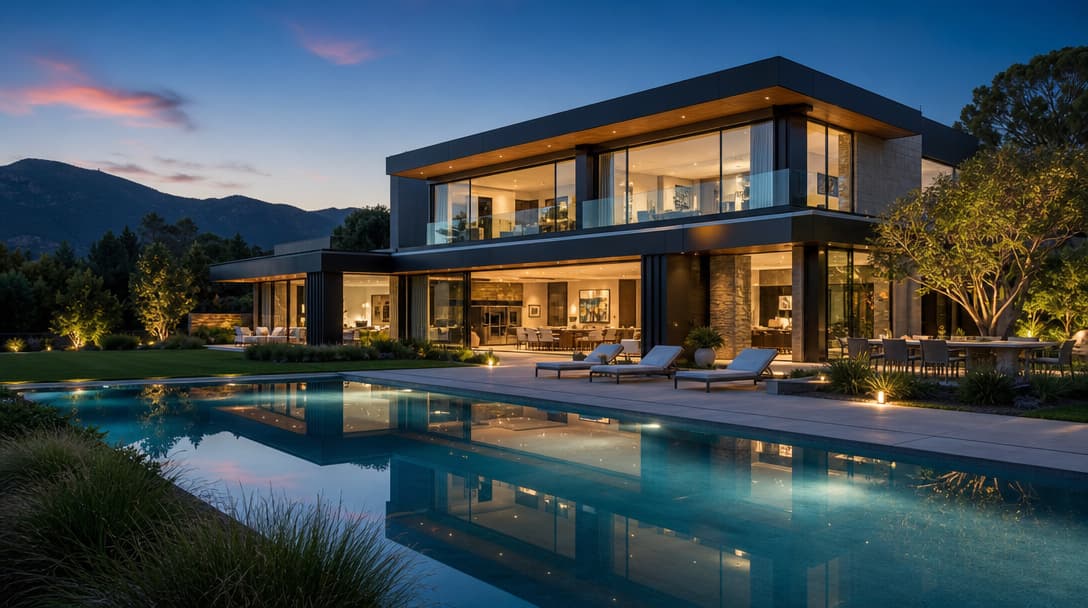
Real estate listing hero
Cyberpunk car rain drive
Luxury skincare macro ad
Cat dancing short
UGC product hook
Futuristic robot reveal
Food brand hero shot
Generate a video from a text prompt
Describe the scene, action, camera movement and pacing, and HighReach generates the clip. Models that accept references can take images for stronger character, product or style consistency.
Turn on multi-shot on supported models when you need several timed scenes in one video.
Learn more about text to video AI