Research-backed product profile
Last checked August 25, 2026
PixVerse review: V6, pricing, features, and real trade-offs
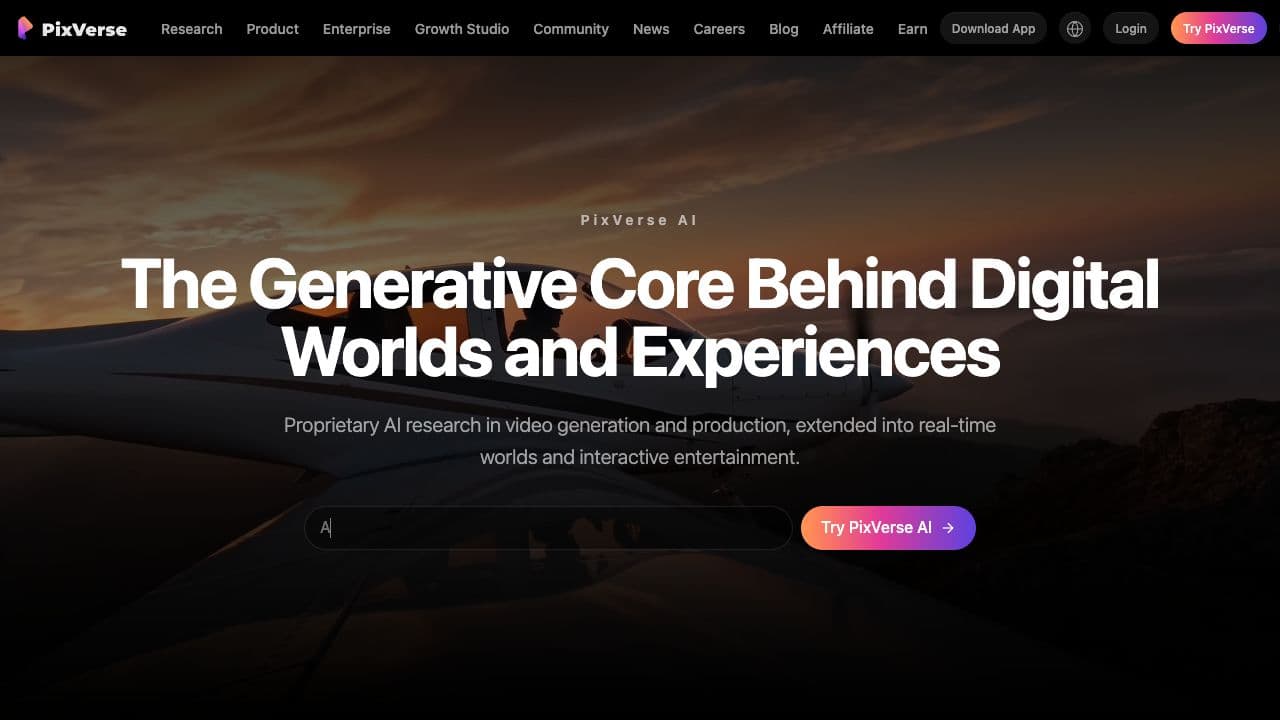
PixVerse is an AI video generation platform built around its V6, C1, and R1 models, with text-to-video, image-to-video, references, transitions, extension, native audio, effects, Agent, Canvas, mobile apps, API, and CLI workflows.
Best for
Creators producing short cinematic clips, social effects, image animations, and repeatable AI video workflows
Learning curve
Low for templates and basic generation; moderate for references, Canvas, Agent, and API workflows
Platform
Web, iOS, Android, API, and CLI
Main trade-off
Credit math varies by generation settings, and unsuccessful iterations can consume the monthly allocation quickly
About PixVerse
What the product does and where it fits
PixVerse has expanded beyond a simple prompt-to-video page. Its current product spans direct text and image generation, first-and-last-frame transitions, reference-to-video, video extension, lip sync, templates, viral effects, consistent characters, a conversational Agent, a node-based Canvas, a Marketing Hub, developer APIs, and a command-line interface.
PixVerse V6 is the main short-clip model. Official platform documentation lists text-to-video, image-to-video, transition, extension, and reference-to-video modes, with one-to-fifteen-second output and quality options from 360p through 1080p. Native audio and multi-shot generation make it more useful for complete short scenes than older silent image-animation systems.
The product is easy to start, but its economics require attention. PixVerse offers Standard, Pro, Premium, and Ultra consumer memberships, with substantial discounts when billed annually. Credits vary by model, resolution, duration, audio, and reference type, while current Trustpilot feedback contains repeated complaints about failed generations, credit use, cancellation, billing clarity, and differences between app and web costs.
Ideal users
Who is PixVerse best for?
The strongest use cases for PixVerse come from teams whose production needs match its most opinionated workflows.
Short-form video creators
Generate social hooks, visual effects, transitions, character moments, and cinematic clips without a conventional production setup.
Image-to-video users
Animate a source frame, connect first and last frames, preserve references, or extend an existing generated sequence.
Creative teams
Organize prompts, references, assets, and repeatable generation steps inside PixVerse Canvas and character workflows.
Developers and automation teams
Use the PixVerse API or CLI for queued generations, batches, references, native audio, and production integrations.
How it works
How to use the PixVerse AI video generator
A practical start-to-finish workflow for turning source material into a finished PixVerse video.
- 01
Choose a creation mode
Start from text, an image, first and last frames, a reference set, an existing clip, a template, or a focused mini-app.
- 02
Direct the shot
Describe the subject, action, camera, environment, timing, sound, and ending while selecting duration, ratio, and resolution.
- 03
Generate a controlled draft
Use a lower-cost resolution for early prompt tests, then review motion, anatomy, identity, audio, and prompt adherence before upgrading.
- 04
Refine or connect the result
Create another take, extend the clip, move assets into Canvas, or use Agent, templates, lip sync, and editing tools for the next production step.
Capabilities
Top PixVerse features
These are the capabilities most likely to affect the buying decision and day-to-day creative workflow.
PixVerse V6 video model
Creates one-to-fifteen-second clips across text, image, transition, extension, and reference workflows with quality up to 1080p.
Native audio and multi-shot video
Generates synchronized sound and connected short scenes where the selected model and mode support those capabilities.
References and transitions
Uses first and last frames, image references, video references, and extension controls to guide identity, composition, and continuity.
Templates, effects, and mini-apps
Packages popular transformations, lip sync, video expansion, product remixes, music visuals, and social effects into faster entry points.
Agent, Canvas, and characters
Supports conversational generation, node-based production graphs, asset organization, and recurring-character workflows beyond one-off prompts.
API and command-line workflows
Gives developers documented generation endpoints, queue-based integration, credit billing, and CLI automation for production systems.
Create across leading video, image, and audio models in one studio
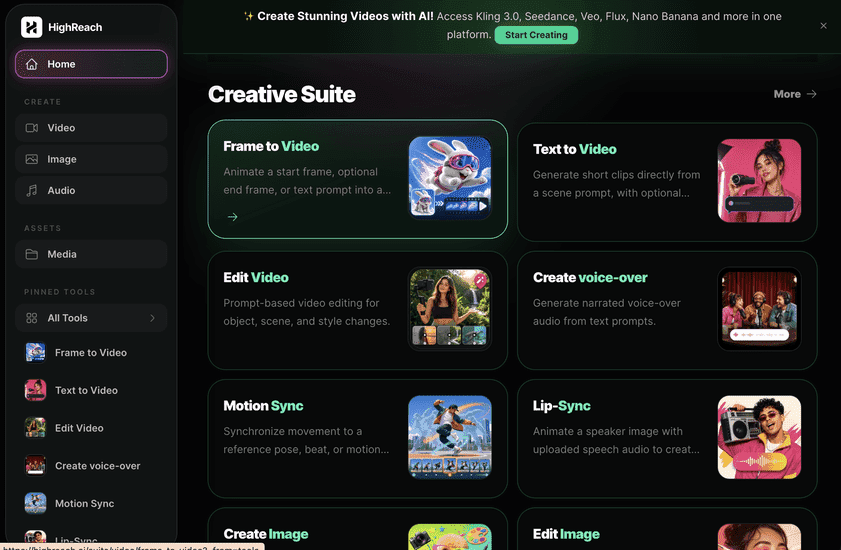
Choose PixVerse when you specifically want its proprietary V6, C1, or R1 ecosystem, fast effects, Canvas, Agent, or PixVerse developer platform. Choose HighReach when you want one consistent studio for comparing leading third-party video models alongside image and audio generation, with model-specific forms and the estimated credit cost visible before generation. PixVerse is deeper around its own video ecosystem; HighReach provides broader multi-model media production.
Pricing
PixVerse pricing snapshot
Free daily credits; Standard $10, Pro $30, Premium $60, and Ultra $249 monthly; annual billing currently lowers the effective monthly prices to $8, $24, $48, and $149. Compare included usage, exports, storage, collaboration, and AI limits rather than choosing on headline price alone.
Free
$0
PixVerse documentation currently states 60 daily credits. Daily credits expire rather than rolling over, and free output or feature access may be limited.
Standard
$10/mo
$8/month when billed yearly at $96. Includes 1,200 monthly credits, 60 daily credits, watermark-free output, up to 720p, three concurrent jobs, faster generation, and 20% preview-mode savings.
Pro
$30/mo
$24/month when billed yearly at $288. Includes 6,000 monthly credits, 60 daily credits, up to 4K, five concurrent jobs, batch creation, and 30% off-peak credit savings.
Premium
$60/mo
$48/month when billed yearly at $576. Includes 15,000 monthly credits, 60 daily credits, up to 4K, eight concurrent jobs, batch creation, and 50% off-peak savings.
Ultra
$249/mo
$149/month when billed yearly at $1,788. Includes 25,000 monthly credits, 60 daily credits, up to 4K, eight concurrent jobs, batch creation, and unlimited eligible off-peak generations.
API and credit packs
From $10
The documented developer platform sells 1,000 credits for $10. API memberships start at $100/month for 15,000 credits and scale separately from creator subscriptions.
Pricing checked August 25, 2026. Promotions, annual discounts, regional pricing, taxes, credits, and plan limits can change.
Check current pricingTrade-offs
PixVerse pros and cons
The practical strengths and limitations to consider before adopting the product for a recurring workflow.
Pros
- Broad text, image, transition, extension, and reference-to-video coverage
- V6 supports up to 15-second 1080p output with optional native audio
- Templates and mini-apps make social effects approachable for beginners
- Agent, Canvas, characters, API, and CLI support more advanced workflows
- Lower-resolution drafts provide a practical way to test prompts before spending more credits
Cons
- Annual discounts require full-year billing, and plan details are presented inside the PixVerse app
- Credit cost changes materially with model, duration, resolution, audio, and references
- Generated motion, anatomy, and prompt adherence still vary between attempts
- Daily and subscription credits may expire instead of carrying forward
- Current Trustpilot feedback raises significant billing, cancellation, support, and credit-transparency concerns
User feedback
What Trustpilot reviews say
PixVerse's current Trustpilot profile is materially negative. Positive reviewers mention impressive video quality, accessible free experiments, and the ability to draft cheaply at lower resolution. Recurring complaints focus on failed or unexpected generations consuming credits, app-versus-web price differences, subscription cancellation, billing, changing free allowances, and support responsiveness. PixVerse has replied publicly to many recent complaints, but buyers should still test the exact workflow and cancellation path before purchasing a long plan.
Trustpilot
2.4/5
112 reviews
Open review sourceCommon praise
- Impressive results when the prompt and model align
- Useful low-resolution drafting before upscale
- Broad creative modes and effects
- Free daily credits for evaluation
Recurring cautions
- Track credits before every generation
- Compare web and mobile costs for identical settings
- Test cancellation and billing visibility before annual payment
- Expect to budget for failed or inconsistent attempts
Review scores and counts are snapshots and may change. Themes are summarized rather than quoted to avoid overstating any single review.
Verdict
Is PixVerse worth it?
PixVerse is a capable and unusually broad AI video platform, especially for short clips, image animation, effects, references, native audio, and emerging Agent or Canvas workflows. Its V6 feature set and annual plan discounts are competitive, but credit economics remain complicated and the current Trustpilot score is low. Use the free allocation first, generate the same test at several settings, record the real credit cost per usable clip, and avoid a long commitment until billing and cancellation are clear in your account.
FAQ
PixVerse frequently asked questions
Short answers to the questions buyers commonly ask before choosing a creative software platform.
What is PixVerse?
PixVerse is an AI video generation platform with proprietary V6, C1, and R1 models plus text-to-video, image-to-video, references, transitions, extension, native audio, templates, effects, Agent, Canvas, API, and CLI tools.
Is PixVerse free?
PixVerse offers free daily credits. Its current app documentation states 60 credits refreshed at UTC 00:00, with unused daily credits expiring rather than carrying over. Availability and limits can change by account or promotion.
How much does PixVerse cost?
PixVerse Standard costs $10 monthly, Pro $30, Premium $60, and Ultra $249. With annual billing, the effective monthly prices shown on August 25, 2026 were $8, $24, $48, and $149. The developer platform separately sells 1,000-credit packs for $10 and API memberships from $100 per month.
What can PixVerse V6 generate?
PixVerse V6 supports text-to-video, image-to-video, first-and-last-frame transitions, video extension, and reference-to-video. Official documentation lists one-to-fifteen-second output at 360p, 540p, 720p, or 1080p, with optional audio in supported modes.
Does PixVerse generate audio?
Yes. PixVerse V6 and supported workflows can generate native audio. Audio increases credit consumption, so compare the displayed cost before starting the job.
Does PixVerse have an app?
Yes. PixVerse is available on the web and through iOS and Android apps. Its documentation says web and mobile share account data, generation records, membership benefits, and credits.
Is PixVerse good for professional AI video?
PixVerse can produce strong short-form and cinematic results, especially with V6, references, native audio, Canvas, and API workflows. Professional use still requires prompt testing, continuity review, credit tracking, rights clearance, and conventional finishing.
What is the best PixVerse alternative?
HighReach is a strong PixVerse alternative when you want to compare multiple leading video models and also create images and audio in one studio. PixVerse is a better fit when its proprietary V6 ecosystem, templates, Canvas, or Agent are the main reason for choosing the platform.
Research notes
Sources and disclosure
HighReach is not affiliated with PixVerse. Product names and trademarks belong to their owners. We checked official product and pricing documentation on August 25, 2026, kept factual claims separate from our assessment, and linked the sources below. Features and prices can change after that date.
- PixVerse homepageCurrent product, models, platform, and workflow positioning
- PixVerse V6 announcementV6 launch, native audio, multi-shot, camera, and character claims
- PixVerse V6 platform documentationSupported modes, duration, quality, references, and extension
- PixVerse app FAQDaily credits, refresh rules, web/app sync, billing, and cancellation
- PixVerse subscription plansConsumer plan prices, credits, annual discounts, resolution, and concurrency captured August 25, 2026
- PixVerse API pricingOfficial API credit packs, memberships, and V6 usage
- PixVerse on TrustpilotCurrent rating, review count, praise, complaints, and company responses