✨ Create Stunning Videos with AI! Access Kling 3.0, Seedance, Veo, Flux, Nano Banana and more in one platform. Start Creating
Seedance AIvideo generator
Create cinematic multi-shot videos from text, images, video, and audio references with stable motion, native sound, flexible formats, and output up to 4K on supported Seedance 2.0 workflows.
Seedance 2.0, Seedance 2.0 Fast, multimodal references, and video continuation
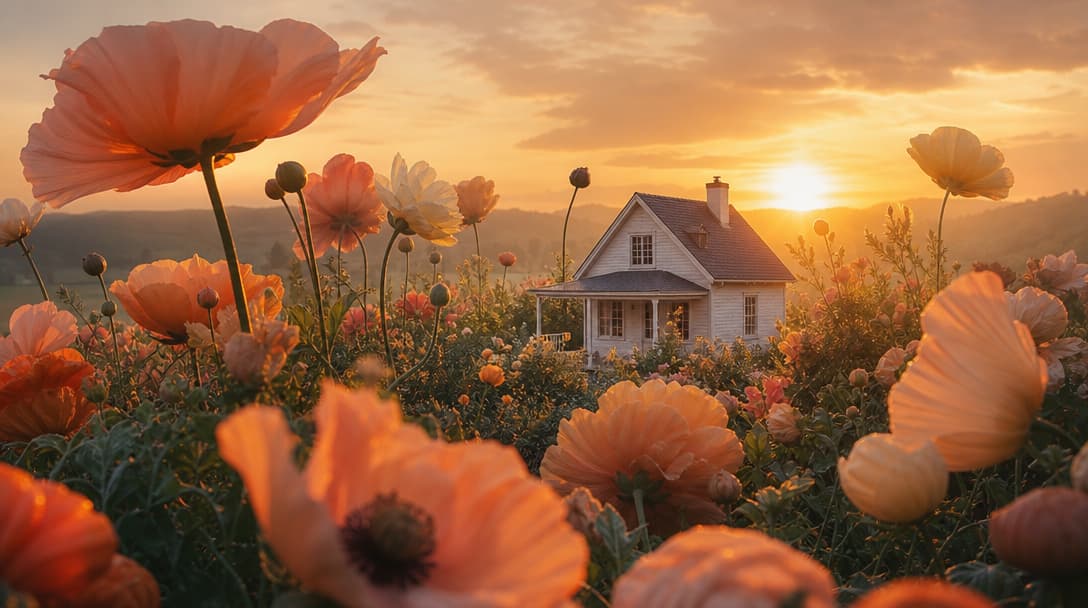
Three connected shots move from a wide environmental hook to a character reveal and a controlled final product frame.
Input types
Text, image, video, audio
Seedance 2.0 output
Up to 4K where supported
Generation length
4–15 second clips
Best for
Multi-shot stories and ads
Start from any creative input
Seedance connects the pieces of a real production brief.
Use a written idea, a directed frame, multiple references, or an existing clip, then select the Seedance workflow that best preserves your creative intent.
Text to video
Turn a shot sequence into motion
Describe the scene, camera, pace, transitions, and sound without supplying a starting frame.
Open workflowImage to video
Animate a directed first frame
Use a source image and optional end frame to anchor the look and destination of the shot.
Open workflowReference to video
Combine visual and audio guidance
Bring image, video, and audio references into a multimodal Seedance generation brief.
Open workflowExtend video
Continue the story beyond the clip
Upload an existing shot and direct the next moment while preserving continuity.
Open workflowCinematic multi-shot generation
Give the video a beginning, progression, and finish.
Seedance 2.0 is strongest when the prompt reads like a sequence rather than a single visual sentence. Plan a hook, a change in perspective, and a final reveal so the model has a clear narrative path across the clip.
Prompt example
“Shot 1: macro view of water beading on the bottle. Shot 2: the camera pulls back as the bottle rotates into warm window light. Shot 3: a slow final push-in lands on a clean label-forward hero frame.”
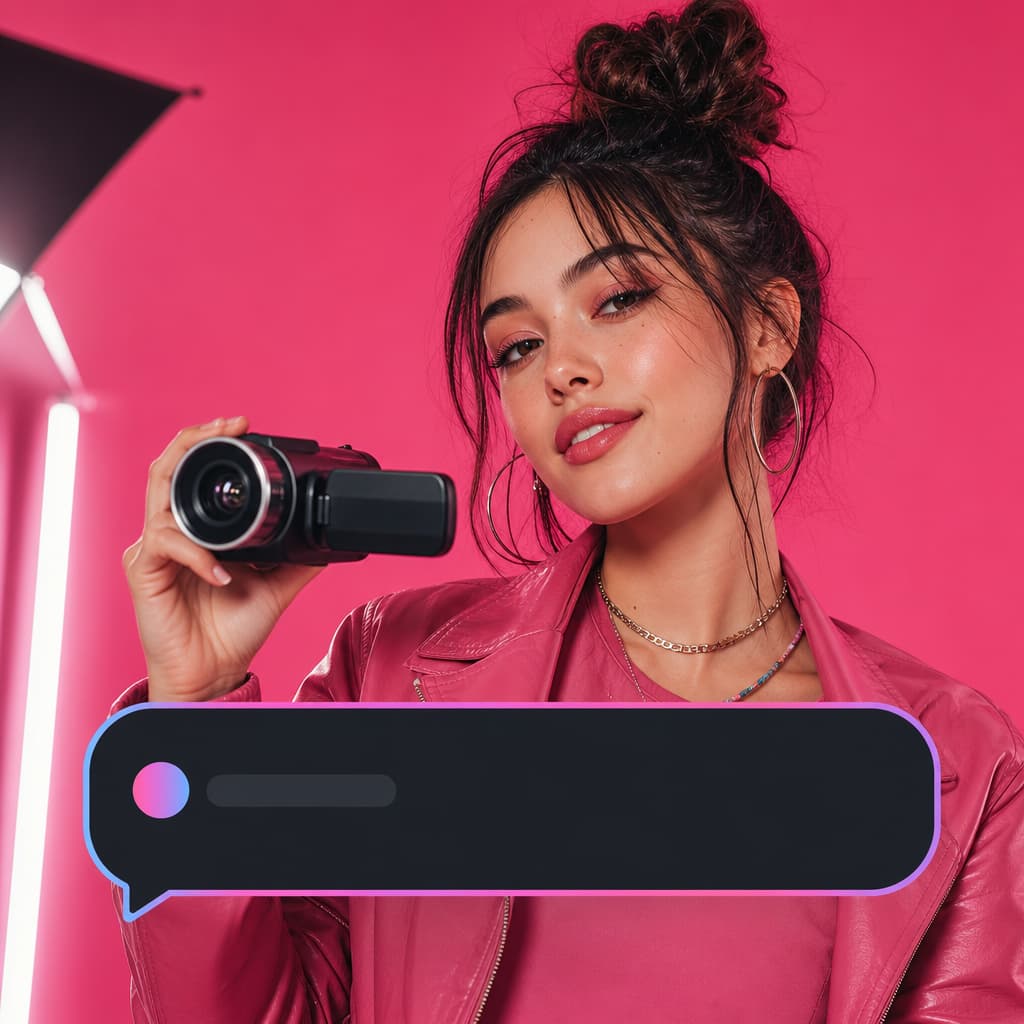
Bring the direction and references together, then generate and review in HighReach.
Motion stability and pacing
Direct subtle movement and large action with the same brief.
A useful Seedance prompt specifies how quickly the subject, environment, and camera should move. This helps distinguish a restrained commercial shot from an energetic social hook and gives each beat a deliberate emotional pace.
Prompt example
“Keep the subject and product stable. Begin with an almost still handheld frame, then accelerate into a smooth tracking move as the subject turns. Finish with a controlled two-second product hold.”
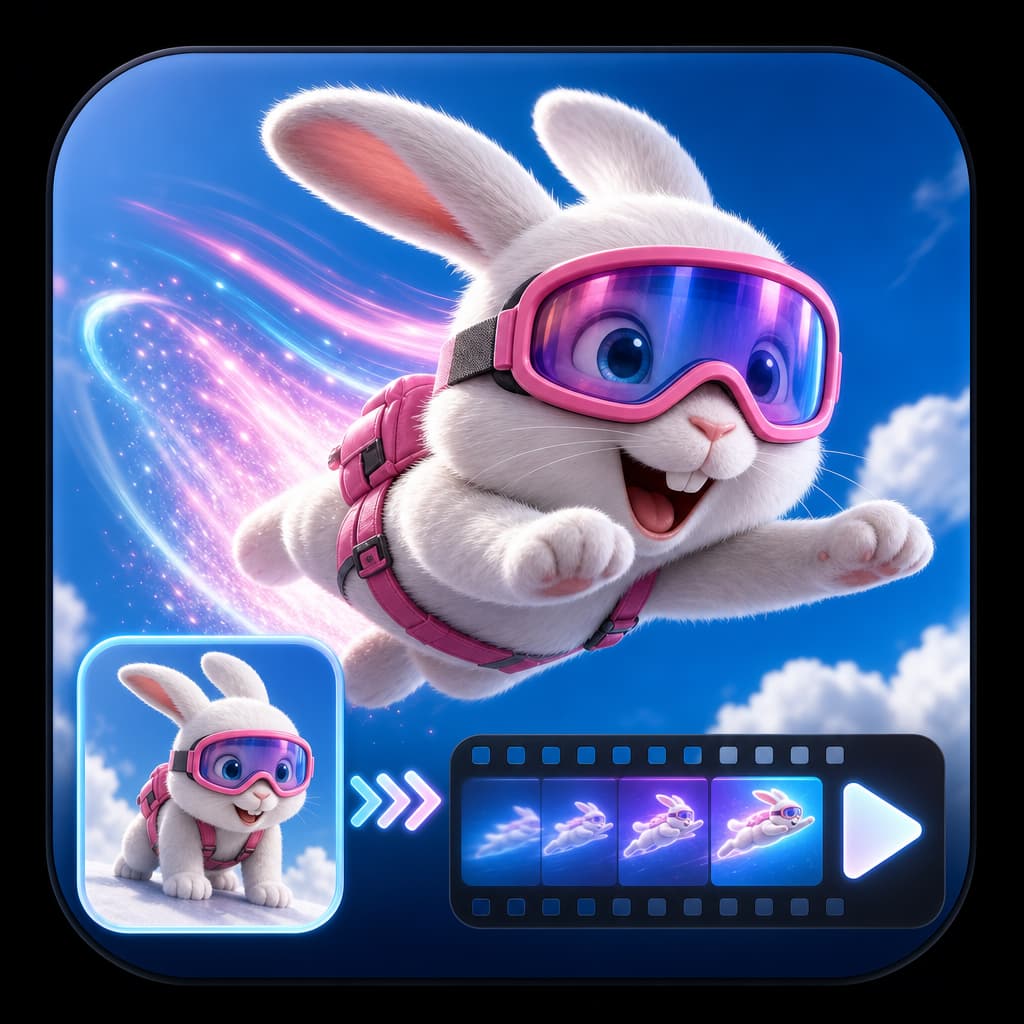
Bring the direction and references together, then generate and review in HighReach.
High prompt adherence
Write the production intent, not a pile of visual adjectives.
Seedance responds best to a structured brief that separates the subject, action, camera, lighting, and continuity requirements. HighReach keeps those instructions alongside the source material and model controls so creative variants remain easier to review.
Prompt example
“A skincare serum sits on dark stone. Preserve the bottle shape and label. Camera: slow 30-degree orbit. Lighting: one narrow cool rim light and a soft warm key. Motion: condensation travels down the glass. No extra products or text.”

Bring the direction and references together, then generate and review in HighReach.
Multimodal references
Guide the subject, movement, rhythm, and sound separately.
Seedance 2.0 reference generation in HighReach can combine up to nine images with supported video and audio references. Assign each file a clear job: one for product identity, another for setting, a motion clip for camera rhythm, or audio for the pace of the final edit.
Prompt example
“Use @Image1 for the product design, @Image2 for the studio palette, @Video1 for camera pacing, and @Audio1 for the edit rhythm. Keep the product accurate and create a polished three-shot launch video.”

Bring the direction and references together, then generate and review in HighReach.
Native sound and atmosphere
Plan what the audience hears as carefully as what they see.
Supported Seedance 2.0 workflows can generate audio with the video. Include ambient texture, product sounds, musical direction, and moments of silence in the brief so sound reinforces the pacing instead of feeling detached from the picture.
Prompt example
“Generate restrained studio ambience, a soft glass placement sound on the reveal, a subtle rising synth during the orbit, and a clean final chime as the product reaches the hero frame. No dialogue.”
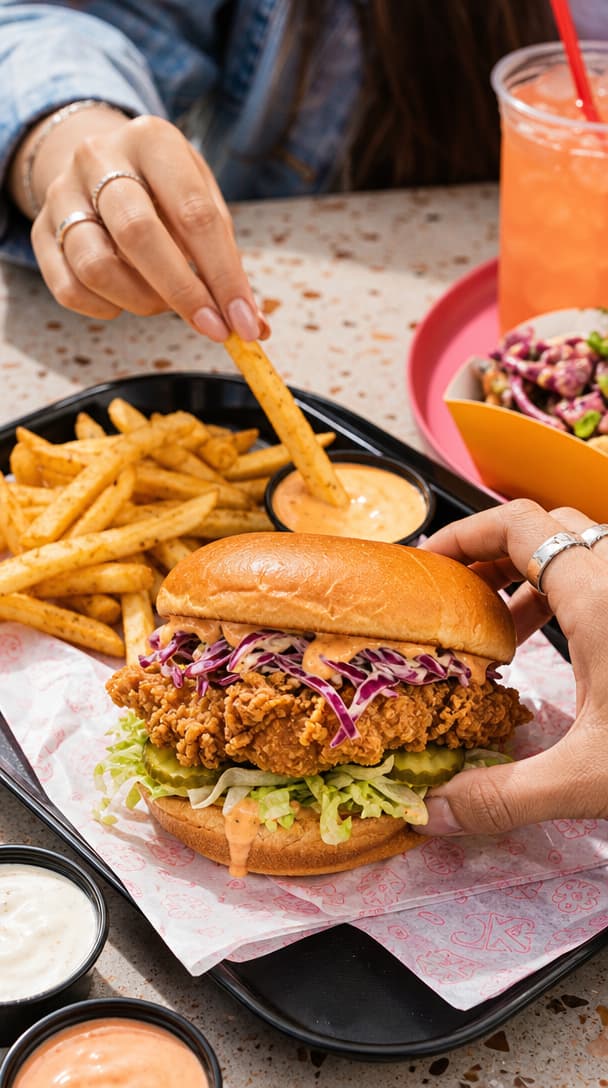
Bring the direction and references together, then generate and review in HighReach.
Video continuation
Continue a strong shot without restarting the scene.
Seedance Extend uses the source clip as a reference for the next moment. A continuation prompt should state what develops next and explicitly protect the subject, lens language, lighting direction, environment, and movement established in the original.
Prompt example
“Continue from the final frame. The camera follows the subject through the doorway into the same warm studio. Preserve the person, wardrobe, lens, handheld rhythm, color grade, and ambient sound.”
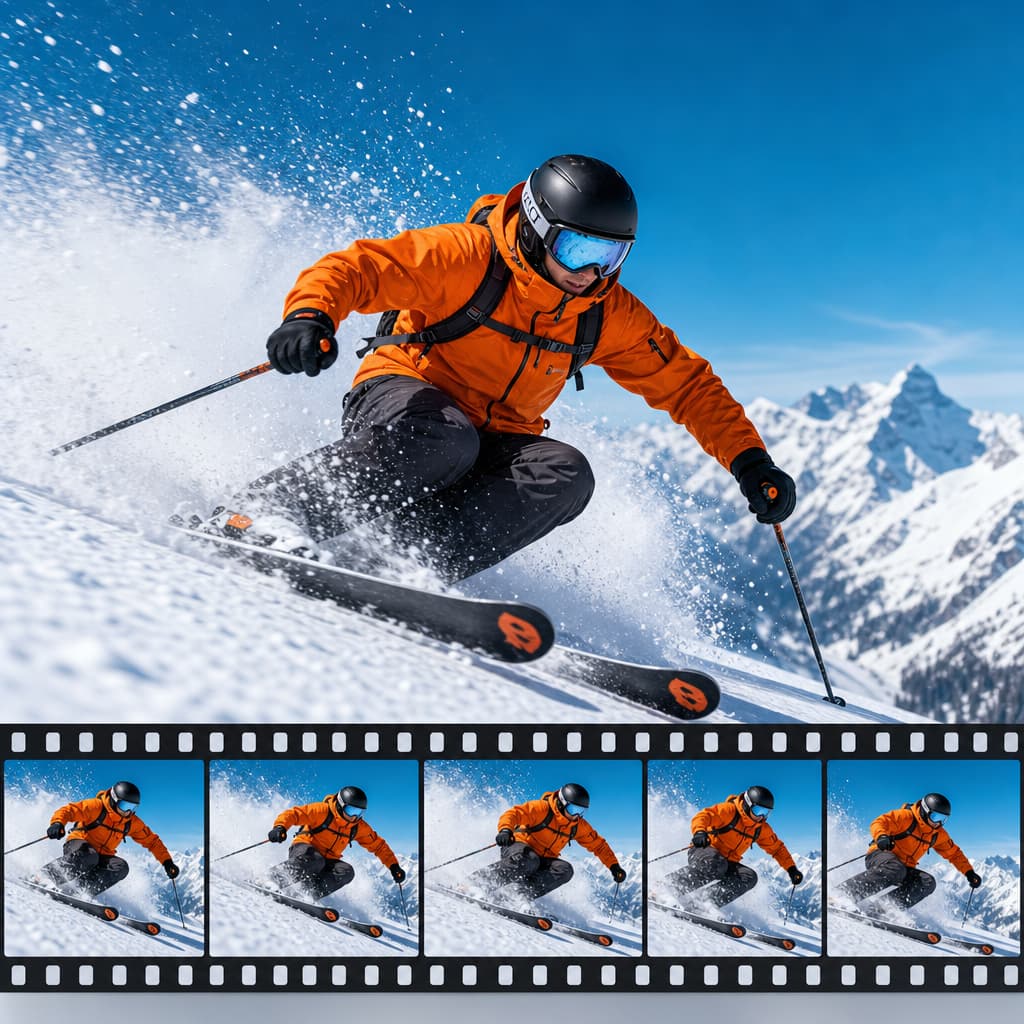
Bring the direction and references together, then generate and review in HighReach.
Choose your Seedance model
Balance fidelity, speed, references, and cost.
Seedance is not one fixed endpoint. HighReach exposes distinct models for polished output, rapid drafting, multimodal direction, and established image-animation workflows.
High-resolution cinematic production
Seedance 2.0
Text and image generation with optional end frames, multi-shot timing, native audio, flexible 4–15 second durations, and resolutions up to 4K.
Rapid concepts and lower-cost drafts
Seedance 2.0 Fast
A faster 480p or 720p workflow that retains text, image, end-frame, multi-shot, audio, and broad aspect-ratio support.
Multimodal creative direction
Seedance 2.0 Reference
Combine text with image, video, and audio references to guide identity, motion, composition, pacing, and sound.
Established image animation workflows
Seedance 1.5 Pro and 1.0 Pro
Earlier Seedance models remain available for start/end-frame animation and alternative quality or cost requirements.
Seedance AI use cases
From campaign draft to connected video story.
Seedance is especially useful when the result needs more structure than a single animated frame.
Product launch videos
Build label-accurate hero shots, feature sequences, demonstrations, and premium product environments.
Paid social ads
Create vertical hooks, fast visual transitions, UGC-style concepts, and campaign variants with native audio.
Multi-shot storytelling
Direct several connected shots with a consistent subject, setting, visual language, and narrative purpose.
Reference-led campaigns
Use brand imagery, footage, and audio references to keep new generations closer to an existing campaign direction.
Creative previsualization
Test camera moves, pacing, visual styles, and scene transitions before investing in a larger production.
Video continuation
Extend a useful source clip into the next action, environment, or story beat while protecting continuity.
How to use Seedance AI
Build a directed Seedance video in four steps.
Choose a Seedance workflow
Start with Text to Video, Frame to Video, reference-driven generation, or Extend Video based on the inputs you have.
Select quality or speed
Use Seedance 2.0 for higher-resolution production or Seedance 2.0 Fast for quicker, lower-cost creative drafts.
Write the scene as a sequence
Define each shot, action, transition, camera move, lighting cue, sound, and continuity requirement.
Set output and generate
Choose the supported duration, aspect ratio, resolution, audio, and model-specific controls, then review the result in HighReach.
Seedance AI FAQ
Frequently asked questions
What is Seedance AI?+
Seedance is a family of AI video models from ByteDance. It can generate video from text or images and, in supported Seedance 2.0 workflows, use image, video, and audio references to guide subjects, scenes, motion, pacing, and sound.
Can I use Seedance 2.0 in HighReach?+
Yes. HighReach includes Seedance 2.0 and Seedance 2.0 Fast for text-to-video and image-to-video generation, reference-driven Seedance workflows, and Seedance video continuation.
Can Seedance AI generate videos from text?+
Yes. Select Seedance 2.0 in HighReach Text to Video, describe the scene, action, camera, lighting, style, and sound, then choose the available duration, resolution, and aspect ratio.
Can Seedance turn an image into a video?+
Yes. Upload a starting frame in HighReach Frame to Video and choose Seedance 2.0, Seedance 2.0 Fast, Seedance 1.5 Pro, or another compatible model. The source image anchors the composition while your prompt directs motion and camera behavior.
Does Seedance support a first and last frame?+
Yes. Compatible Seedance image-to-video models support an optional end frame. This lets you define the opening and closing compositions while the model generates the transition and action between them.
What is Seedance multi-shot generation?+
Multi-shot generation lets a prompt describe several connected beats or shots within one video. Seedance 2.0 can maintain a more coherent subject, setting, and narrative direction across those planned transitions.
Can Seedance 2.0 use reference images?+
Yes. HighReach reference-driven Seedance 2.0 workflows support up to nine image references. References can guide a character, product, location, composition, or style when the prompt clearly explains the role of each input.
Can Seedance 2.0 use video and audio references?+
Yes. The Seedance 2.0 reference workflow in HighReach supports video and audio references in addition to images. These can guide motion, timing, camera rhythm, performance, sound, or the broader structure of a generated clip.
Does Seedance generate audio?+
Seedance 2.0 and its supported reference workflows include native audio generation. HighReach displays the audio option only on models that support it.
What resolution does Seedance 2.0 support?+
The full Seedance 2.0 workflows in HighReach expose 480p, 720p, 1080p, and 4K options where supported. Seedance 2.0 Fast focuses on 480p and 720p for quicker, lower-cost drafts.
How long can a Seedance 2.0 video be?+
HighReach currently exposes 4–15 second durations for Seedance 2.0 generation. You can also use the Seedance Extend Video workflow to continue a source clip into a new scene.
What aspect ratios does Seedance support?+
Seedance 2.0 in HighReach supports automatic framing plus 21:9, 16:9, 4:3, 1:1, 3:4, and 9:16. This covers cinematic widescreen, standard landscape, square, portrait, and vertical social video.
What is the difference between Seedance 2.0 and Seedance 2.0 Fast?+
Seedance 2.0 is the higher-resolution option and supports output settings up to 4K on compatible workflows. Seedance 2.0 Fast is optimized for faster and lower-cost drafting at 480p or 720p while retaining text, image, multi-shot, and audio capabilities.
Is Seedance AI good for product and social ads?+
Yes. Seedance is useful for product stories, demonstrations, lifestyle scenes, UGC-style concepts, social hooks, and campaign variations because it combines prompt direction, reference inputs, multi-shot structure, and native audio.
How should I write a Seedance AI prompt?+
Describe the video as a sequence. Define the subject, location, action, camera movement, lighting, pacing, sound, and each shot transition. When using references, state exactly what each image, video, or audio file should control.
Can Seedance continue or extend a video?+
Yes. HighReach includes a Seedance 2.0 Extend workflow. Upload the source clip and describe what should happen next while asking the model to preserve the same subject, camera language, lighting, and visual style.
Seedance AI in HighReach
Turn a detailed brief into a connected cinematic sequence.
Generate from text or frames, combine multimodal references, direct native audio, and continue useful clips from one creative workspace.
Start creating with Seedance AI